RotadaySet your shift rotation once — calendar and an alarm for each shift follow it
Shift calendar · Per-shift wake-up alarms · Widget
Rotaday is a shift work calendar built around one promise: set your rotation once, and your calendar and wake-up alarms follow it every day. Give each shift its own wake-up time — day shift at 05:40, night shift at 16:30 — and no alarm rings on your days off.
Sound familiar?
The alarm didn't ring and you showed up late for your shift — or the missed alarms only went off once you opened the app
Half an hour trying to put in your shift pattern, and you still can't figure it out
Your rotation changed and your past shifts got rewritten or wiped
A widget that doesn't move to the new day, and shifts that vanish when you change phones
With Rotaday it's one pattern and one start date, and an alarm that rings on time for each shift 🔁
Built for people on a rota
Set the pattern once. Your calendar and alarms follow it every day.
Your rotation in a minute
Pick a preset — 2 days · 2 nights · 4 off, day · evening · night, weekly day/night, every other day, 24h on · rest · off, Mon–Fri — or build your own block by block.
Just one start date
Choose the day you work the first block and see today and tomorrow right away. No company list, no emailing your roster to anyone.
An alarm for each shift
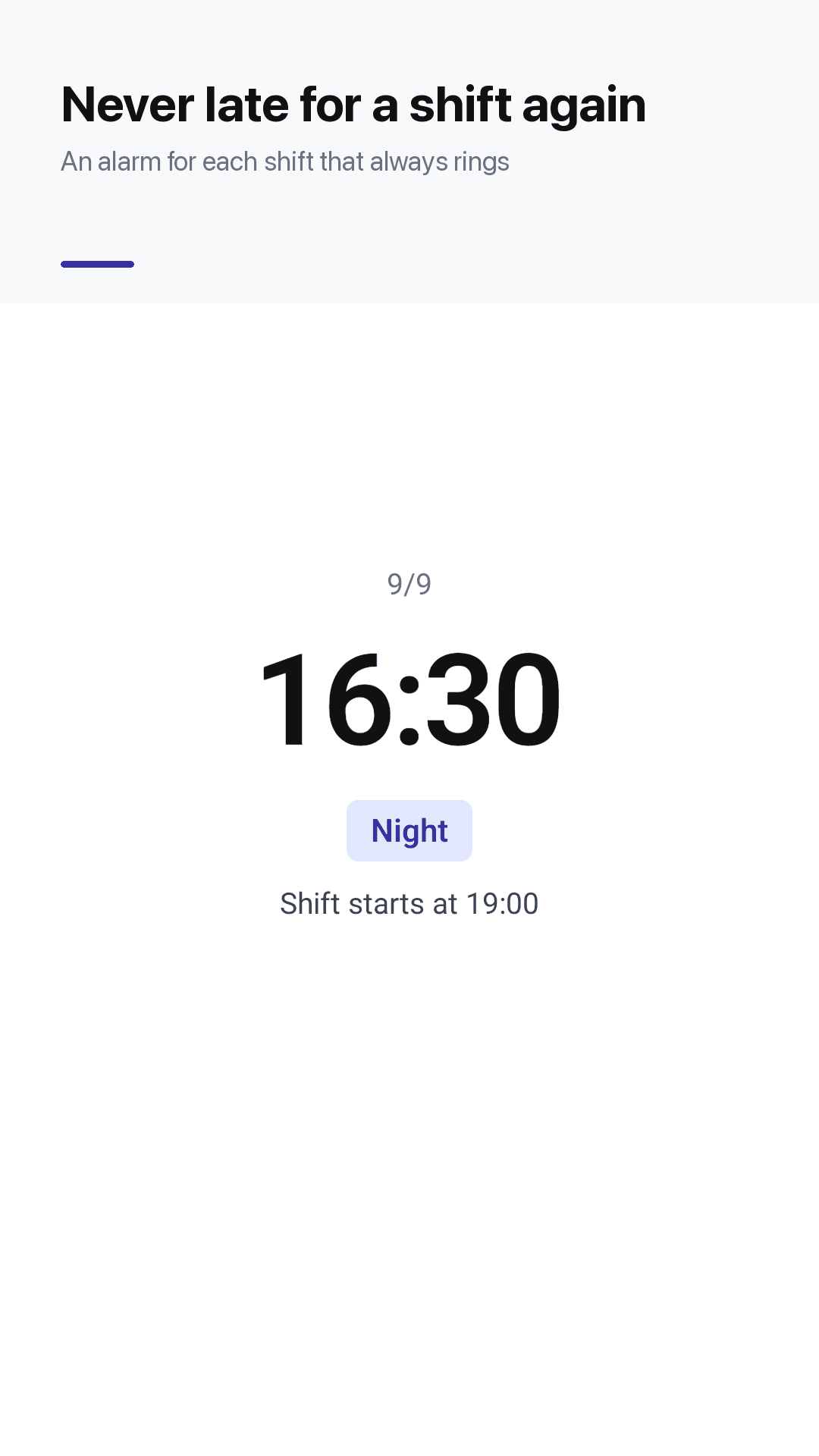
Day shift at 05:40, night shift at 16:30. Uses Android's exact alarm clock, so it rings on time even after a restart. No alarm on days off.
Alarm check
A quick check shows anything that could stop alarms from ringing and how to fix it.
Your month at a glance
Color-coded day, evening, night, off, rest, leave, training and 24h — with names, labels, colors and hours you can change.
Change a single day
Swap a shift, add overtime or leave for one day in two taps, and keep a note on any date.
Stats and sharing
Work days, nights and days off this month, a running total for the year, and your roster shared as an image.
A widget that keeps up
Today's and tomorrow's shift, your next alarm and the week ahead. It moves to the new day at midnight. Optional evening heads-up too.
See it in action
Per-shift alarms, calendar, pattern setup and single-day changes
An alarm for each shift that rings
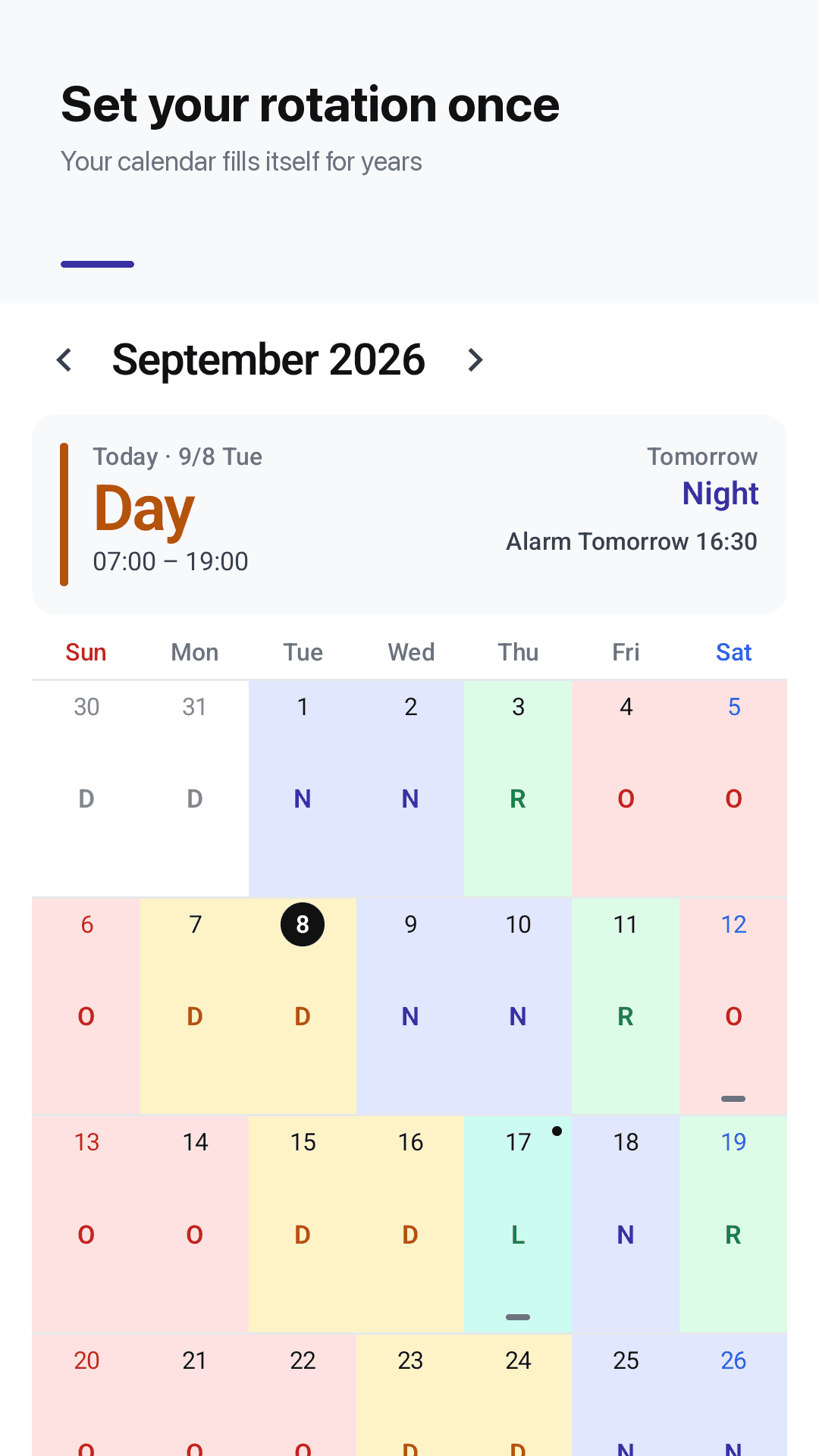
Set your rotation once, the calendar fills itself
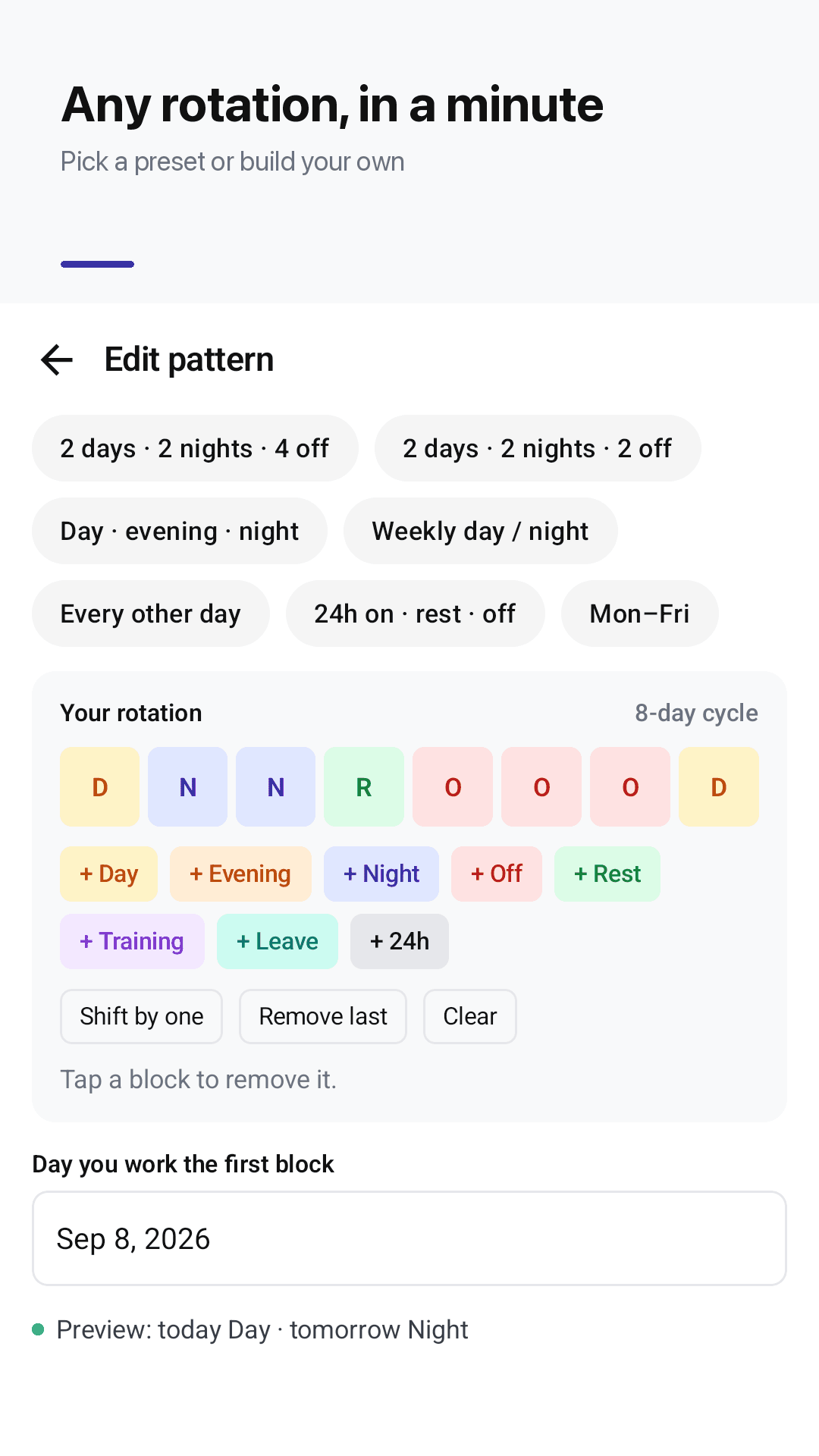
Pick a preset or build your own
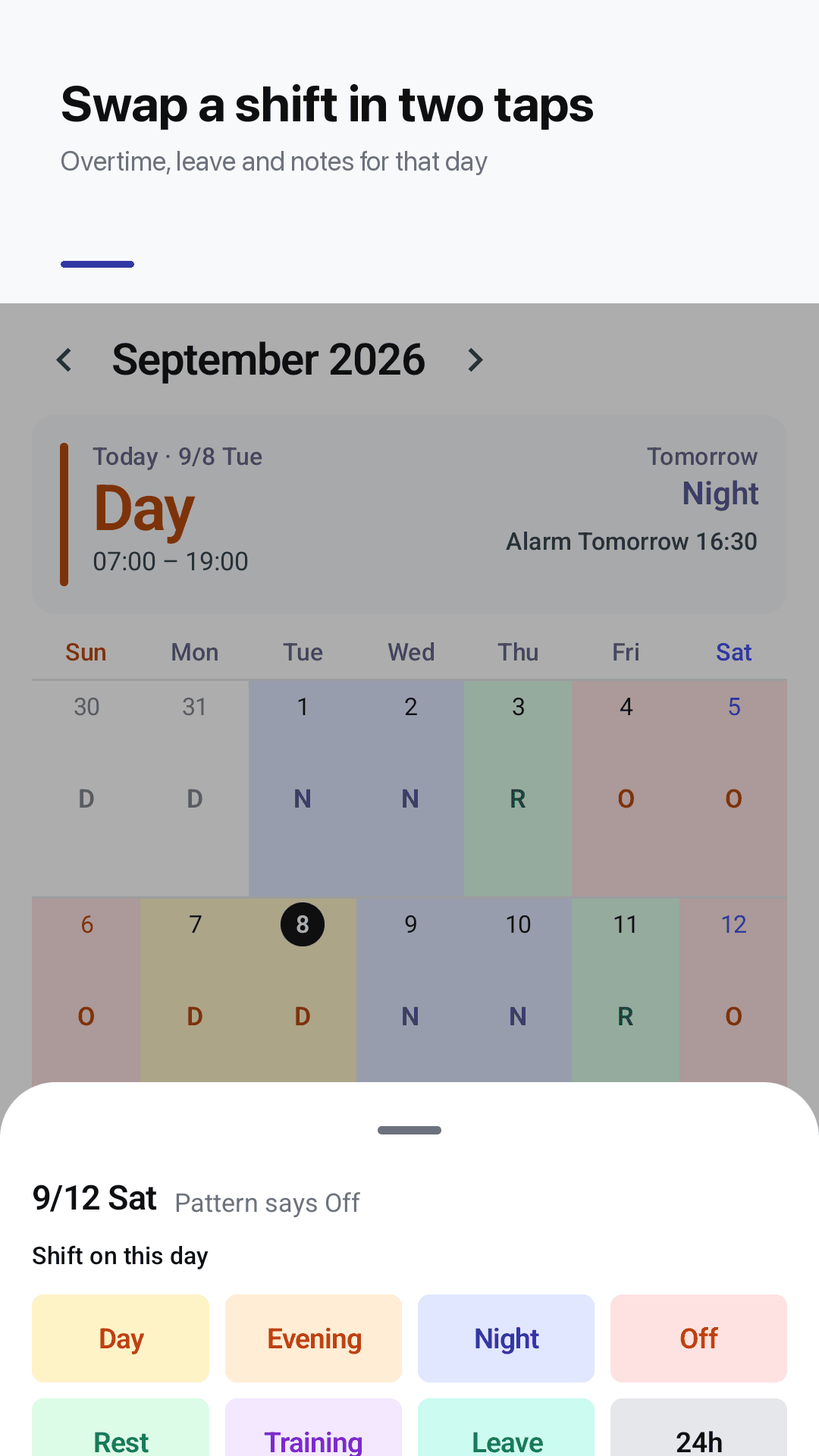
Swap a shift in two taps
How it works
Pick your pattern
Choose a preset or tap blocks to build your rotation. No account needed.
Set your first day
Pick the day you work the first block. Today, tomorrow and your calendar fill in right away.
Turn on shift alarms
Give each shift a wake-up time. Alarms follow your rotation and skip your days off.
Frequently asked questions
My shift alarm didn't ring and I was late. Will Rotaday's alarm actually ring?
Rotaday uses Android's exact alarm clock, so alarms ring on time and are set again after a restart. The alarm keeps ringing over the lock screen until you turn it off or snooze. If something could stop alarms from ringing — notifications turned off, or exact or full-screen alarms not allowed — the Alarms tab shows it and how to fix it.
Can I set a different alarm time for day and night shifts?
Yes. Each shift has its own wake-up time, for example 05:40 for day shift and 16:30 for night shift. Only the alarm for that day's shift rings, and nothing rings on your days off.
My company's rotation isn't in a list. Can I still set it up?
Rotaday doesn't use a company list. Pick a preset — 2 days · 2 nights · 4 off, day · evening · night, weekly day/night, every other day, 24h on · rest · off or Mon–Fri — or build your own pattern block by block, then choose the day you work the first block.
What happens to my past shifts if my rotation changes?
Add a new pattern from the date it changes. Everything before that date stays exactly as it was.
How do I record a shift swap, overtime or leave?
Tap the date and change that single day in two taps. Your pattern stays the same, and you can keep a note on any date.
Does the widget update to the new day?
Yes. The home screen widget shows today's and tomorrow's shift, your next alarm and the week ahead, and it moves to the new day at midnight on its own.
Will I lose my shifts when I change phones?
Save a backup file and restore it on your new phone. There's no account or sign-up — your roster is stored on your device.
Is it free? Are there ads on the alarm?
Rotaday is free and ad-supported. There are no ads on the alarm screen.
Set your rotation once, and trust your alarm again
No sign-up. Your rotation is set in a minute 🔁