
PagepileRe-reads and ebooks finally count
No login. Your data stays on your phone. Photo notes are free.
Read the same book twice? Most reading trackers overwrite the first time. Finished an ebook? It never shows up on your shelf. Pagepile keeps a start and finish date for every read, and stacks ebooks logged by percent into your book tower by their real thickness.
Where reading trackers fall short
Re-reading a favorite wipes out the dates from your first read
Finished ebooks never show up in your stack because there are no page numbers
Photo notes behind a membership, and no clear answer to "will my log survive a new phone?"
Read it once or five times, on paper or on screen. It all stacks.
A reading log that grows with you
Paper books, ebooks and re-reads
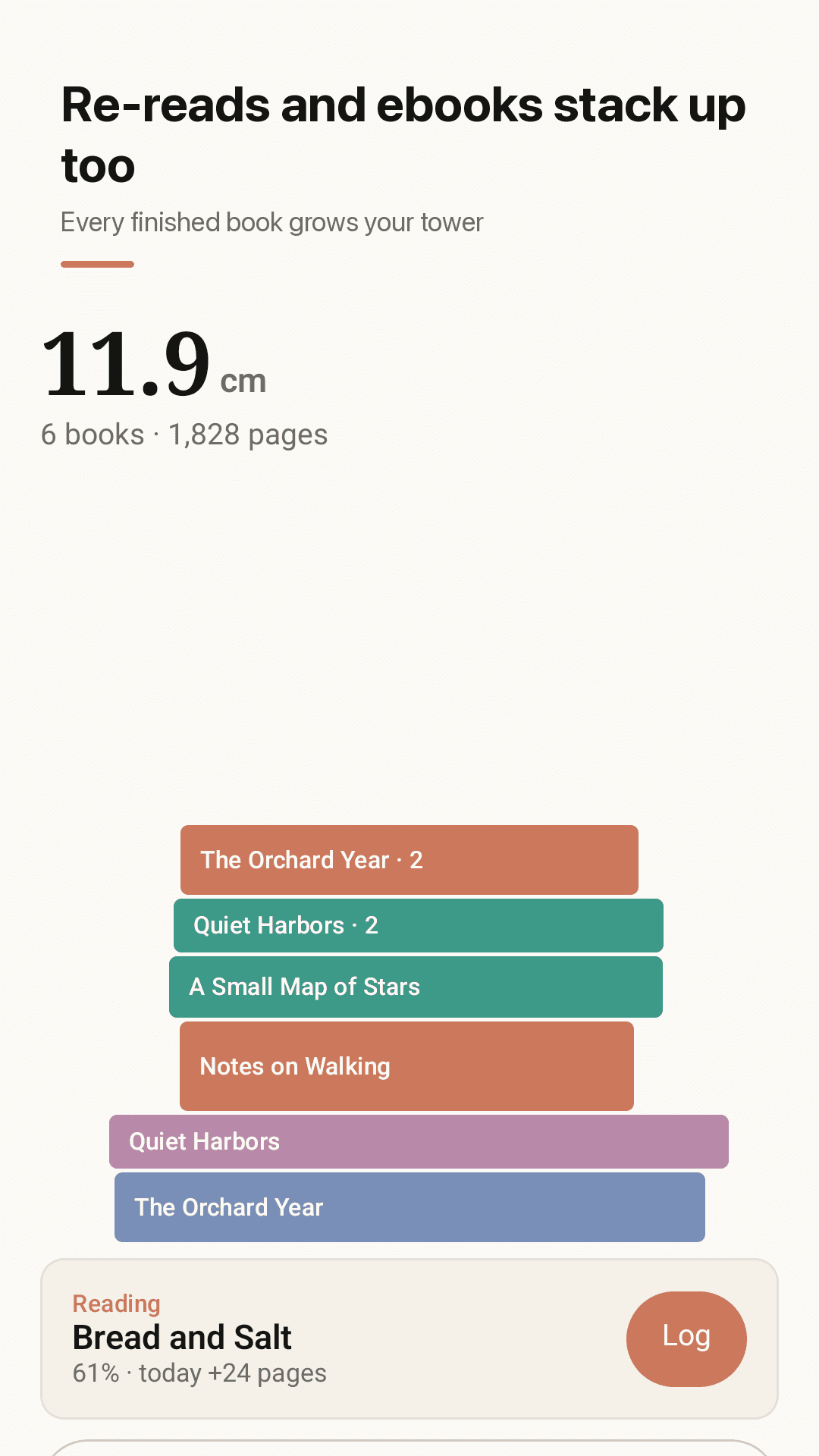
Every finished book, stacked
Your tower grows by page count. Switch between this year, this month and all time, and share it as an image card.
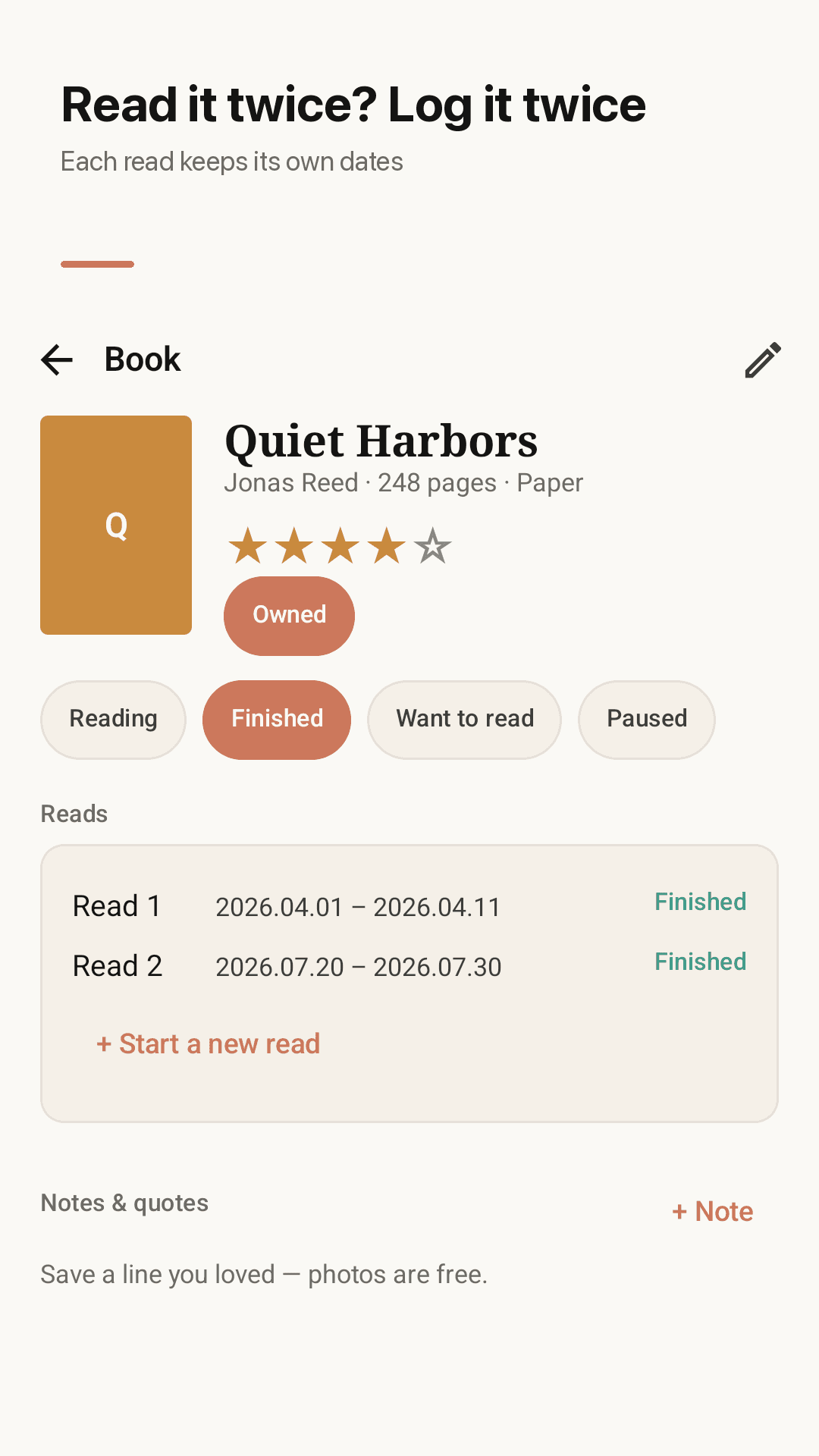
Re-reads keep their own dates
Read 1, Read 2, Read 3 each have a start and finish date. A second read never erases the first.
Pages or percent
Log today's page in two taps, or use percent for ebooks. Percent books still stack when finished.
Search, scan or type it in
Search by title, author or ISBN, scan the back-cover barcode, or add a book by hand, even offline.
Quotes and photos, free
Save a line you loved with its page number and attach a photo of the page. No membership.
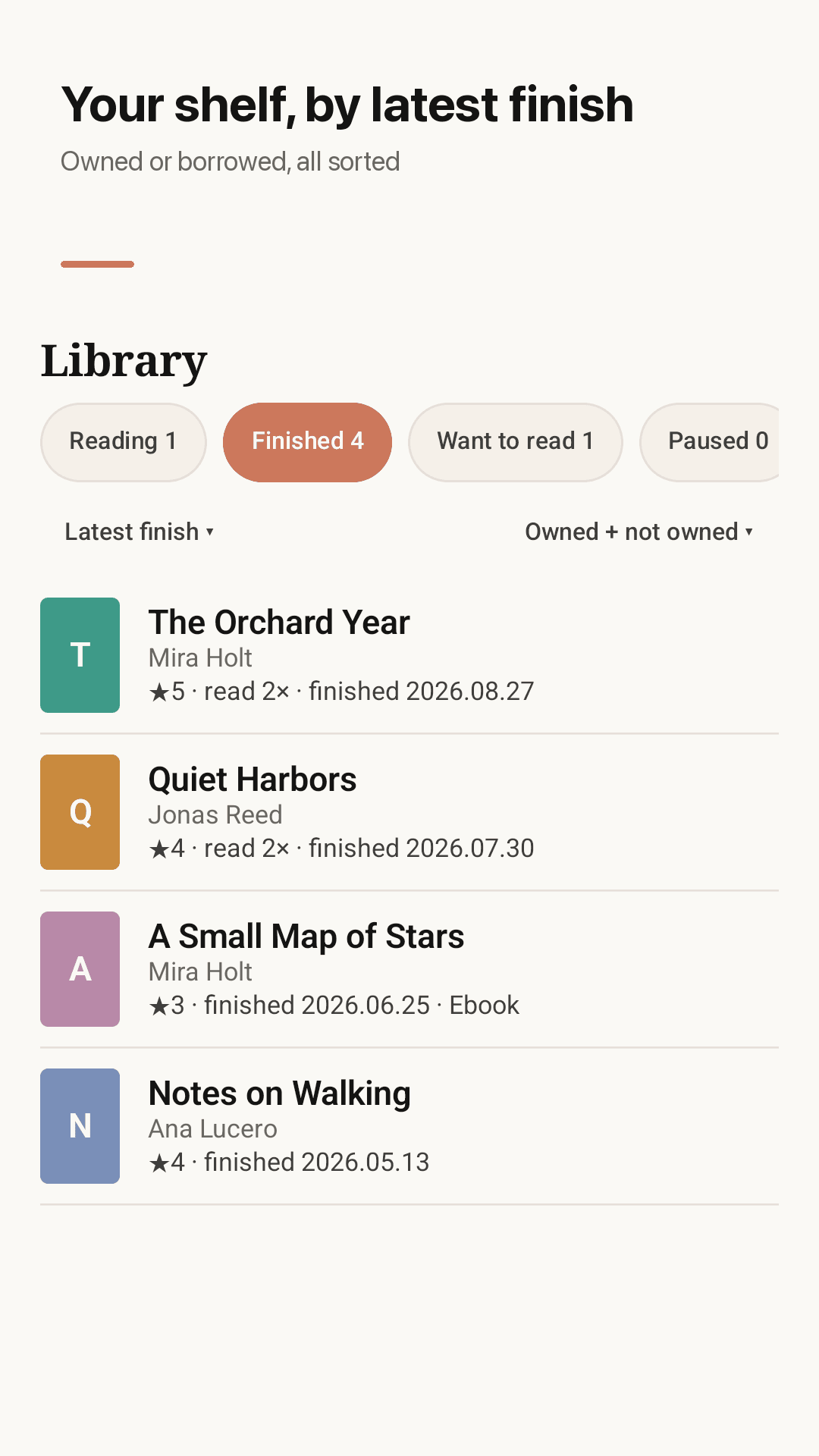
Four clean shelves
Reading, finished, want to read, paused. Sort by latest finish and mark books you own.
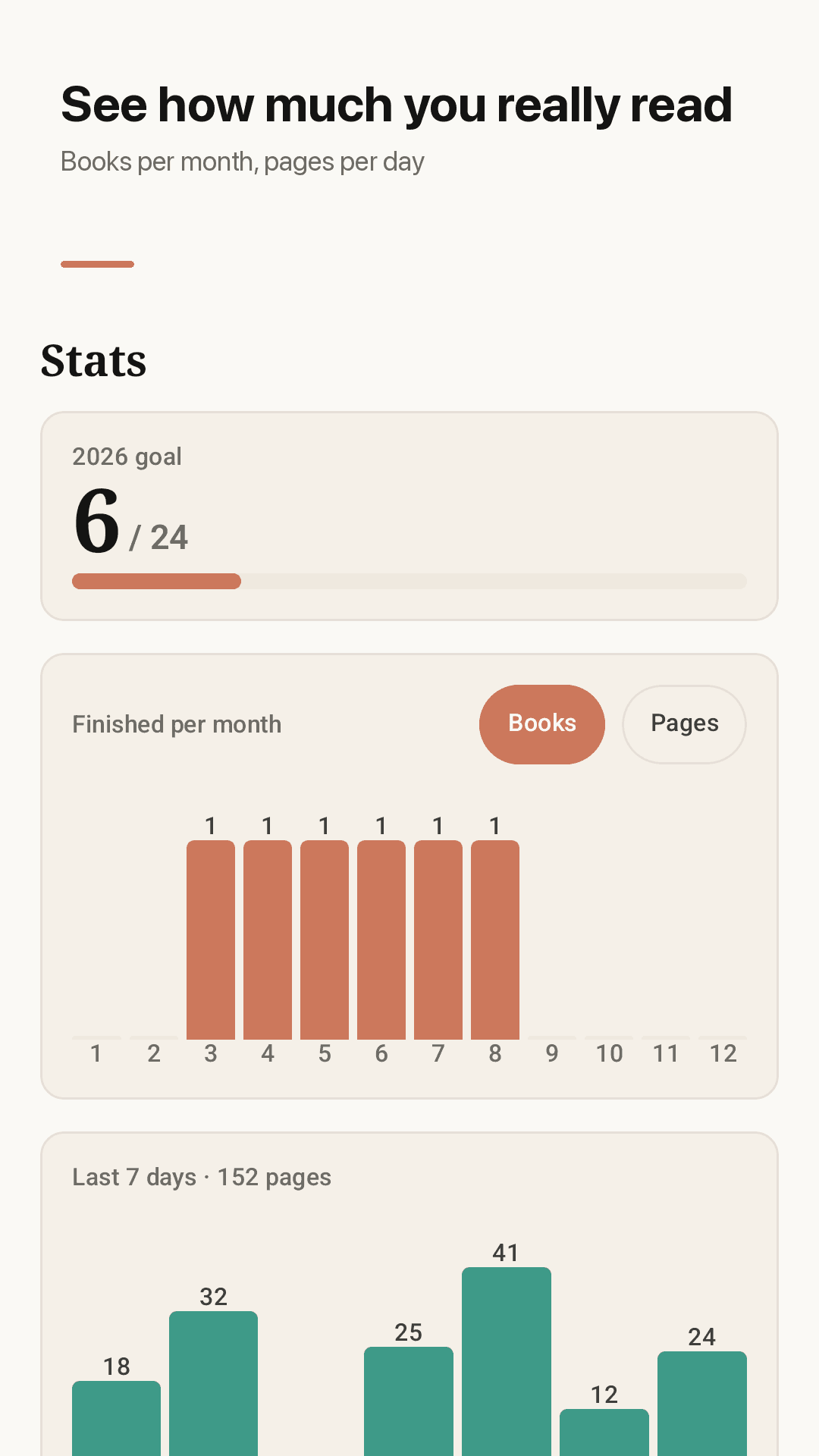
Habit stats and a widget
Books per month, a yearly goal and pages over the last 7 days. Add +10 pages from the home screen.
No login, backup file
No account and no server. Export a backup file before switching phones and restore it in seconds.
Take a look
Book tower, re-reads, progress and shelves
Finished books, stacked
Every re-read on its own
Pages or percent
Four clean shelves
Three steps
Add a book
Search, scan the barcode, or type it in yourself.
Log as you read
Today's page or percent in two taps, plus quotes and photos.
Finish and stack
The tower grows by the book's thickness. Read it again and it starts as Read 2.
Frequently asked questions
Can I track re-reads of the same book with separate dates?
Yes. Each read gets its own start and finish date. Starting Read 2 keeps Read 1 intact, and every finished read adds to your tower.
Can I log ebook progress by percent?
Yes. Choose pages or percent per book. Ebooks logged by percent still stack into your tower by thickness when you finish them.
Do photo notes need a membership?
No. Quote notes and photo attachments are free, and saving a note never triggers an ad.
Will my reading log survive switching phones?
Export a backup file (JSON) in settings and import it on the new phone to restore books, reads and notes. Nothing is stored on a server, so make the backup before you switch.
What if search can't find my book?
Scan the ISBN barcode or add it by hand with just a title and page count. Manual entry works offline.
Do I need an account?
No. There is no login and no server. Everything is stored on this device.
Does it track how many pages I read each day?
Yes. Every progress update is logged by date, and you can see the last 7 days as a chart.
Can I sort by most recent finish date?
Yes. Shelves can be sorted by latest finish or recently added.