CoindleYour pay, ticking up every second
Follows your shifts · Pauses on weekends · Desk mode
Enter your salary or hourly wage once and watch today's pay climb while you work. It follows your real schedule, so the number is honest: it pauses for lunch, stops on weekends and days off, and keeps counting through night shifts that run past midnight.
If a salary ticker let you down because…
It kept counting on weekends, so you couldn't trust the number
There was no way to add a Saturday half-day or different hours per weekday
A shift ending after midnight just wouldn't work
Rotating shifts weren't supported at all
You work a lot of overtime, but time and a half or double time wasn't an option
The widget showed nothing, or froze
There was no option to edit if you forgot to turn off the timer
Coindle follows weekday, rotating and night schedules to the minute, stops on days off, and lets you fix any record
An honest number feels better
Counted from your schedule, as it really is
Today's pay, live
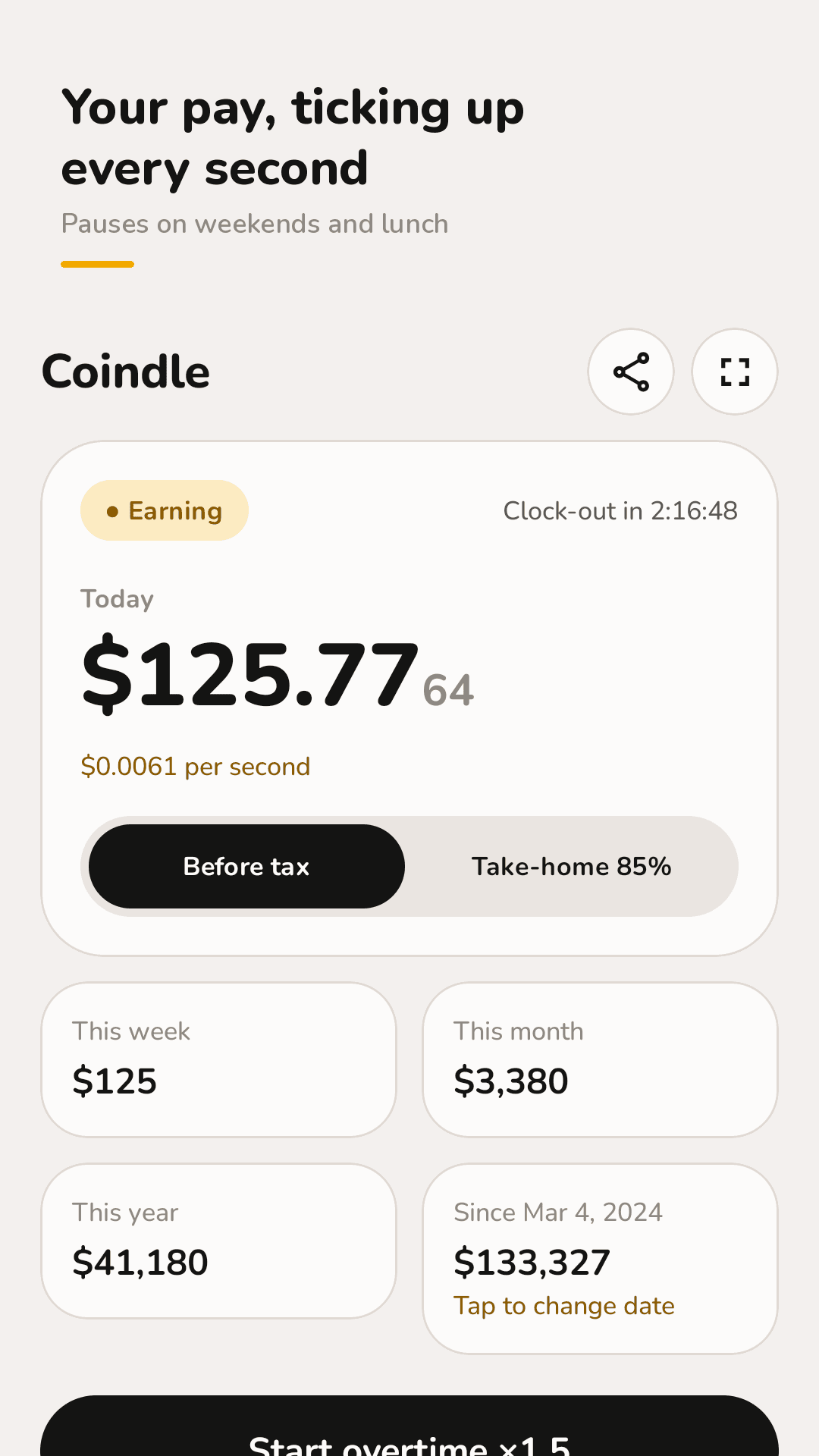
Today's earnings count up every second. See this week, this month, this year and since your start date, your earnings per second, and time left until your break or clock-out.
Your schedule, as it is
Yearly, monthly, daily or hourly pay. Different hours for each weekday, a Saturday half-day, and one unpaid break a day, set to the minute.
Rotating and night shifts
Day, evening, night and off days in any order. Shifts that run past midnight are counted all the way to clock-out.
Paid leave & days off
Mark paid leave (still earning) or unpaid days off (paused) on a calendar. Or count 24/7 if you'd rather watch it grow while you sleep.
Overtime that adds up
Tap Start overtime and pick ×1.25, ×1.5, ×2 or ×2.5. Only time outside your schedule is counted, so nothing is paid twice.
Take-home view
Set your own take-home percentage and switch between before-tax and take-home any time.
Paid to slack
Coffee, restroom, phone, a quick walk. Start the timer, come back, bank it, and see what your company paid you meanwhile. Forgot to stop it? Tap the record and fix the time.
Goals, desk mode & widget
Goals fill up with what you earn and show the date you're on track for and how many hours of work they cost. Desk mode is one big number with the screen kept on. The home widget recalculates when you tap ↻.
See the real screens
Live ticker, desk mode, slack timer, goals and schedule
Your pay, ticking up every second
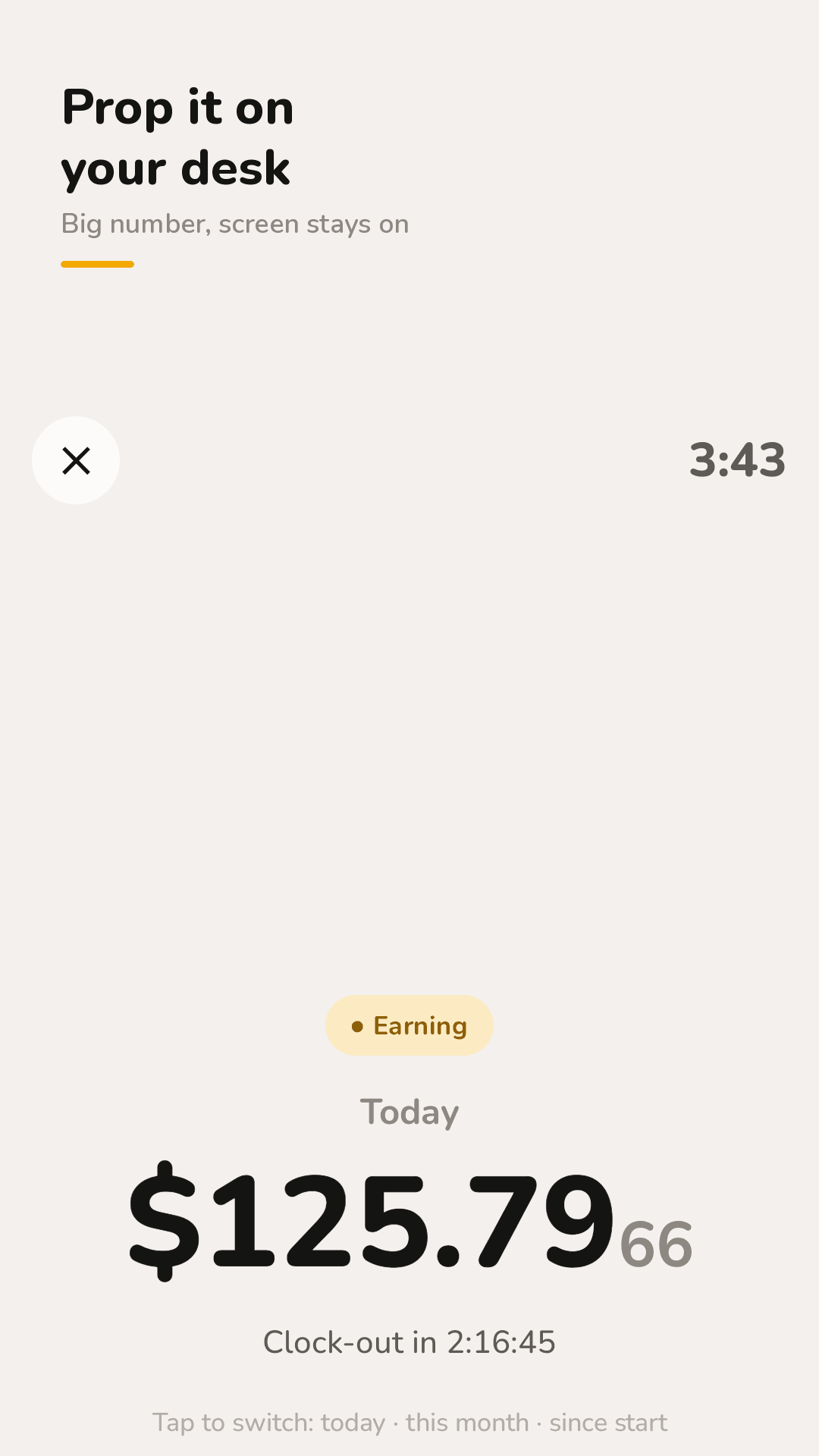
Prop it on your desk
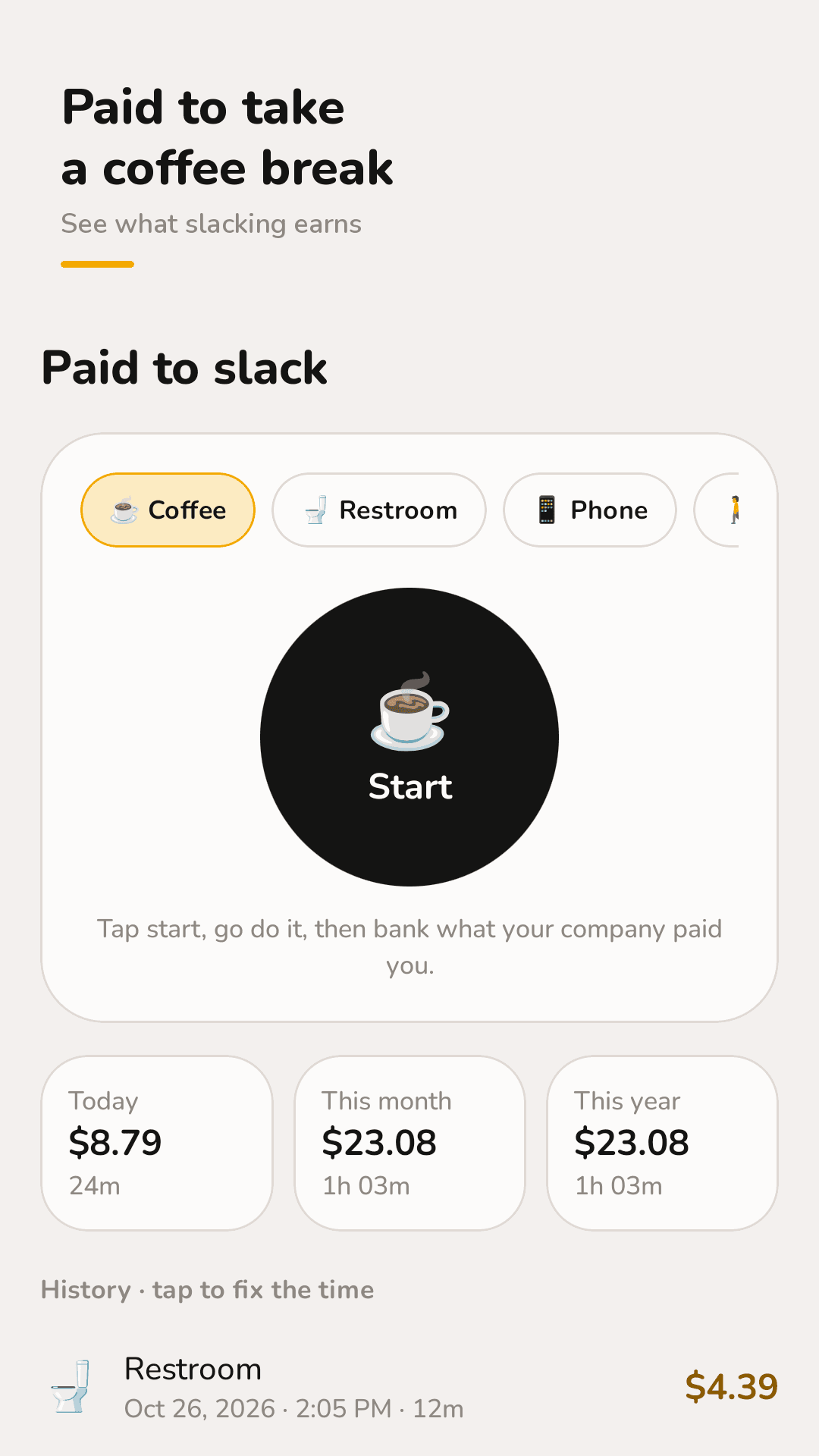
Paid to take a coffee break
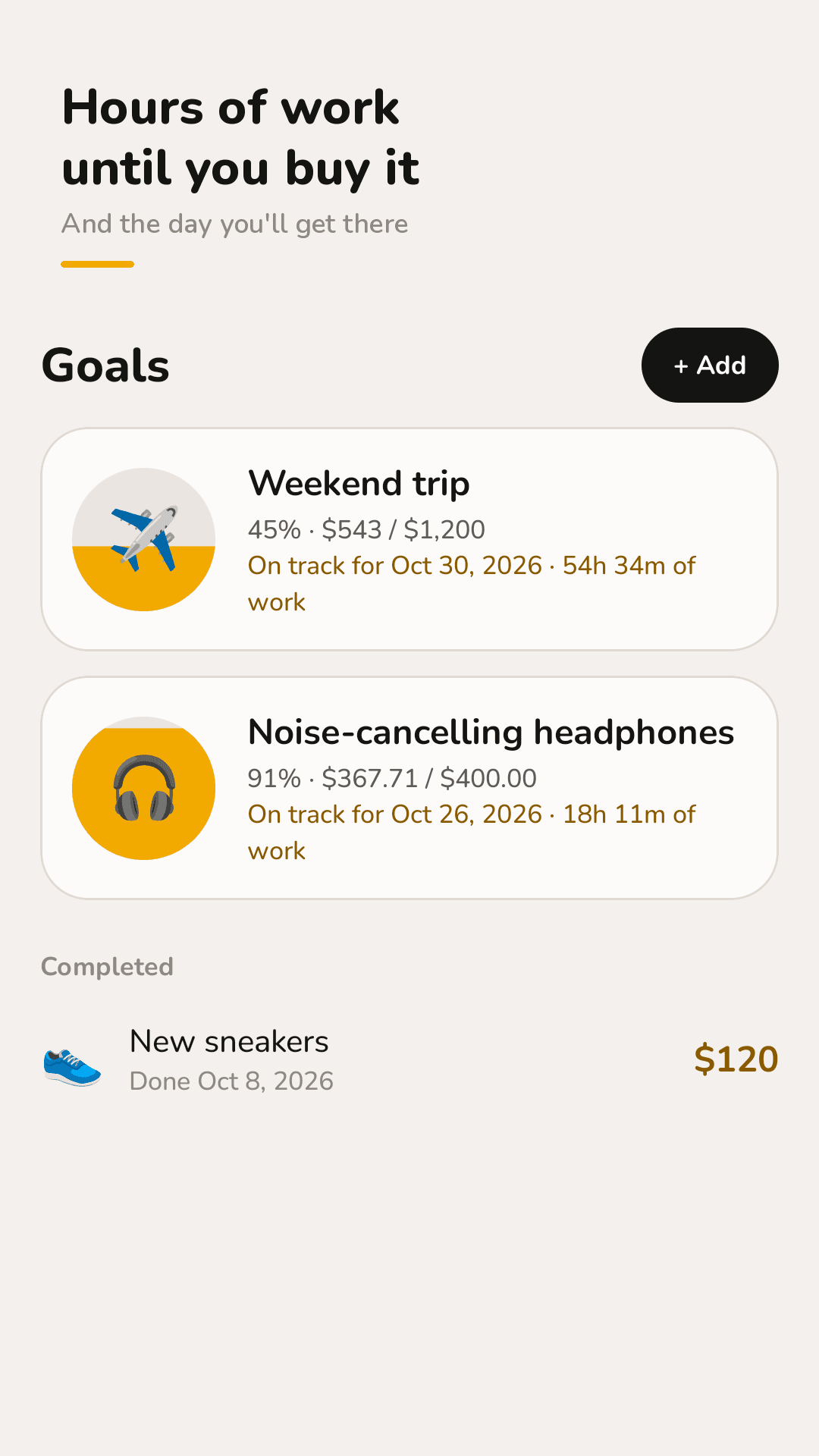
Hours of work until you buy it
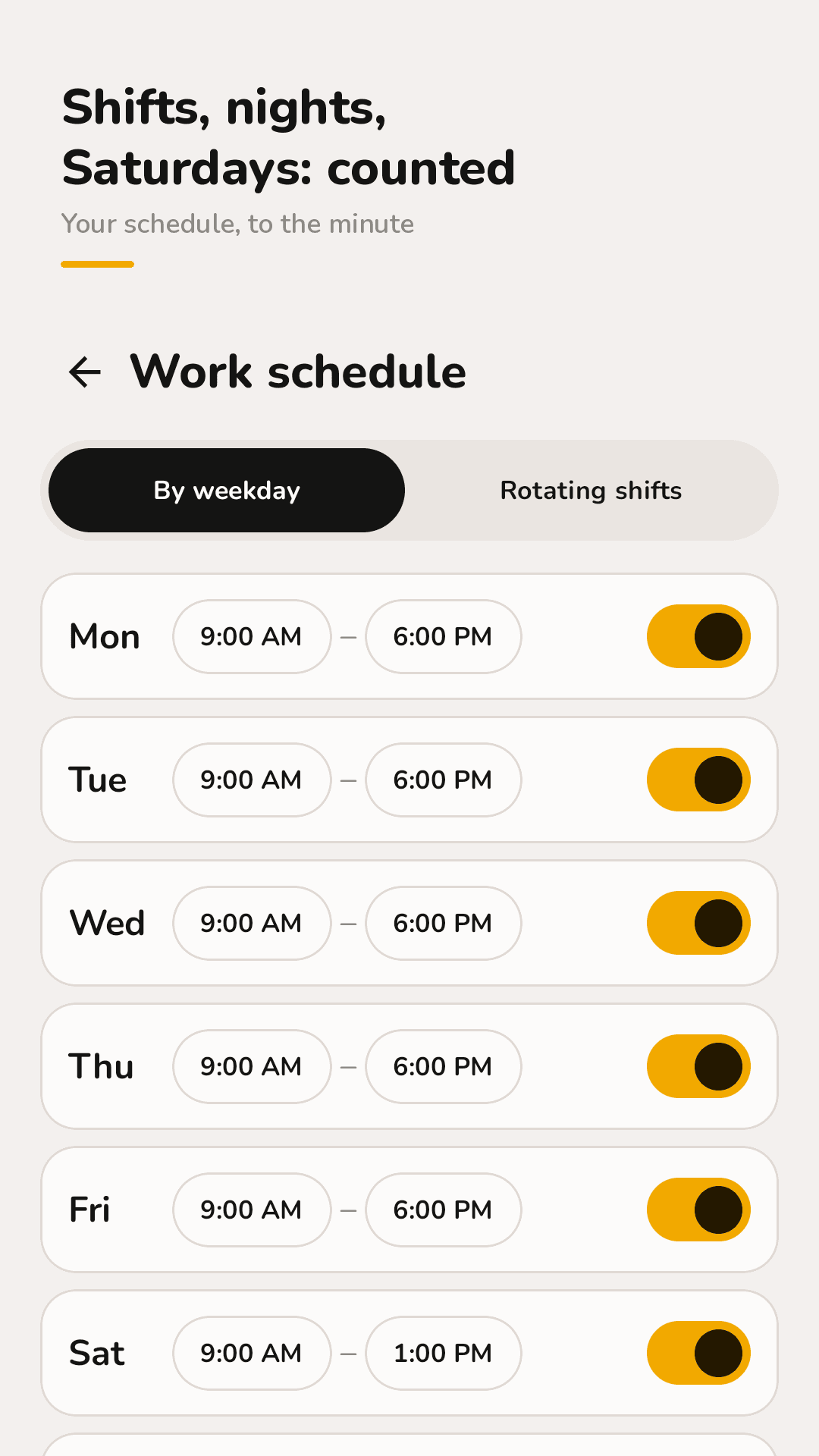
Shifts, nights, Saturdays: counted
Three steps
Enter your pay
Pick yearly, monthly, daily or hourly and enter the amount once.
Set your schedule
Add start and end times, your break, and weekday hours or a shift rotation. Choose working hours only or 24/7.
Watch it climb
Today's pay ticks up every second on the home screen or in desk mode. In the evening, a short recap tells you what you earned.
FAQ
Does it pause on weekends and days off?
Yes. In working-hours mode, nothing is added on days outside your schedule, on days off or during your break. Days marked as paid leave still count; unpaid days off are paused. You can switch to 24/7 counting if you prefer.
Does it work for night shifts past midnight?
Yes. Set a shift like 22:00–06:00 and it keeps counting past midnight until clock-out. For rotating shifts, build your own order of day, evening, night and off days and it repeats.
Can I set a Saturday half-day or different hours per weekday?
Yes. Each weekday has its own start and end time, so a Saturday morning shift is just another row. Times are set to the minute.
Can it show my take-home pay?
Enter your own take-home percentage and Coindle shows take-home amounts. It doesn't calculate tax tables, because they differ by country. All amounts are estimates.
Why doesn't the widget update every second?
Android home-screen widgets can't refresh every second; the system limits how often they update. The widget shows today's and this month's earnings and refreshes regularly, and tapping ↻ recalculates on the spot. For the live second-by-second count, use the app or desk mode.
How is overtime counted?
Tap Start overtime and choose ×1.25, ×1.5, ×2 or ×2.5. Only time outside your schedule is counted at that rate, so regular hours are never paid twice.
Is my salary data uploaded anywhere?
No. There's no account or sign-up. Your pay, schedule and goals are stored only on your phone.
I forgot to stop the slack timer.
Tap that record in the list to fix the time, or delete it.