
TidyrollSwipe your camera roll clean, with no swipe limits
No subscription, no account, no waiting timer. Your photos never leave your phone.
People delete photo cleaner apps for the same reasons: "20 swipes and you have to wait hours", a weekly subscription to unlock deleting, and a final step that "asks for permission for each photo". Tidyroll lets you swipe through your photos month by month, review what you marked, and move it all to the trash with one confirmation. Changed your mind? Restore it any time within 30 days.
Why photo cleaner apps end up deleted
"20 swipes and u have to wait hours is crazy", right when you finally feel like cleaning
Deleting, the whole point of the app, is locked behind a weekly subscription
"It deleted the pictures I didn't select and there wasn't any way to get them back"
Swipe, review, confirm once. And a 30-day way back.
Everything cleaning needs, nothing capped
As many photos as you want, safely
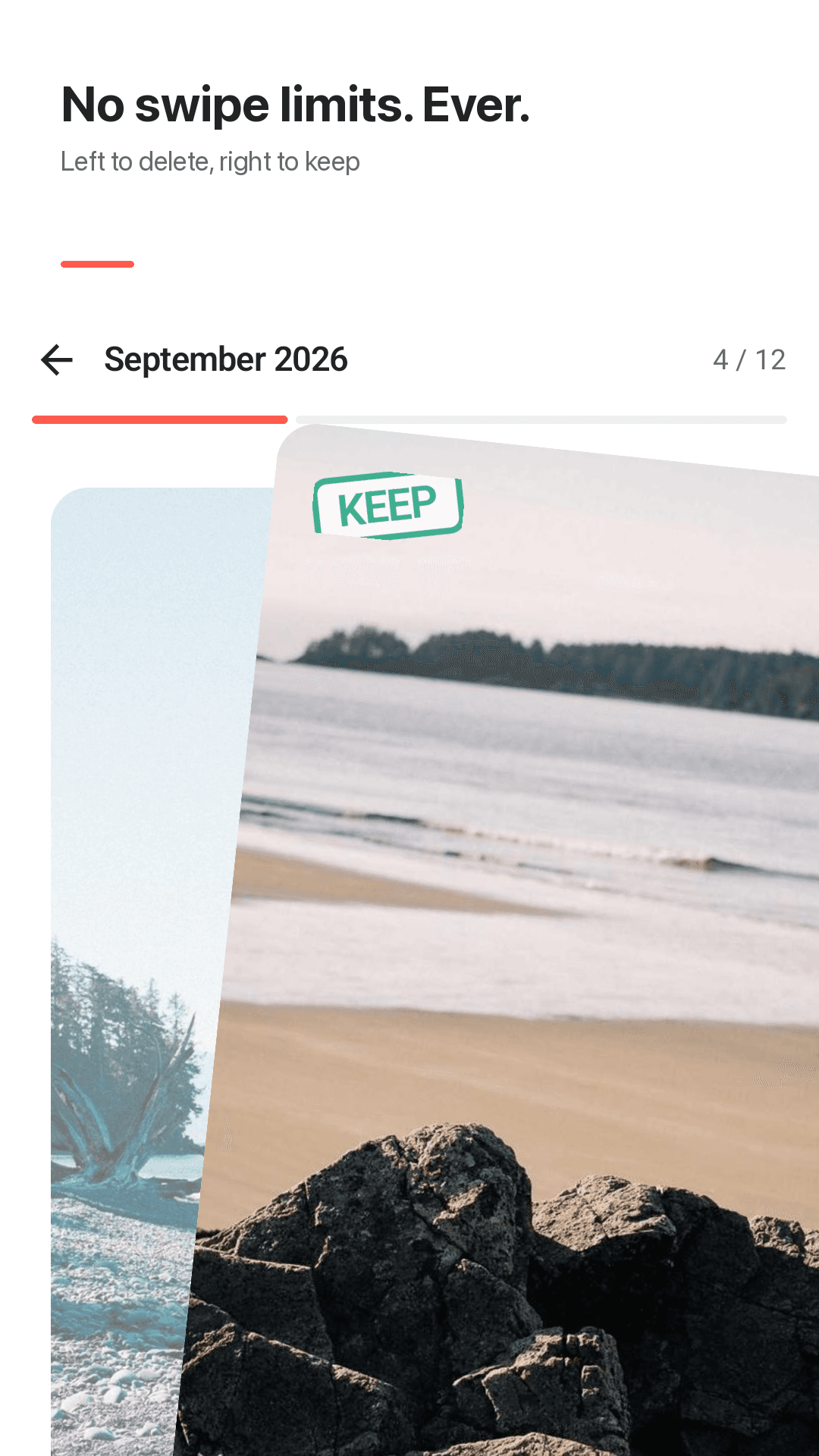
Swipe right to keep, left to delete
Photos and videos are grouped by month and shown as cards. Just swipe, and undo the last one if you slipped.
No swipe limits, no timers
No daily cap and no 8-hour cooldown. Clean 20 photos or 2,000 while you're in the mood.
Month-end review grid
When you finish a month, everything you marked appears in a grid. Tap any photo to keep it after all.
One confirmation per month
A single Android system confirmation moves every marked item to the trash. No tapping Allow photo by photo.
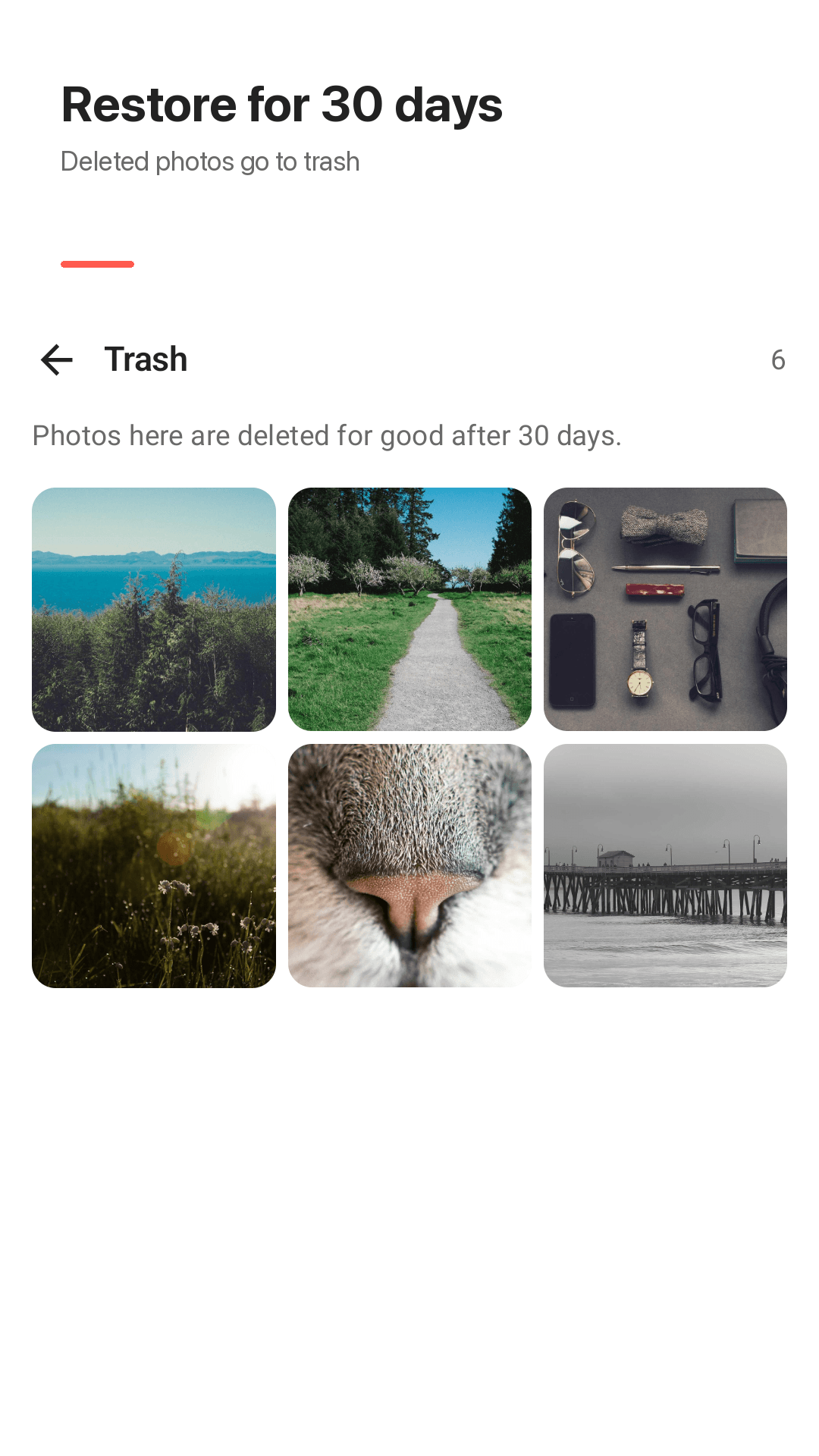
30-day trash, restore or empty
Deleted items stay in the Android trash for 30 days. Restore them from the in-app trash screen, or empty it to free space now.
Screenshots and big videos decks
Swipe through only screenshots, or only the videos taking up the most space, and free storage fastest.
Per-month progress and a widget
Each month shows how far you got, so you can stop and pick up later. The home screen widget shows photos left.
No account, no upload
No sign-up and no server. Your photos never leave the phone, and photos that exist only in the cloud are not touched.
Take a look
Months, swiping, month-end review and the trash
Just swipe to clean
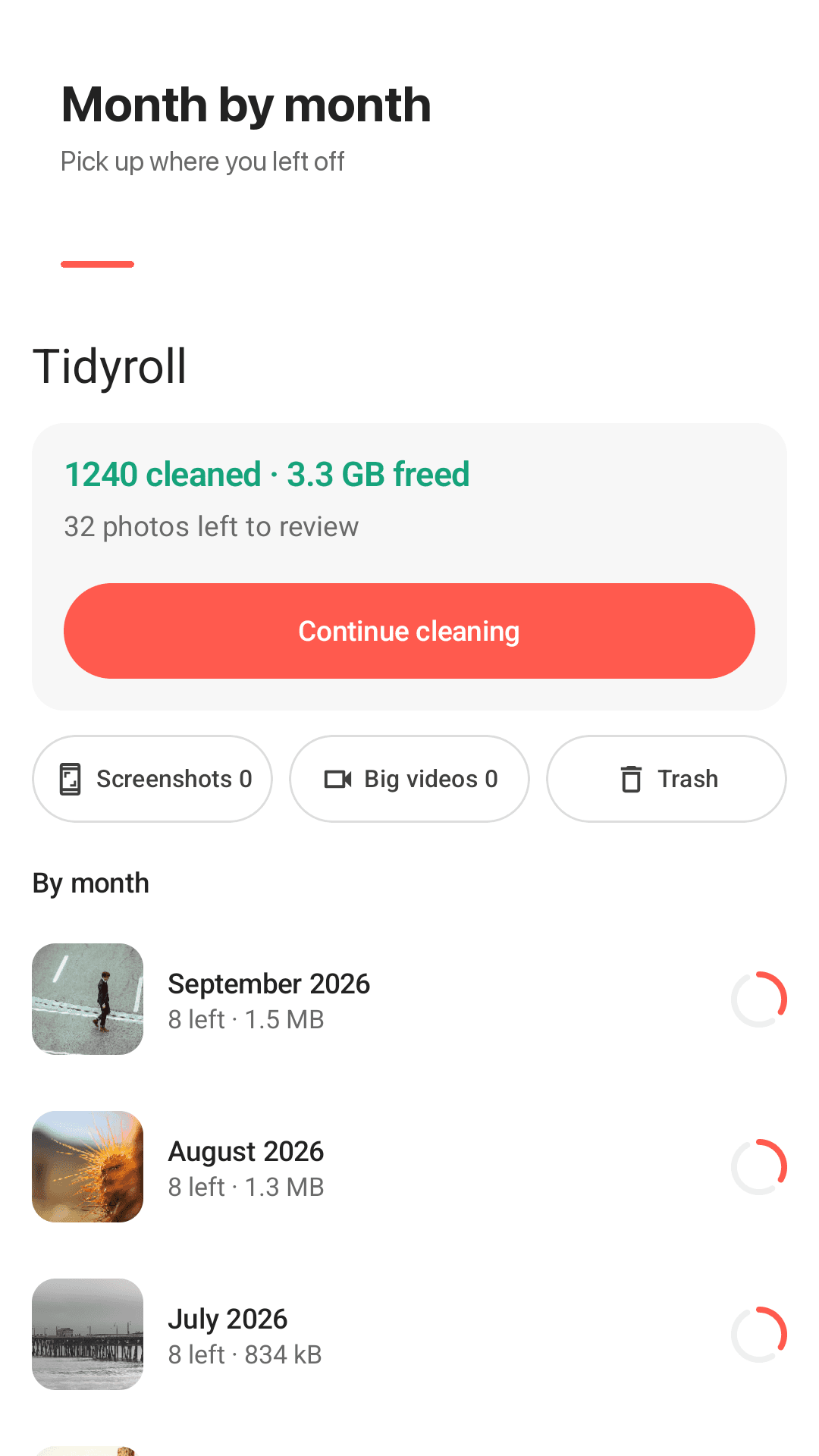
One month at a time
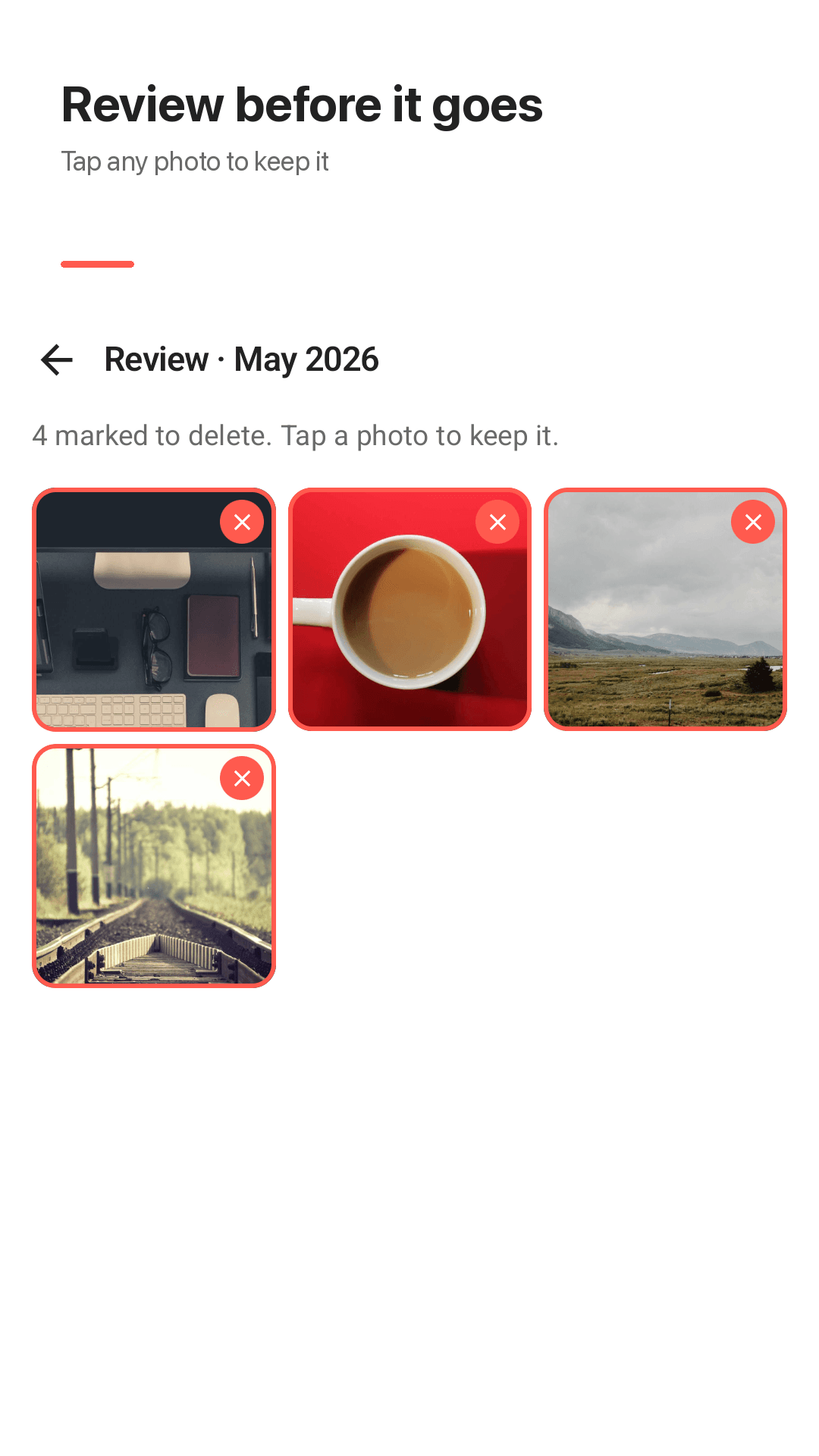
Review before anything moves
See the space you freed
Three steps, then done
Pick a month
Your photos and videos are grouped by month. Start with the oldest or last month, your call.
Swipe
Right to keep, left to delete, undo if you slip. There is no limit on how many.
Review, then trash in one step
Look over what you marked and confirm once. Everything can be restored for 30 days.
Frequently asked questions
Is there a daily swipe limit or a waiting timer?
No. There is no swipe cap and no cooldown of any length. Clean as many photos as you want in one sitting.
Do I need a subscription or premium to delete photos?
No. Deleting, reviewing, the trash screen and the screenshots and big videos decks are all free. The app is supported by ads.
Do I have to tap Allow for every photo I delete?
No. Tidyroll collects everything you marked in a month and shows a single Android system confirmation. One tap moves all of it to the trash.
What if it deletes photos I didn't select?
Before anything moves, you see every photo you marked in a review grid and can tap any of them to keep it. Even after that, items sit in the trash for 30 days and can be restored.
Can I get back photos I deleted by mistake?
Yes. Deleted items go to the Android trash rather than being erased, and stay there for 30 days. Restore them from the trash screen in the app and they return to where they were.
Does it work with Google Photos?
Tidyroll cleans photos stored on this device. Photos that exist only in Google Photos or another cloud are not touched. If a photo was backed up, deleting the device copy may leave the cloud copy, so check the Google Photos app separately.
Are my photos uploaded anywhere?
No. There is no account and no server. All cleaning happens on your phone and your photos are never sent anywhere.
Can I stop halfway and continue later?
Yes. Progress is saved per month, so you pick up where you left off. The home screen widget also shows how many photos are left to review.
Clear a month of photos today
No swipe limits, no subscription. Anything you delete can be restored for 30 days.