Breeze PDFA lighter, faster PDF reader
Opens in one tap, resumes where you left off.
Ebooks, contracts, lecture slides — open any PDF in seconds, and when you come back, you're on the exact page you left. Read comfortably at night with inverted colors, and merge, split or convert without leaving the app. The reading view has no ads.
Sound familiar?
Opening one PDF means a long load — and an ad first
Where was I yesterday? You scroll to find your page every time
You try to merge two files and hit a subscription paywall
Breeze PDF fixes all of that ✨
Built for uninterrupted reading
Fast, light, and out of your way
Opens in one tap
A lightweight viewer gets your document on screen in seconds. The app finds every PDF on your device automatically — search, sort and favorite to reach them fast.
Saves your progress
Close a document and reopen it — you're on the same page. No bookmarks to manage, nothing to remember. The home-screen widget jumps straight back in.
Night mode
Inverted colors turn white pages dark, so late-night reading doesn't hurt your eyes. Smooth scrolling and pinch zoom come standard.
Merge, split & convert
Combine PDFs into one, extract just the pages you need, convert images to PDF and back. Everything saves to Downloads/BreezePDF — no watermark, no subscription trap.
See it in action
From your file list to the tools
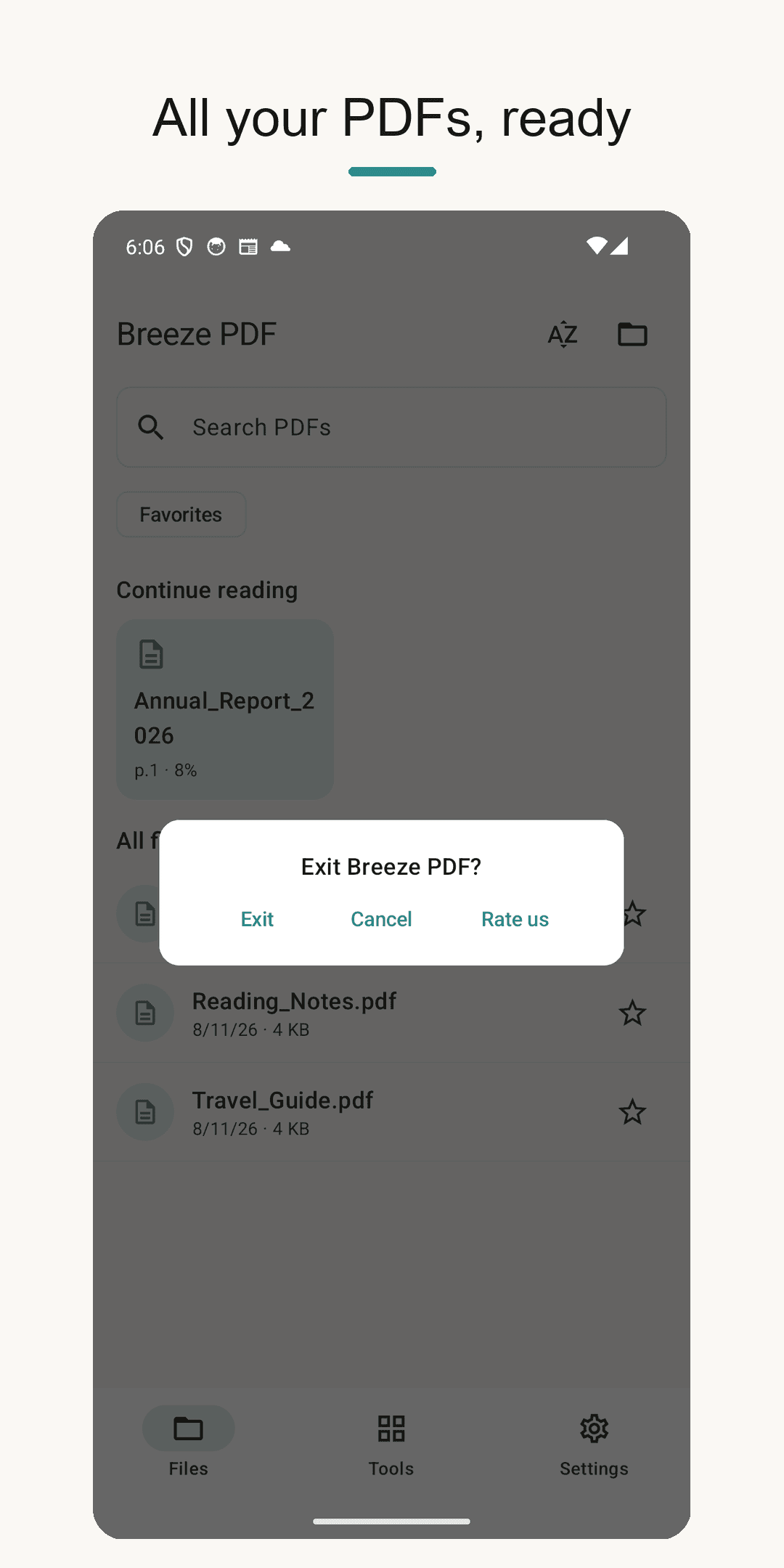
Home — all your PDFs at a glance
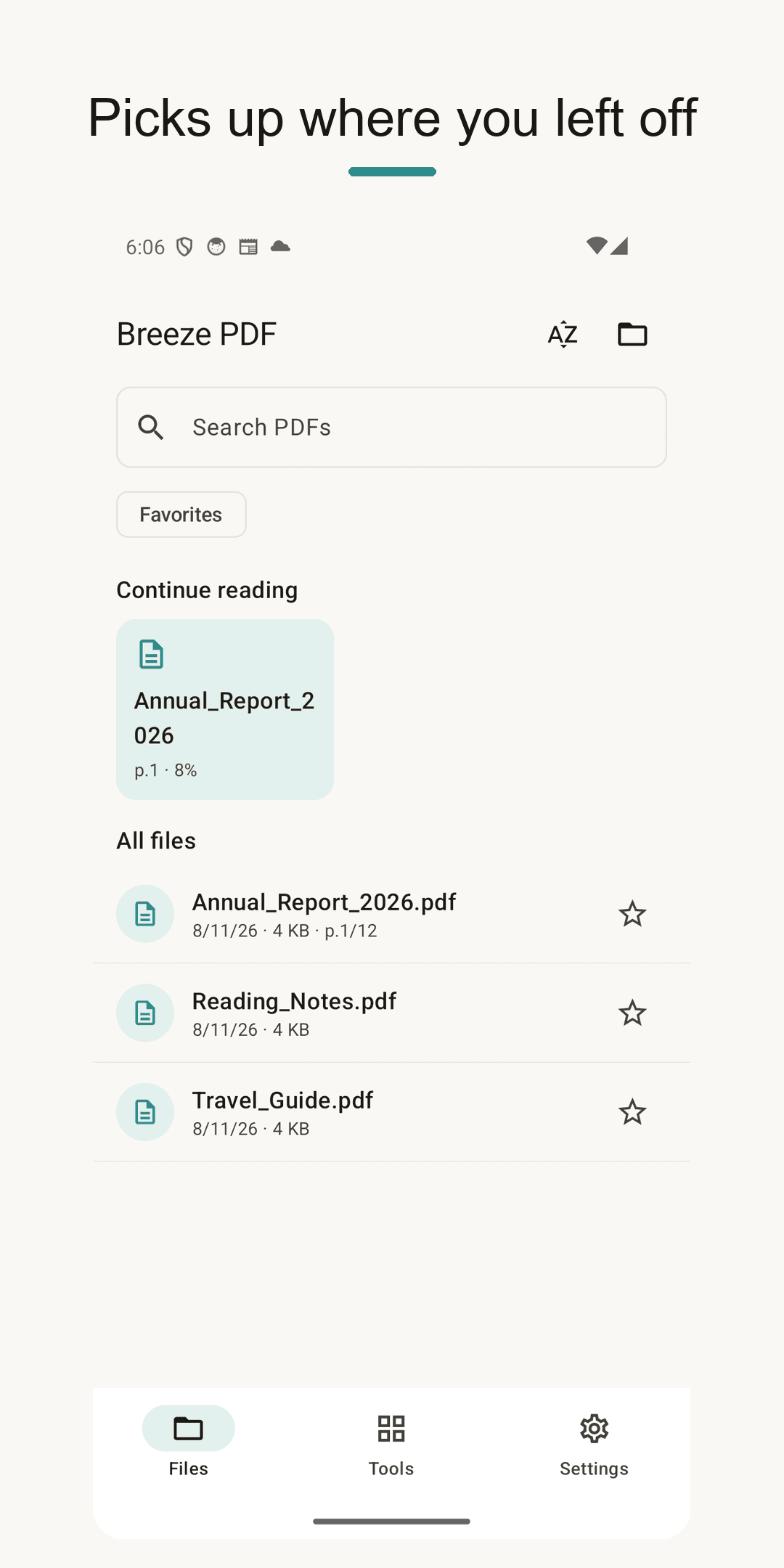
Reader — resume right where you left off
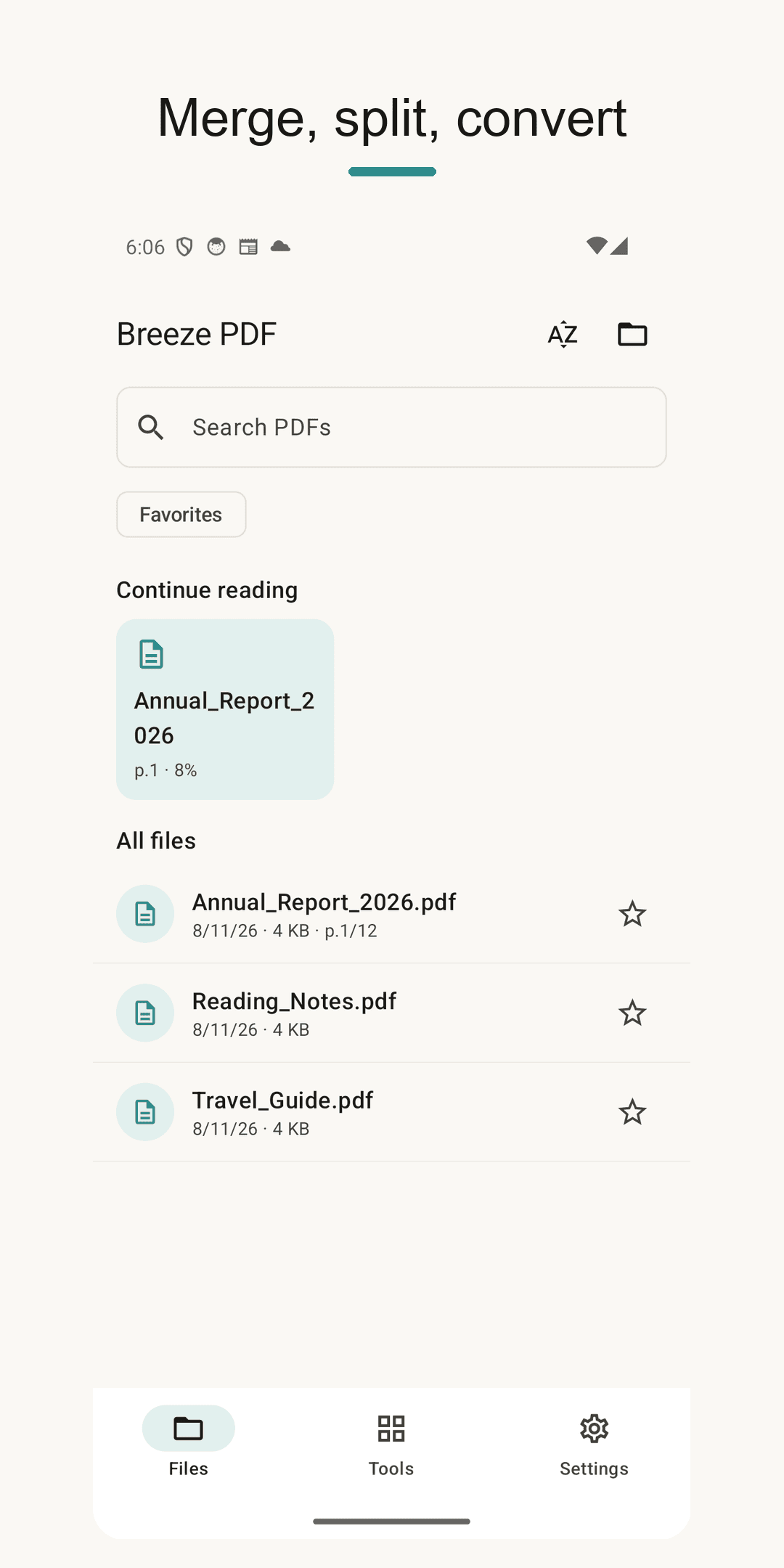
Tools — merge, split, convert
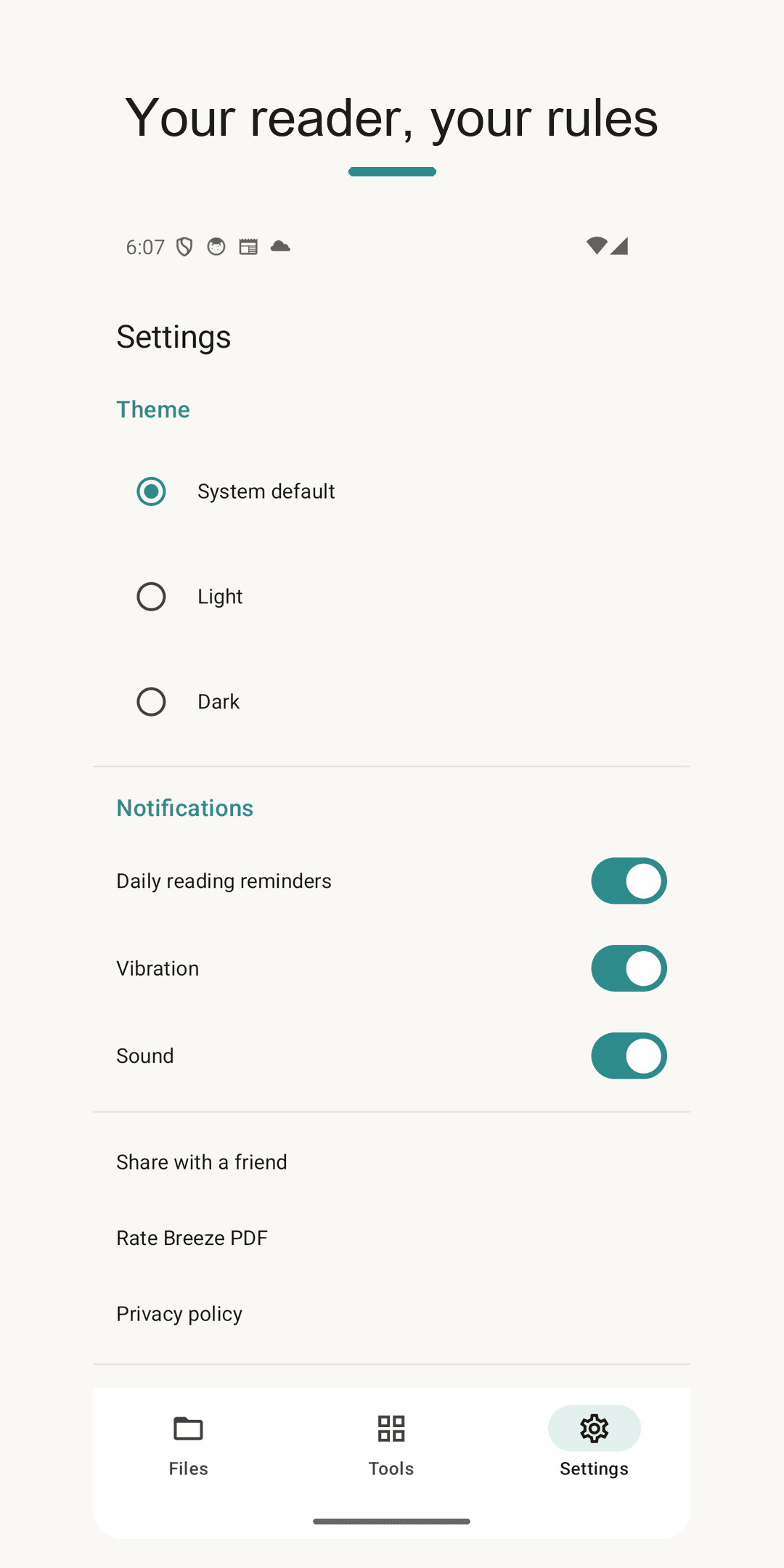
Settings — theme and reminders
Three steps is all it takes
Find your PDF
The app gathers every PDF on your device into one list. Search and sort to find it fast.
Open and read
One tap to open, smooth scrolling and pinch zoom. Flip to night mode after dark.
Close without worry
Your page is saved automatically. Next time, you continue exactly where you stopped.
Frequently asked questions
Are there really no ads?
The reading view has no ads — nothing interrupts you while you read. The app is free and never asks for a subscription.
How does resume reading work?
The moment you close a document, your page is saved. 'Continue reading' on the home screen and the home widget take you straight back to it. No manual bookmarks needed.
Are my documents uploaded anywhere?
No. Reading, merging, splitting and converting all happen on your device. No account, no cloud, no document collection — it even works in airplane mode.
Where do merged or split files go?
Into the Downloads/BreezePDF folder — one predictable place. No watermark is added, and you can open or share every result from the Files tab.
Open your next PDF in seconds
Get it free and pick up right where you left off. An ad-free reader, 100% local — with Breeze PDF. 📖