ThumblyYouTube thumbnails in minutes
Pick a photo, type big text, save. That is the whole app.
A thumbnail maker for small creators who do not have a PC or a designer. Nothing to download, nothing to subscribe to. Cut yourself out of a photo with one tap, drop on text that reads at phone size, and save. Your work is auto-saved, and an ad never interrupts editing.
Sound familiar?
No PC, so the thumbnail ended up being a random video frame
Installed a thumbnail app and even the stickers were 'premium'
Closed an ad and the thumbnail I was making was gone
Thumbly keeps it to photo, text and stickers — and never loses your work ✨
Only what a clickable thumbnail needs
Big text and a face beat a template
Text that reads at phone size
Six one-tap styles with outline, shadow and background box. Size, color and outline width on sliders. Multi-line supported.
One-tap cutout
Pick a photo and the person or object is cut out automatically as a layer. Everything runs on your device, nothing is uploaded.
Stickers that make people click
Fire, arrows, shocked faces and other reaction stickers. Drag and pinch to size and rotate.
Auto-save
Every change is saved as a draft. Leave the app, take a call, come back — your work is still there.
YouTube size presets
Thumbnail 1280×720, Shorts 9:16, channel banner 2560×1440, square 1:1. No guessing sizes.
No subscription, no account
Works offline with no templates to download. The ads that keep it free stay out of the editor.
See the real screens
Photo → text → save, three taps
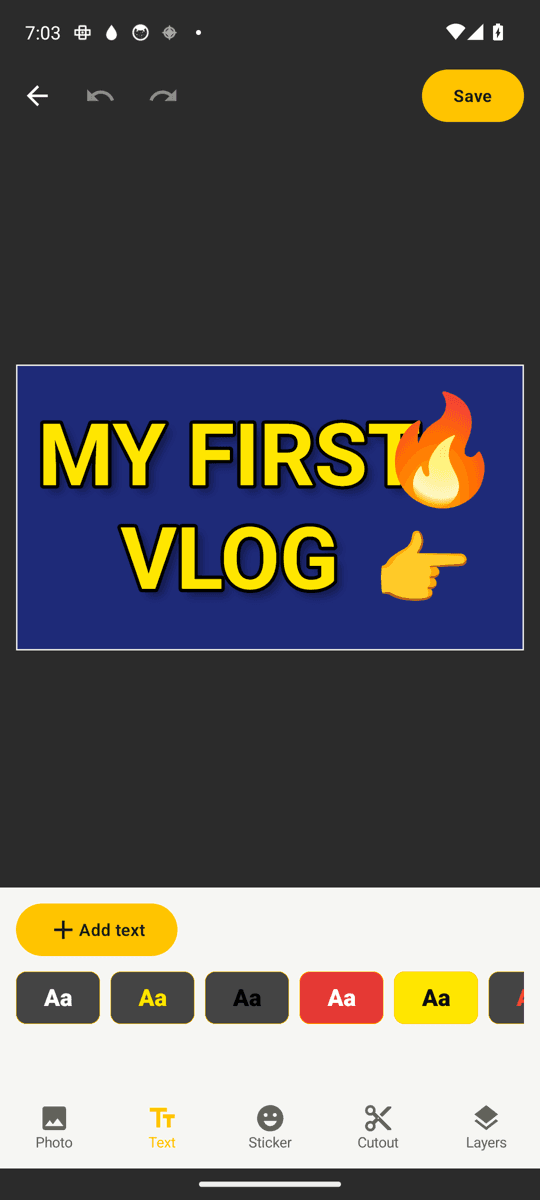
One-tap text styles
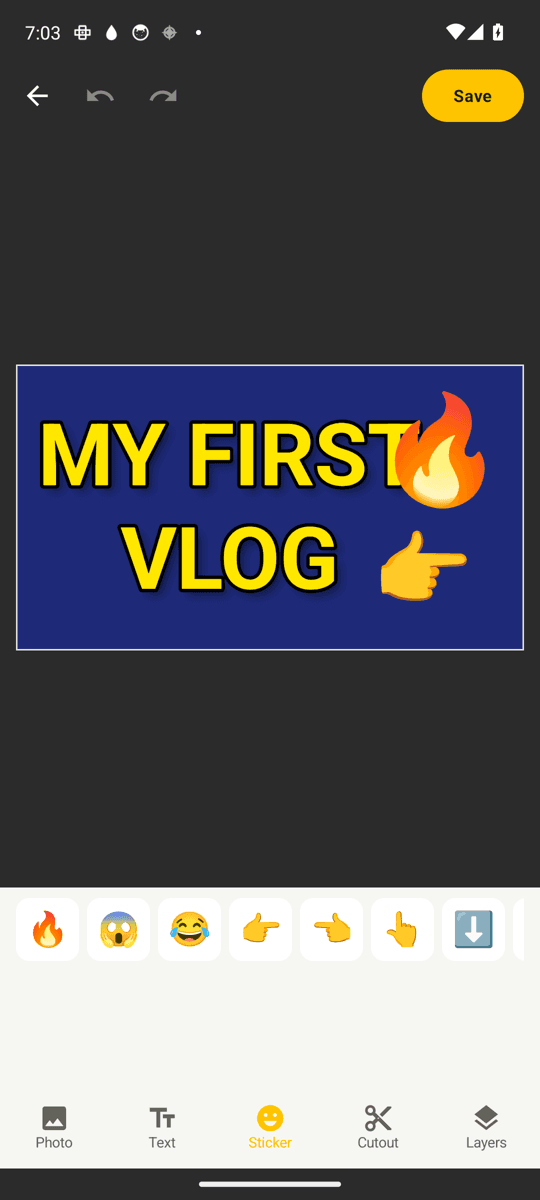
Reaction stickers
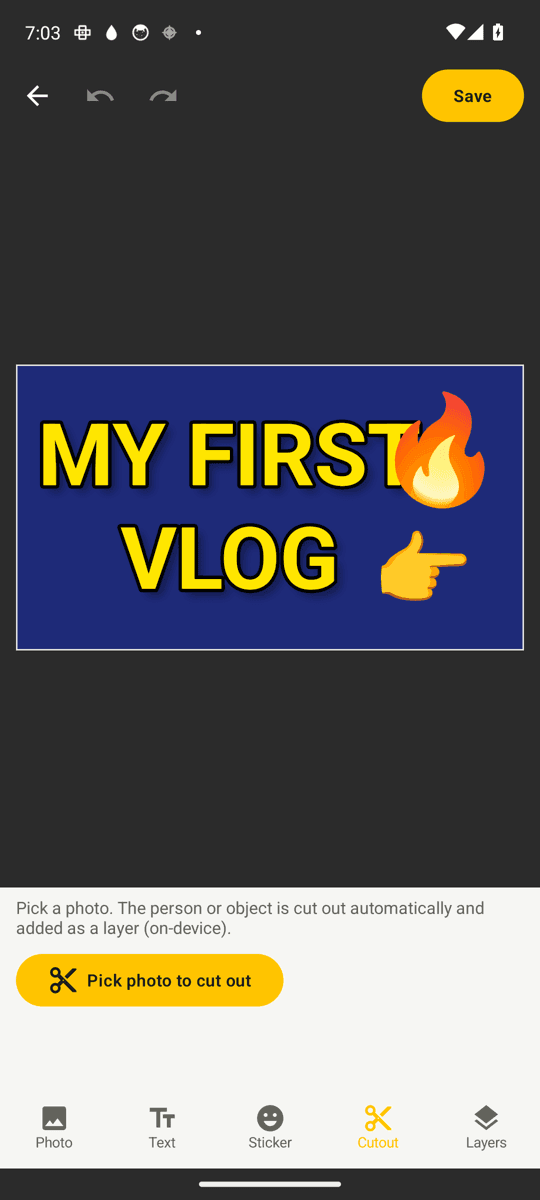
One-tap cutout
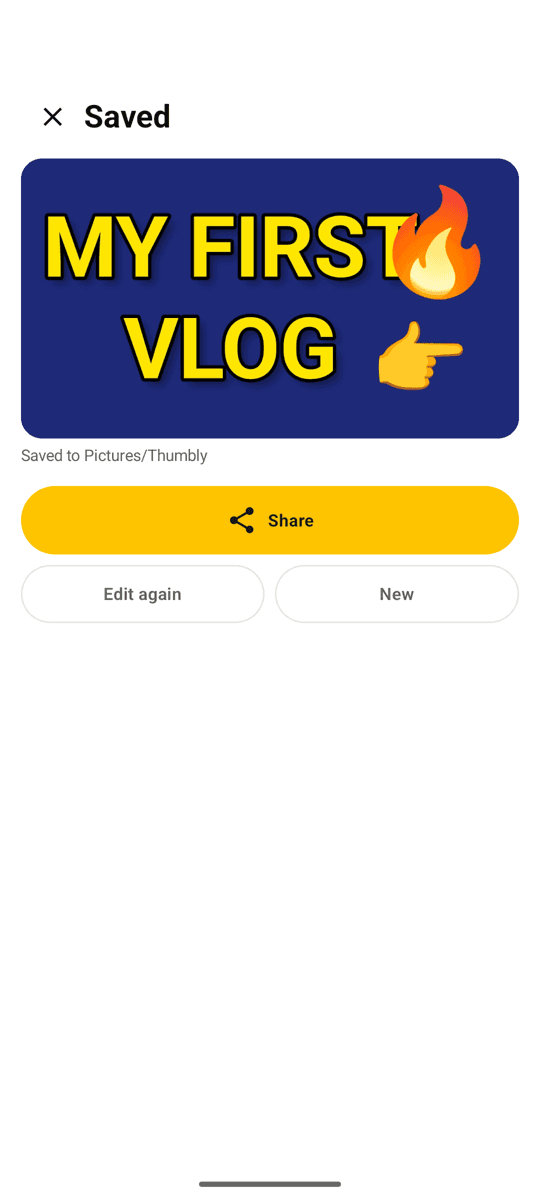
Save and share
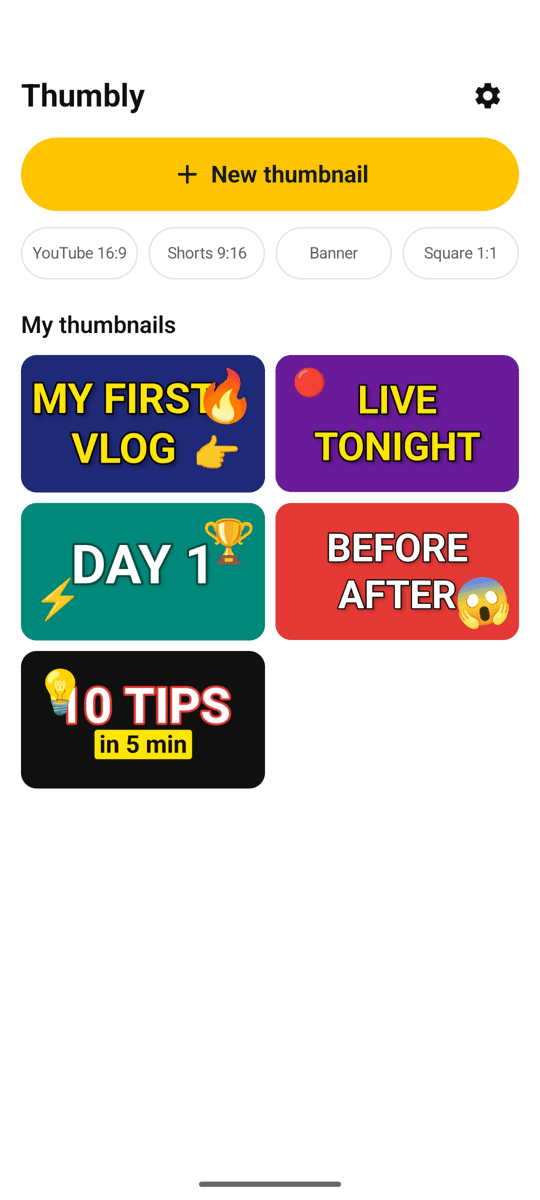
Your thumbnails and drafts
Three steps
Pick a photo or a color
Choose a photo from your gallery, or start from a solid background.
Add big text and a sticker
Tap a style, type your words. Drag stickers where you want them.
Save and share
Saved to your gallery at 1280×720. Share straight to YouTube Studio.
FAQ
Is there really no subscription?
Right. No locked stickers, no watermark, no premium tier. Ads keep the app free, and they are never shown on the editing screen.
Does the cutout need internet?
No. It runs on your device and your photo is never uploaded. The processing model is downloaded once on first use.
What size does it save?
YouTube thumbnails are saved as 1280×720 JPG. You can also pick Shorts (9:16), channel banner (2560×1440) and square (1:1).
Do I edit a landscape thumbnail in portrait?
Yes. You never need to rotate your phone. The editor stays in portrait and shows the canvas at 16:9.
What happens to an unfinished thumbnail?
It is auto-saved as you go. On back, Thumbly asks whether to keep the draft, and you can continue from the home screen.
Make the thumbnail before the upload
Photo, text, sticker — a few minutes is enough