TapPilotYour finger, automated — taps at exact intervals
An auto clicker and touch macro that needs no root.
Tapping games, staying active in idle games, grinding the same button — TapPilot does the repetitive tapping for you. Single-point mode is running in 3 seconds: open, drop a point, START. Intervals are millisecond-precise, and stopping is one tap on the STOP button in your notifications.
Sound familiar?
Your finger hurts from grinding the same button in a game
You need to keep farming or stay active, but you can't tap forever
Other clicker apps demand root or break on recent Android versions
TapPilot fixes all of that ✨
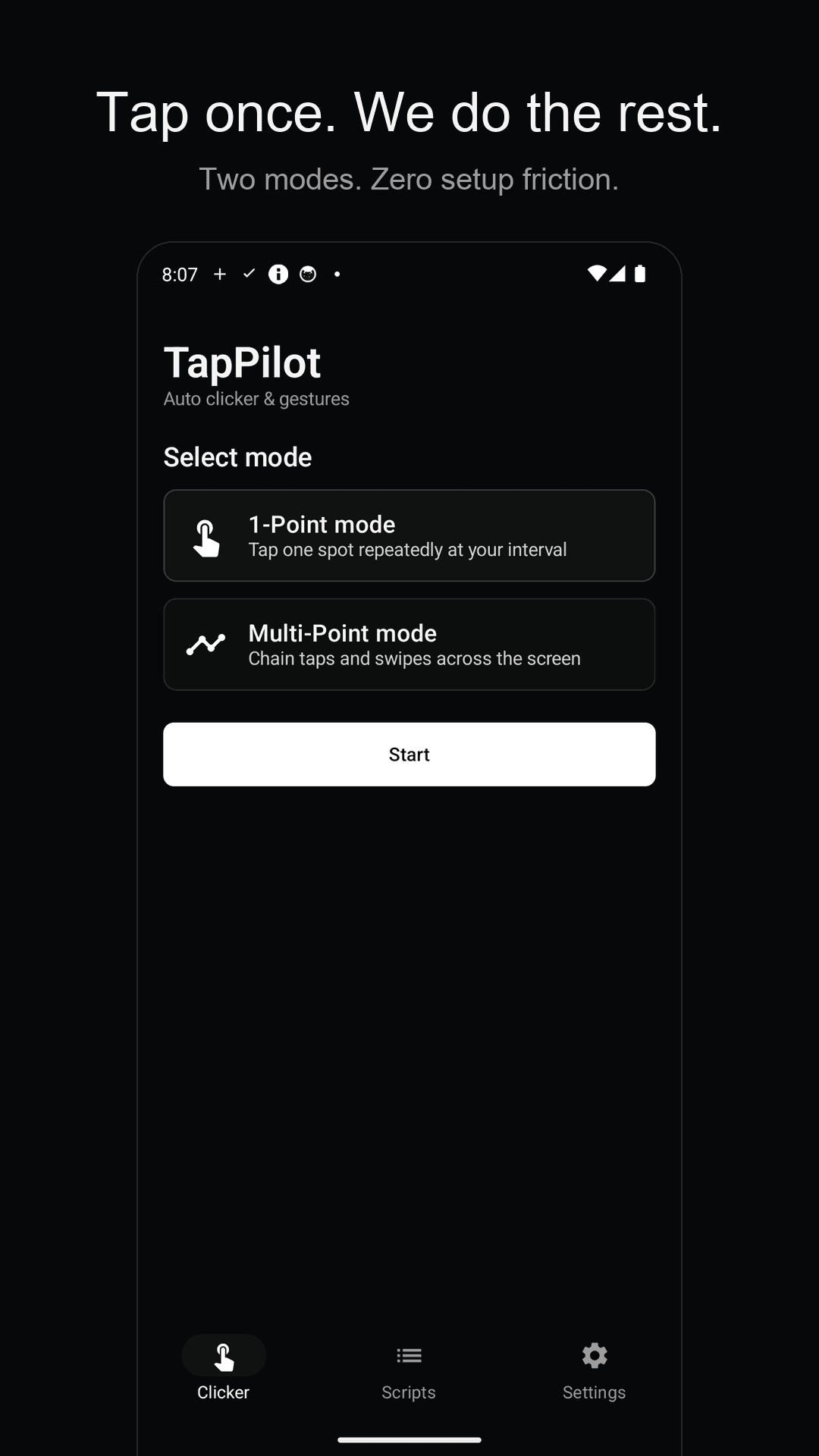
One tap to start auto tapping
Fast, precise, and safe
Single-point mode in 3 seconds
No setup maze. Drop one point where you want taps and hit START. Perfect for tap grinding and keeping idle games active.
Multi-point taps and swipes
Place several taps and swipes and they run in order. Repetitive flows that move across the screen become one automated routine.
Millisecond-precise intervals
Set the click interval in milliseconds. Drift correction keeps long runs from slipping off-beat, and optional random intervals make taps look less mechanical.
Stop instantly, anytime
While running, a STOP button stays pinned in your notifications. Whatever app you're in, one tap halts everything — no runaway clicker.
Saved scripts & widget
Save your setups as named scripts and load them back anytime. Put the home screen widget down and start without even opening the app.
No root, on-device only
Works through Android's accessibility service — no rooting, and it supports the latest Android versions. No account, no server; everything stays 100% on your device.
See it in action
Drop a point, press START — that's it
Pick single-point or multi-point mode
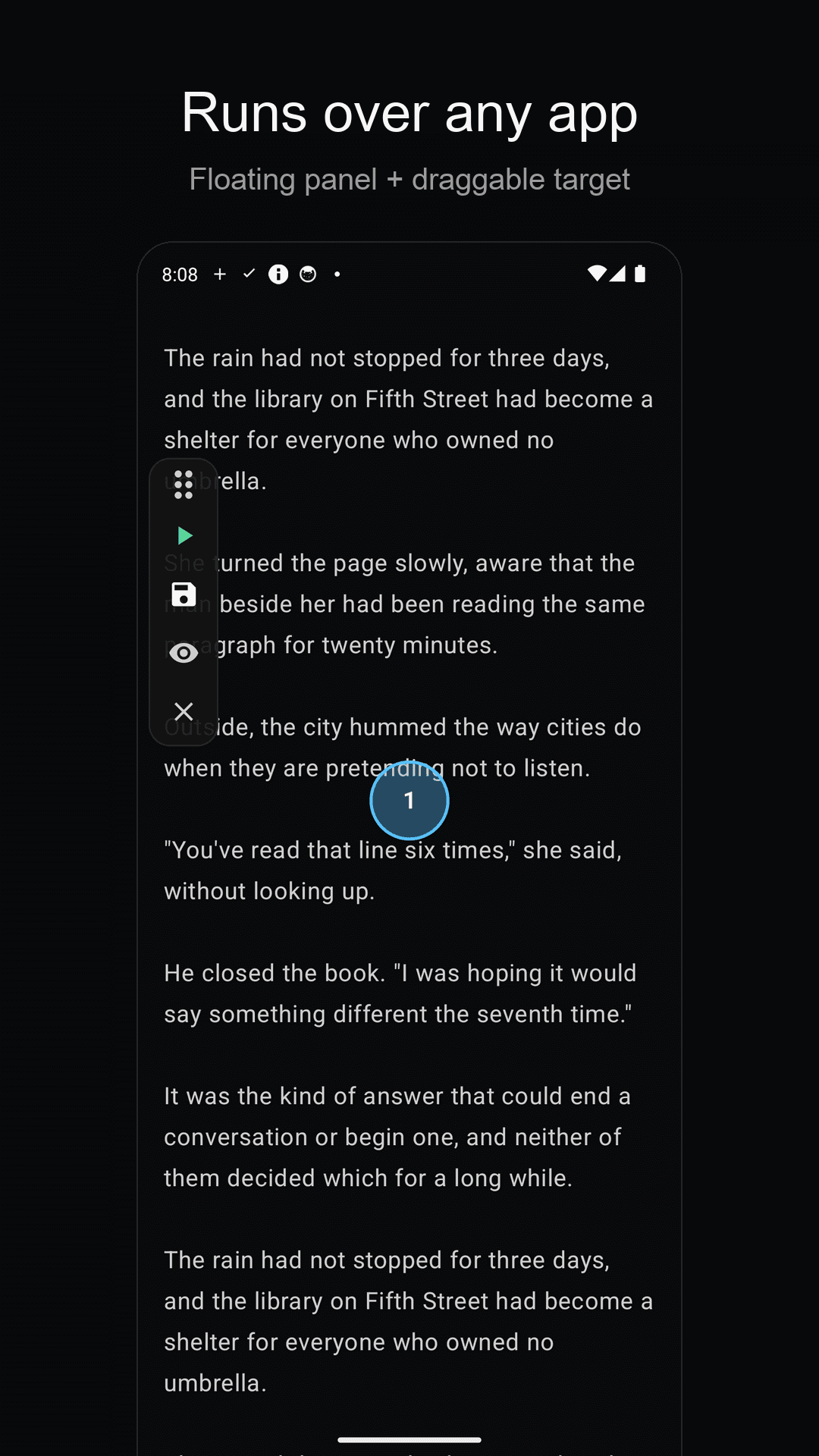
Place points over any game and run
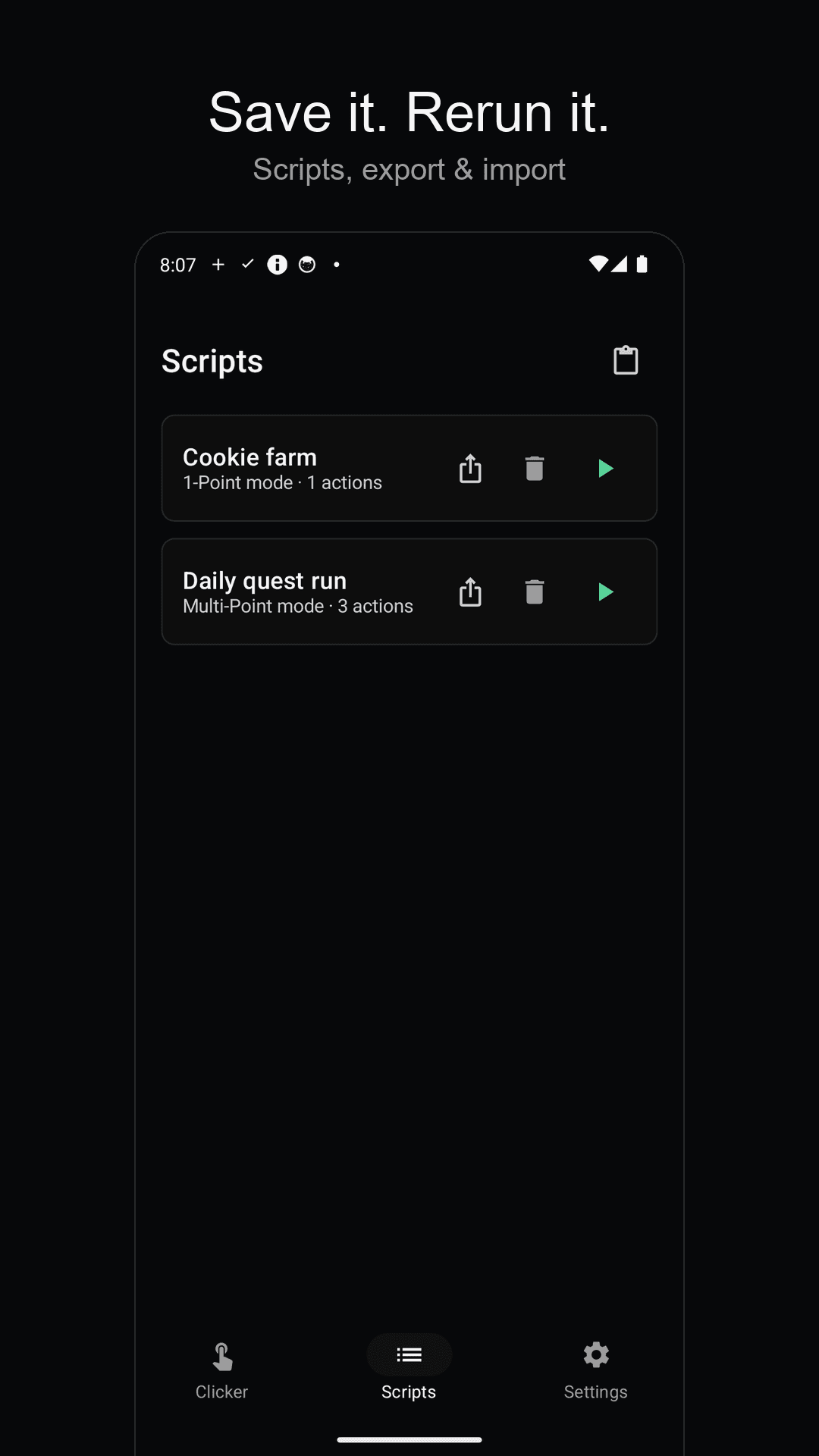
Save frequent routines as scripts
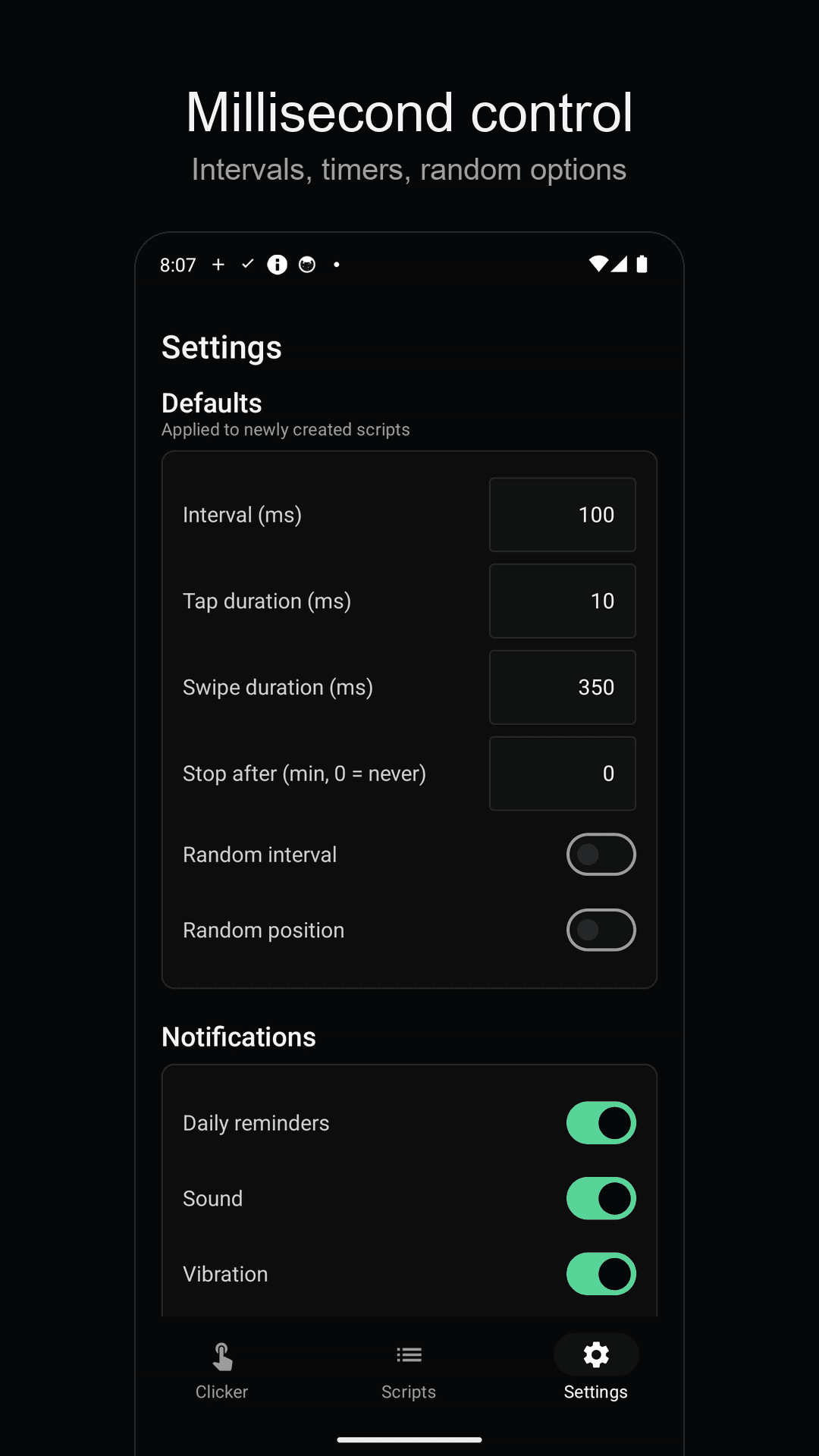
Millisecond intervals and random timing
Three steps is all it takes
Grant permissions
Follow the guide to enable accessibility and overlay permissions. One time only.
Drop your points
Place a point where taps should land, then set the interval and repeat count.
START
Taps fire at your exact interval. To stop, hit the STOP button in your notifications.
Frequently asked questions
Do I need to root my phone?
No. TapPilot works through Android's accessibility service, so no root access is required. It supports the latest Android versions.
How do I stop it while it's running?
A STOP button stays pinned in your notifications the whole time it runs. Pull down the shade and tap it once from any app — it stops immediately. You can also stop from the overlay controls.
How precise are the intervals?
Intervals are set in milliseconds. Drift correction prevents long sessions from accumulating timing error, and you can add random variation to the interval if you want less mechanical timing.
Can I use it in games?
It's commonly used for tap grinding and keeping idle games active, but some online games prohibit macros in their terms of service. Check the game's rules before using any clicker in competitive or online play.
Where is my data stored?
There's no server and no cloud. No account needed — your scripts and settings stay 100% on your device, and the app doesn't collect your screen content.
Hand the grind to TapPilot
Download free and drop a single point. It taps at exact intervals so your finger doesn't have to. 👆