
SoonlyCountdown widget
Free widgets · Photo cards · No account
Soonly is an Android countdown app that shows how many days are left until birthdays, trips, exams and holidays, on photo cards and home screen widgets. The widget, the hours : minutes : seconds view and photo backgrounds that other apps charge for are all included from day one.
Why countdown apps get frustrating
"Why the heck are you making me pay $6.99 for a widget"
"I have to pay for premium … to view my countdown in any format besides DAYS"
"Garbage ads with blasting sound"
"I couldn't put a picture with my countdown"
Yearly events have to be re-created after the day passes
"I don't get the notifications right when it hits 12"
Soonly includes widgets, every format, photos, repeats and reminders at no cost
Everything a countdown needs
Add in 10 seconds, check from the widget
Free home screen widgets
A 2x2 single countdown and a 4x2 list of your next three. Tap to open that event.
Photo, color and emoji cards
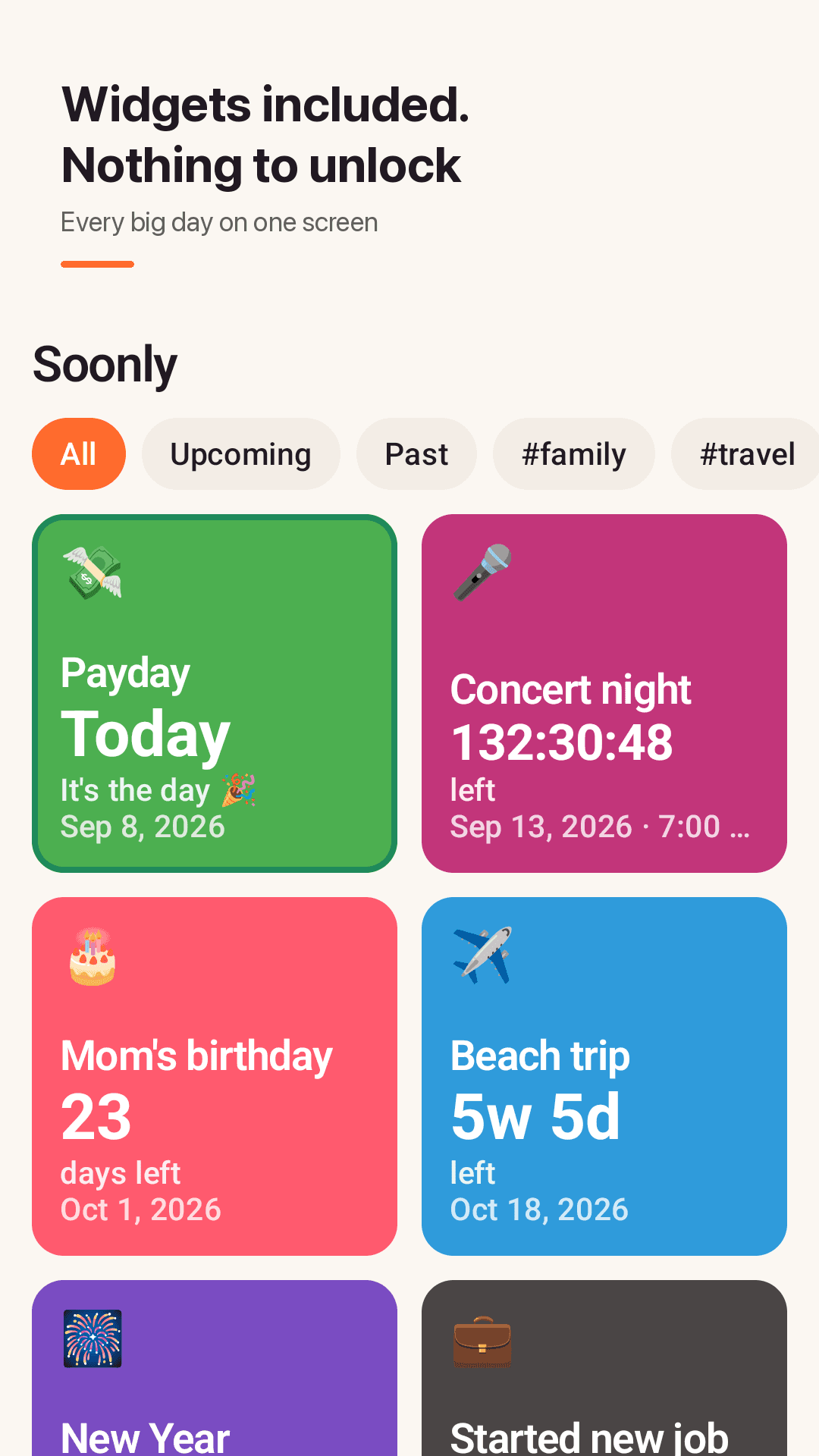
A photo, one of 12 colors and an emoji on every card, closest day first.
Four display formats
Days, weeks + days, months + days, or a live hours : minutes : seconds.
Automatic repeats
Repeat yearly, monthly or weekly and the countdown rolls to the next date by itself.
Birthday countdown
Shows the age they turn ("Turns 31 🎉").
Days since and workdays only
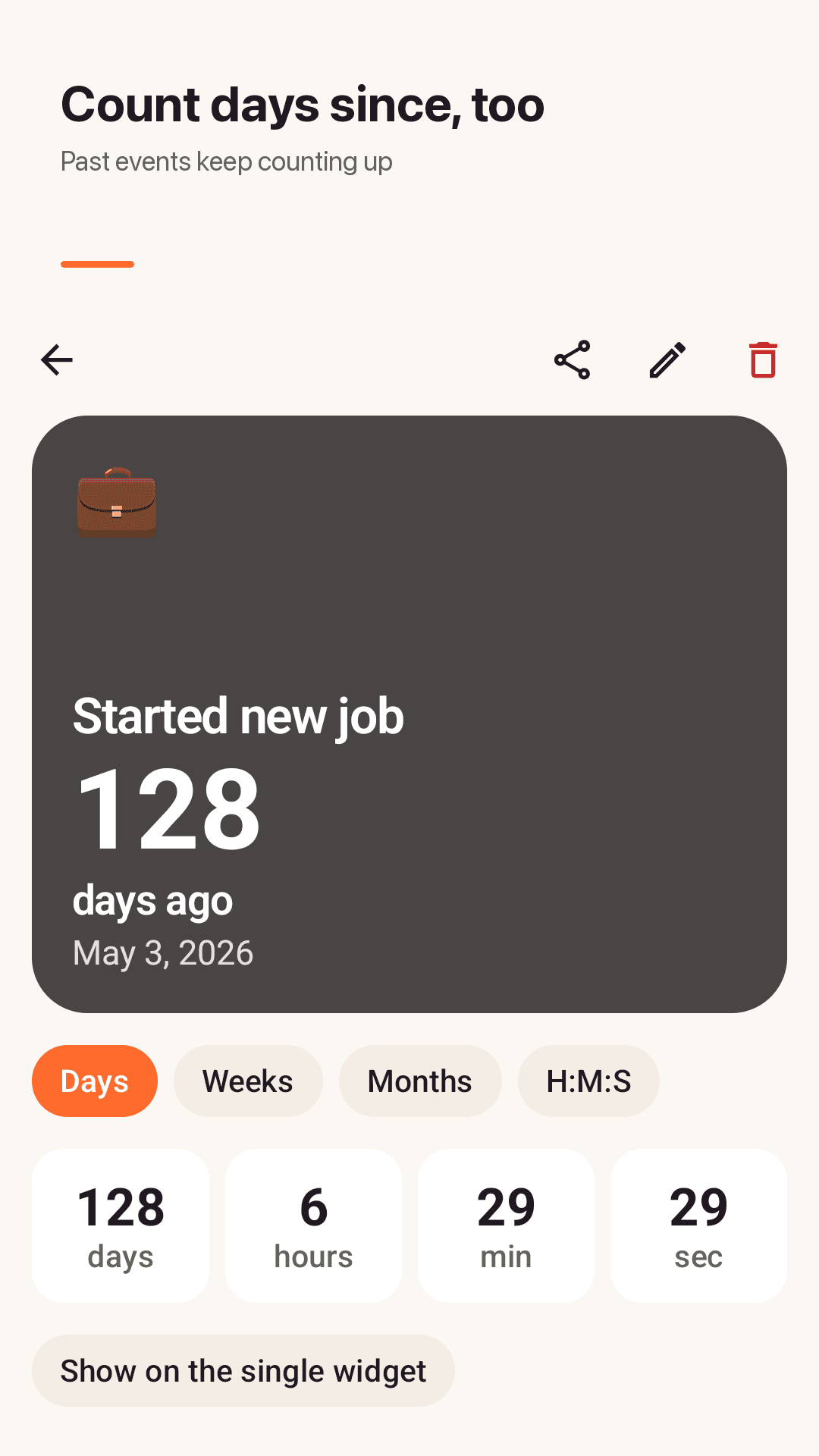
Past events keep counting up ("128 days ago"). Skip weekends when you need to.
Reminders on time
On the day, 1 day and 1 week before, plus an optional morning days-left reminder.
Share cards, no account
Share a countdown as an image card. Your events stay on your phone.
See it in action
Cards, details, widgets
Photo countdown cards
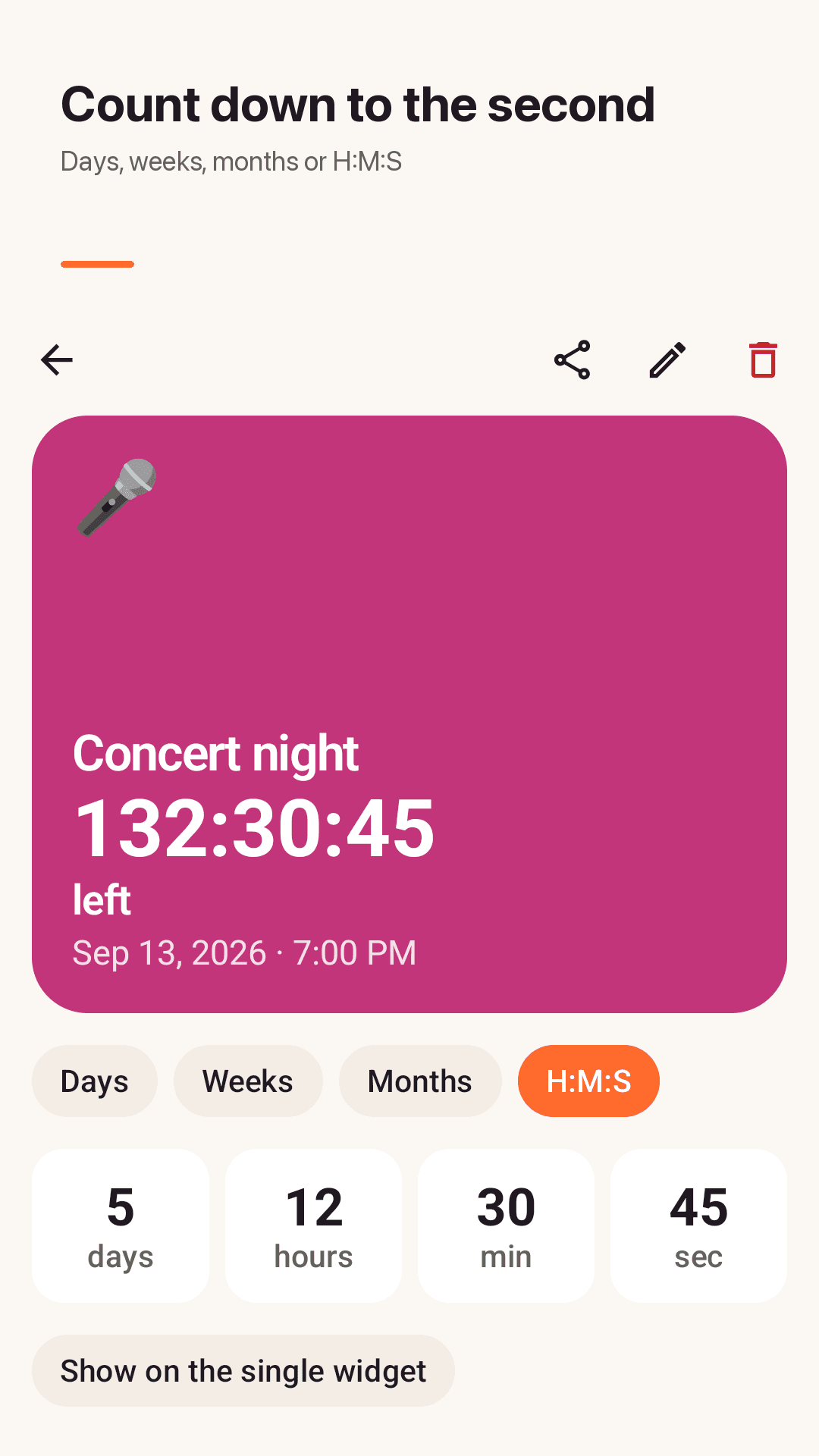
Live countdown
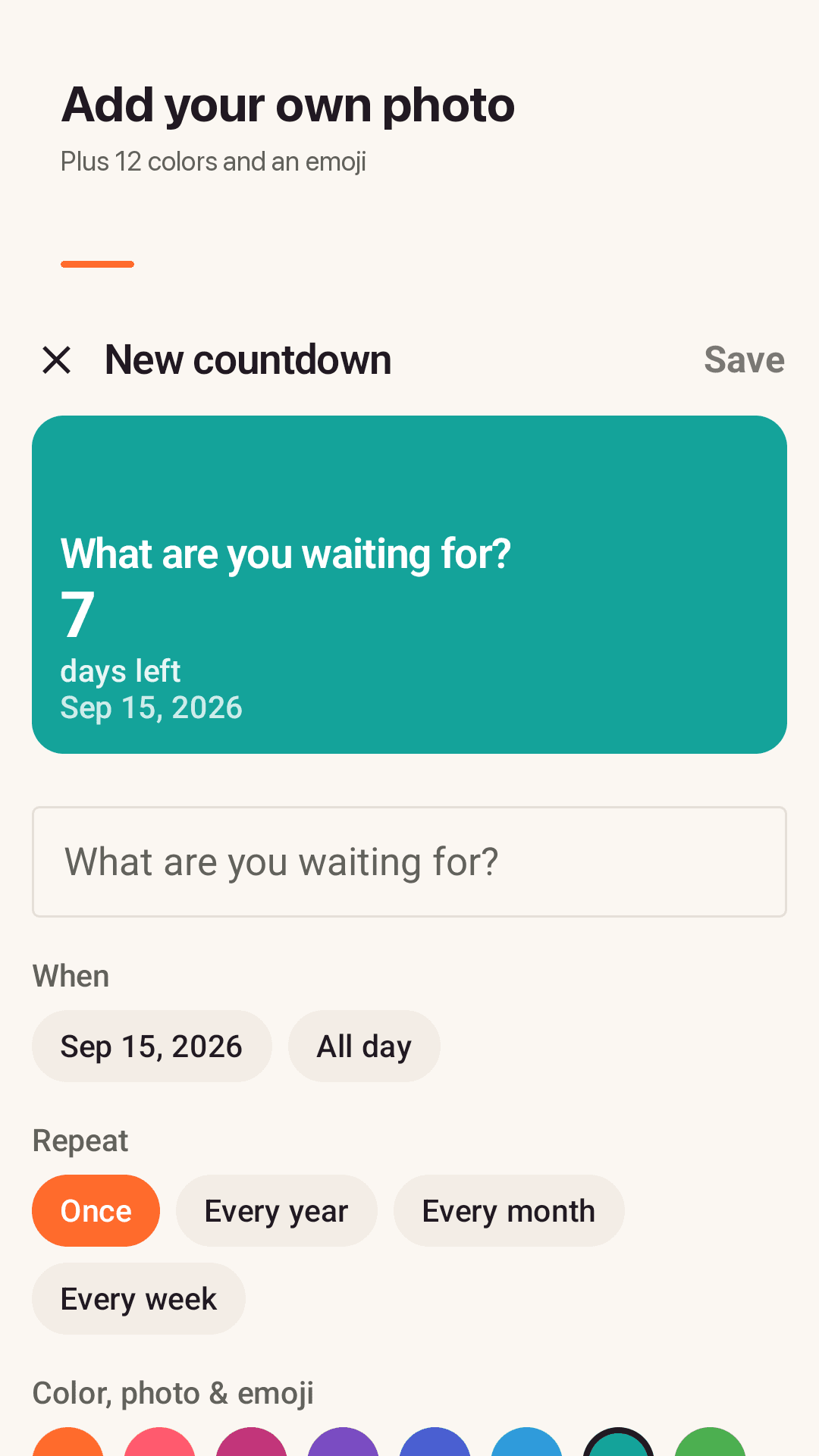
Add and decorate an event
Home screen widgets
How it works
Add an event
A title and a date. Done in 10 seconds.
Make it yours
Pick a photo or color, a repeat, reminders and a format.
Check it on your home screen
Long-press your home screen and add a Soonly widget.
FAQ
Do I have to pay for the widget?
No. The 2x2 single countdown widget and the 4x2 list widget are free from day one. There is no paywall or subscription. The app is supported by ads.
How do I add a countdown widget on Android?
Long-press an empty spot on your home screen, tap Widgets, find Soonly and drag the size you want. For the single widget, pick which event it shows.
Can I see my countdown in a format besides days?
Yes. Switch between days, weeks + days, months + days and a live hours : minutes : seconds view, all free.
Can I put a picture with my countdown?
Yes. Choose a photo from your gallery as the card background, or use one of 12 colors and an emoji. No storage permission is needed.
Do I have to re-create a birthday every year?
No. Set it to repeat yearly and it rolls over to next year's date after the day passes, showing the age they turn.
Can it count days since a past date?
Yes. Past events keep counting up, for example "128 days ago", which works for anniversaries or streaks.
Can I count workdays only?
Yes. Turn on "Count workdays only" for an event and Saturdays and Sundays are skipped.
Do I need an account or internet?
No. There is no sign-up and your events are stored only on your phone.