SnapdocPhotos to PDF in 3 taps
Pick, order, convert — that's the whole flow.
Receipts, notes, homework, ID copies — turn any stack of photos into one clean PDF to share. Natural name sorting (1, 2 … 10) keeps your order, with rotation, page size and quality your way. Read the result right away in the built-in viewer.
Sound familiar?
You sent 10 photos and they arrived as 1, 10, 2, 3…
Your photo PDF is dozens of MB and won't attach to email
Converter apps drown you in ads and demand a sign-up
Snapdoc fixes all of that ✨
Pick, arrange, convert
Fast, light, and fully offline
3 taps to a PDF
Select photos → check the order → convert. No sign-up, no cloud upload, no maze of menus.
Your order stays put
Natural name sorting (1, 2 … 10) by default. Reverse it, move pages, rotate individual shots — your order, exactly.
Small, clean files
A 10-page photo PDF stays around a few MB. Choose A4, Letter or fit-to-image, with four quality levels.
Built-in viewer & files
Read your PDFs inside the app, then search, rename, share or delete. A home-screen widget starts a conversion instantly.
See it in action
From picking photos to a finished PDF
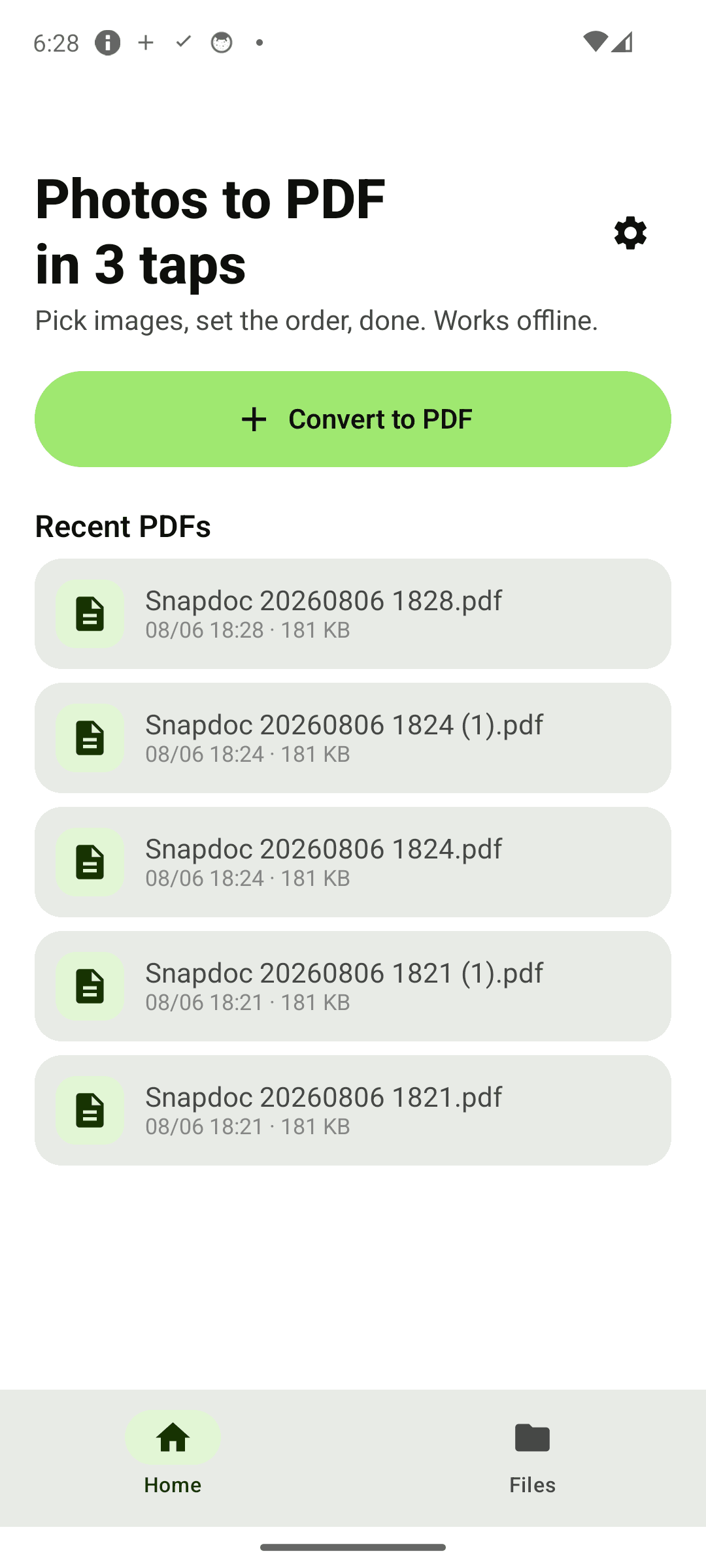
Home — one big button to start
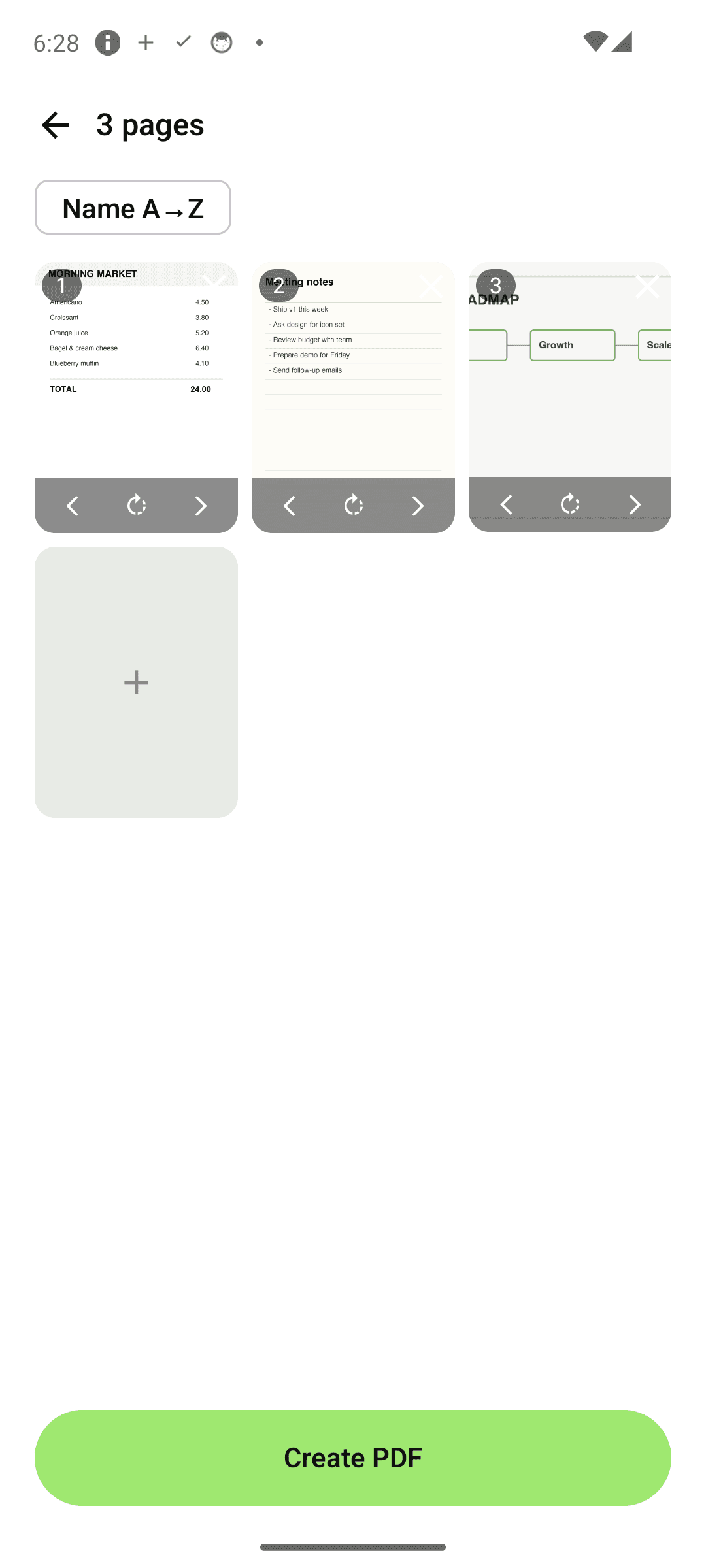
Arrange — move and rotate pages
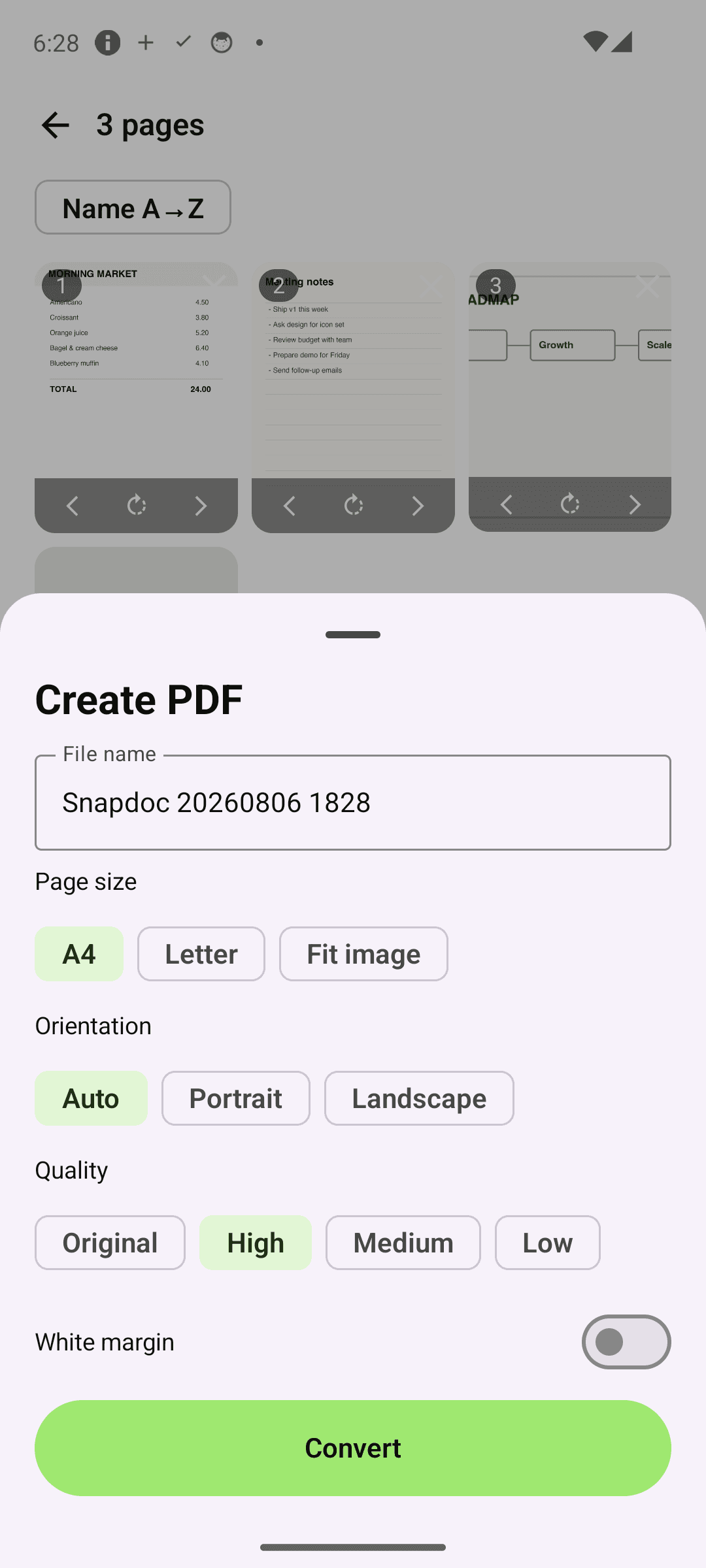
Options — size, orientation, quality
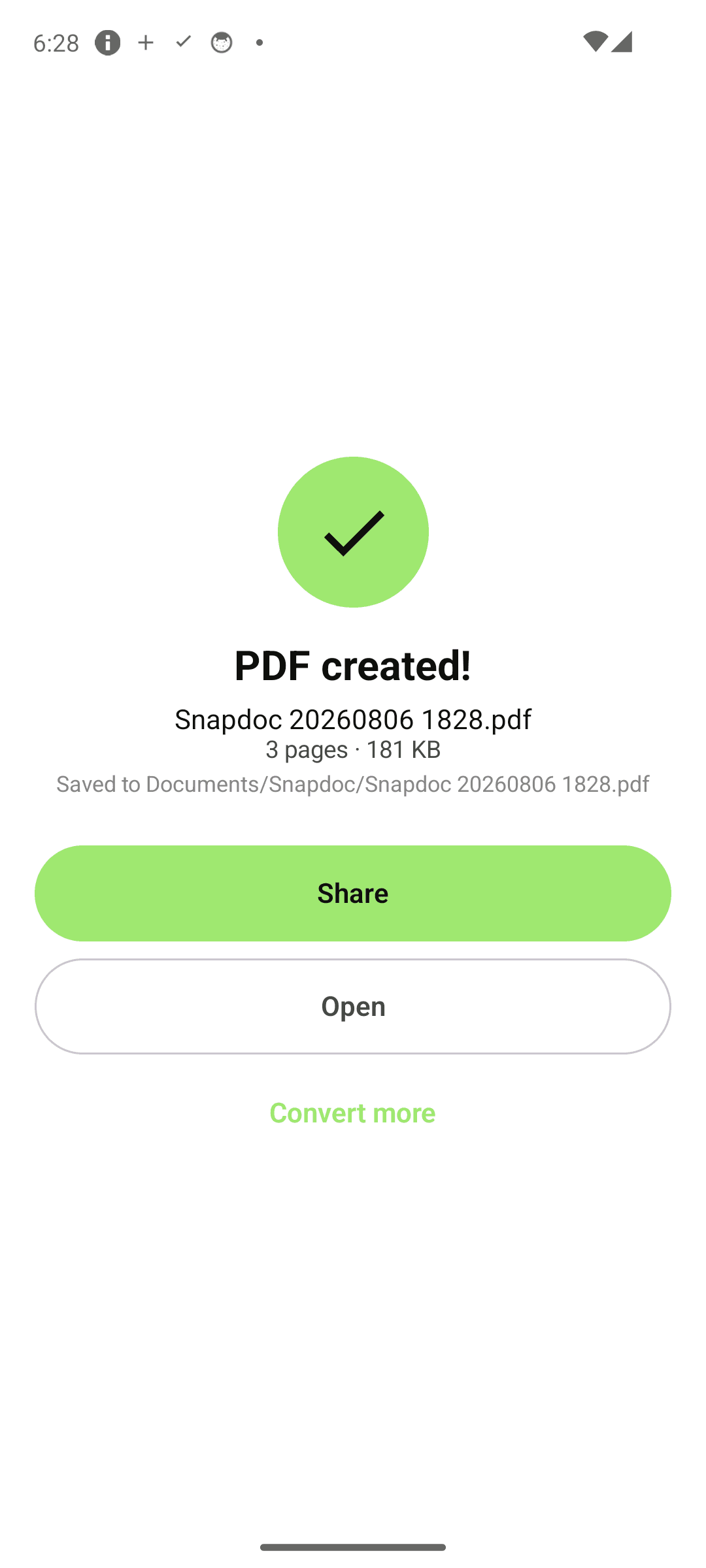
Done — with the saved location
Three steps is all it takes
Pick photos
Choose images from your gallery — as many as you need.
Check the order
Natural sorting keeps things right. Fine-tune with move and rotate.
Convert
Name the file, pick options, convert — saved to Documents/Snapdoc.
Frequently asked questions
Is it really offline?
Yes. Conversion happens entirely on your device and images are never uploaded anywhere. It works in airplane mode. No account, no cloud.
Why doesn't my page order get scrambled?
Snapdoc uses natural sorting that understands numbers in file names. Most apps sort 1, 10, 11, 2… — Snapdoc keeps 1, 2 … 10, 11. You can also reorder manually or reverse the whole list.
How big are the PDF files?
Snapdoc embeds your photos as JPEG, so a 10-page photo PDF usually stays around a few MB. Choose Low quality for even smaller files or Original for maximum fidelity.
Where are my PDFs saved?
In the Documents/Snapdoc folder on your device. The result screen shows the exact path, and you can open or share every file from the Files tab or the built-in viewer.
Send your next document in 3 taps
Get it free and turn photos into a PDF in seconds. Order kept, fully offline — with Snapdoc. 📄