RingmateRing sizing your phone actually gets right
Measure a ring you already own, or your finger directly
Calibrate your phone's screen once with any ID-1 sized card, and the on-screen circle or lines become true to real-world scale. Match a ring to the circle, or a finger to two lines if you don't have a ring at all. Get your size across US, UK, EU, Japan, Korea and Switzerland in one screen.
Why ring sizer apps let people down
"Isn't accurate / doesn't match my true size" — every phone screen has a different pixel density, so uncalibrated circles are wrong
"One free measurement, then it wants me to pay" — most ring sizers cap you after a single try
"No UK sizes" — a ring ordered from a UK or Australian store needs a size you can't even see
"No instructions — inside the ring or on the edge?" — the matching rule is never explained
"I ordered the wrong size online" — a mistake that's expensive and hard to undo
Calibrate your screen once with a card you already carry, then measure as many times as you want. The rule is always the ring's inner edge.
A ring sizer that works with or without a ring
From 0.1mm calibration to a full 6-region size chart
Measure a ring you own
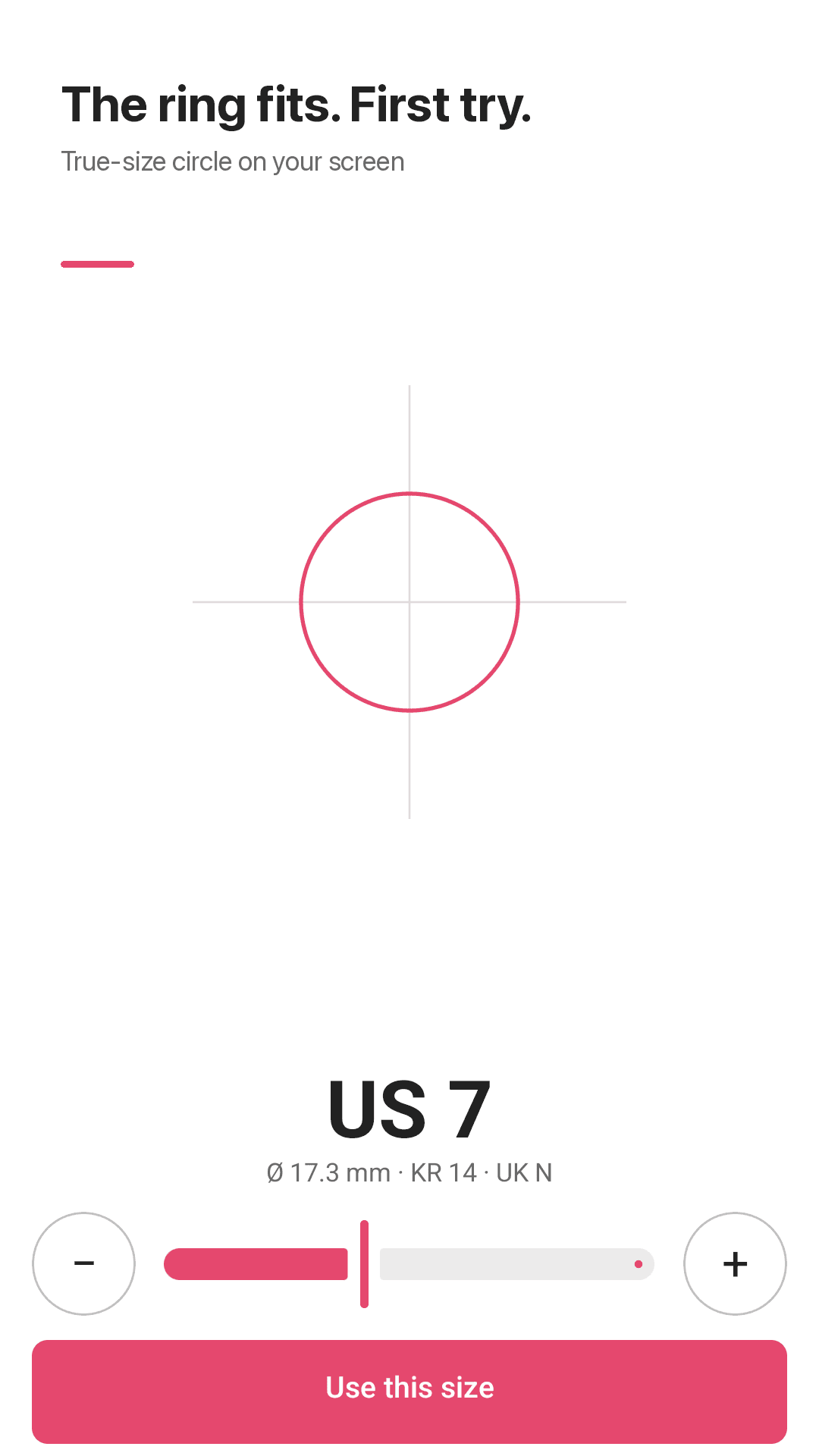
Match a true-to-scale on-screen circle to the ring's inner edge, then fine-tune with a slider in ±0.1mm steps.
Measure your finger — no ring needed
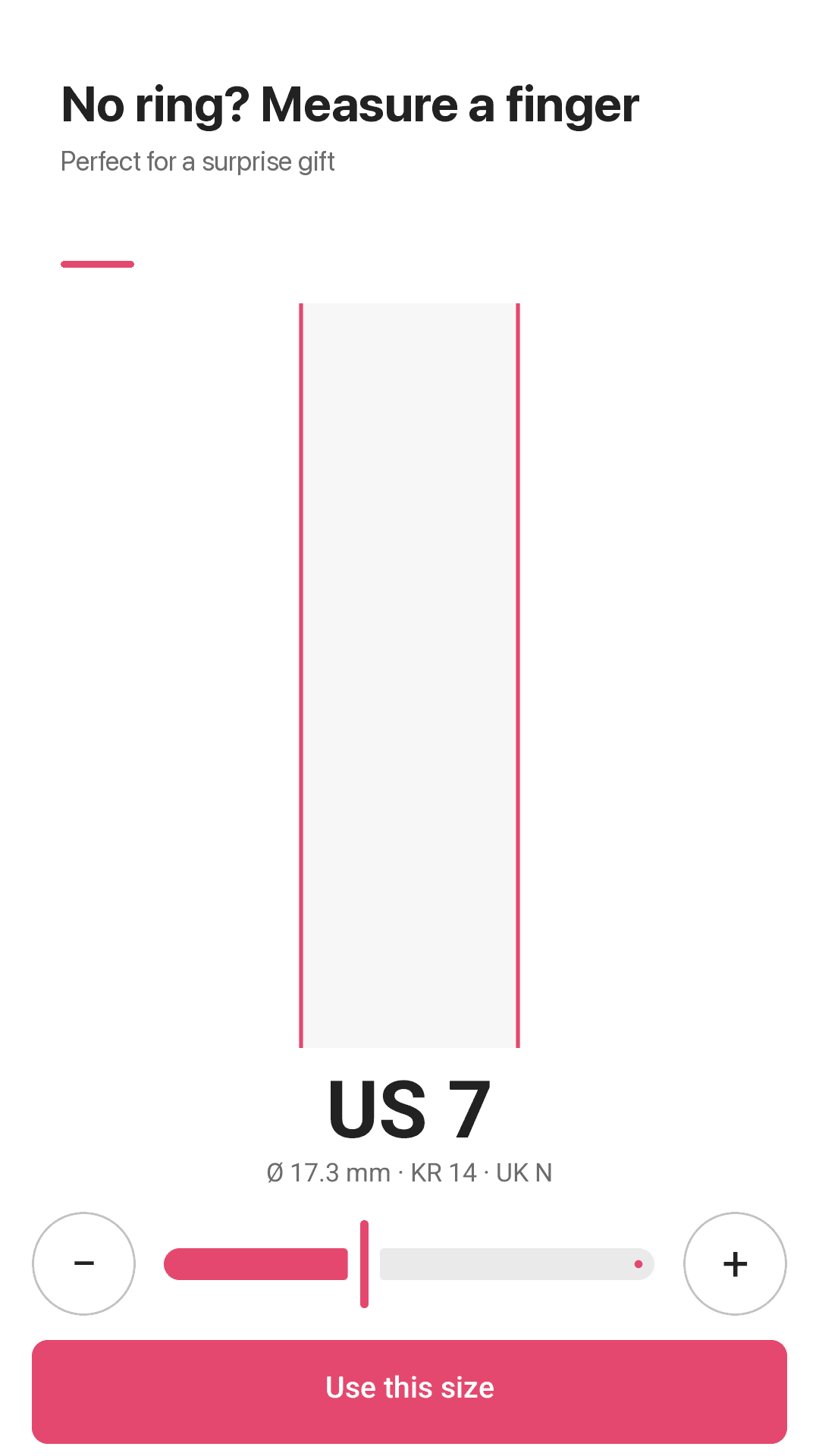
Match two on-screen lines to your finger's width. Great for surprise proposals or gifts when you can't get hold of a ring.
One-time screen calibration with any card
Every phone screen has a different pixel density, so Ringmate calibrates once using an ID-1 sized card (a bank card or ID, 85.6 × 53.98mm) as a real-world reference. No camera scanning of the card is involved — it's just an on-screen size reference.
6 sizing systems at once
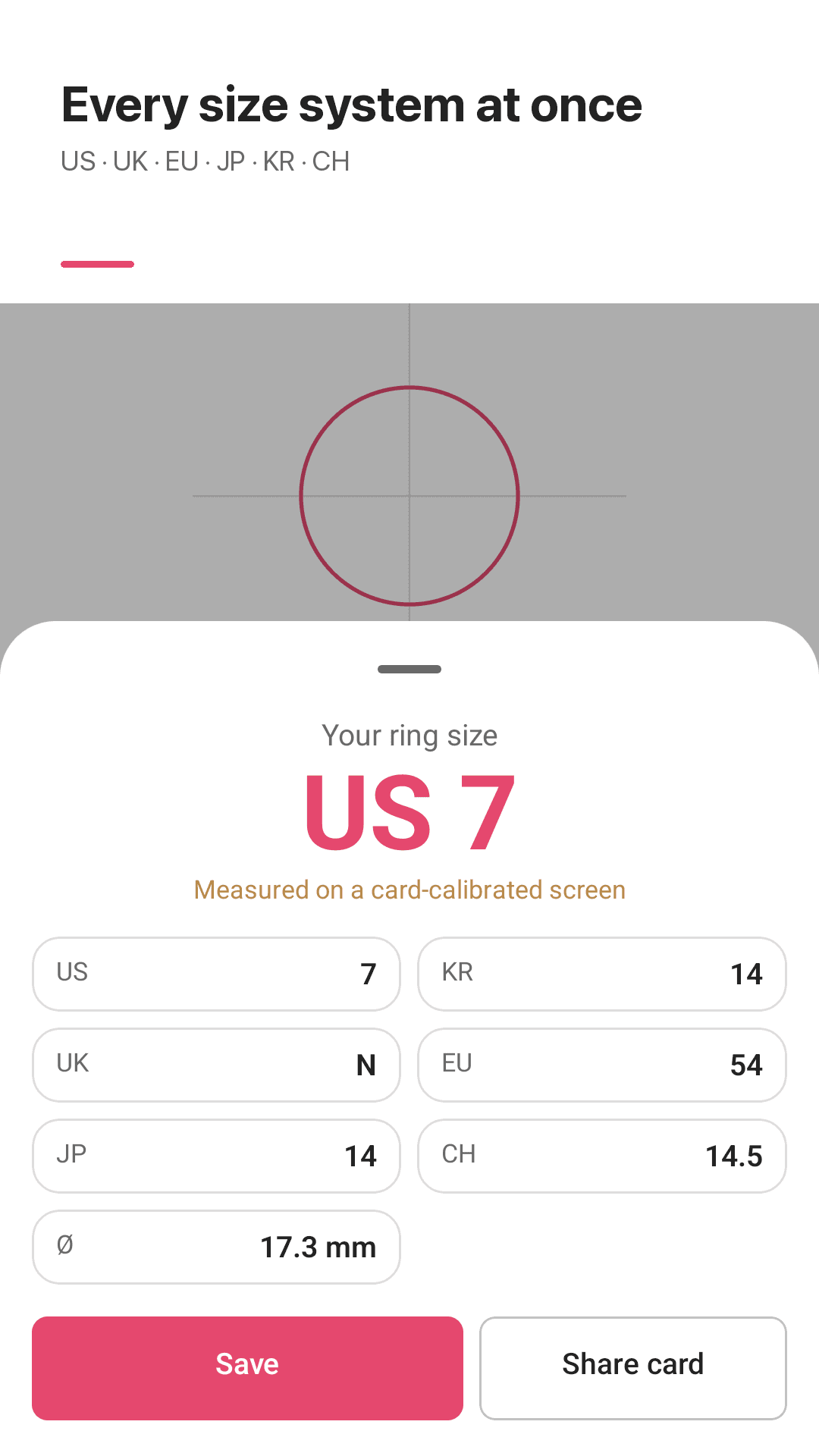
See US/Canada, UK/Australia, EU (ISO circumference-based), Japan, Korea (호수) and Switzerland sizes together, plus the raw inner diameter in mm.
Full conversion chart with half sizes
A complete ring size conversion chart, including half sizes, right inside the app.
Save sizes per person, hand and finger
Track multiple people's sizes — a partner, family members — organized by hand and finger.
Share a result card
Turn a measured size into a shareable image card.
Home screen widget · unlimited · no account
See your most recently saved size at a glance from the widget. Unlike many ring sizer apps that cap you at one free measurement, Ringmate has no such paywall — measure as often as you like. No account; all data stays on-device.
Take a look
Screen calibration, ring measuring, finger measuring, size results
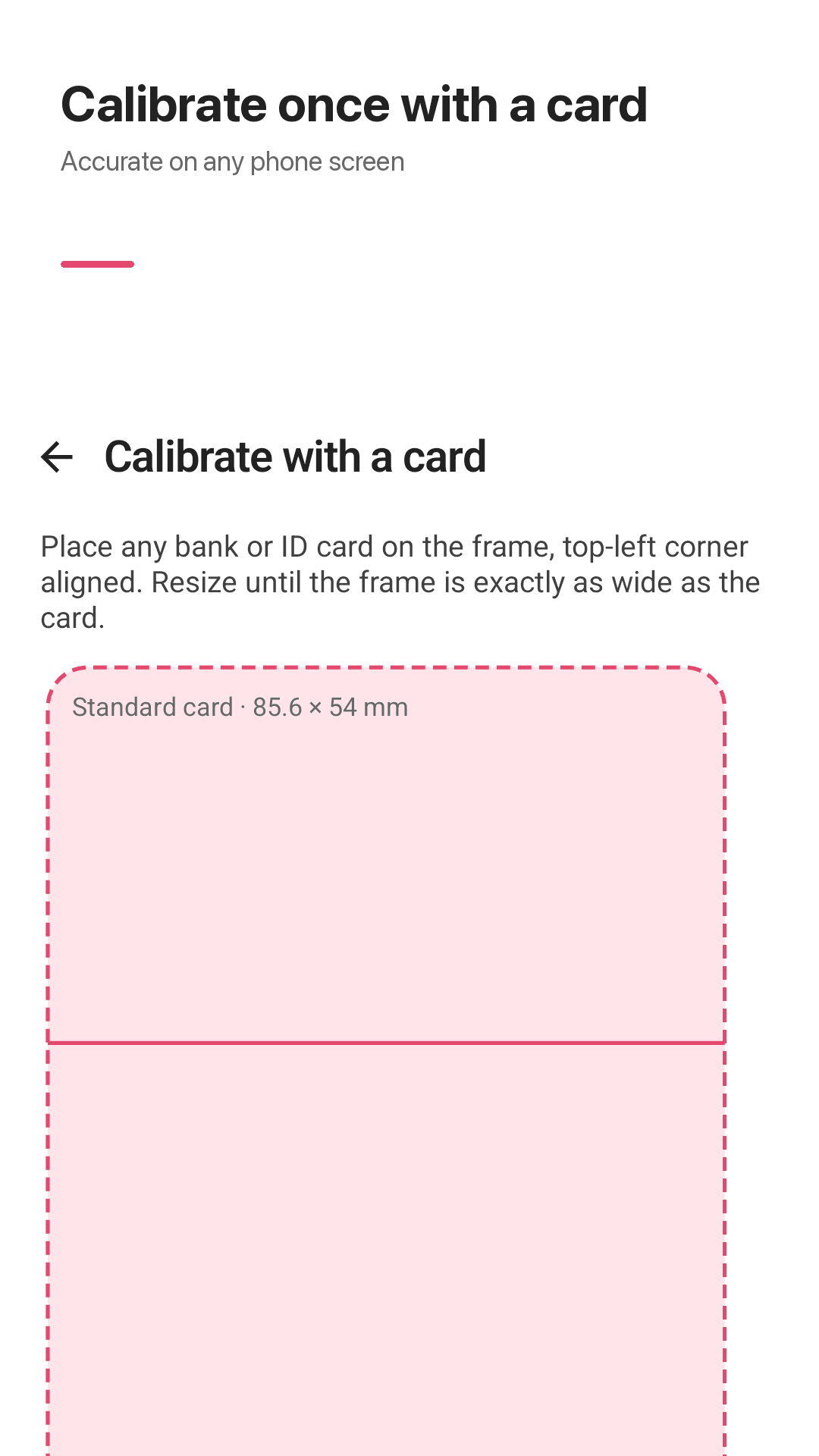
Calibrate your screen with a card
Match the circle to the ring's inner edge
Measure your finger without a ring
Results across 6 sizing systems
Three steps
Calibrate your screen
Match a bank card or ID (85.6 × 53.98mm) to the on-screen reference shape — a one-time step.
Measure a ring or a finger
Match the circle to a ring's inner edge, or two lines to your finger's width, and fine-tune in 0.1mm steps.
See and save your size
View your size across US, UK, EU, Japan, Korea and Switzerland, and save it by person, hand and finger.
Frequently asked questions
Other ring sizer apps weren't accurate on my phone. Is Ringmate different?
Yes. Every phone screen has a different pixel density, so an uncalibrated on-screen circle is rarely the true size. Ringmate calibrates once using an ID-1 sized card (85.6 × 53.98mm, the size of a bank card or ID) to remove that error.
Do I only get one free measurement?
No. Ringmate never asks you to pay after your first measurement — it's unlimited from there on.
Do ads interrupt me while I'm measuring?
The app does contain ads, but they're not placed in the middle of the core ring or finger measuring flow.
Do I put the circle inside the ring, or line it up on the edge?
Match the on-screen circle to the ring's inner edge — the edge that actually touches your finger — not the ring's outer edge.
Does it show UK sizes?
Yes. UK/Australia sizes are one of the 6 sizing systems shown together with every measurement.
How do I find my ring size without having a ring?
Use finger-measuring mode: match two on-screen lines to your finger's width. It's useful for surprise proposals or gifts when you can't get the ring itself.
I ordered the wrong size online before — how do I avoid that this time?
Fingers are slightly larger in the evening or in warm weather due to natural swelling, so measure at a normal time of day for the truest result. If you're between two sizes, size up, especially for wide bands — they feel tighter than thin ones at the same diameter. Measure 2-3 times and go with the most consistent result.
Can I trust this app alone for an expensive ring order?
Ringmate is a measuring aid. For an expensive or custom-made ring, we recommend confirming the final size with a professional jeweler before ordering.