RecovoGet your deleted files back before they're gone
The Android recovery app for photos, videos, audio and documents.
Files still sitting in the system trash, photos buried in hidden folders your gallery skips, and files on your storage that the gallery can't see anymore — Recovo finds only the real recovery candidates. Preview what it finds, then restore in a few taps to your Download/Recovo folder.
Sound familiar?
You cleaned up your gallery and deleted a photo you needed
Recovery apps flood you with thousands of photos that were never deleted
Even when something is "restored", you can never find where it went
Recovo shows only real recovery candidates ✨
Find it, check it, bring it back
Honest, safe, and fully offline
Only real candidates
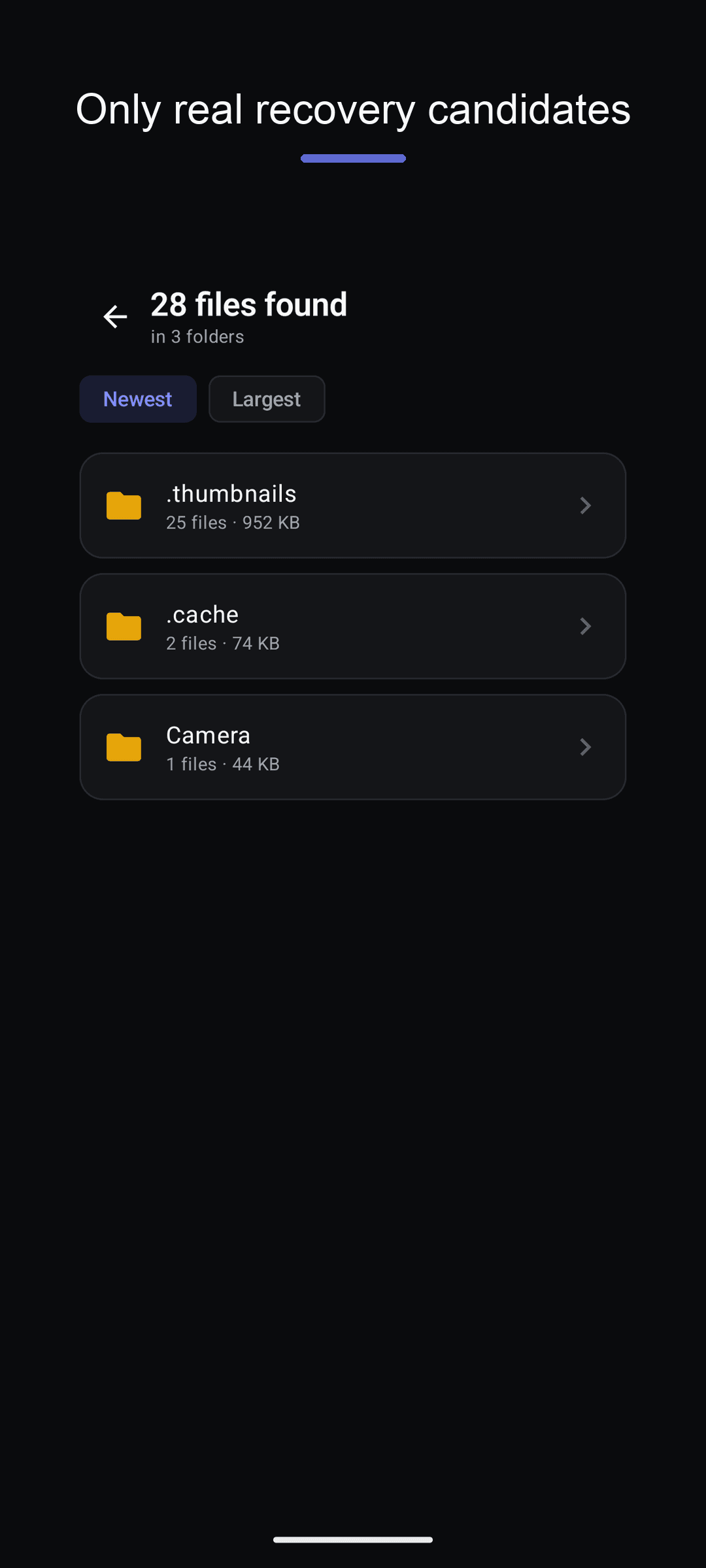
No padding the list with photos still in your gallery. Trash files (marked with a TRASH badge), hidden files and unindexed files — only what actually needs recovering.
Quick Scan
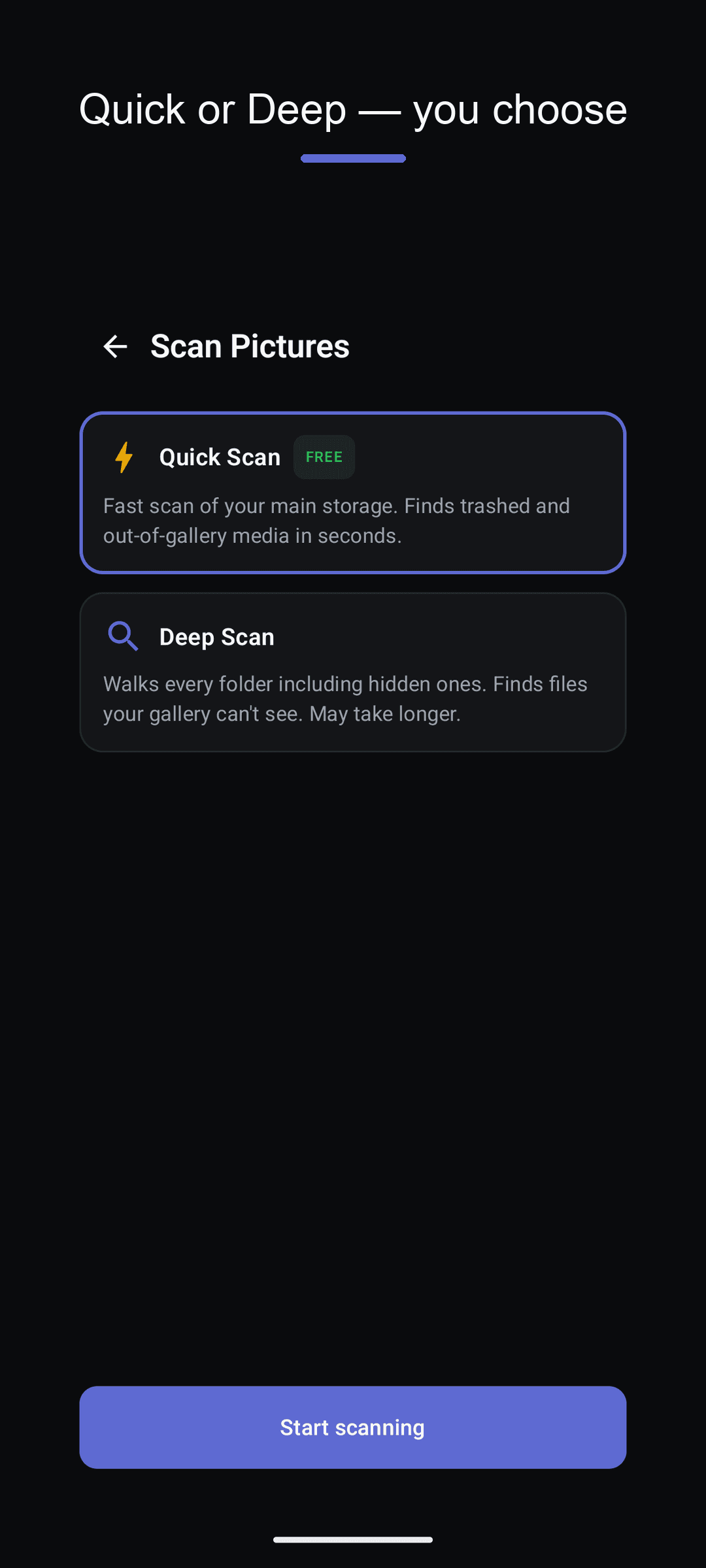
Checks the system trash and hidden media in seconds. If you just deleted something, this is usually where it turns up.
Deep Scan
Walks every folder on your storage, including hidden ones, to find files your gallery lost track of long ago.
Photos, videos, audio & docs
Scan by type: jpg, png, heic and raw photos, mp4 videos, mp3 and flac audio, pdf, docx and zip documents.
You always know where it went
Restored files are always saved to Download/Recovo. Restoring creates copies — your original files are never modified or deleted.
100% offline
Every scan and restore happens on your device. No account, no signup, no cloud upload — ever.
See it in action
From scan to restore — just a few taps
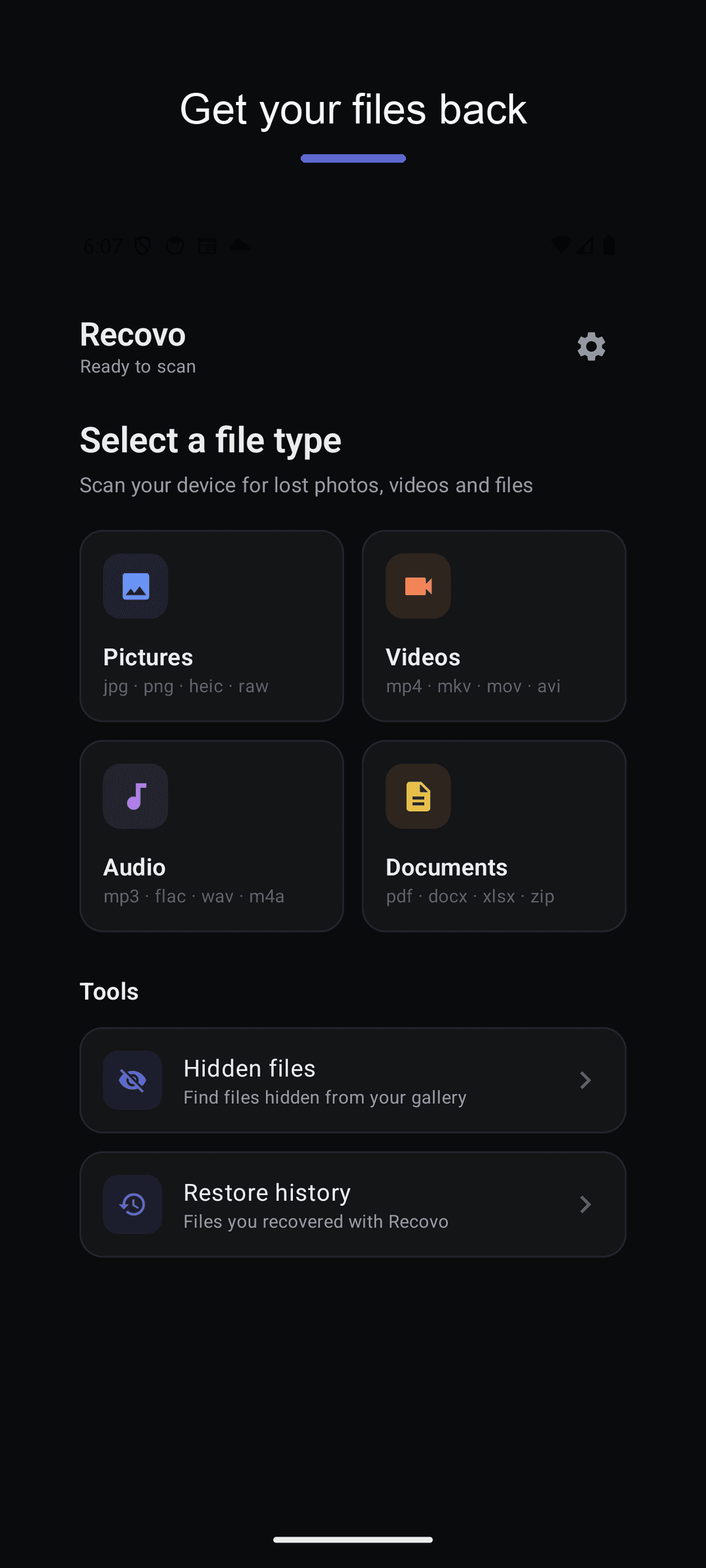
Pick a file type and scan
Trash files marked with a TRASH badge
Deep Scan reaches hidden folders
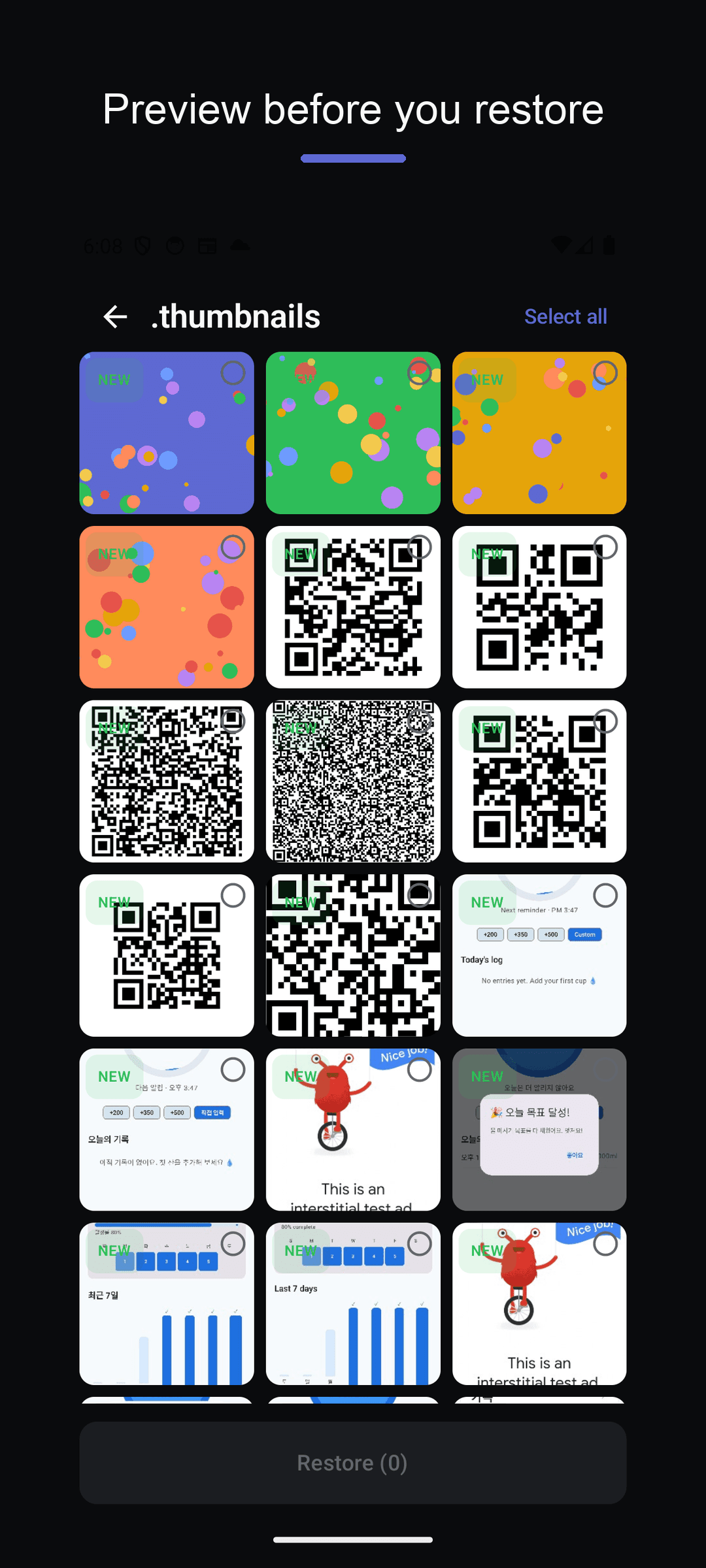
Preview before you restore
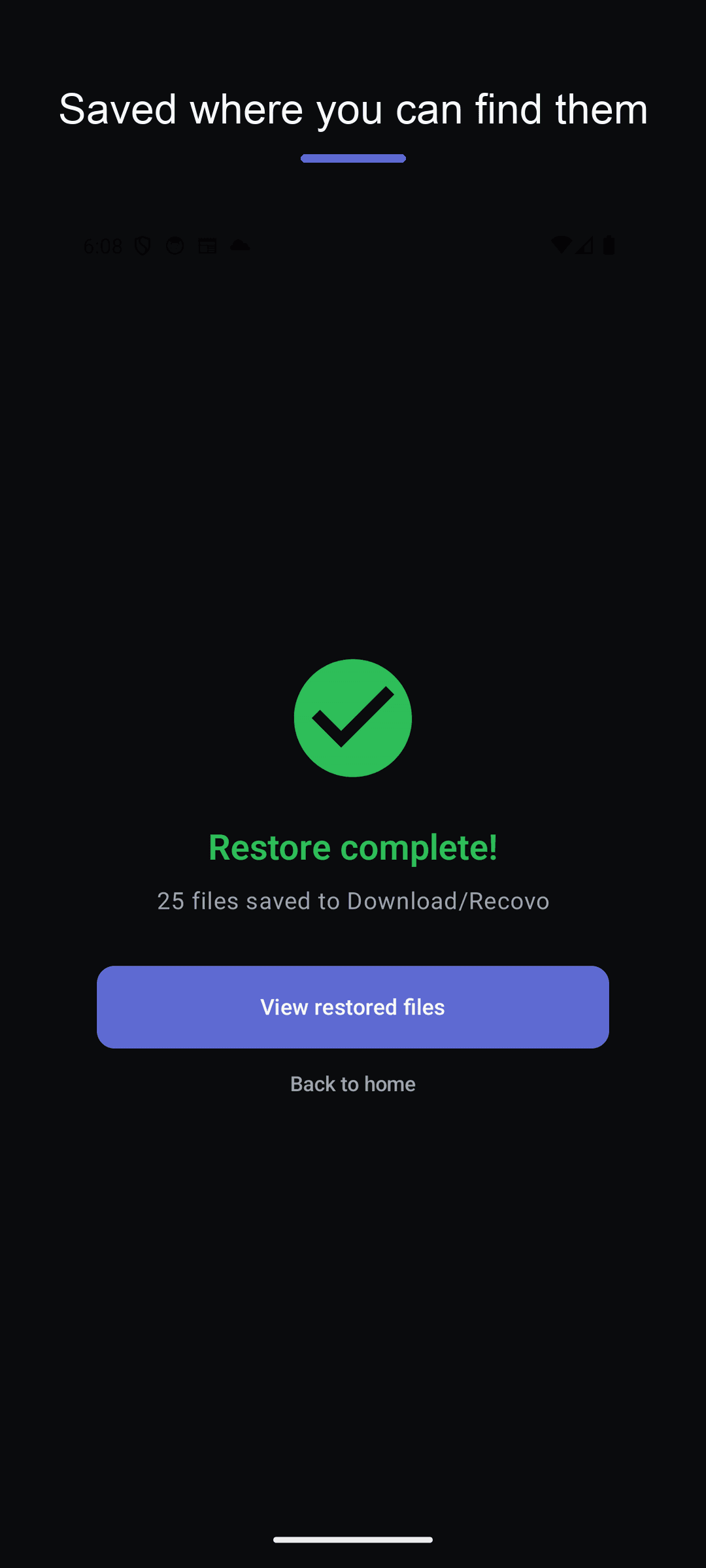
Restored files land in Download/Recovo
Three steps is all it takes
Pick a type
Choose what you want back: pictures, videos, audio or documents.
Scan
Quick Scan checks trash and hidden media in seconds; Deep Scan searches your entire storage.
Restore
Preview the results, tap Restore, and your files are saved to Download/Recovo.
Frequently asked questions
Can permanently deleted files be recovered?
It depends. If a file is still in the trash or a hidden copy exists, Recovo can bring it back. But files that were fully overwritten on storage can't be recovered by any app without root. Recovo finds what is genuinely recoverable and tells you the truth about the rest.
Are my files sent to a server?
No. Every scan and restore runs 100% on your device. There's no server, no cloud, no account.
Where do restored files go?
Always to the Download/Recovo folder. Restoring creates copies, so your original files are never modified or deleted.
Why do other recovery apps find thousands of photos?
Many recovery apps mark photos that were never deleted as "recoverable" to inflate their numbers. Recovo shows only real candidates: trash files, hidden files and files your gallery can no longer see.
The sooner you scan, the better your chances
Scan before your files get overwritten for good. Download free and get them back in a few taps. 🛟