GazelyNo locks, no waiting — eye breaks you can follow with your eyes closed
16 eye exercises · 4 routines · Voice guidance · 20-20-20 reminders
Hours of staring at a screen? Give your eyes two minutes. Gazely is a simple eye exercise and eye break app for long screen days. Pick an exercise, follow the dot, and when it's time to close your eyes, your phone's voice talks you through it. Every exercise is unlocked from day one, with no timer making you wait.
Tried eye exercise apps before?
A few exercises in, everything is locked or says "available in 1 hour"
"When I close my eyes, how am I supposed to know" what comes next?
You can't pick your exercise — and there's no pause or skip
You can't change the morning, afternoon and evening reminder times
Gazely: pick one, close your eyes, follow the voice. Two minutes 👁️
A short break from the screen
Pick any exercise, any time — and follow it with your eyes closed
16 guided eye exercises
Slow blinking, eye circles, figure eight, near and far focus, look far away, palming, eyes-closed rest and more. Pick one and start, and star your favorites.
4 routines for your day
Morning eye wake-up, desk break, blink for dry eyes, and wind down before sleep. Busy? Take a 1-minute eye break or a 20-second look-far-away break.
Voice guidance, eyes closed
Your phone's text-to-speech reads each step. Vibration marks each change, and the cue sound is adjustable: off, soft or normal.
Pause, skip, go back
Stop, skip or go back at any time. Choose slower, normal or faster pace. Breathing steps are optional and off by default.
Reminders on your schedule
Set your own morning, midday and evening eye break times, plus an optional 20-20-20 reminder during work hours. Tap a reminder and the right routine starts.
Streaks and calendar
Streaks, today's progress, a weekly view and a monthly calendar of the days you rested your eyes.
Home-screen widget
One tap on the widget starts a 1-minute eye break.
Calm, low-glare player
Exercises run on a dark screen with a single dot to follow. No account, works offline, and your history stays on your phone.
See it in action
Today's routine, follow-the-dot, the exercise library and your progress
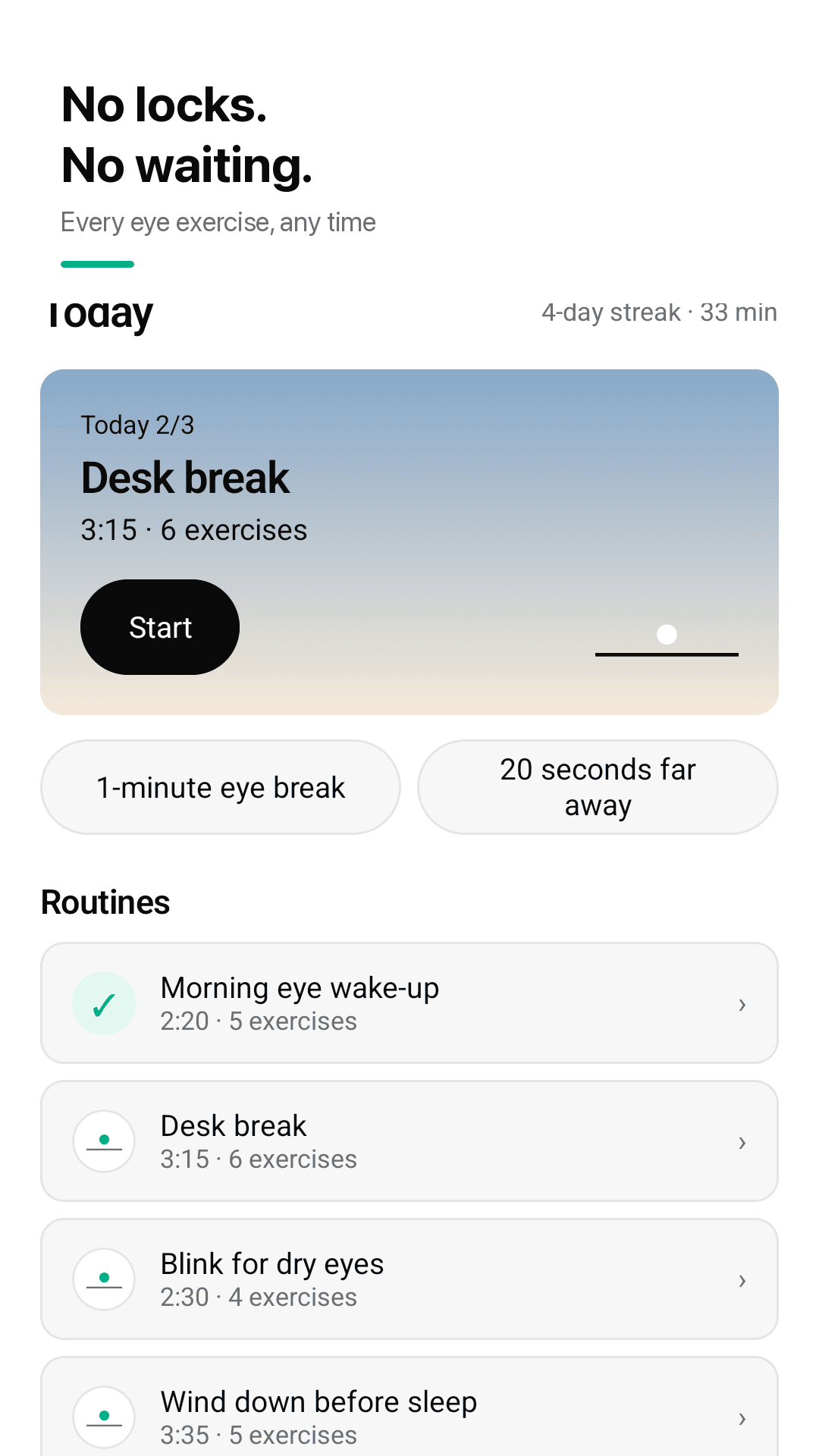
No locks, no waiting — every exercise, any time
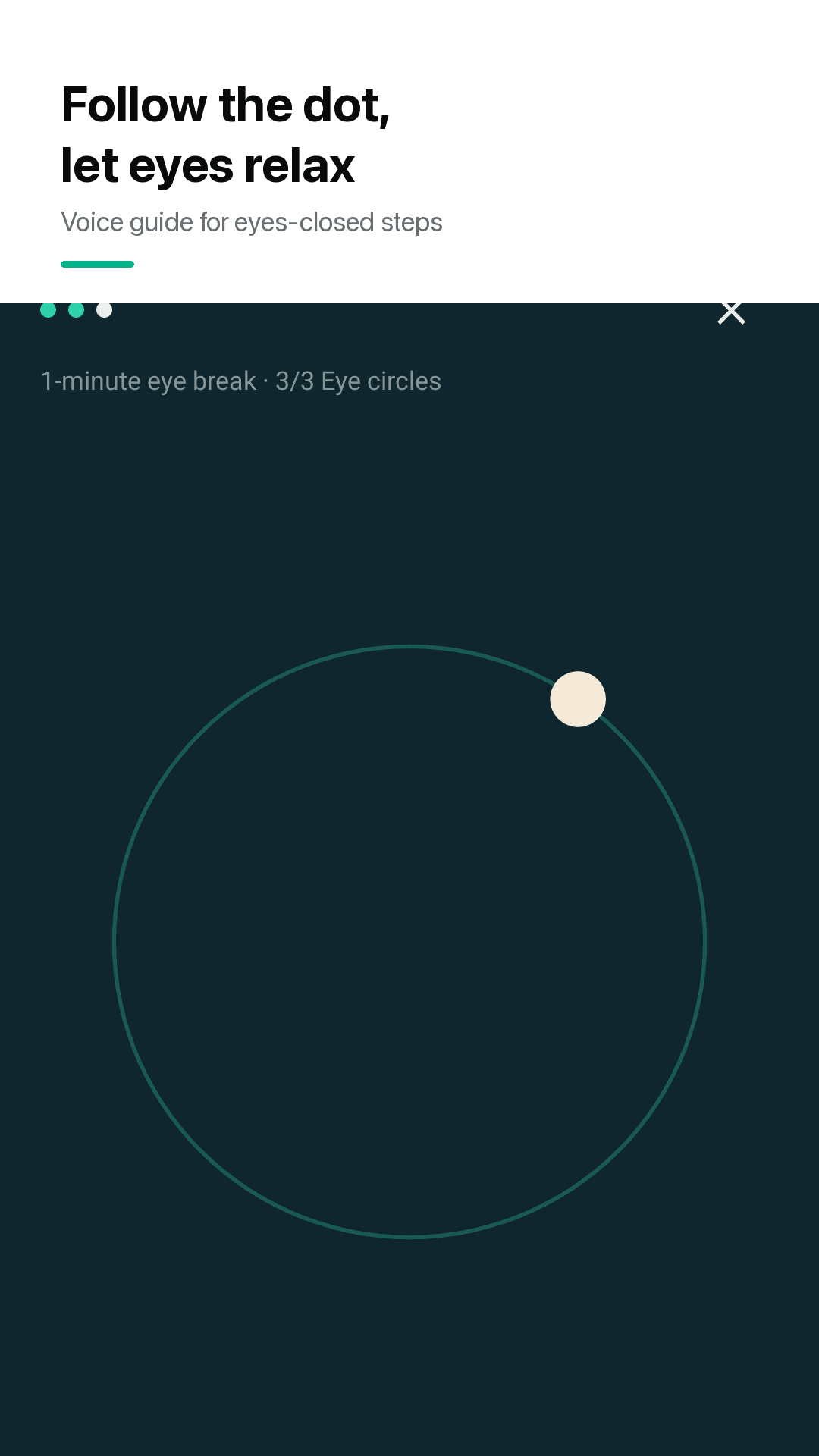
Follow the dot, with a voice for eyes-closed steps
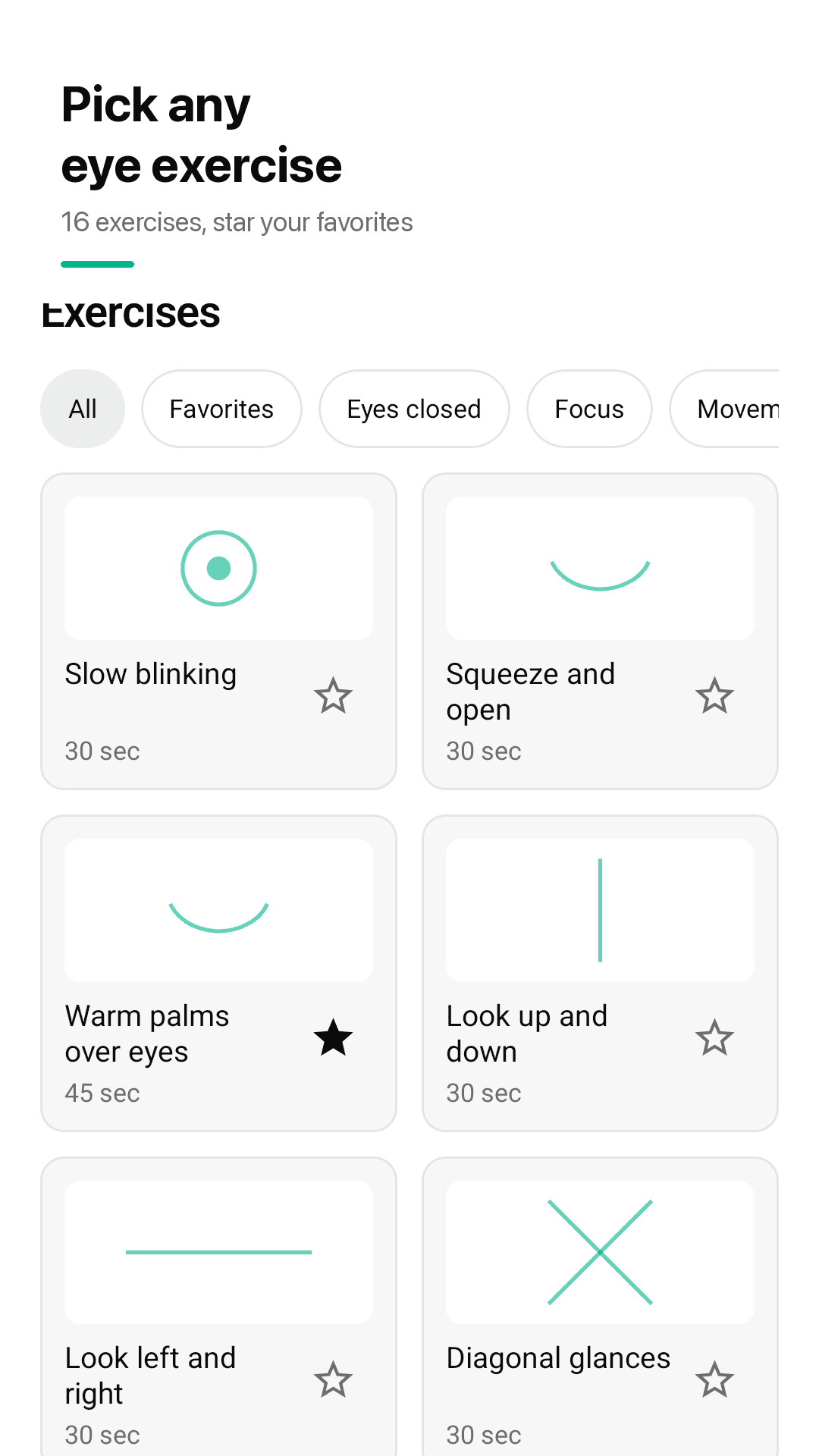
16 exercises — star your favorites
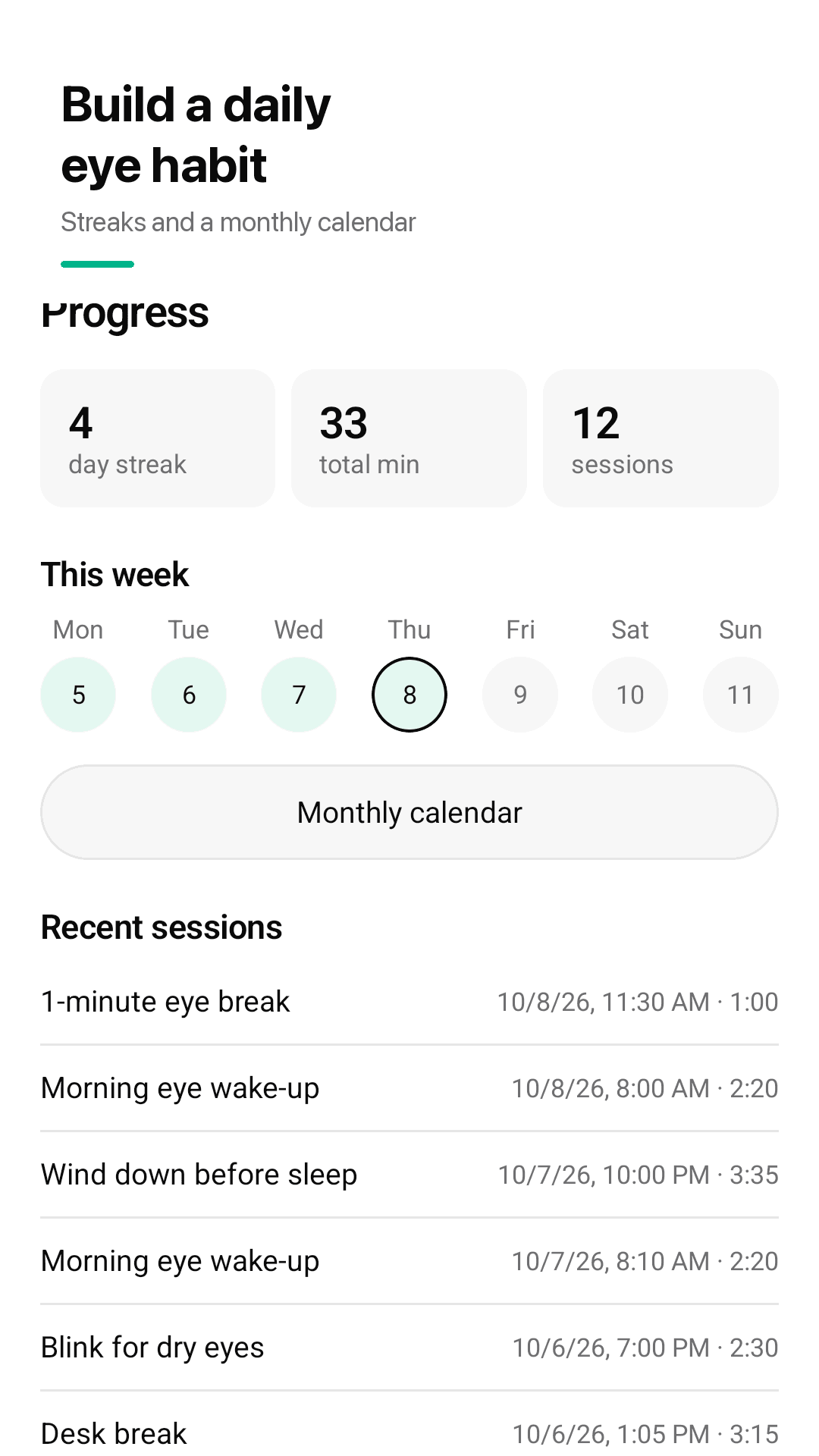
Build a daily eye habit with streaks and a calendar
How it works
Pick one
Choose a routine or a single exercise. No sign-up, no waiting.
Follow the dot and the voice
Follow the dot with your eyes; for eyes-closed steps, follow the voice and vibration.
Set your reminders
Pick morning, midday and evening times, or turn on the 20-20-20 reminder for work hours.
Frequently asked questions
Can I pick my own exercise?
Yes. All 16 exercises are unlocked from day one, so you can pick any exercise from the library and start right away. Star the ones you like to keep them in Favorites. There are also 4 ready-made routines.
When I close my eyes, how am I supposed to know what to do next?
Gazely reads each step aloud using your phone's text-to-speech, and vibrates when the step changes, so you can follow eyes-closed exercises without looking. The cue sound can be set to off, soft or normal.
Can I pause or skip? Do I have to do the breathing part?
You can pause, skip or go back at any time. Breathing steps are optional and off by default. You can also set the pace to slower, normal or faster.
Can I change the morning, afternoon and evening reminder times?
Yes. You set your own morning, midday and evening eye break times. Tap a reminder and the matching routine starts right away.
Does it remind me to follow the 20-20-20 rule?
Yes, if you want it to. The optional 20-20-20 reminder runs during the work hours you choose: every 20 minutes, look about 20 feet away for 20 seconds.
Does it require internet or sign-up?
No. There's no account, it works offline, and your history stays on your phone.
Is it free? Are any exercises locked?
Gazely is free and shows ads so every exercise stays unlocked. Nothing is behind a paywall and there's no timer making you wait for the next exercise.
Will it fix my dry eyes or improve my vision?
Gazely is a wellness app for short screen breaks, not a medical device. It doesn't claim to improve vision or treat any condition. If your eyes keep bothering you, please see an eye doctor.
Hours of staring at a screen? Give your eyes two minutes
No sign-up. Pick one, close your eyes, follow the voice 👁️