DustlistCleaning schedule & chore list
Free room checklists · No login
Dustlist is a free Android app that builds a cleaning schedule for every room you pick: kitchen, bathroom, bedroom, living room and more. Each morning it shows only what needs cleaning today, and one tap checks a chore off. Finish a chore late and the next date moves with you, or keep it on a fixed schedule. Everything stays on your phone, and you can export it to a file. Get it on Google Play.
Why people delete cleaning apps
"in order to add from a task list you want me to pay for the app"
"it will stop popping up after a day or two"
"a monthly task is being shown as due everyday"
"I had paid premium and backed up my data I lost all my tasks"
"the premium ad pops up after every 2 or 3 chores being checked off"
An empty list on day one, so you type every chore yourself
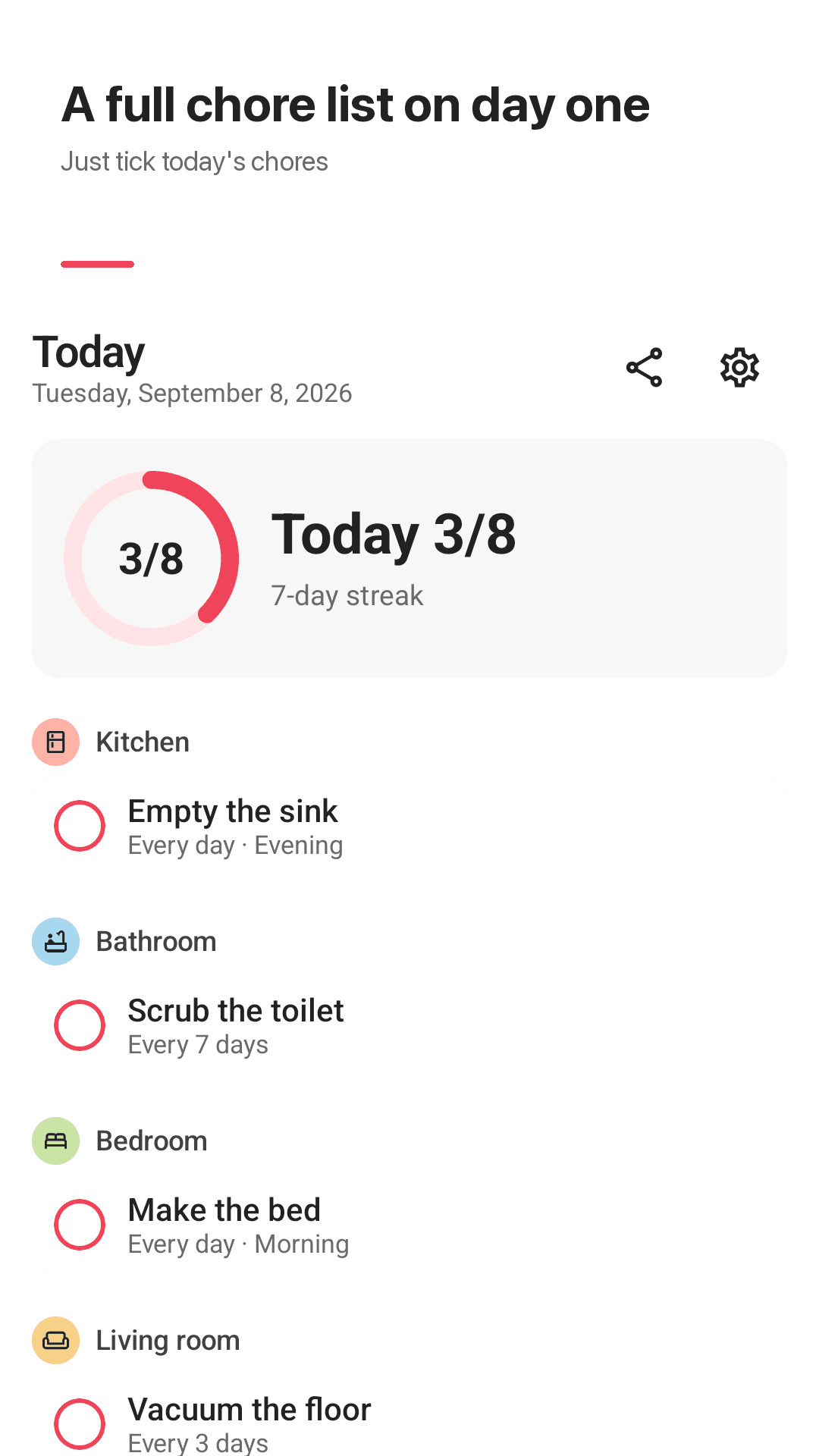
Dustlist shows only what to clean today
"I know exactly what to clean today"
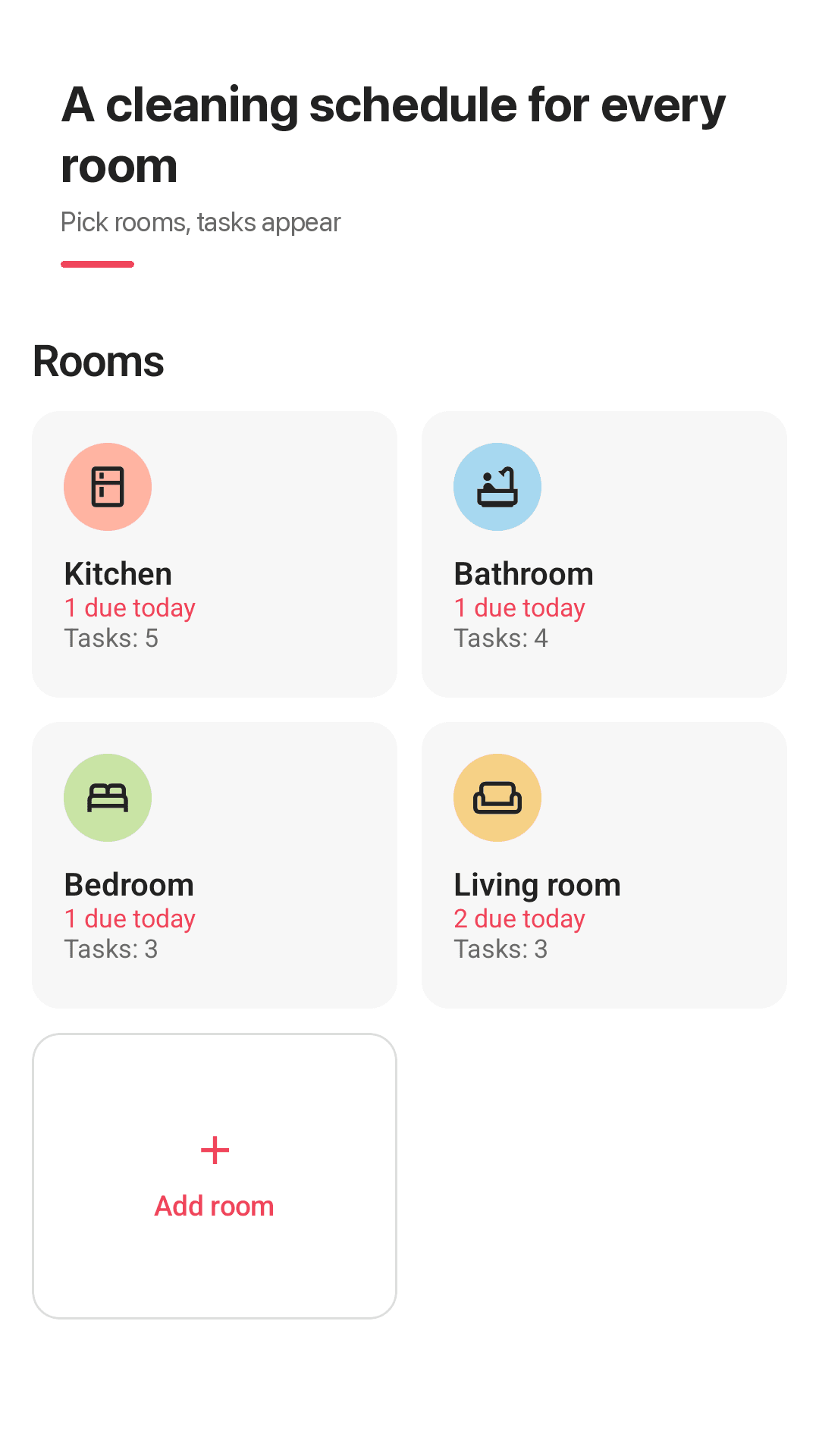
Pick your rooms, get a cleaning schedule
Free room checklists
Pick kitchen, bathroom, bedroom and more, and suggested chores are added right away.
Only today's chores
A progress ring (Today 3/8) and a day streak. One tap to check off, one tap to undo.
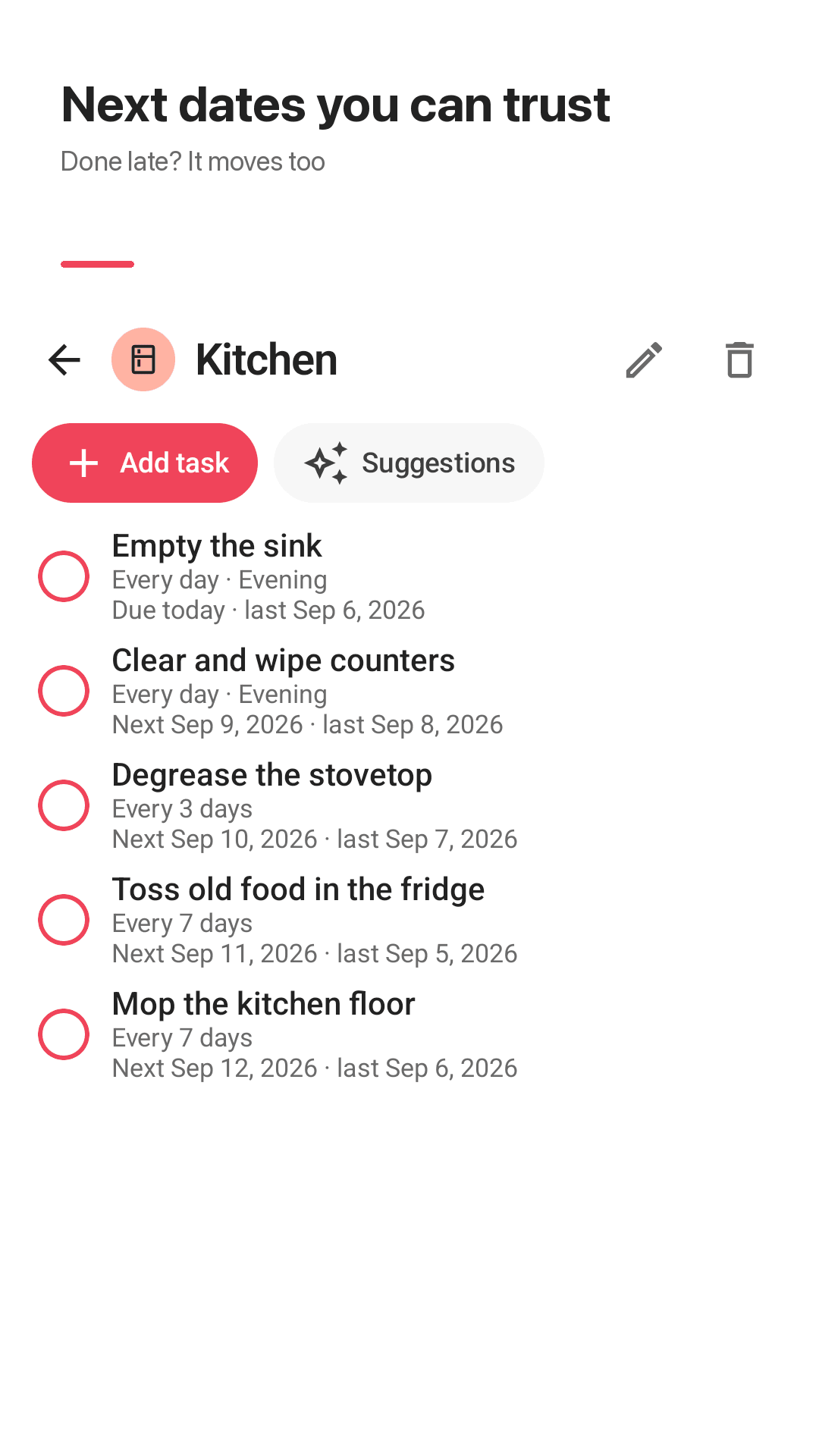
Flexible repeats
Daily, every N days, weekdays, monthly or yearly, in a morning, afternoon or evening slot.
When done or fixed
Let the next date move with you when you're late, or keep it fixed on the calendar.
Reminders that say what's due
"3 chores today · Kitchen 2, Bathroom 1". Set again after a restart.
Swipe to tomorrow
Can't get to it today? Swipe it to tomorrow.
File backup
No account. Export to any folder and import on a new phone.
Widget, sharing, dark mode
Today's chores on your home screen, share the list as text, light and dark theme.
See it in action
Today, rooms and history
Only what to clean today
A checklist for every room
Choose the repeat and its anchor
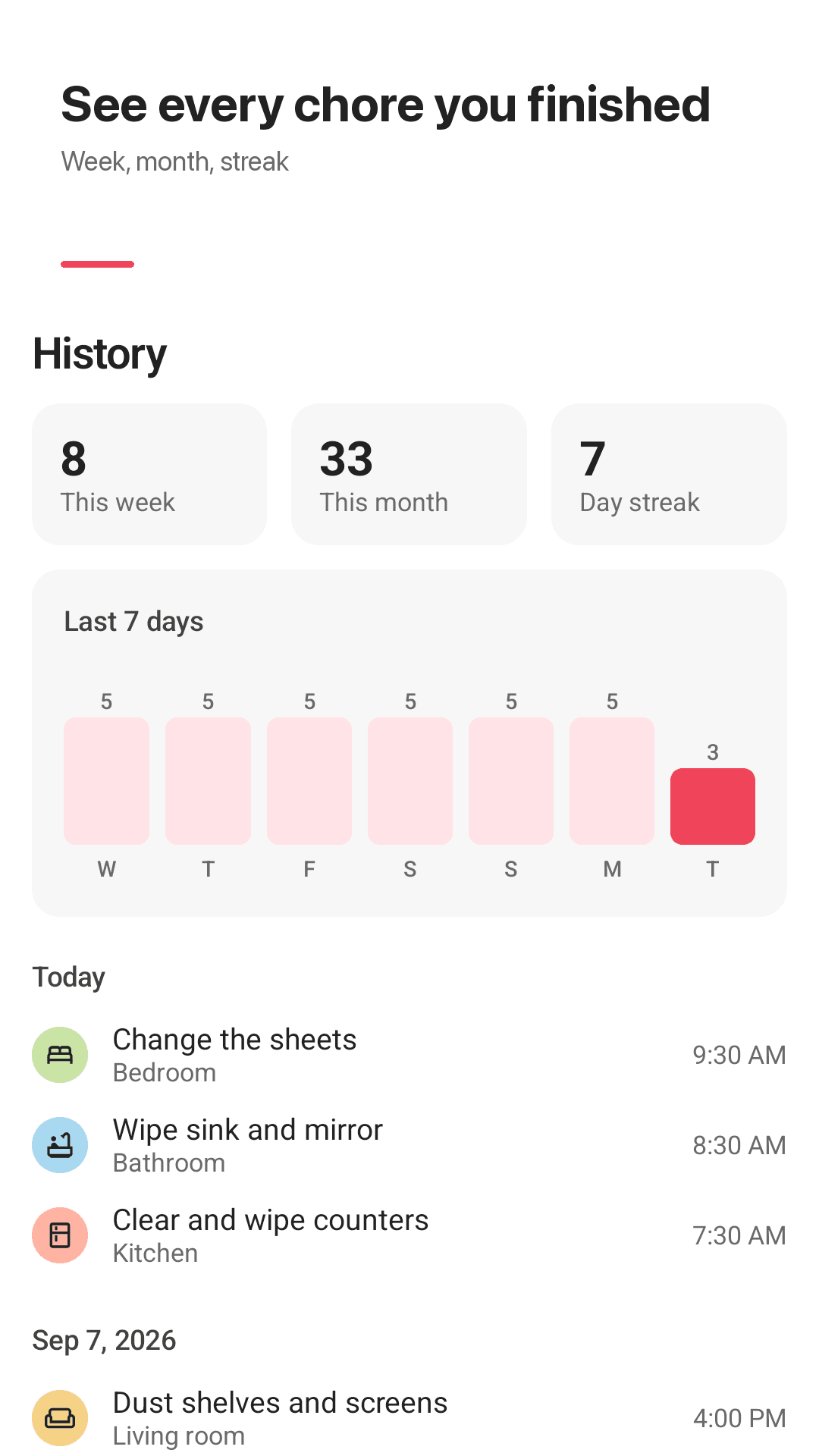
This week and this month
How it works
Pick your rooms
No login. Just check the rooms in your home.
Get a schedule
Each room gets suggested chores and repeats.
Check off today
Get a morning reminder and tap chores as you go.
FAQ
Do I have to pay to add chores from a task list?
No. Room checklists, reminders, history, the widget and backup are all free. The app is supported by ads.
Will reminders stop after a day or two?
Reminders are scheduled on your phone and set again after a restart. If they still don't arrive, check notification permission and battery optimization for Dustlist.
Why is my every 3 months chore due again too soon?
Dustlist repeats from the day you finish by default, so the next date counts from completion. Switch a chore to a fixed schedule if it must stay on the calendar.
Will I lose my data if I change phones?
Export your chores to a file in any folder from Settings, then import it on the new phone.
Can my family use it too?
There is no device sync, but you can share today's chore list as text with anyone.
Do I need an account?
No. There is no login, and everything stays on your phone.
Can I add chores that aren't cleaning?
Yes. Rename rooms, add your own tasks and leave a note on any task.
Get tomorrow's cleaning list in the morning
Pick your rooms and your schedule is ready in a minute