CartnoteA shopping list that opens without a sign-in
It's a shopping list. It shouldn't need an account.
People delete shopping list apps for the same few reasons: the sign-in wall, the sync that stops working, the update that wipes every list. Cartnote keeps every list on your phone with no account, and lets you share with family through the chat apps you already use.
Why people give up on shopping list apps
"Why make us sign in? It's a shopping list." And when it "stopped syncing… can't even log in"
"Updated the app and it lost all my working lists"
"Too many ads… full screen video ads" — and still no way to keep "different lists for different stores"
No account. Lists stay on your phone ✨
What you actually use in the store
It has to work the second you open it at the door
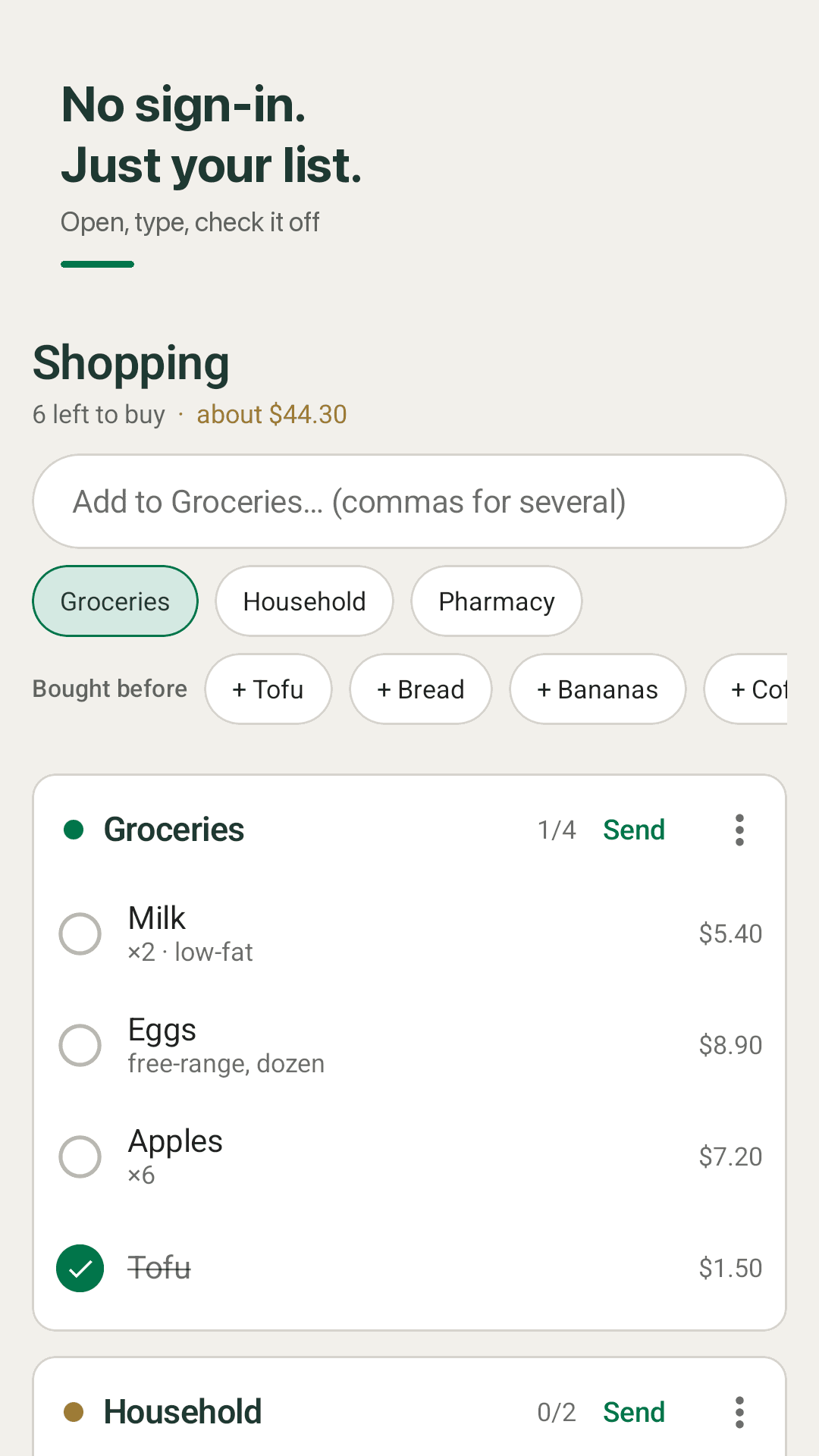
No account, no sign-in
Install it, open it, and you're looking at your list. No sign-up, no login, no sync server — all data is stored on your device, so a broken login can never lock you out of it.
A folder per store
Groceries, Household and Pharmacy are there from the start, and you can add a folder for every store you go to. The warehouse-club list and the corner-shop list stay apart.
Add several items with commas
Type "milk, eggs, bread" and you get three items at once. Things you've bought before show up as chips you can tap to add again.
Qty, price, note — and a total
Give each item a quantity, a price and a note, and the folder shows an estimated total. You know roughly what the till will say before you get there.
Send to any chat, paste to receive
Tap Send and the folder becomes checklist text you can drop into WhatsApp, Messages or any chat. Paste a list someone sent you and each line becomes an item. Nobody needs an account.
To-dos with due-time reminders
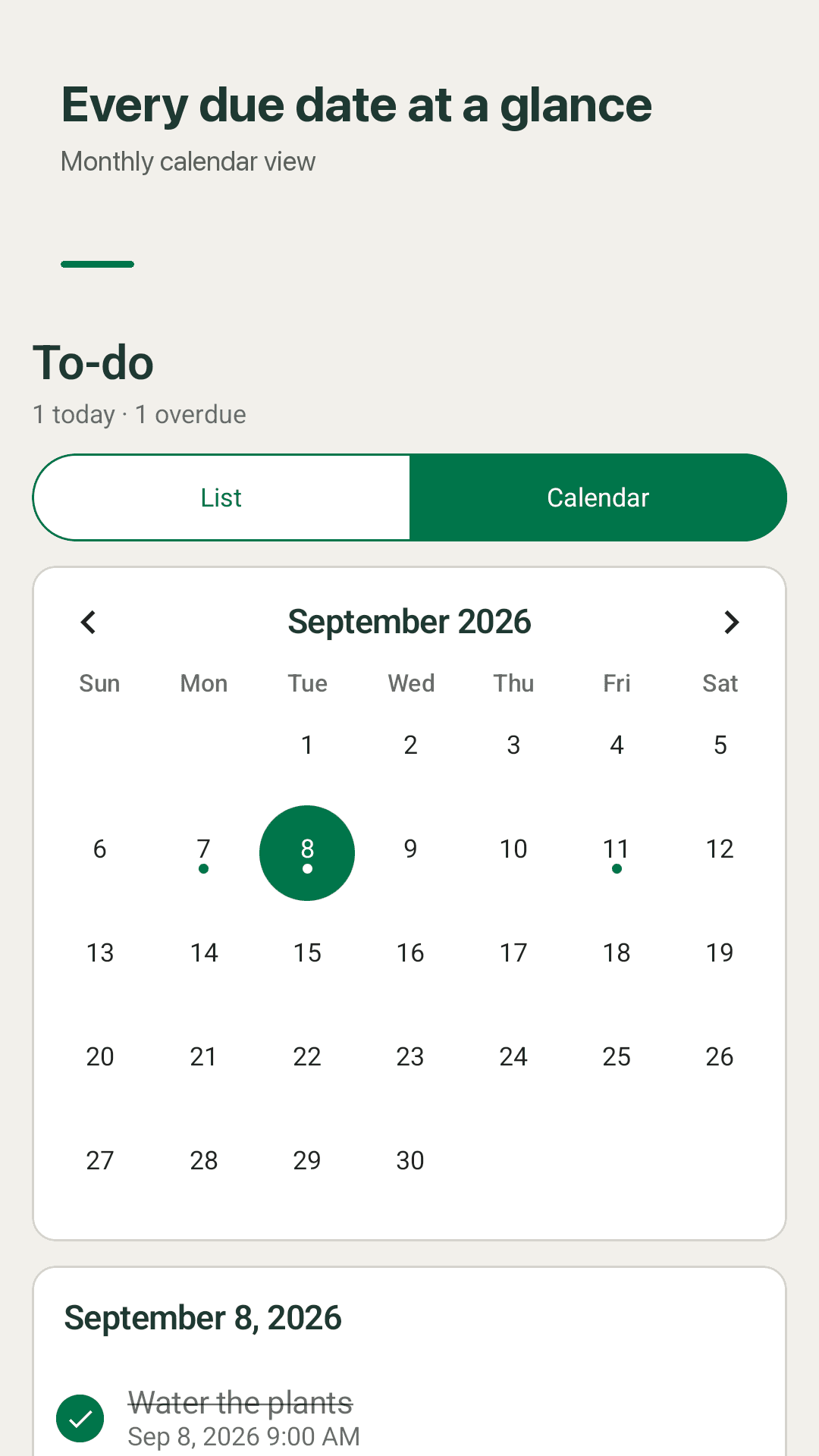
Keep to-dos next to the shopping and get a reminder at the due time. A monthly calendar shows what's due, overdue to-dos gather in one section with "complete all", and an 8 AM briefing sums up the day.
Home-screen widget
The widget lists what's left to buy. Tap to check an item off, or + to add one. Checked items drop to the bottom of the list.
16 languages
Available in 16 languages including English and Korean. The app is supported by banner and interstitial ads.
A look inside
Store folders, price totals, to-dos and the widget
Folders per store, what's left to buy
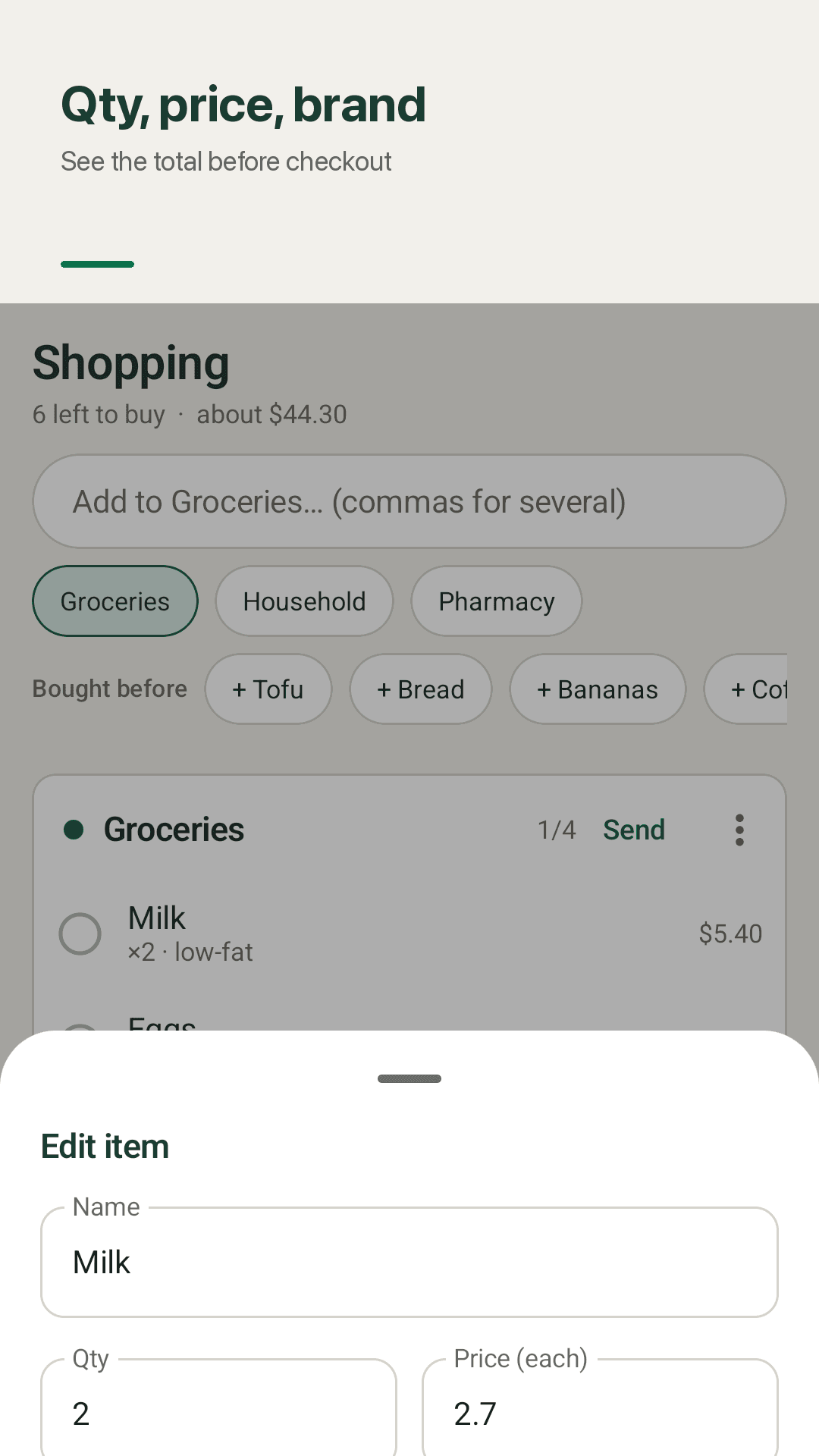
Qty and price add up to a total
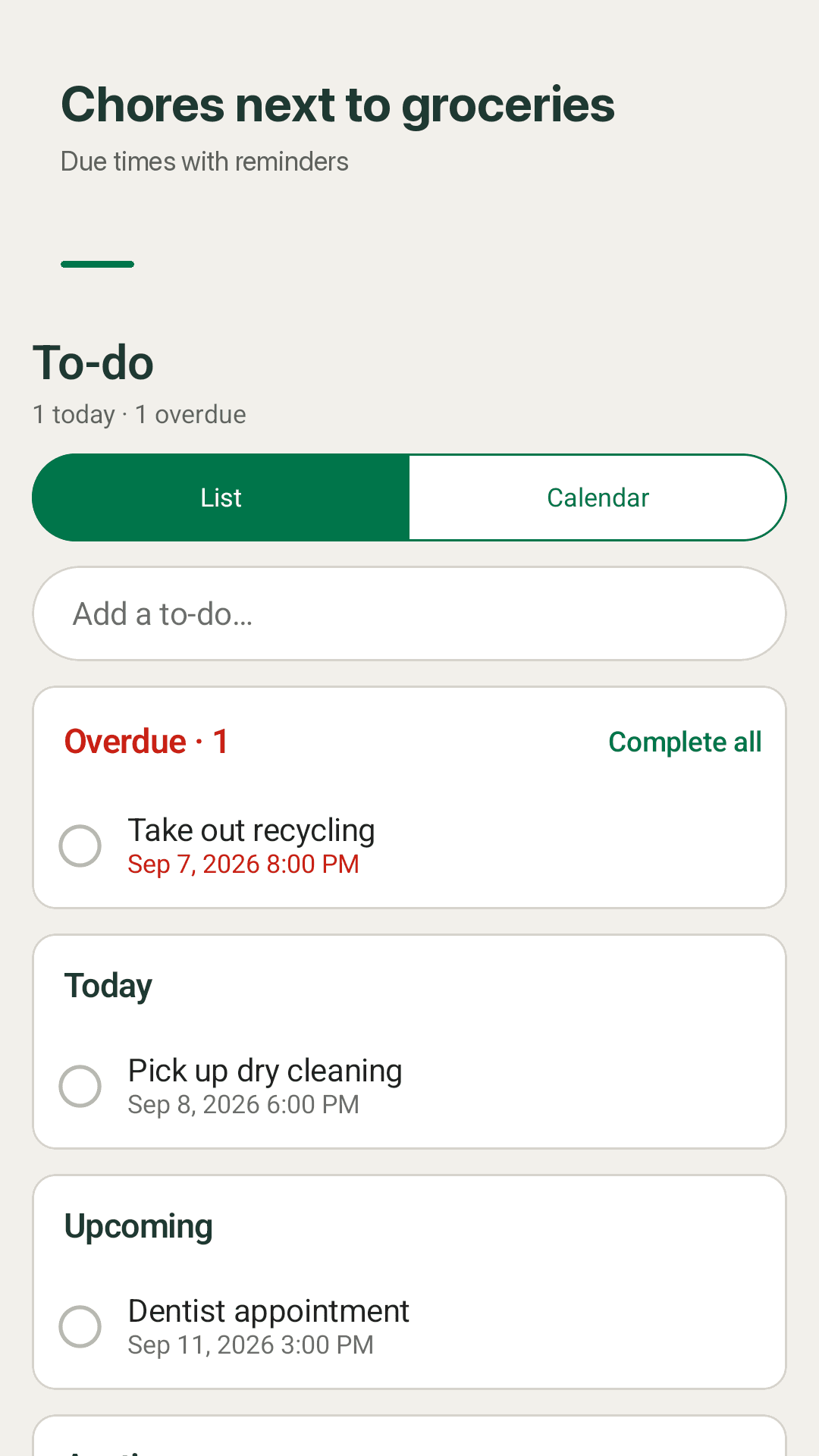
To-dos with due-time reminders
Check items off from the widget
Three steps, that's it
Pick a folder
Use Groceries, Household or Pharmacy, or create one named after the store.
Type it all in one go
Separate items with commas, then add qty and price if you want a total.
Send it or check it off
Send the list to family in any chat, then tick items off in the app or on the widget.
Frequently asked questions
Does it really work without signing in?
Yes. There is no account to create and nothing to log in to. It was built for everyone who asked "why make us sign in? It's a shopping list" — open the app and your list is there. Everything is stored on your device.
Without accounts, how do I share a list with my family?
Tap Send on a folder. It becomes checklist text you can send through WhatsApp, Messages or any other chat. The other person pastes that text into Cartnote and every line becomes an item. Neither of you needs an account.
Will an update wipe my lists?
Your lists live on your phone, not on a server, and app updates leave that data in place. There's no login to expire and no sync to break. Uninstalling the app does delete the data on the device.
Can I keep different lists for different stores?
Yes. Groceries, Household and Pharmacy come built in, and you can add as many store folders as you like.
Does it have pricing?
Yes. Each item can have a quantity, a price and a note, and each folder shows an estimated total so you can see if you're over budget before checkout.
Can I add to-dos, not just shopping?
Yes. Give a to-do a due time and you'll get a reminder. A monthly calendar shows due to-dos, overdue ones collect in their own section with "complete all", and an 8 AM briefing lists the day.
How are the ads?
The app is supported by banner and interstitial ads. Where required, you'll see a consent form on first launch.
Your next shop, without a sign-in
Install it, open it, type what you need with commas. That's the whole setup.