
VidGetSave any video in one tap
A video downloader that puts videos straight into your gallery.
Open a site in the built-in browser and play a video — the download button lights up. Pick a quality and it lands in your gallery. Leave the app or turn off the screen; the download keeps going.
Sound familiar?
The download stalled on its own and you had to start over
It downloaded somewhere, but you cannot find the file
It said 10MB and turned out to be hundreds — data gone
VidGet fixes exactly these three ✨
Find it, save it, watch it offline
Fast, honest, and it does not stall
One-tap download
Play a video in the built-in browser and the download button lights up. Tap it, pick a quality, and VidGet handles the rest.
Straight to your gallery
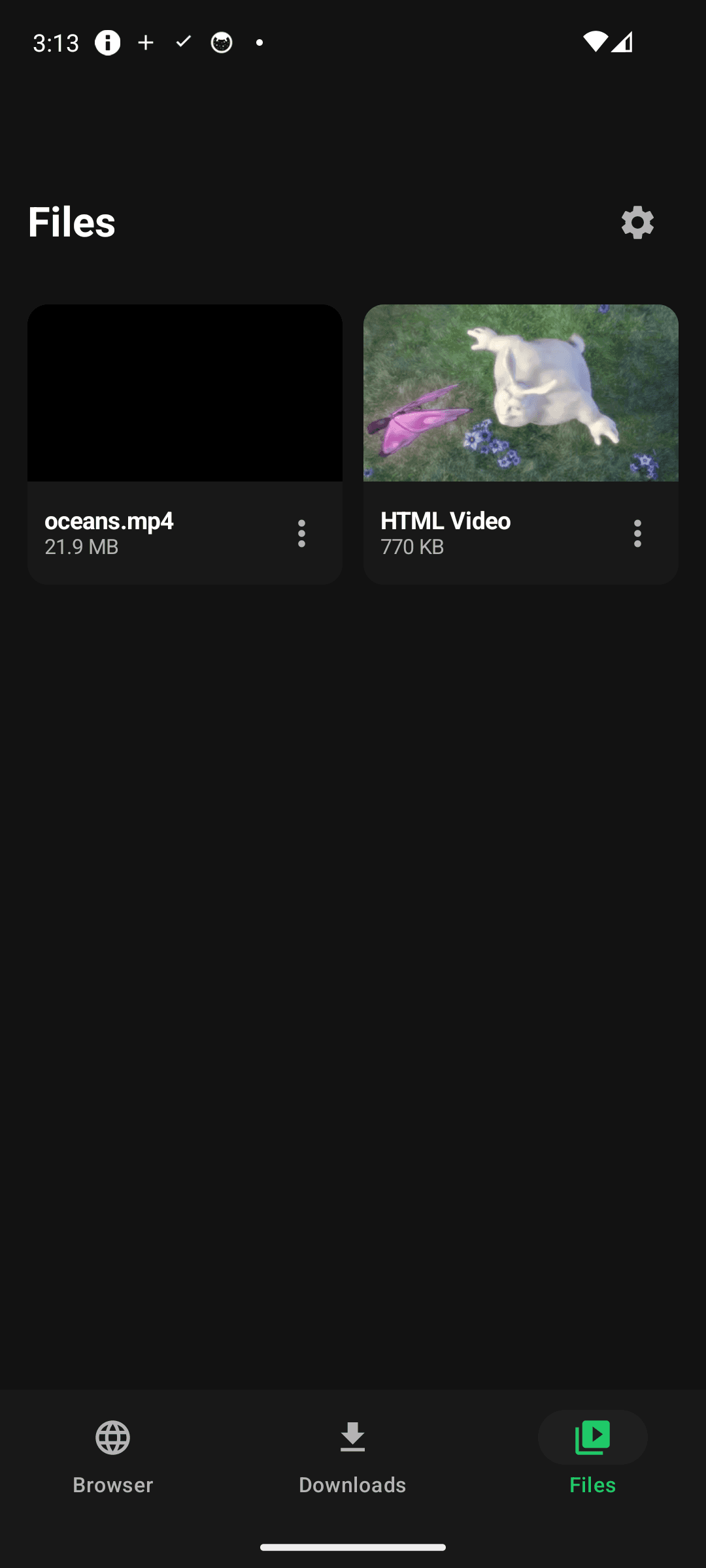
Every download appears instantly in your gallery (Movies/VidGet). No hidden folders — play or share it from any app.
Background downloads that keep going
Downloads continue with the screen off and after you leave the app. Pause and resume anytime, and interrupted downloads pick up where they stopped.
Honest file sizes
See the real size before you download. HD or a lighter file — it is your data, so it is your call.
Built-in player
Watch saved videos offline with no buffering and no data used.
Light, clean dark UI
No account, no sign-up. Install it and it just works.
See it in action
From saving to offline playback
Your saved videos at a glance — tap to play
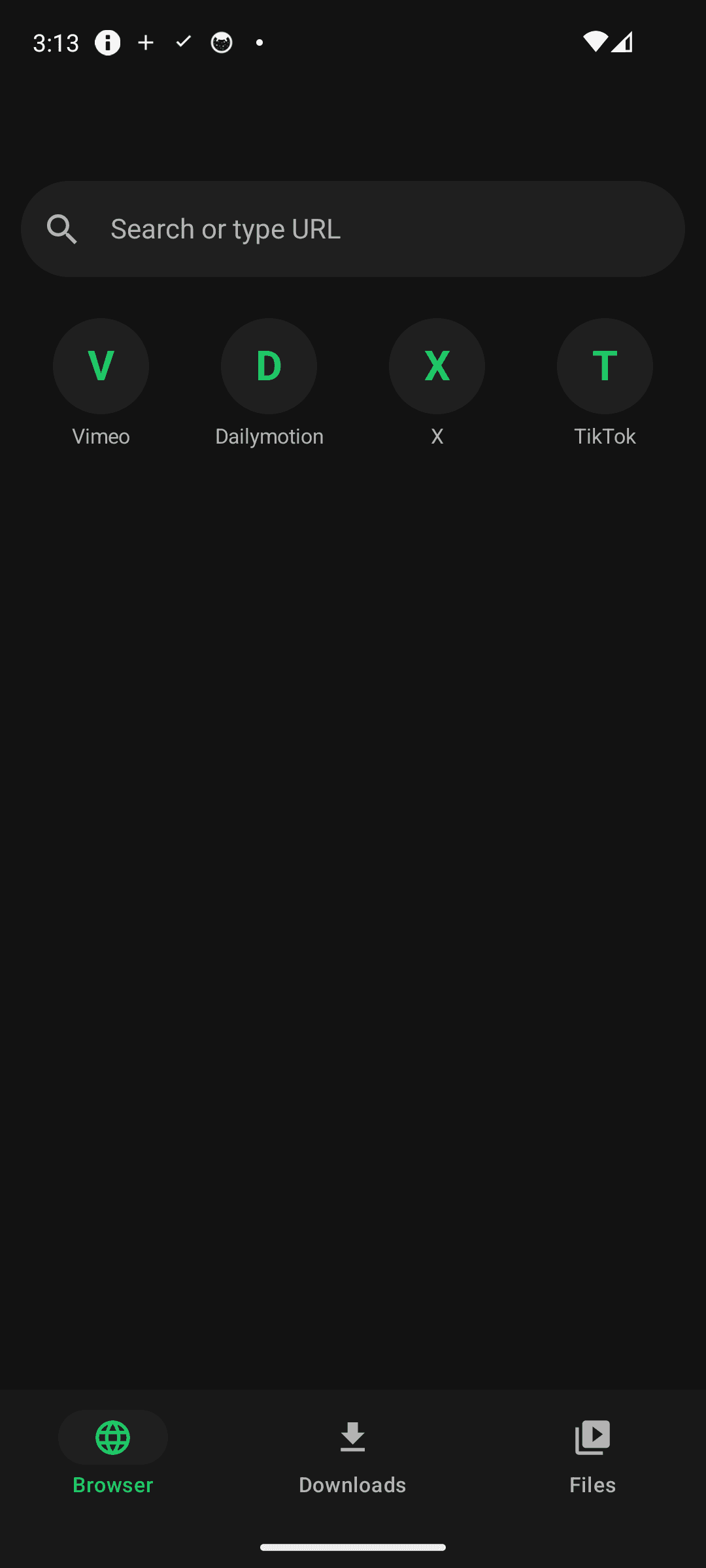
Browse any site with the built-in browser
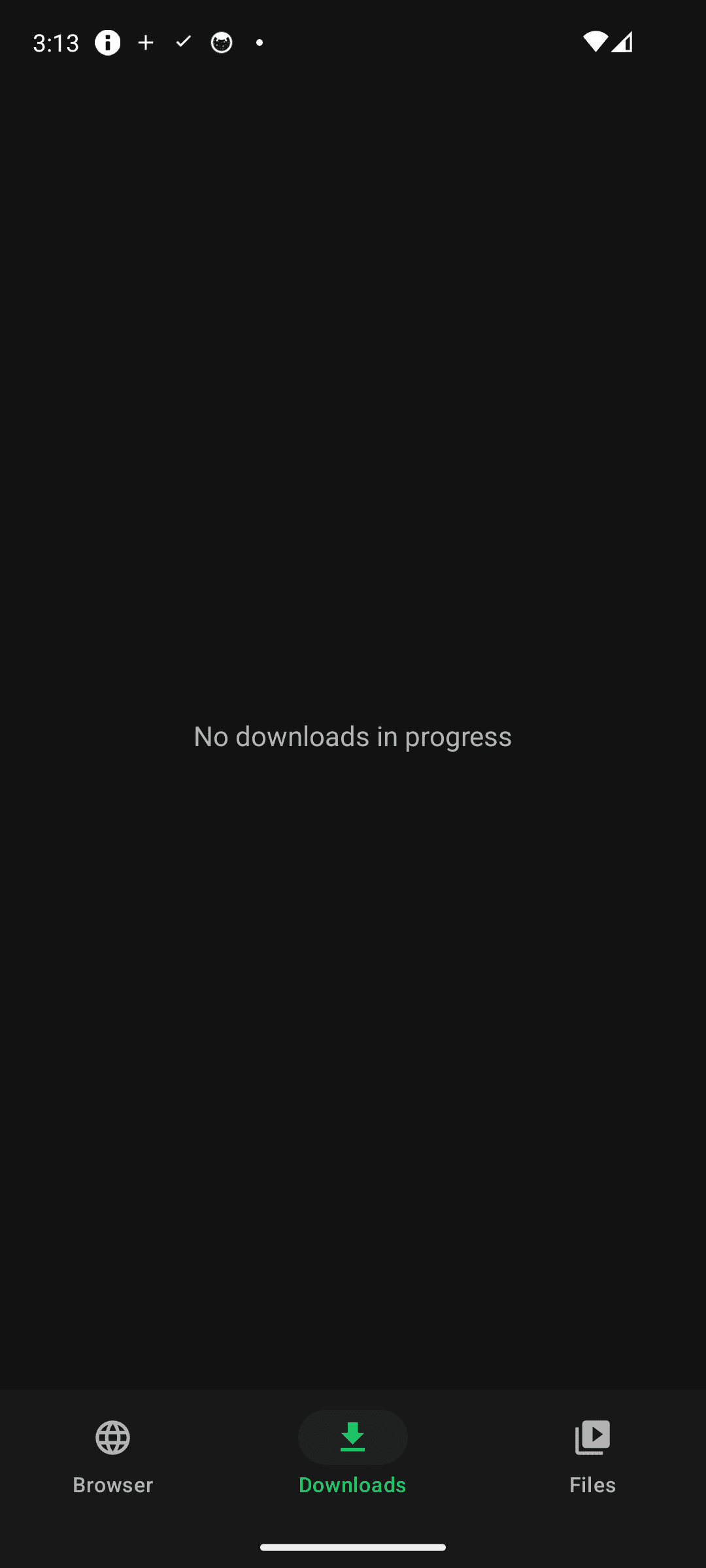
Progress, pause and resume
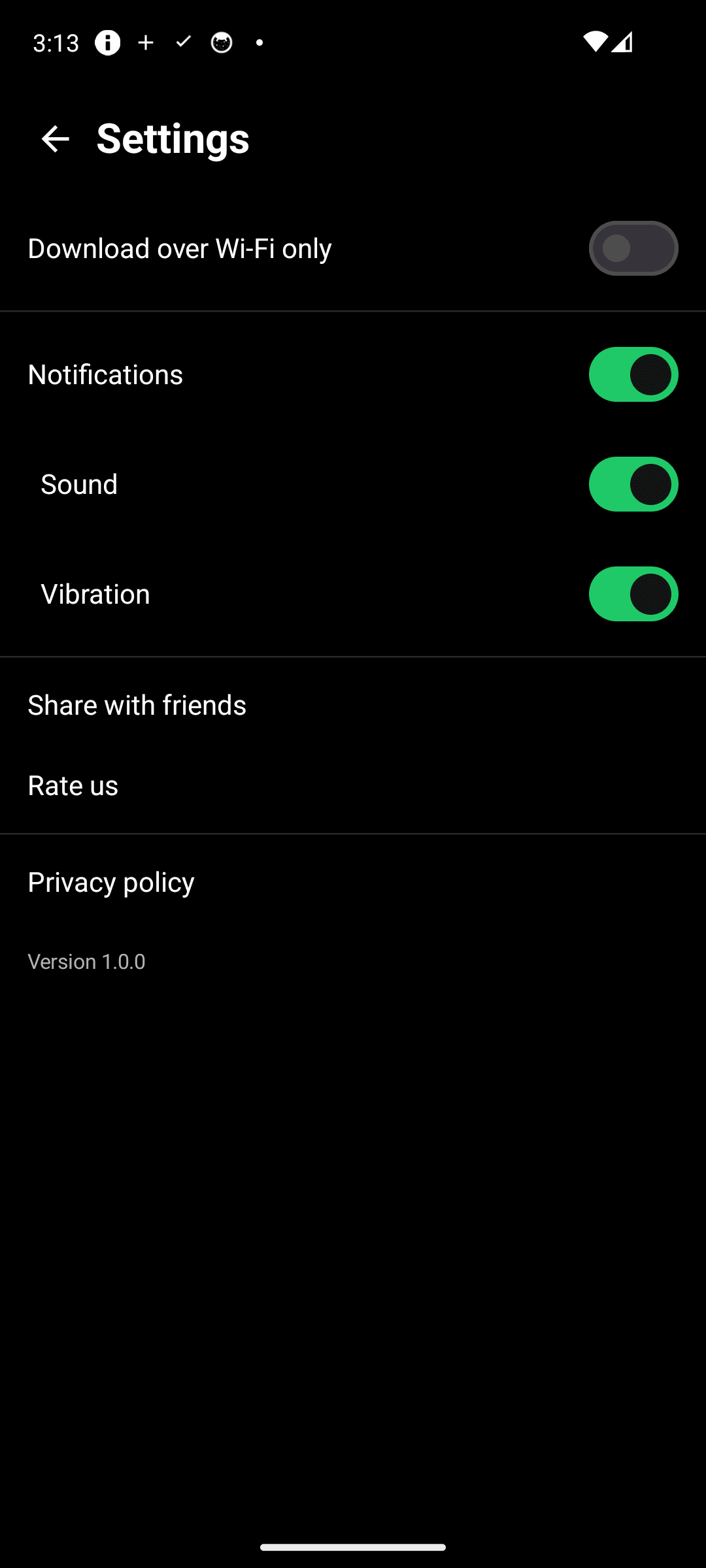
Wi-Fi only, reminders — your rules
Three steps, that is it
Open a site
Search or type a URL in the built-in browser to open the page you want.
Play the video
Start the video and the download button turns green.
Pick a quality
Check the real file size, choose a quality, and it saves to your gallery.
Frequently asked questions
Where are downloaded videos saved?
In your gallery under Movies/VidGet. Each video appears there the moment the download finishes, so you never have to dig through a file manager. Share or move it from any app.
Can I leave the app while downloading?
Yes. VidGet downloads through a foreground service, so it keeps running when you leave the app or turn off the screen. You can pause and resume later, and an interrupted download continues from where it stopped instead of restarting.
Can I download YouTube videos?
No. Due to legal restrictions, downloading from YouTube is not supported. Please only download content you have the right to save.
Are the file sizes accurate?
Yes. Before downloading, VidGet checks the actual file size on the server and shows exactly that. No surprise between the number you see and the file you get.
Is it free? Do I need an account?
It is free, with no sign-up and no login. There is no server storing your account or download history — everything stays on your device.
Keep today's video for offline
Download it free and start now. One tap and it is in your gallery. 📥