SwitchBoardAll your settings. One tap.
Screen timeout, brightness, and sound mode — instantly.
Stop digging through the settings app. Change your most-used settings from one screen, or schedule them to change automatically — and revert when the schedule ends. Big text and big buttons for everyone.

Why is changing one setting so tedious?
Hunting for the screen timeout menu every time
Forgetting to switch to silent every night
The settings app is too hard for your parents
SwitchBoard is one tap + automatic schedules ✨
Change, schedule, jump
Everything you need for everyday settings
Screen timeout in one tap
From 15 seconds to 30 minutes with one tap. Longer for videos, shorter to save battery — no settings app needed.
Instant brightness & volume
Changes apply as you slide. Preset buttons jump from 10% to 100% in a single tap.
Settings scheduler
"Silent from 10 PM to 7 AM" — settings change on time and revert to the previous value when the schedule ends.
Starting-now timers
One-shot timers like "silent for the next 2 hours". Never forget to unmute after a meeting or movie.
Flashlight, rotate & sound mode
Flashlight, auto-rotate, and sound/vibrate/silent — each one big tile, one tap away.
No sign-up, 100% local
All data stays on your device. No location, no personal data collection. Big text and buttons make it senior friendly.
Big, clean screens
From home to schedules, in real screenshots
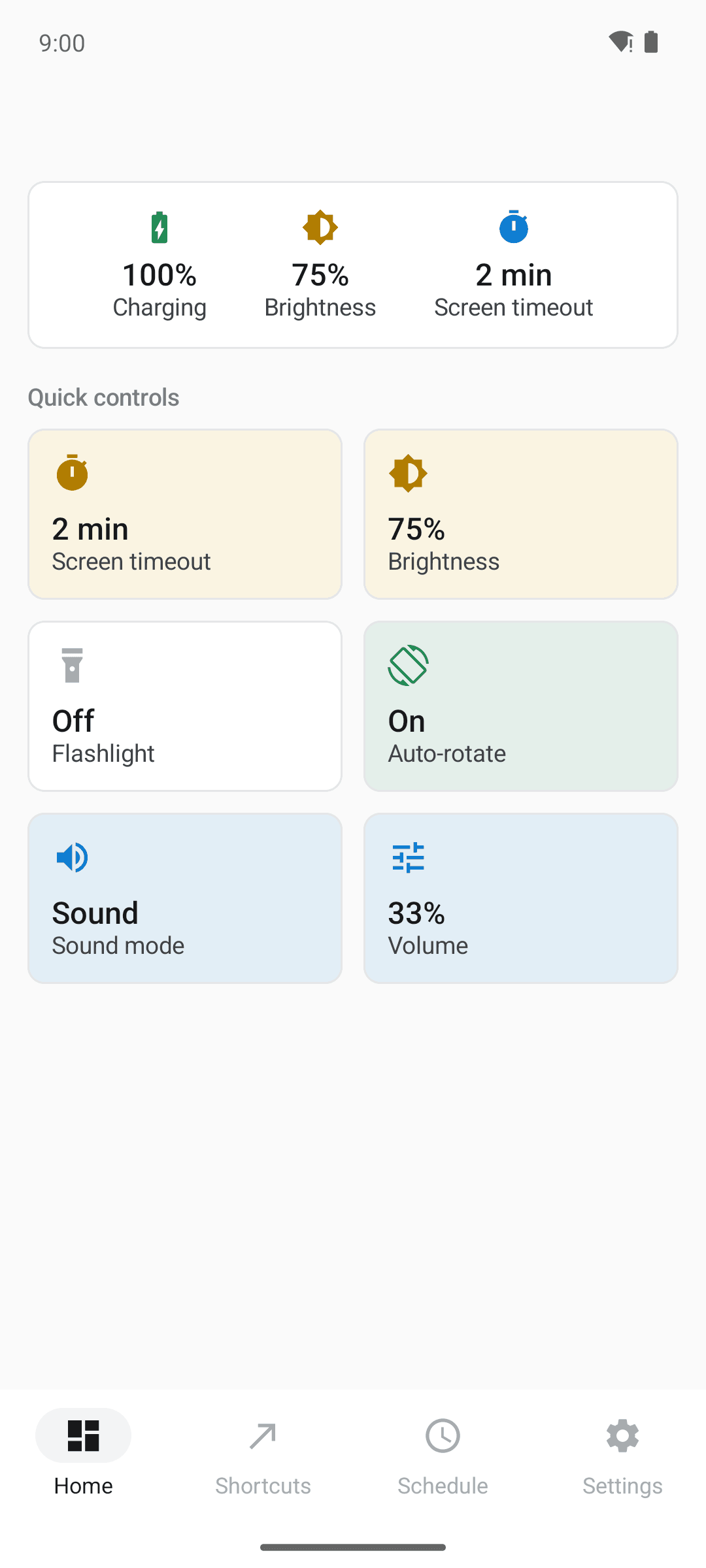
Your favorite settings on one screen
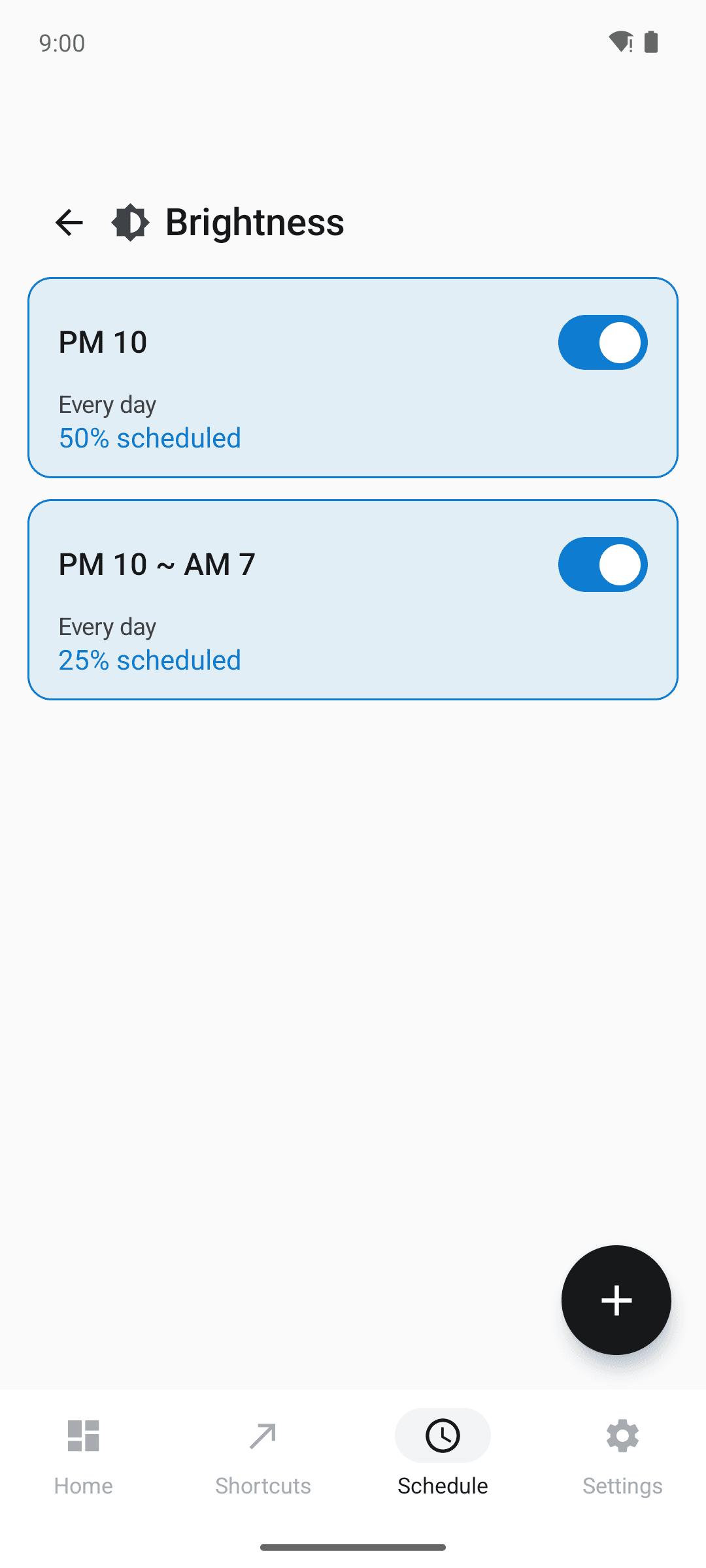
Dim at night, back by morning
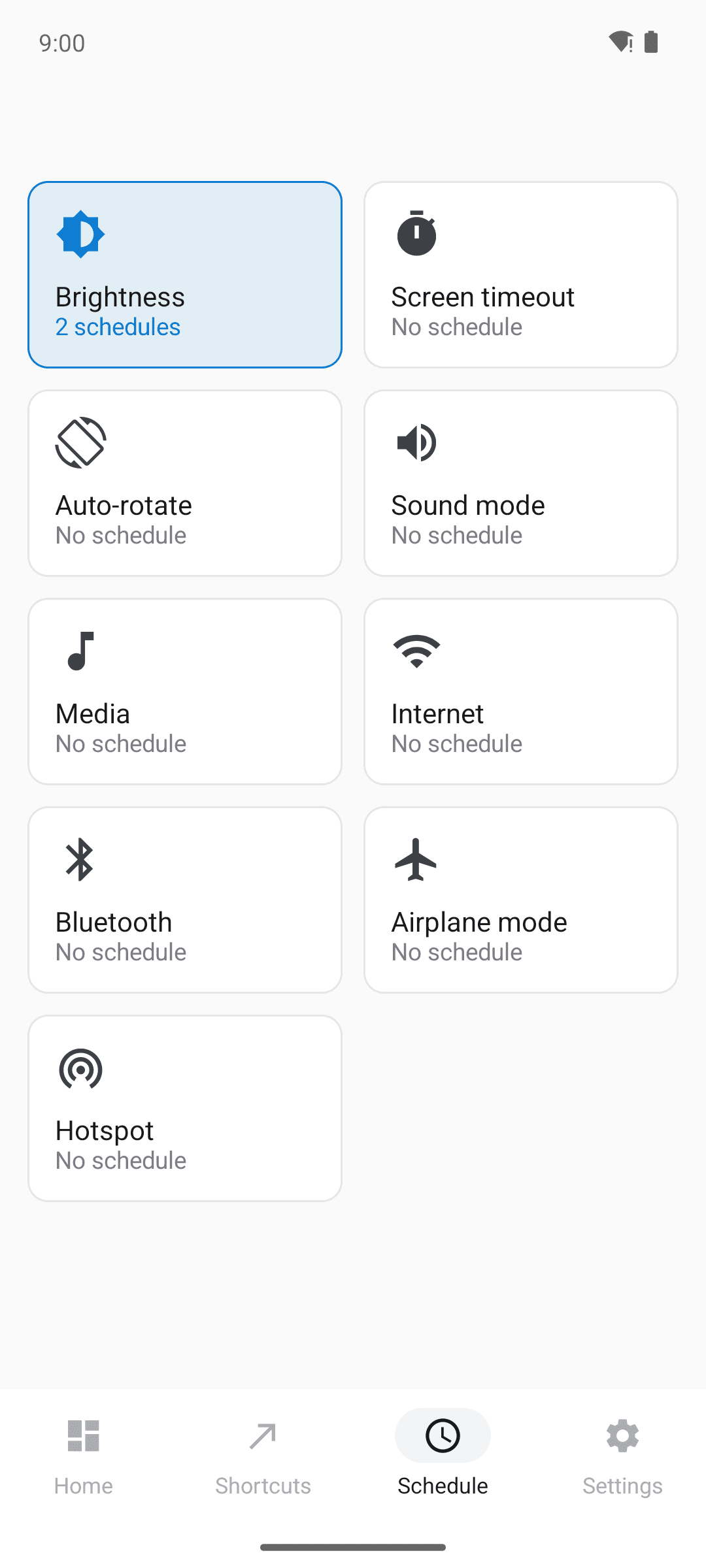
Schedules per setting at a glance
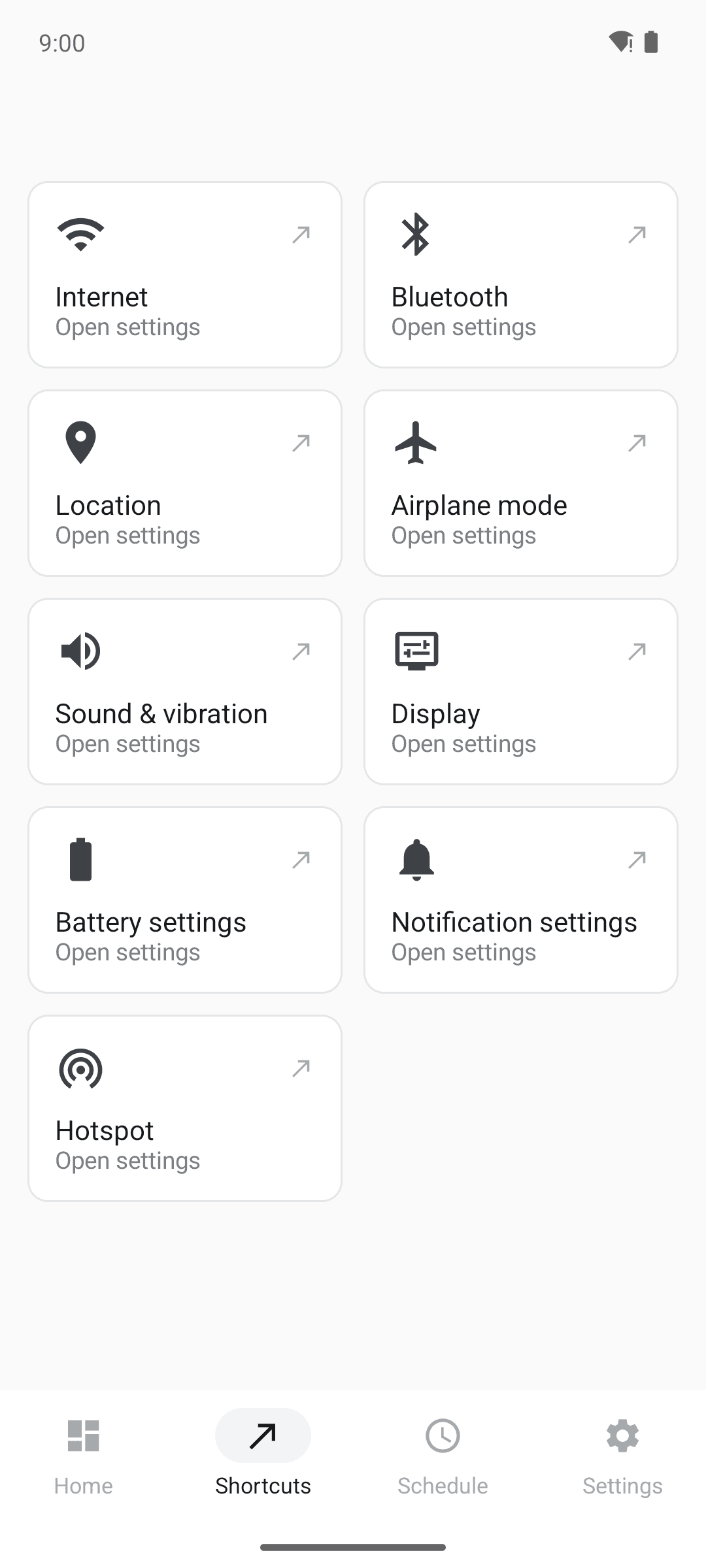
Shortcuts to every deep setting
Three steps is all it takes
Tap a tile
Pick the setting you want to change on the home screen.
Choose a value
Big buttons and sliders apply your choice instantly.
Schedule (optional)
Automate daily changes — they run on time, every time.
Frequently asked questions
What happens when a schedule ends?
SwitchBoard remembers the setting from before the schedule started and restores it automatically. "Silent 10 PM–7 AM" means your sound mode comes back at 7 AM.
Can it toggle Wi-Fi or Bluetooth?
Android policy prevents any app from toggling Wi-Fi or Bluetooth directly. SwitchBoard gives you the fastest path instead: one-tap shortcuts to those settings screens, plus scheduled reminders that open them.
Is it good for my parents' phone?
Yes — it was designed for that. Big text, big buttons, and full support for your system font size make it easy for anyone.
Does it collect personal data?
No. There is no account and no server. Schedules and settings are stored only on your device, and no personal data is collected.
Is it free?
Yes, every feature is free. The app is ad-supported with no paid locks.
Handle your settings from one screen
From screen timeout to silent schedules — install free today