
SumboltRight? Next one, instantly
No Enter key · No waiting · One minute a day
Type the answer on a big keypad. The moment it's right, the next problem appears. No Enter key, no fade-in. A wrong answer shakes and adds one second, and you keep going. Today's Challenge gives everyone the same 20 problems, fresh every day, so one minute a day is enough to watch your time drop.
If you deleted a math app because…
Every answer needed an Enter tap, and that ate your time
Each problem faded in and cost you a second
"I am stuck playing 'easy mode' forever"
"Can't give it 5 stars until negative numbers are included"
You couldn't "change the keypad to calculator mode"
"Can't turn off annoying music even in the Setting"
Sumbolt moves on the moment you're right, opens every level from Easy (7 + 8) to Expert (4825 + 739) with negatives, lets you pick the keypad, and has no music at all
Just type the number
Sumbolt handles the problems, the clock and the records
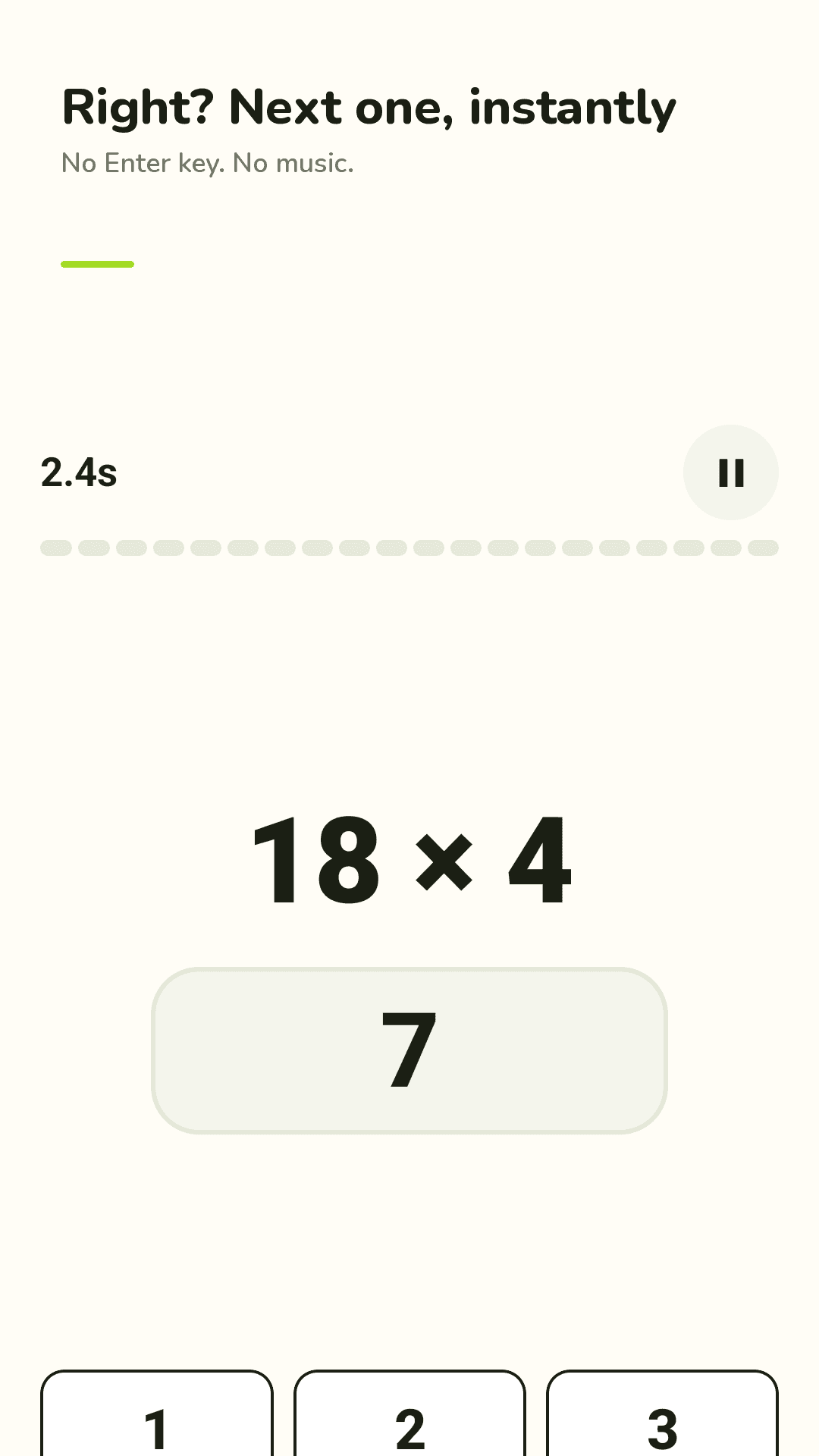
Right answer, next one
The next problem appears the instant you're right. No Enter key. A wrong answer shakes and adds 1 second, then you keep going.
Today's Challenge
The same 20 problems for everyone today, new every day. About a minute per round. Your first time of the day is your score.
Every operation
Addition & subtraction, multiplication & division, mixed, and times tables. Every mode is open from day one.
Easy to Expert
Easy 7 + 8 · Medium 47 + 38 · Hard 382 − 57 · Expert 4825 + 739. Add negatives, pick 10, 20 or 50 problems, or turn the timer off.
Times tables 2 to 20
Pick the tables to drill, with no 4 × 1 filler. A mastery map shows which facts you know and which need work.
12 mental math tricks
Make a ten, add 9 as 10 − 1, ×11, ×25, squares ending in 5 and more. Three short steps and 10 practice problems each.
See yourself get faster
Best time per mode and level, a 30-day challenge trend, a calendar and streak. Retry only the ones you missed.
Stays out of your way
No music (short sounds you can mute), phone or calculator keypad, a home screen widget, and no account.
See the real screens
Solving, Today's Challenge, levels and records
Right? Next one, instantly
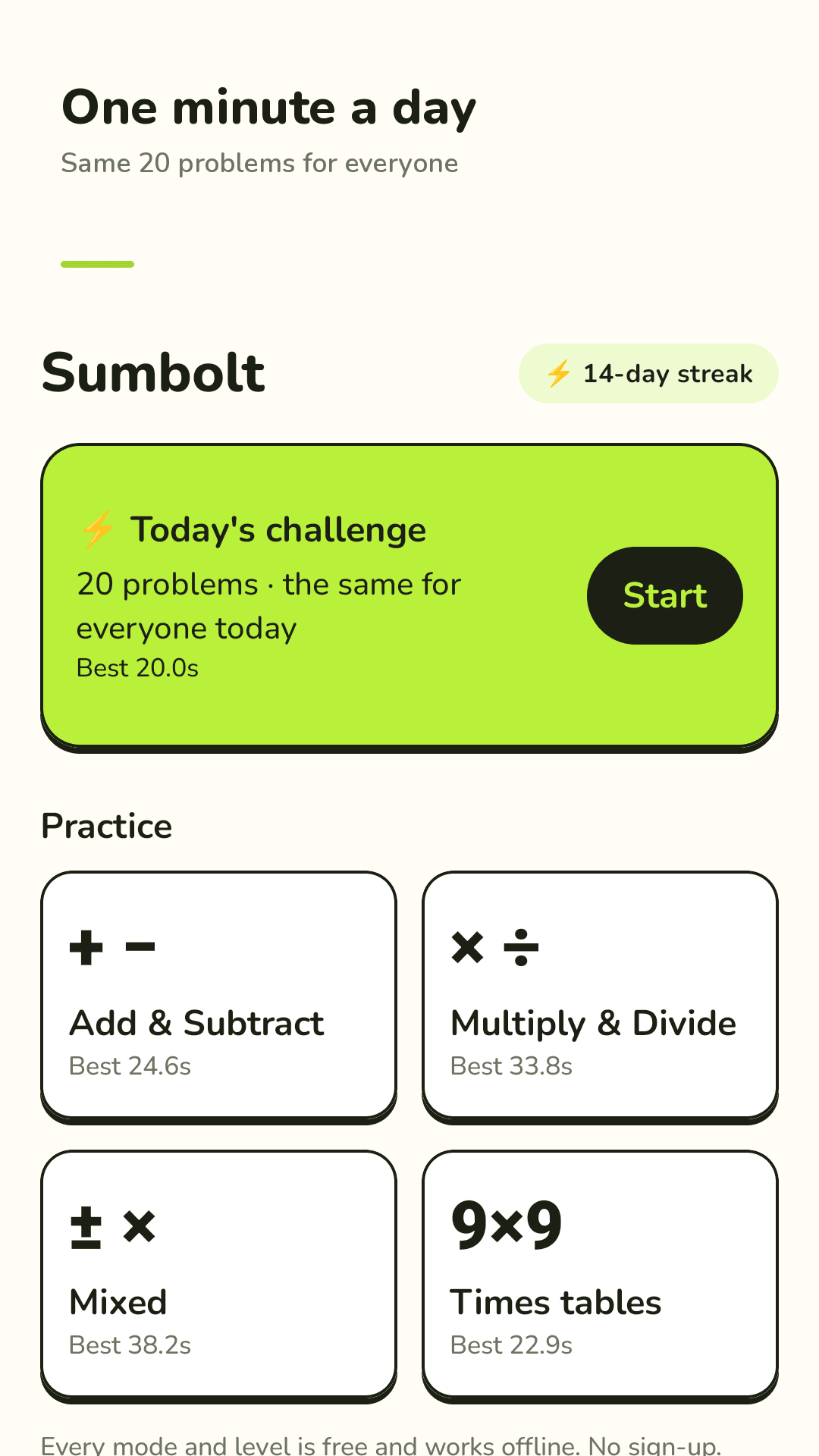
One minute a day
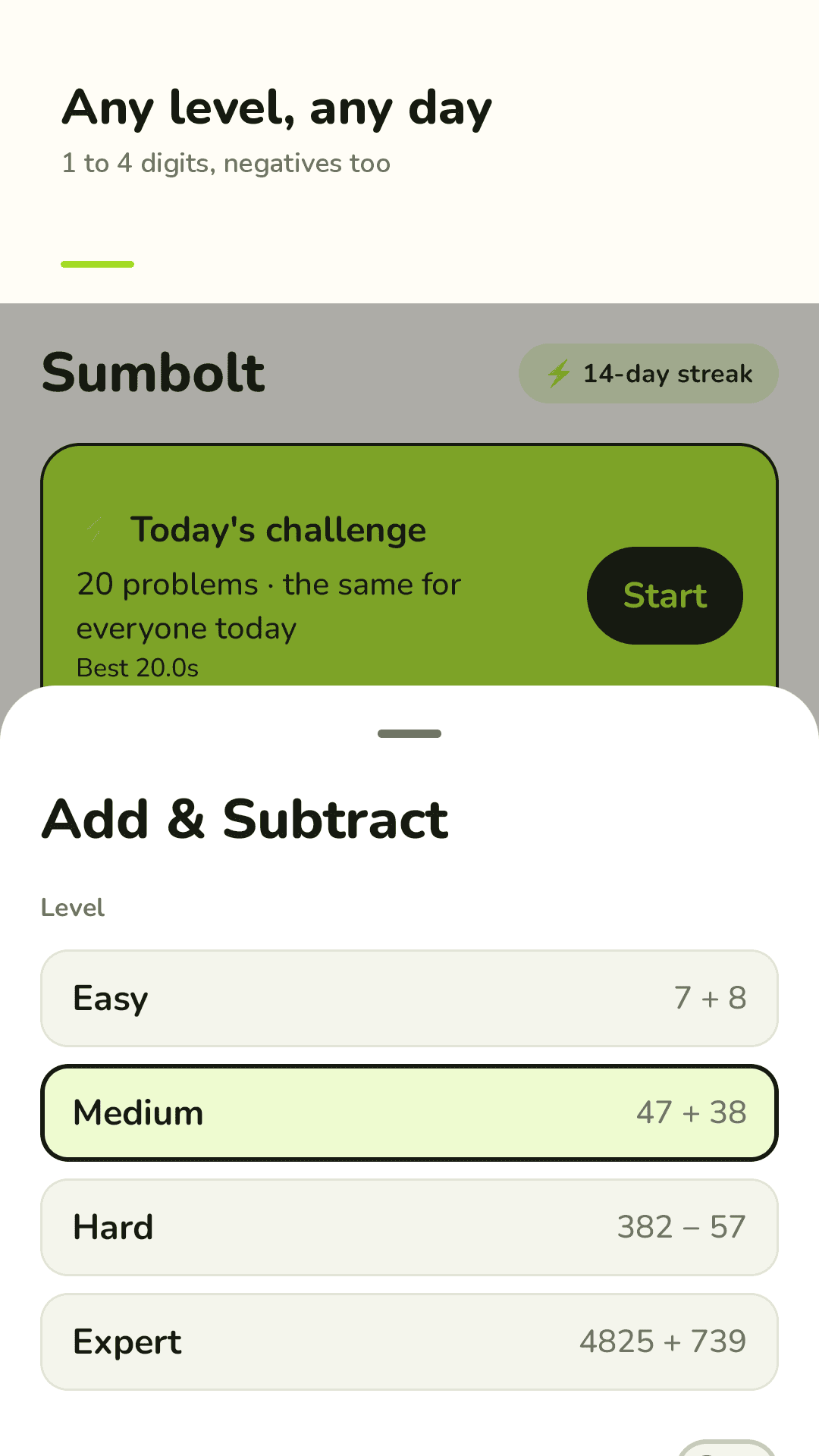
Any level, any day
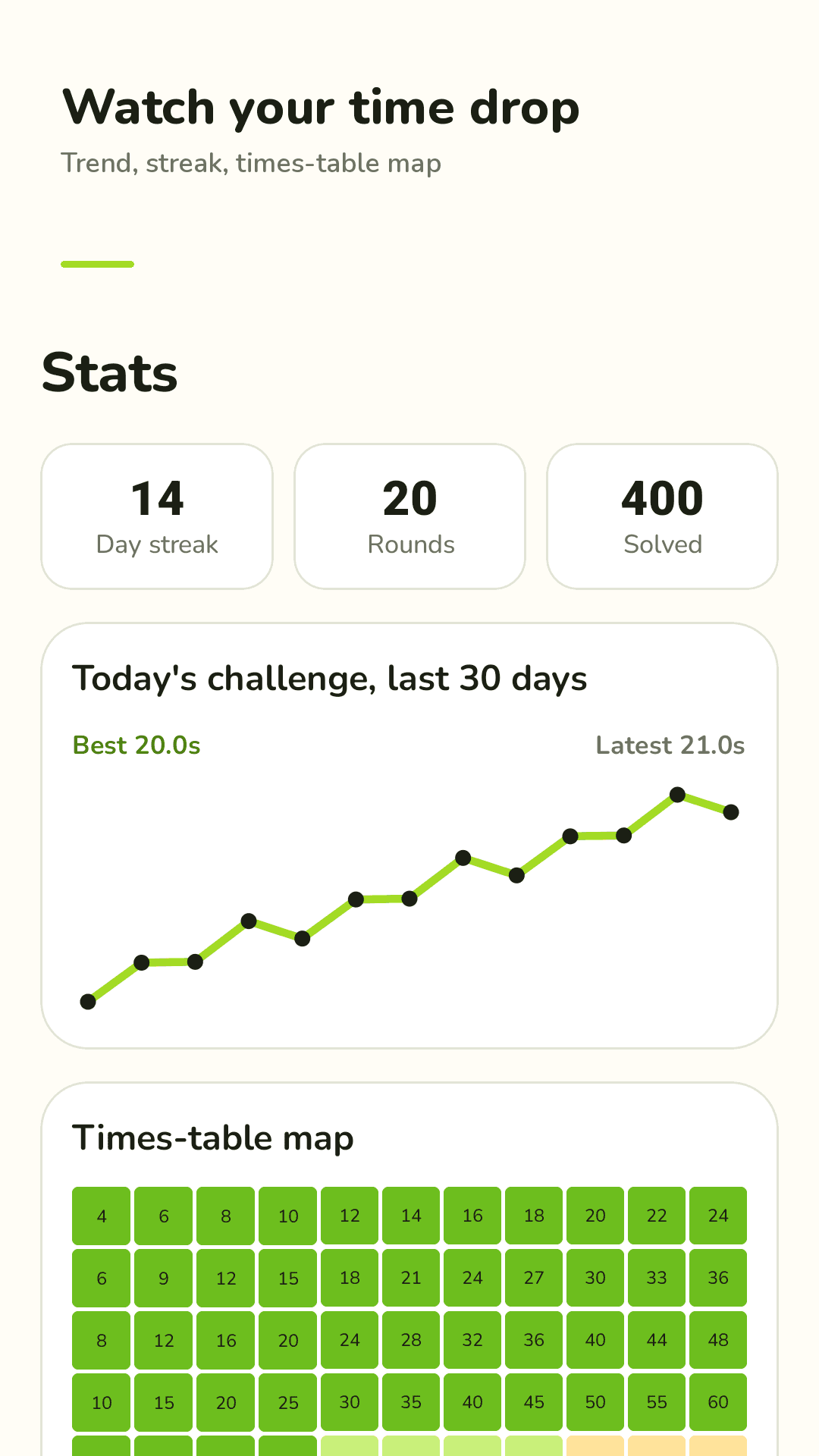
Watch your time drop
Three steps
Pick a mode and level
Tap Today's Challenge, or choose addition, subtraction, multiplication, division or times tables, from Easy to Expert.
Just type answers
3, 2, 1, go. Right answers move on instantly; wrong ones add a second. No Enter key.
Check your time, go again
See your best time and 30-day trend, retry the misses, and learn a trick for the ones that slow you down.
FAQ
Do I have to press Enter after each answer?
No. The moment your answer is right, the next problem appears. There's no Enter key and no fade-in delay.
I'm stuck on easy problems. Are there harder levels?
Yes, and they're all open from day one. Expert gives problems like 4825 + 739 and 47 × 63. You can add negative numbers or go up to 50 problems.
Are negative numbers included?
Yes. Turn on negative numbers in the level sheet and subtraction can go below zero, like 23 − 57 = −34. Type the minus key, then the digits.
Can I change the keypad to calculator mode?
Yes. In Settings, choose phone layout (1 2 3 on top) or calculator layout (7 8 9 on top).
Can I turn off the music?
There is no music. You only hear a short tick for right and a thud for wrong, and you can turn both off in Settings.
Is it free? Are there ads?
Every mode, level and trick is free, and the app shows ads. Watch one short video in Settings to turn off full-screen ads for 24 hours.
Is it good for kids practicing arithmetic?
Yes. Easy level with the timer off works for young learners, and the times-table map shows which facts still need practice.
How long should I practice each day?
One round of Today's Challenge, 20 problems in about a minute, is enough. Do it daily and watch your 30-day trend drop. It's a quick way to keep your mind sharp.