RowmarkTap anywhere, that's a row
A knitting & crochet row counter · Nothing locked
The whole bottom half of the screen is a +1 button, so you can count rows without looking down. Count with the volume keys when your hands are busy, and fix a double count with −1 or Undo. A repeat counter for cables and lace, a stitch counter, row notes that pop up at the right row, and a PDF pattern viewer with a highlighter band are all unlocked. Available on Google Play for Android.
Gave up on a row counter app because of this?
Three counters free, then a subscription — "I'm not going to rent a tally counter"
"the ads jumping up when I click the plus button to add a row"
"My phone died and app charges to restore backup"
"counters are too small… at the top of the screen instead of the bottom"
"the timer only works while the screen is on"
Zoom or rotate the PDF pattern and your place marker is gone
Rowmark: everything unlocked, and nothing gets between you and +1 🧶
"Gone are the days of pencil and paper"
A counter you can tap with needles in hand, without looking down
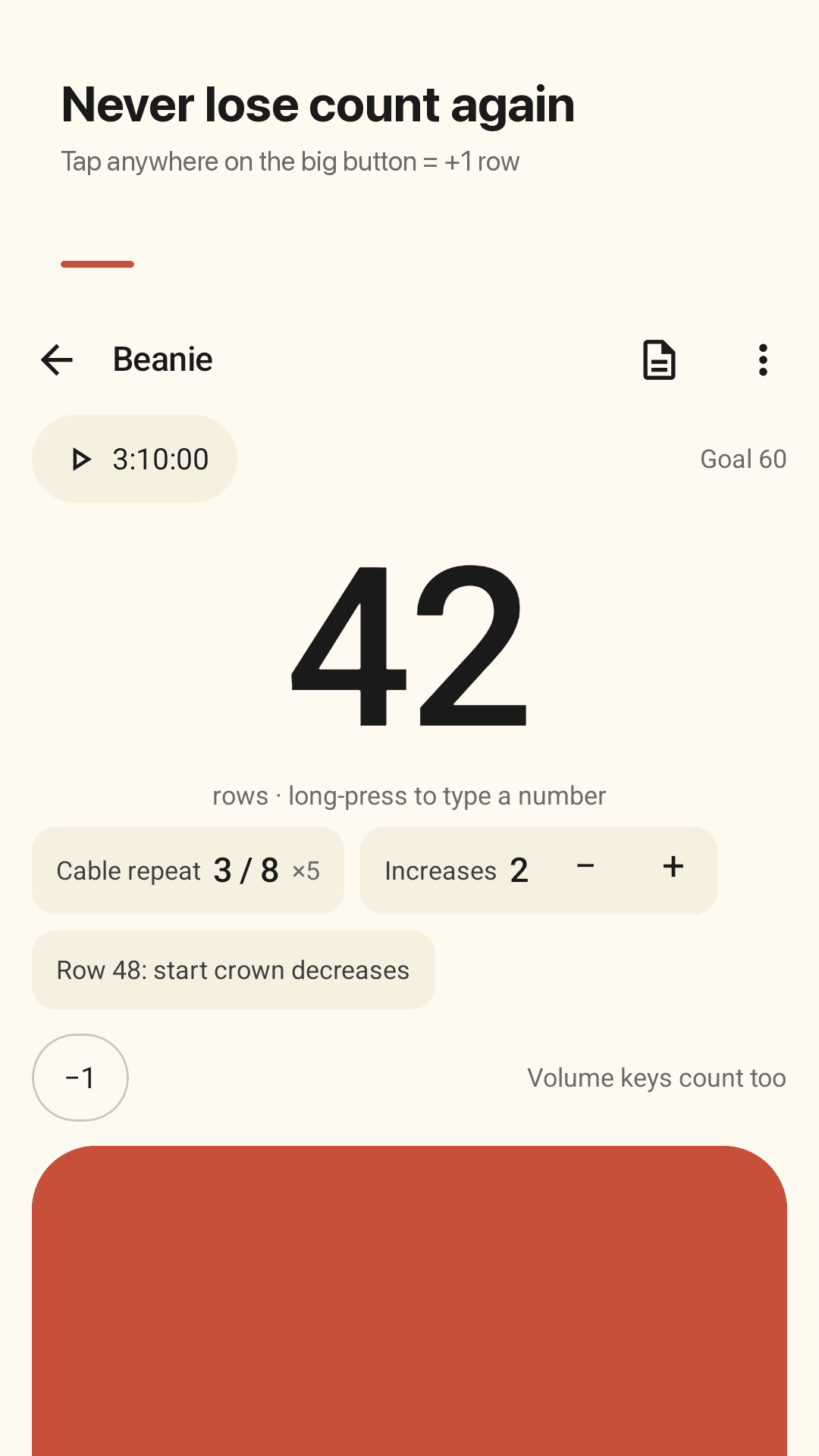
The bottom half is +1
Tap anywhere on the big button to add a row. Count with the volume keys, use −1 and Undo, or long-press the number to type the row you're on. Start at row 0 or 1; the screen stays on.
Repeat counter
Resets every 8 rows (or any number) and keeps counting the rounds. Made for cables, lace and any pattern with a repeat.
Stitch counter and row notes
A separate stitch counter for increases and decreases. Pin a note like "Row 48: start crown decreases" and it pops up when you get there.
Your pattern next to your counter
Open a PDF or photo of your pattern. A highlighter band keeps your place, even after you zoom or rotate, with a mini +1 right under the pattern.
Unlimited projects with yarn colors
No cap on projects. Give each one its own yarn color and switch between them; every project keeps its own count.
Knitting time and stats, no time limit
A project timer that keeps running with the screen off. Rows and hours per day, week, month, year and all time.
Finish card
Finish a project and share a card image with your total rows and hours.
No account, backup file, widget
No sign-in. Save a backup file wherever you choose — phone or drive — and restore it on a new phone. Add +1 from the home-screen widget.
See it in action
The counter, your projects, stats and the finish card
Tap anywhere on the big button = +1 row
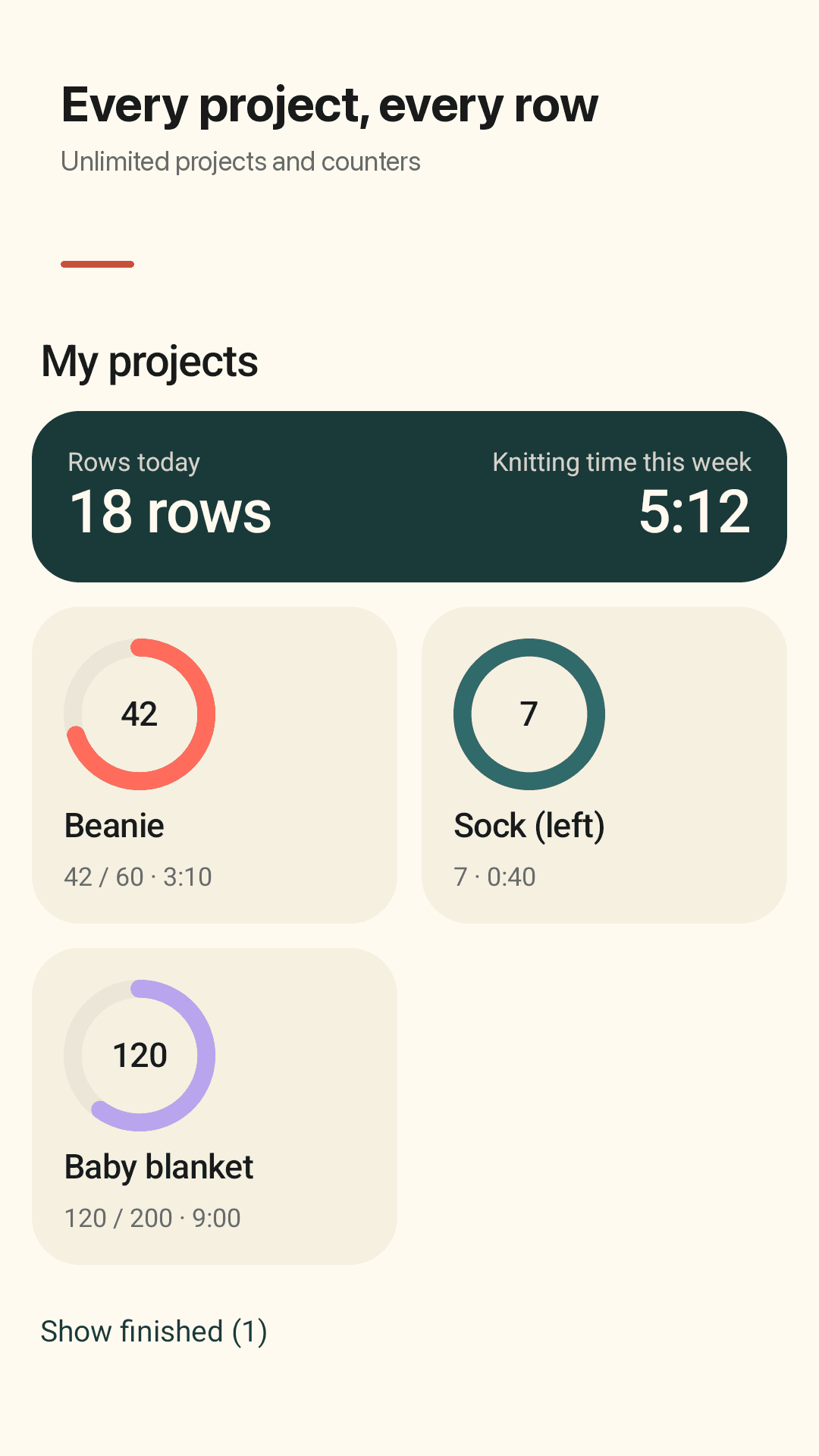
Unlimited projects and counters
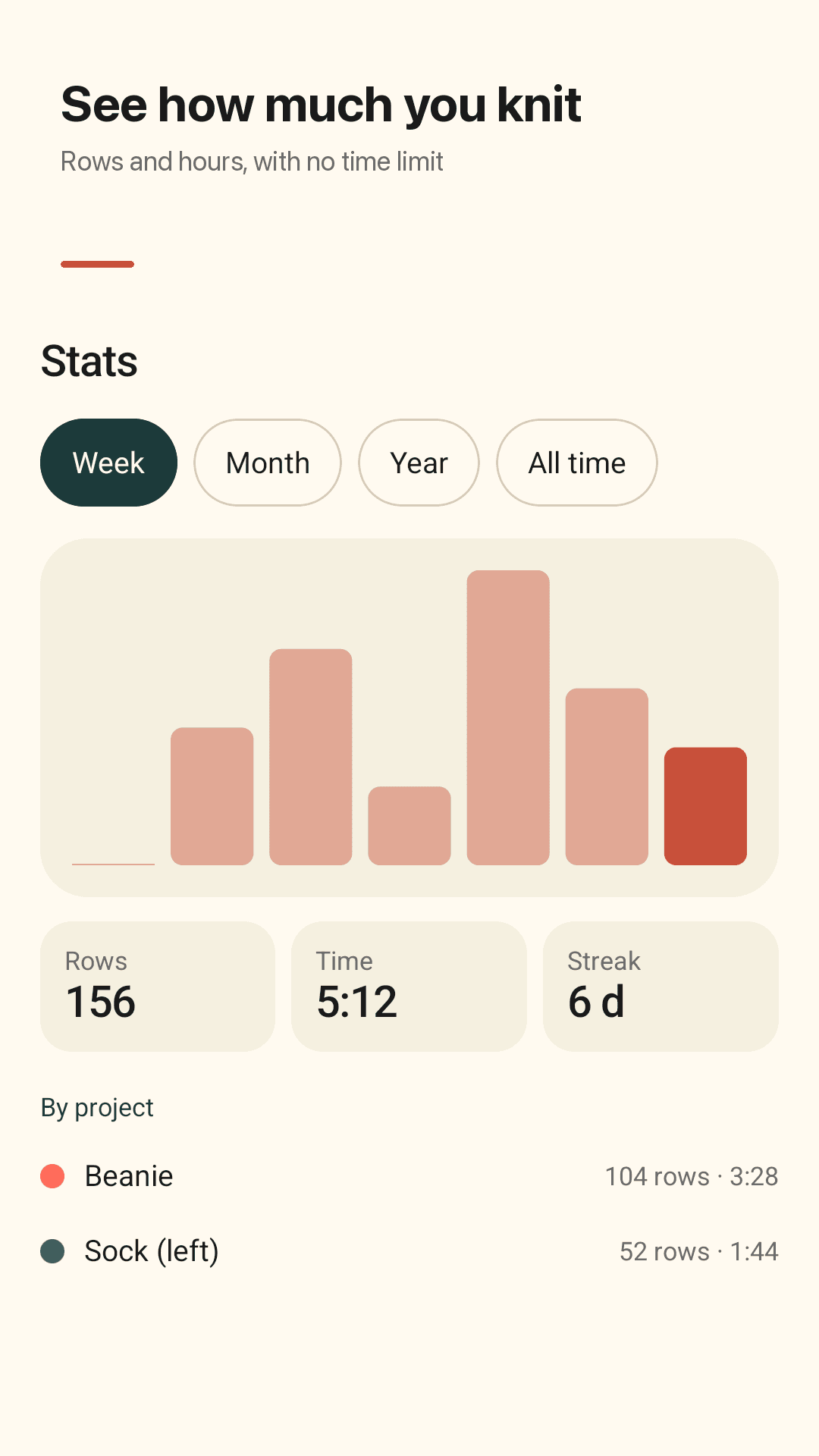
Rows and hours, with no time limit
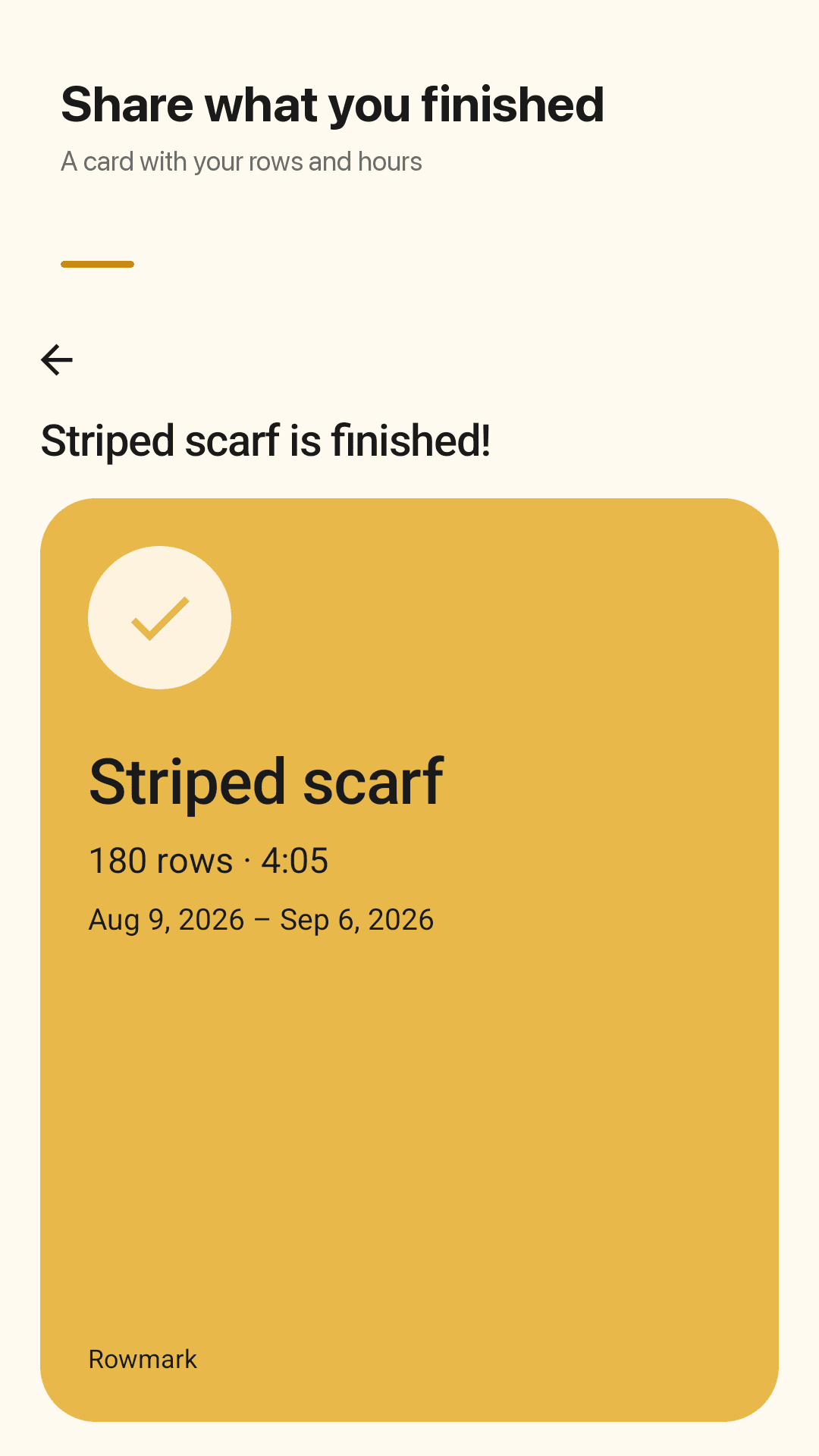
Share a card with your rows and hours
How it works
Start a project
Name it, pick a yarn color and start at row 0 or 1. Add a repeat length or row notes if your pattern needs them.
Knit a row, tap
Tap anywhere on the bottom half, or press a volume key. Counted twice? −1 or Undo.
Keep the pattern beside you
Open your PDF or photo pattern, mark your line with the highlighter band, and keep counting with the +1 under it.
Frequently asked questions
Is it really free? Is there a limit on counters or a subscription?
No locked features, no limit on counters or projects, and no subscription. The repeat counter, stitch counter, pattern viewer, stats and backup are all included. Rowmark is supported by ads.
Do ads pop up when I tap + to add a row?
No. A full-screen ad never interrupts your +1 or −1 taps. Full-screen ads can only appear when you've stopped knitting — after you close a project and return to the list, after you mark a project finished, or after you export a backup.
Will I lose my rows if I switch phones?
Not if you save a backup file. Save it wherever you like, such as your phone or a drive, and restore it on the new phone. No account is needed and restoring is free.
Can I start counting at row 0? What if I tap by mistake?
Yes. New projects can start at row 0 or row 1. Fix a mistake with −1 or Undo, or long-press the number to type the row you're on.
How do I count a cable that repeats every 8 rows?
Set the repeat counter to 8. It resets every 8 rows and keeps a separate count of how many repeats you've done, moving along with your main row count so you don't tap twice.
Can I follow a PDF pattern and count at the same time?
Yes. Open a PDF or photo pattern and mark your line with the highlighter band. The band stays in place after you zoom or rotate, and a mini +1 sits right under the pattern.
Does the knitting timer stop when the screen turns off?
No. The project timer keeps running with the screen off. Stats show rows and hours per day, week, month, year and all time, with no time limit.
Can I count without opening the app?
Yes. The home-screen widget shows your current row and has a +1 button. Inside the app, the volume keys count too.
Ditch the pencil and paper
No sign-up. Grab your needles or hook and count every row 🧶