RouzyThe alarm that stops when you're awake
Every mission free. Rings every time.
Rouzy is a mission alarm clock for heavy sleepers. Stack up to three missions — math, memory, typing, shake — and the alarm only stops when you finish them. It's scheduled with Android's own alarm clock so it rings in battery saver, and a wake-up check 3 minutes later catches you if you drift back to sleep.
Sound familiar?
"I granted all the permissions needed but the alarm didn't even ring."
"most features need premium"
"cause some stupid ad that glitches" — and you can't turn the alarm off
The alarm blasts your music volume up too
You turn the alarm off in your sleep and never remember doing it
Rouzy unlocks every mission for free, never shows an ad on the ringing screen or during a mission, and plays only on the alarm volume.
An alarm that rings until you're up
Hard to turn off half-asleep, built to ring every time
4 wake-up missions, stack up to 3
Math (1–10 problems, easy to hard), memory (repeat the lit tiles), typing (type a sentence exactly), shake (10–100 shakes). Stack them and finish all to stop the alarm.
Every mission free, no subscription
All missions are unlocked from day one. No locked features, no subscription, no countdown sale.
It rings. Every time.
Scheduled with Android's own alarm clock, so it rings in battery saver and Doze, full-screen over the lock screen. Volume rises gently over 30 seconds.
10-second test and reliability check
Hear the alarm before bed with "Test in 10 seconds", and see anything that could stop it in the reliability check in Settings.
Wake-up check
Three minutes after your mission, Rouzy asks "Are you up?". No answer in 60 seconds and the alarm rings again.
Alarm volume only
Rouzy plays on the alarm volume, so your music volume stays where it was. Use any alarm sound on your phone.
Skip once, keypad time entry
Skip the next alarm for a day off without turning it off. Type the time on a keypad. Snooze 1, 5 or 10 minutes up to 3 times, or turn snooze off.
Wake-up streak and widget
See how many days in a row you got up on the first alarm. The home screen widget shows your next alarm with a one-tap skip.
Take a look
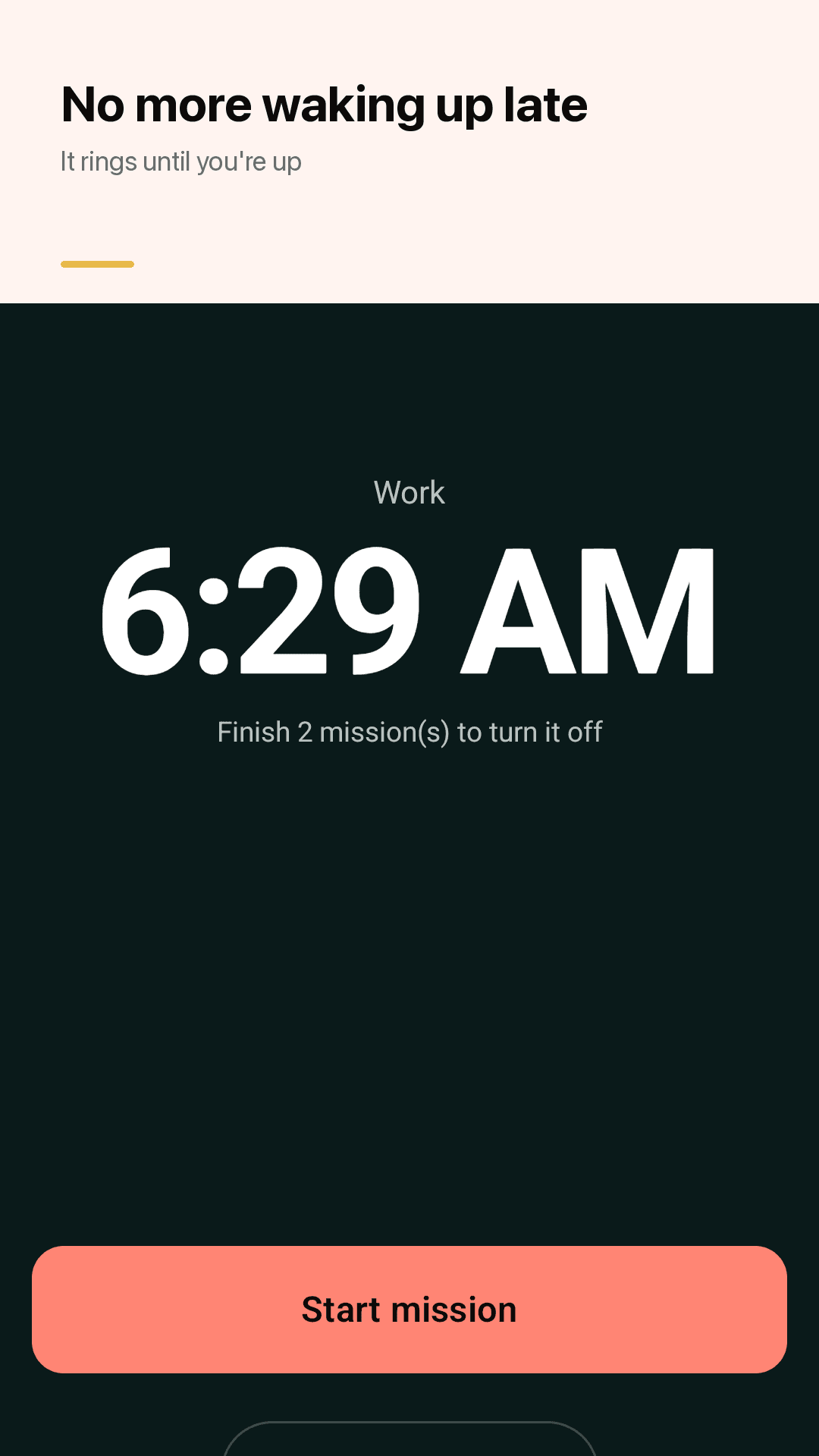
Ringing screen, math mission, alarm list, alarm editor
Full-screen over the lock screen
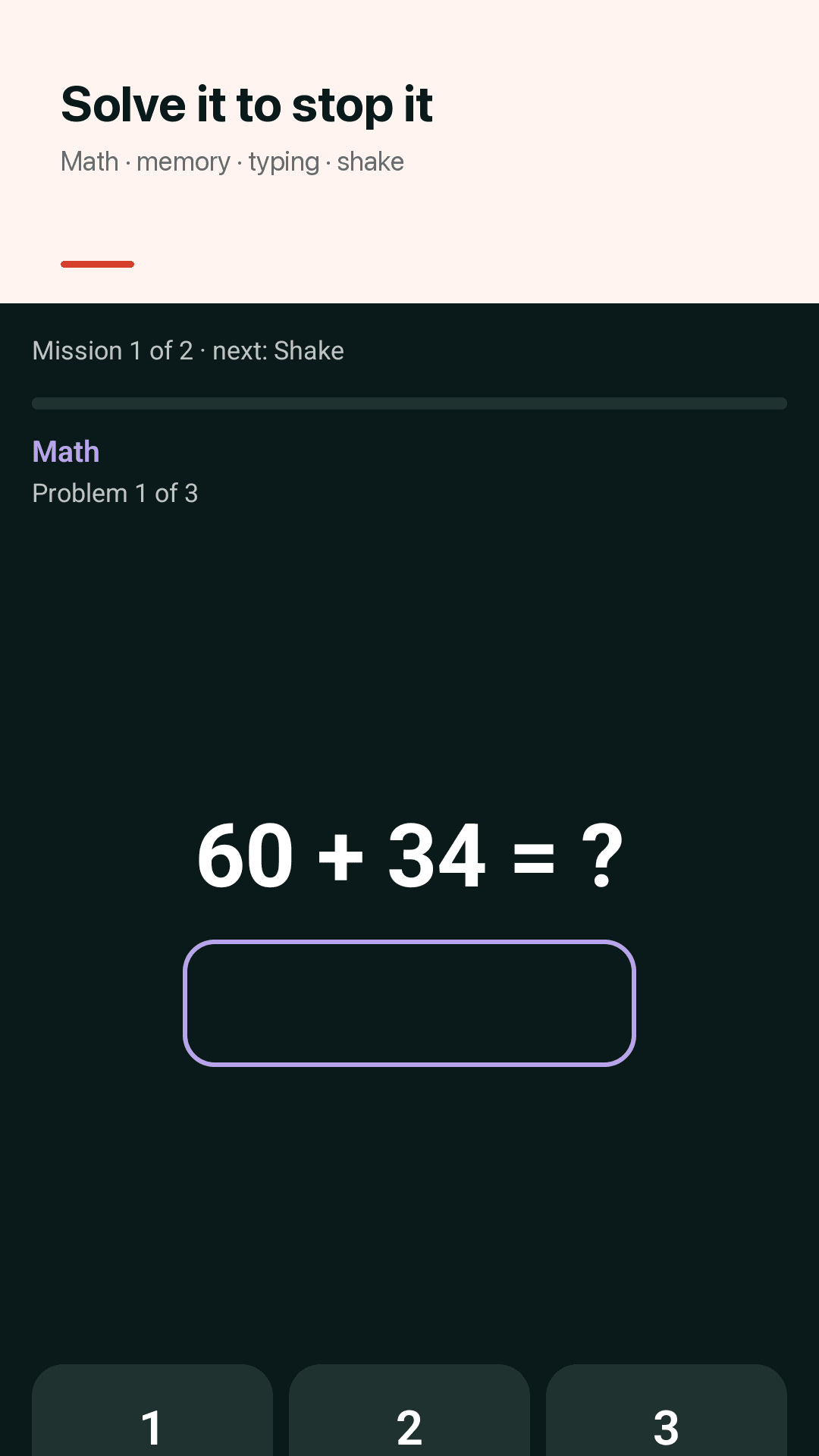
Solve it to turn it off
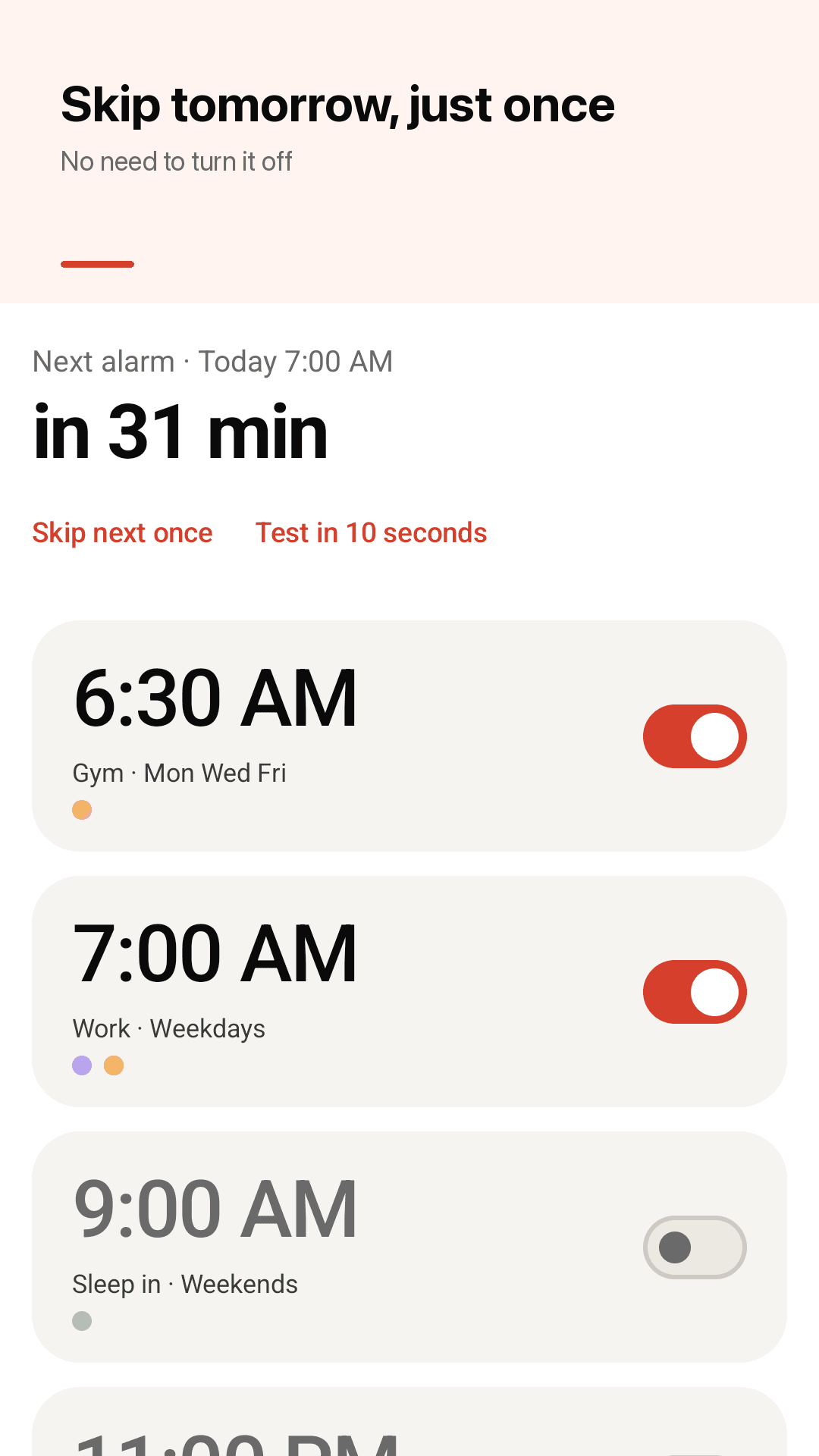
Your alarms and the next one up
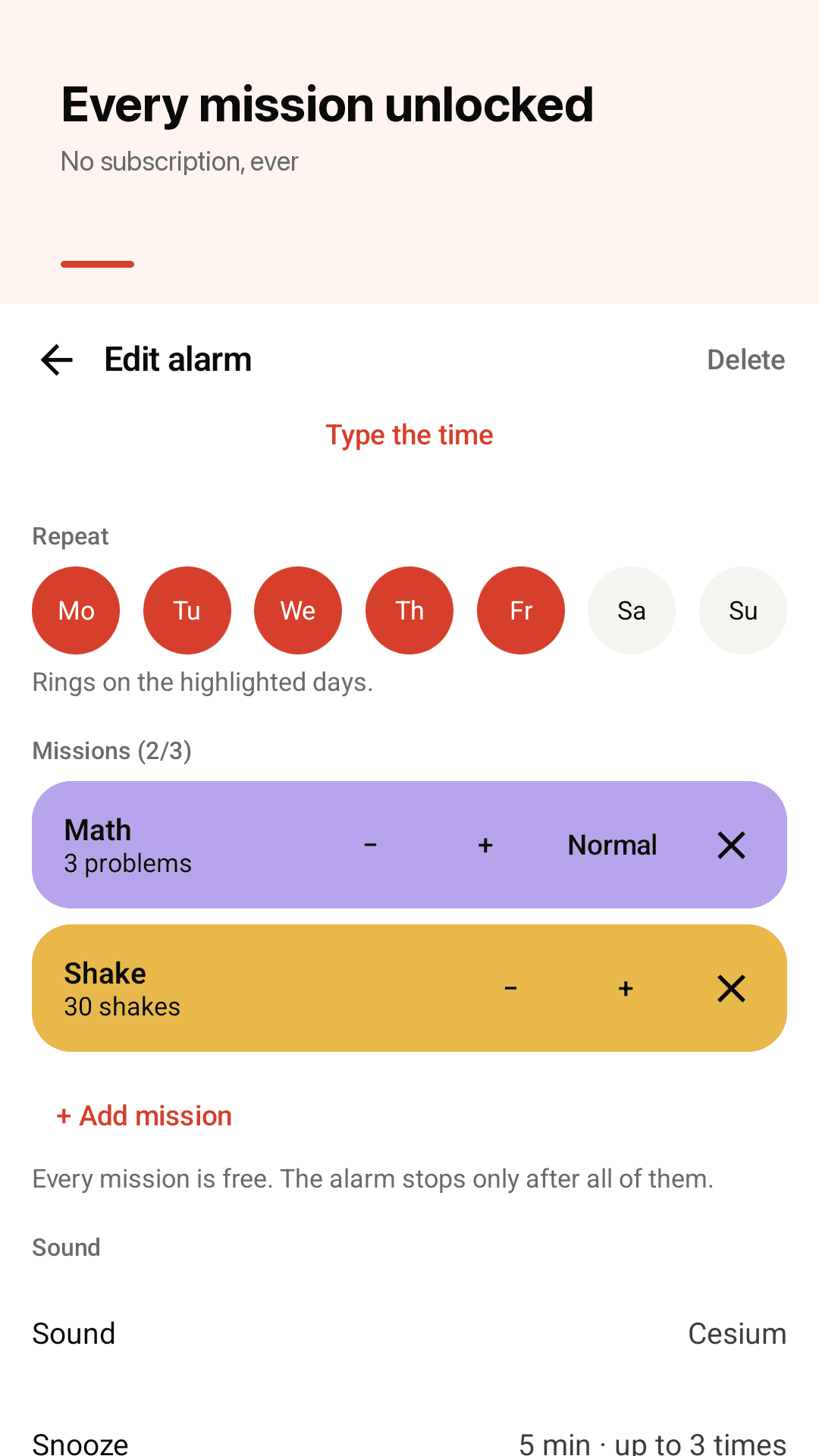
Stack up to 3 missions
Three steps
Type the time
Enter your wake-up time on a keypad.
Pick missions
Stack up to three: math, memory, typing, shake.
Test in 10 seconds
Hear it once before bed, then sleep easy.
Frequently asked questions
Why didn't my alarm ring?
Usually battery optimization, missing notification or full-screen permission, or a low alarm volume. Rouzy schedules with Android's own alarm clock (setAlarmClock), which rings in battery saver and Doze, and the reliability check in Settings points out anything that could block it. Try "Test in 10 seconds" before bed.
Do I have to pay for missions?
No. Math, memory, typing, shake and the wake-up check are all unlocked for free. There is no subscription.
Will an ad stop me turning off the alarm?
Never. Ads don't appear on the ringing screen or during missions. An ad can only show after the alarm is off.
Can I skip tomorrow's alarm without turning it off?
Yes. Skip the next alarm once and it goes back to normal afterwards. The home screen widget has a one-tap skip too.
Will the alarm turn my music volume up?
No. Rouzy plays only on the alarm volume, rising gently over 30 seconds. Media volume is left alone.
What if I fall back asleep after the mission?
Turn on the wake-up check: 3 minutes later Rouzy asks "Are you up?" and rings again if you don't answer within 60 seconds.
Can I choose the snooze length?
Yes — 1, 5 or 10 minutes, up to 3 times. You can also turn snooze off entirely.
Do I need an account? Does it want my location?
No account, no sign-up, and your alarms stay on your phone. Rouzy doesn't use location permission.