MorselyMorse to text that actually works
Sound · Flashlight · Vibration · Screen flash
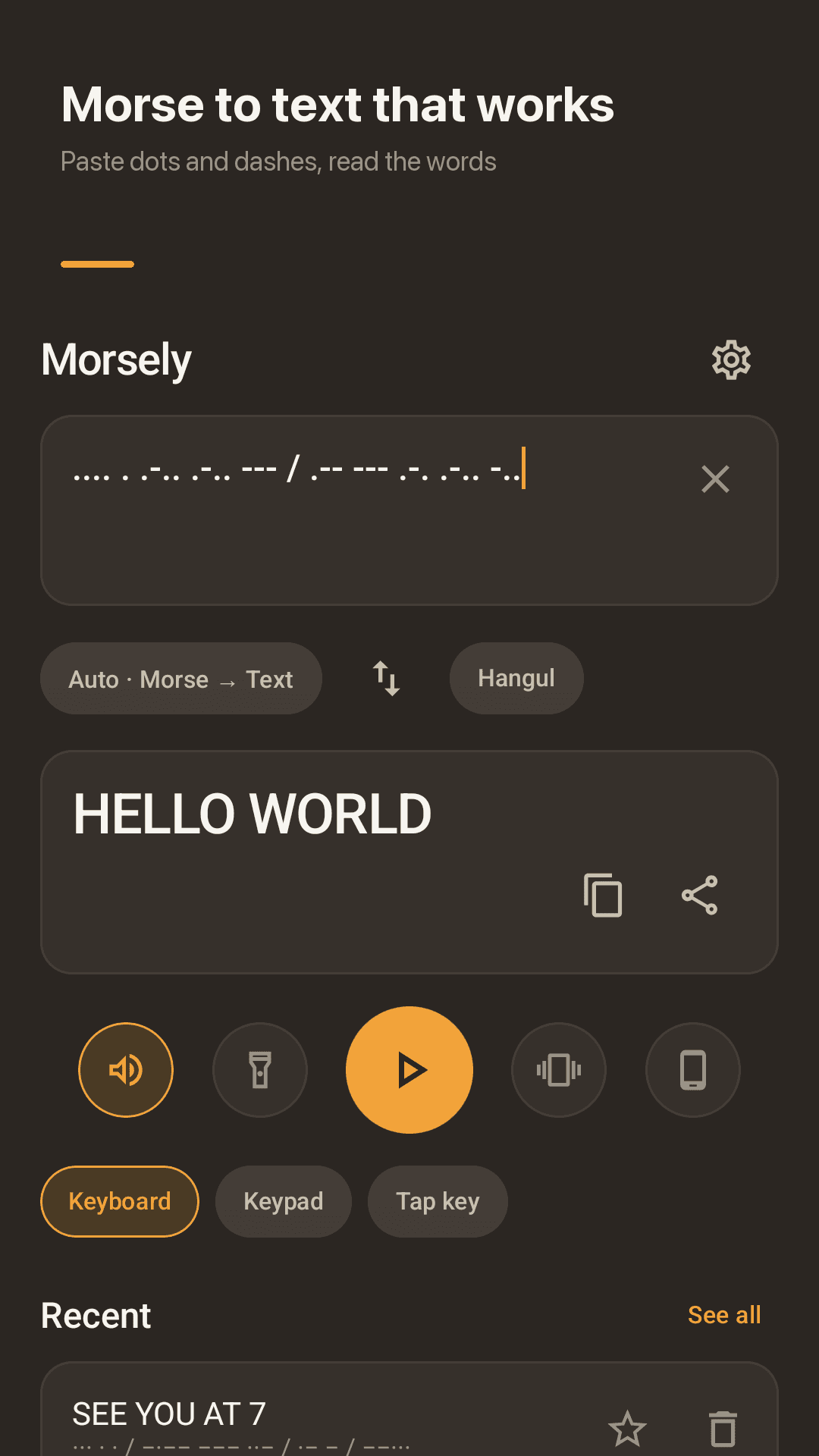
Morsely is an Android app that turns text into Morse code and dots and dashes back into words. It works out the direction for you, plays the signal as sound or light, and teaches you to read Morse by ear in five minutes a day.
Why Morse apps let people down
"It doesn't translate them properly… all it gave me was question marks!"
"Won't show keep board = keeps disappear"
"The audio pops… making it hard to distinguish dits and dahs"
"Came here to learn the numbers, guess what, you have to pay"
"It didnt teach me words, just letters"
"The Morse code to normal doesn't work"
Morsely translates both ways, plays clean tones, and teaches every character by ear with nothing locked
Everything you need to read, send and learn Morse
Paste it, play it, learn it by ear
Two-way auto translation
Text to Morse and Morse to text in real time. It detects the direction; one tap switches it.
Sound, flashlight, vibration, screen
Smooth tones with no clicks or pops, flashlight and full-screen flashes, vibration. The letter being sent lights up.
Dedicated Morse keypad
Big dot and dash keys plus letter space and word space. No fighting the system keyboard.
Tap key
Press short for a dot, long for a dash, like a real straight key.
5-minute lessons by ear
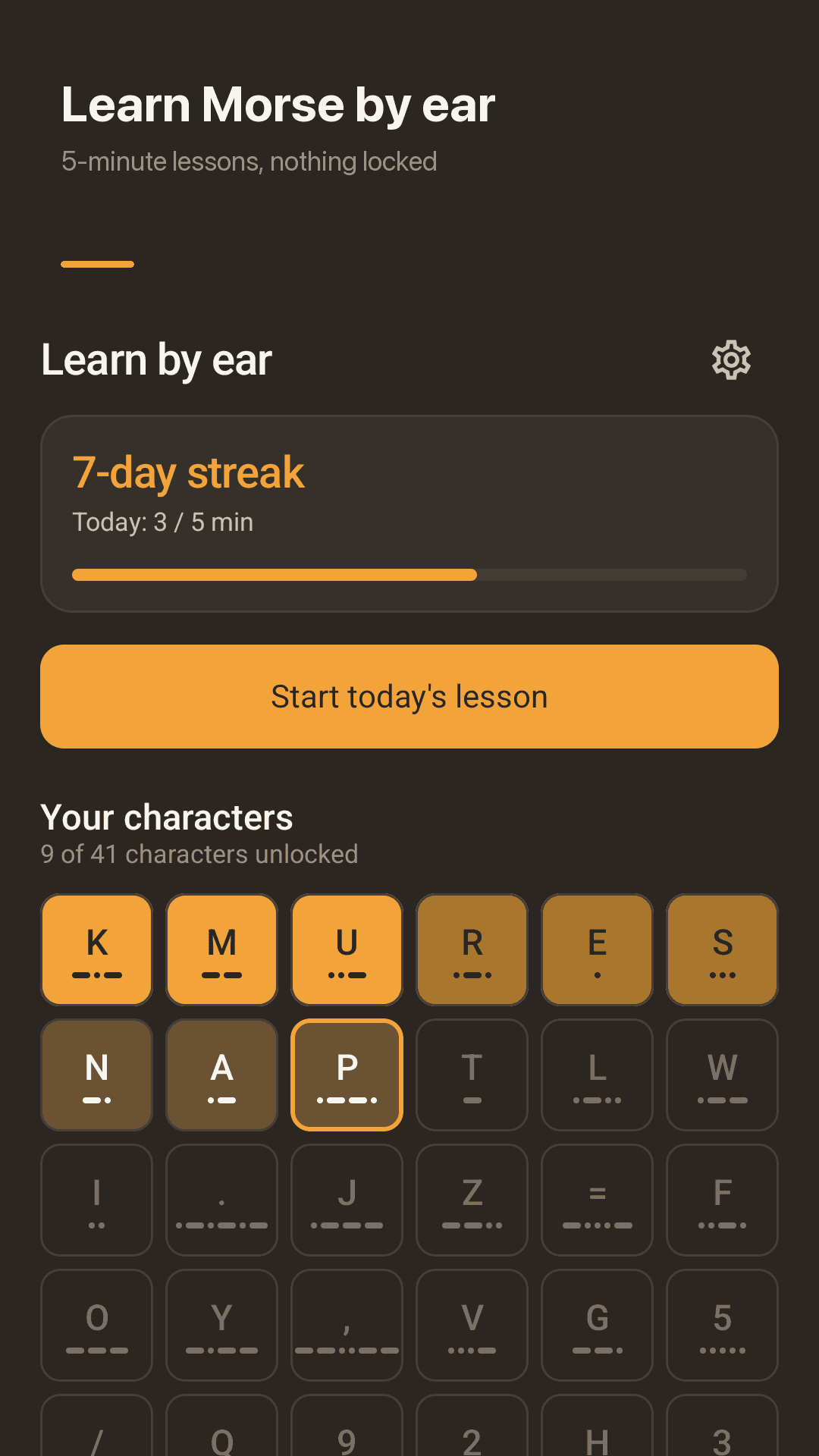
Koch method: start with two letters and add one each time you pass 90%. Numbers and punctuation included, nothing locked.
The full Morse chart
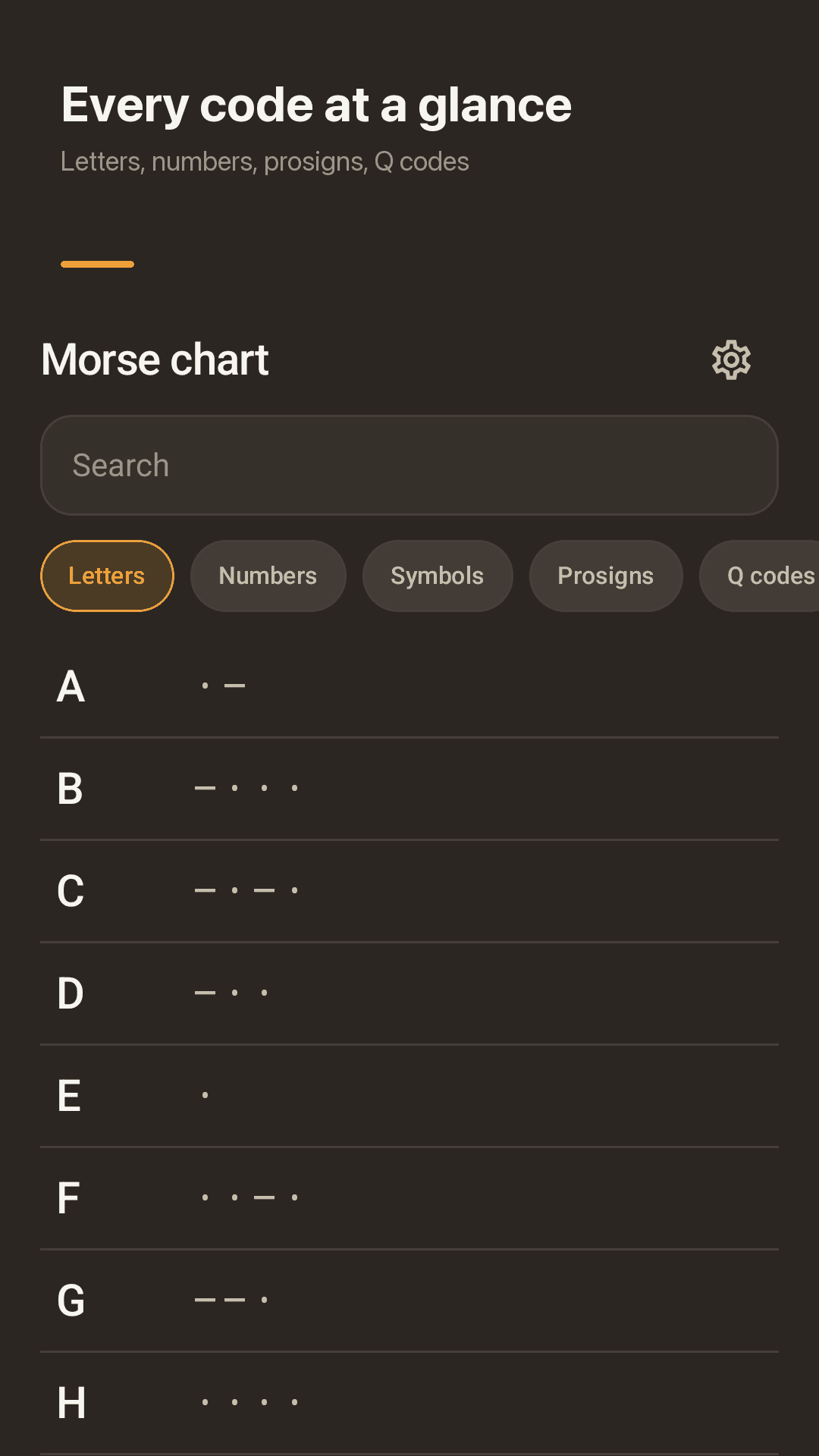
Letters, numbers, symbols, prosigns (SOS, AR, SK), Q codes (QTH, QSL) and Hangul. Tap a row to hear it.
Korean (Hangul) Morse
Converts Hangul jamo by jamo, splitting double consonants and vowels into their basic parts.
Widget, offline, no account
Letter of the day and a one-tap SOS on your home screen. Works offline; history stays on your phone.
See it in action
Translate, learn, chart, keypad
Morse to text that works
Learn Morse by ear
Every code at a glance
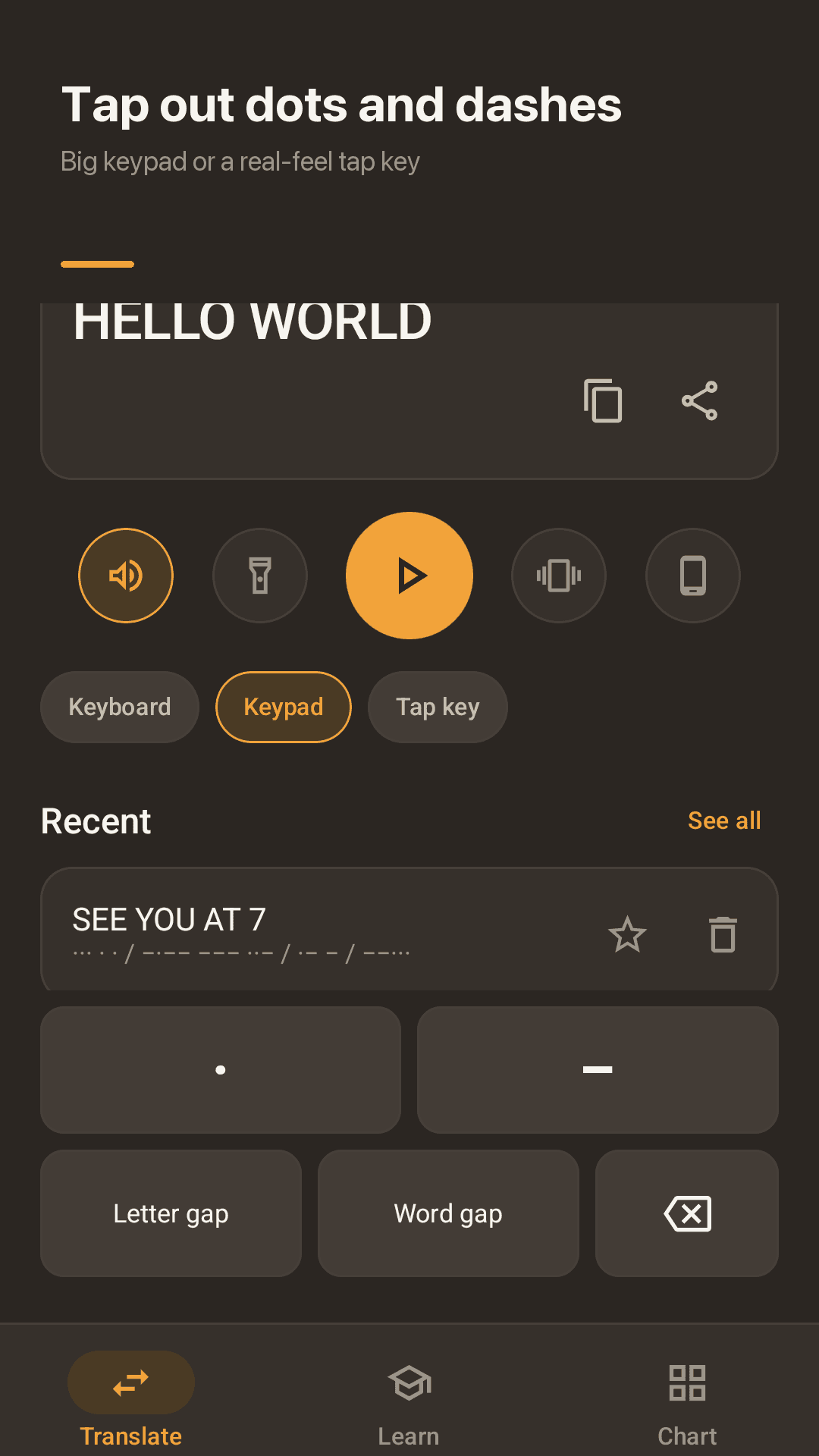
Tap out dots and dashes
How it works
Type or paste
Text or dots and dashes, as is. Morsely works out which way to translate.
Play it
Send it as sound, flashlight, vibration or screen flashes.
Learn it by ear
Five minutes a day until you hear letters, not dots.
FAQ
I saw Morse code in a message. How do I find out what it means?
Paste the dots and dashes and Morsely shows the words. It also reads variants like ·, •, −, – and _, and treats / or a new line as a word break.
Does it work offline?
Yes. Translation, playback, lessons and the chart all work without internet. There is no account or sign-up.
Do I have to pay to learn the numbers?
No. Numbers and punctuation are part of the lesson order and nothing is locked. The app is supported by ads.
Can I learn by sound, not just letters?
Yes. Lessons play a sound and you pick the answer from four, Koch style. You start with two letters and add one each time you pass 90%.
Can it flash SOS with my flashlight?
Yes. Play any result through the flashlight or full-screen flashes, or tap SOS on the home screen widget.
Can I change the speed?
Set speed from 5 to 40 WPM, plus Farnsworth spacing, tone pitch and volume in Settings.
Can I copy and paste the Morse code?
Yes. Long-press to select, copy as plain . and -, or share it as a clean image card.
Is there a Morse code audio decoder that listens through the mic?
Not yet. To decode a signal you hear, tap it out on the keypad or tap key and Morsely turns it into text.