MoaLinkTap share. Saved in 3 seconds.
One place for the links scattered across your apps.
Instagram, YouTube, chat apps, your browser - tap the share button anywhere, pick MoaLink, and a bottom sheet saves it on the spot. No app switching. Titles and thumbnails are fetched automatically, folders keep things organized, and search finds anything by title or URL.
Sound familiar?
Saved on Instagram? YouTube? Sent to yourself in a chat? You can never remember where
"I'll read it later" - and dozens of open tabs later, you've forgotten all of them
You did save it, but when you actually need it, you can't find it
Put them all in MoaLink ✨
From saving to finding again, in one place
3-second saves, thumbnails at a glance
Instant save from the share sheet
Tap share in any app and pick MoaLink. A bottom sheet appears and the link is saved in 3 seconds - no app switching, you go straight back to what you were doing.
Titles & thumbnails, fetched automatically
Save just the URL and MoaLink fetches the title and thumbnail for you. The card grid shows every link at a glance, so you know instantly what each one was.
Organize with folders
Recipes, travel, wishlist - make the folders you want. Deleting a folder never deletes the links inside it.
Search by title or URL
No matter how many links pile up, type part of a title or address and it's right there.
Home screen widget
Your most recent links sit right on your home screen. One tap from the widget and you're actually reading that "read it later" link. Optional reminders nudge you twice a day, with a do-not-disturb window you control.
No account, fully local
No sign-up, no login. Links are stored only on your device. Select multiple links with checkboxes to delete them at once, or export everything as a txt file to share.
See it in action
From saving to organizing to reminders
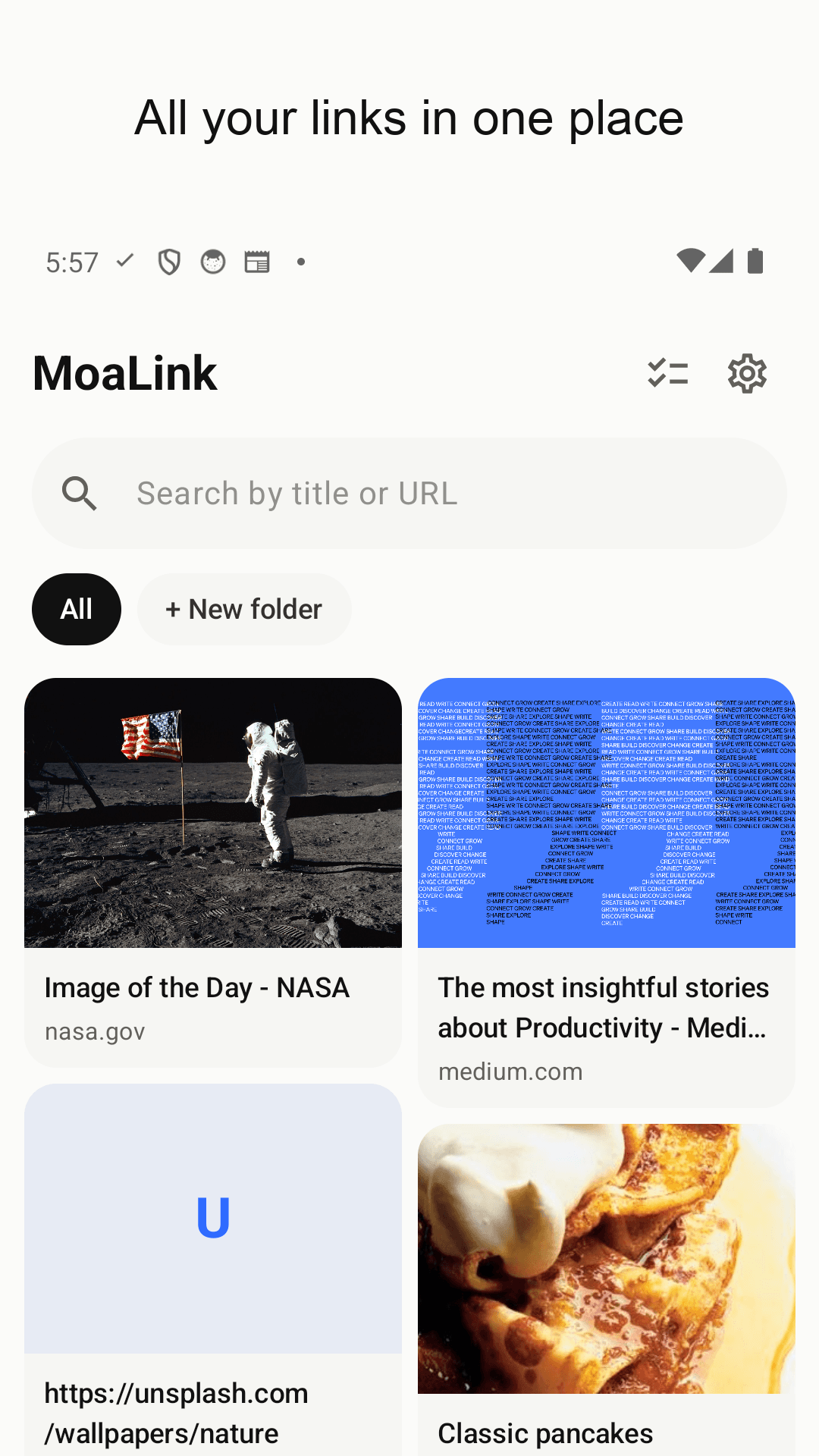
Scattered links, one place - a thumbnail card grid
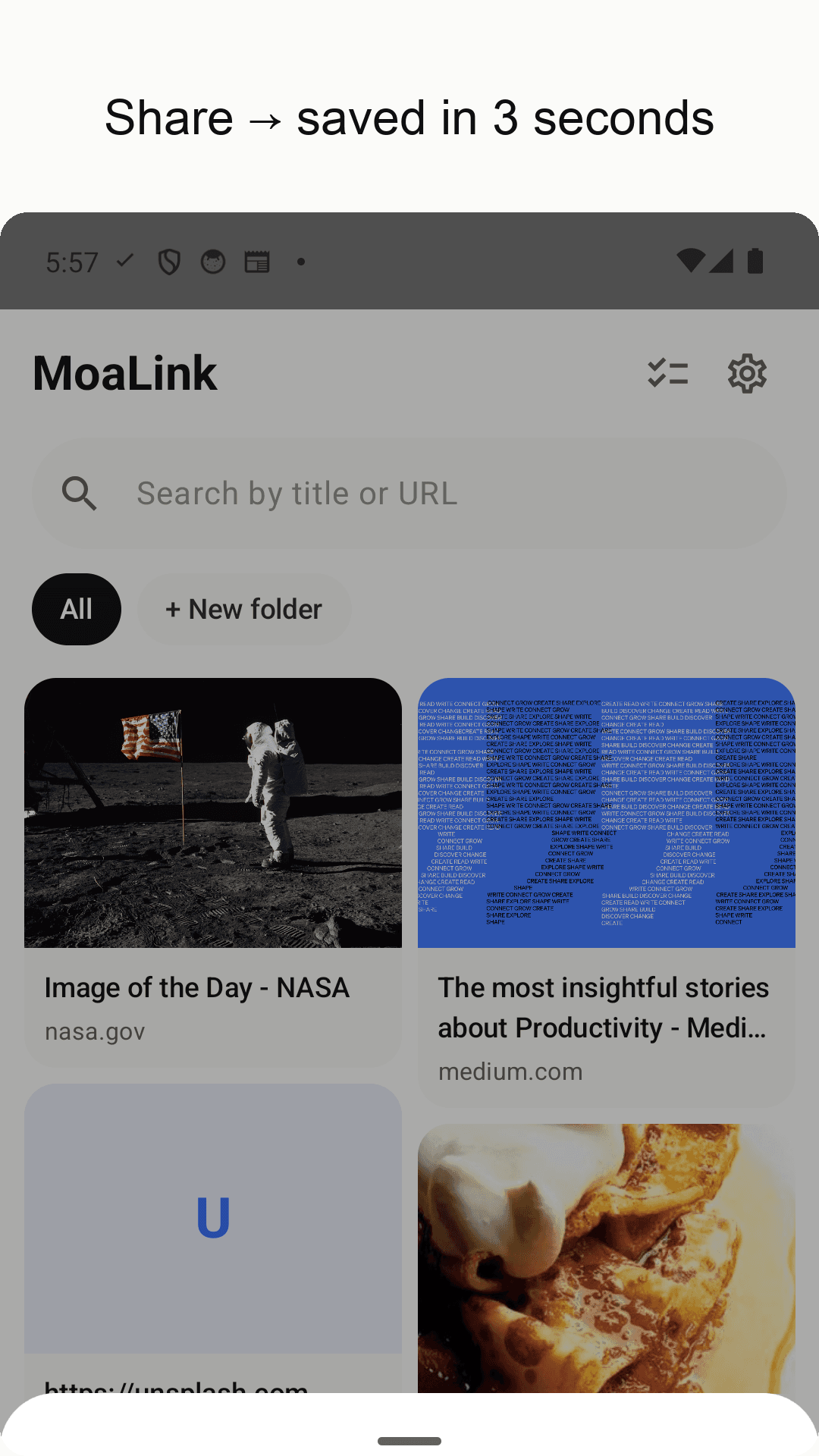
Share, then save - a 3-second bottom sheet
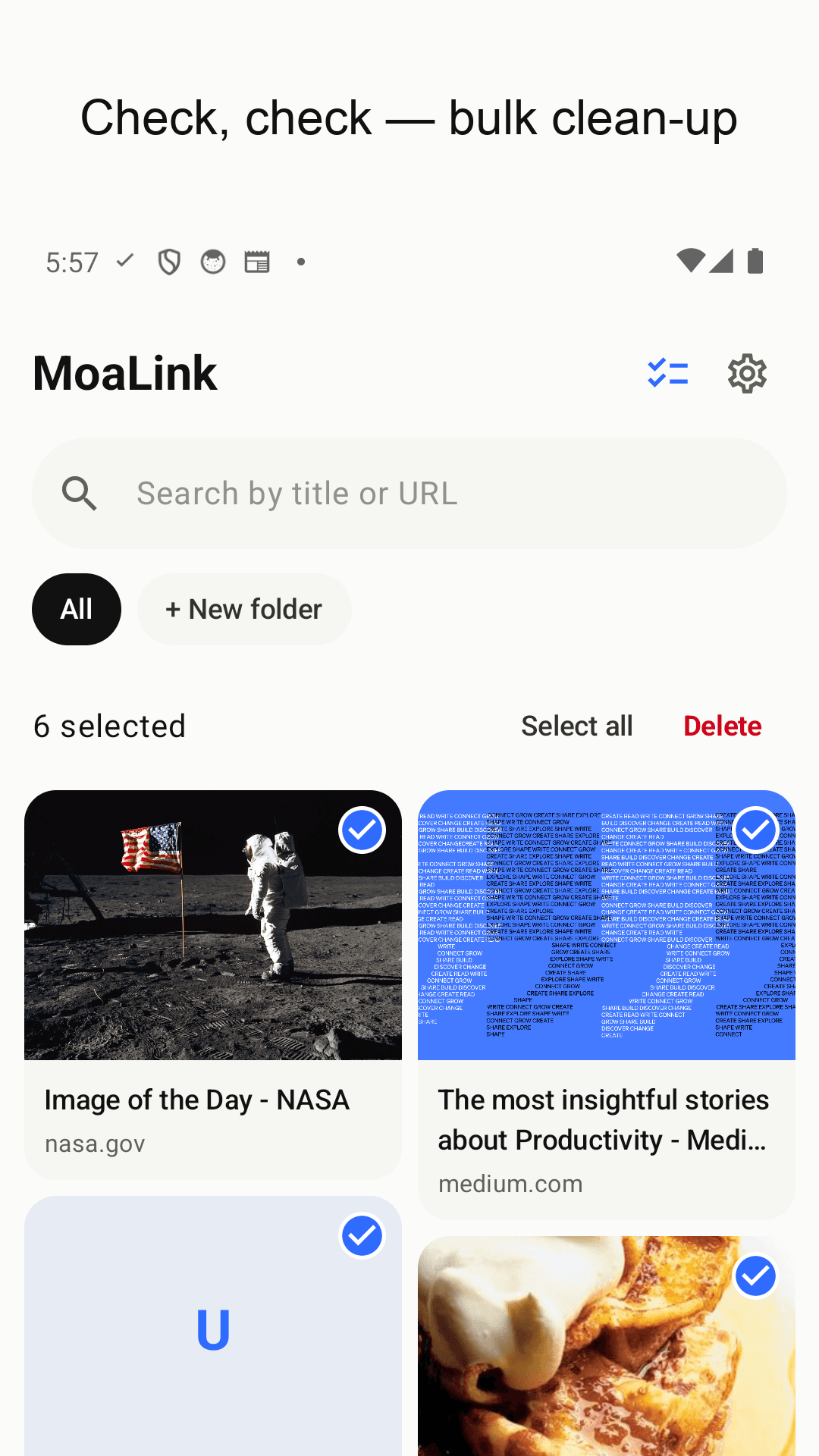
Check, check - clean up in one multi-select pass
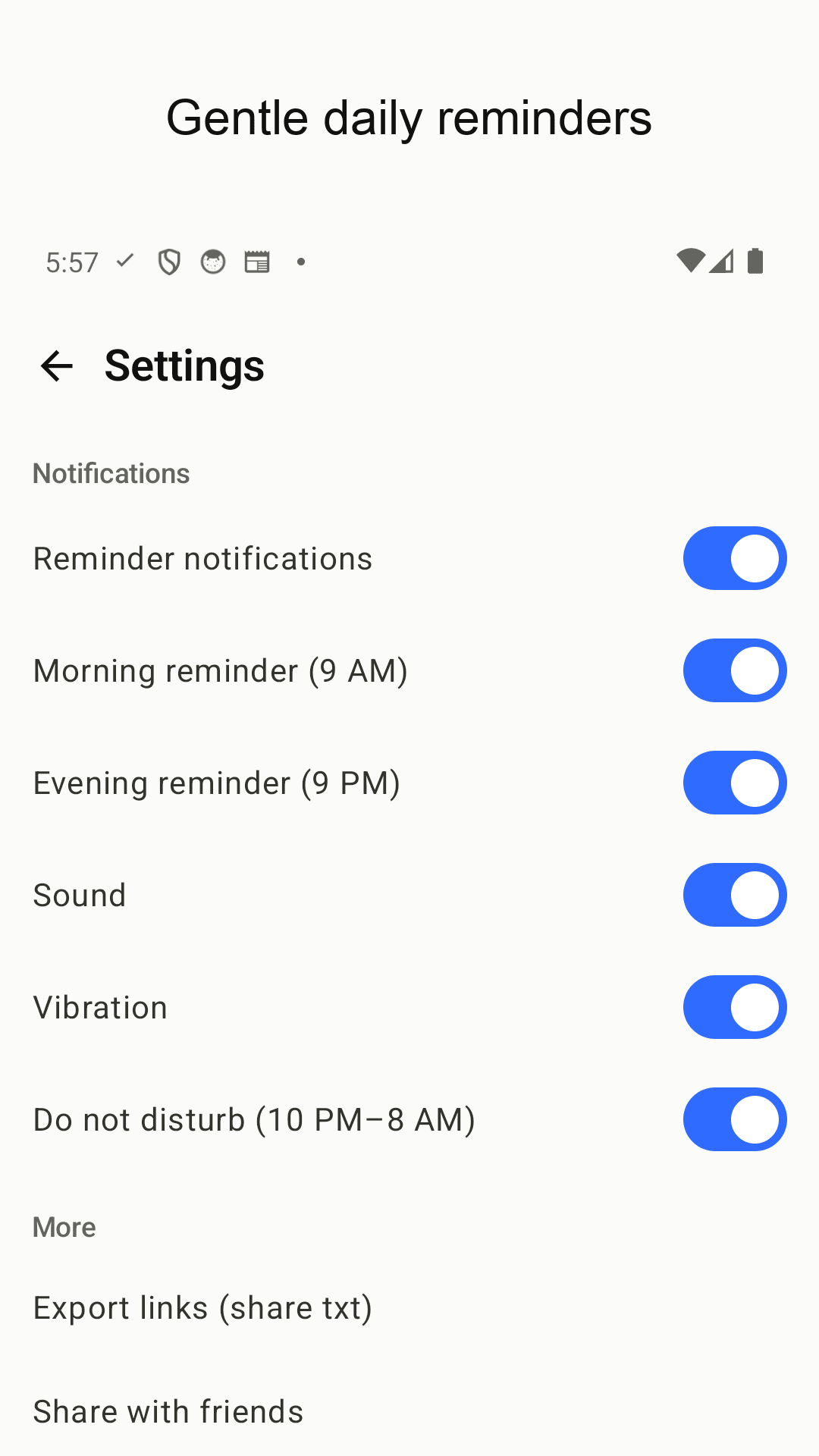
Two light reminders a day, with do-not-disturb
Three steps is all it takes
Tap the share button
Instagram, YouTube, a chat, your browser - hit share on whatever link you're looking at.
Pick MoaLink
Choose MoaLink in the share sheet. A bottom sheet appears and the save is done in 3 seconds - no app switching.
Organize and find it again
Browse the thumbnail cards, sort into folders, and reopen anything via search or the home screen widget.
Frequently asked questions
Do I have to open the app to save a link?
No. Tap share in any app and pick MoaLink - a bottom sheet saves it on the spot and you go straight back to what you were doing.
Do I need an account?
No. MoaLink works without any sign-up or login. Your links are stored only on your device.
Do I have to type in titles and thumbnails myself?
No. Save the URL and MoaLink fetches the title and thumbnail automatically, turning it into a card.
If I delete a folder, do the links inside disappear?
No. Deleting a folder keeps every link inside it. You can reorganize freely without worrying about losing anything.
How do I find a link once I've saved hundreds?
Search by part of the title or URL and it shows up immediately. Links you open often are one tap away on the home screen widget.
Can I delete several links at once?
Yes. Use checkbox multi-select to pick exactly the ones you want, or select all and clear them in one go.
Can I back up or export my links?
Yes. Export all your links as a txt file and send it anywhere via the share sheet.
How do the reminders work?
Twice a day - morning and evening - MoaLink gently reminds you about the links you've saved. You control sound, vibration and a do-not-disturb window (e.g. 10pm-8am), or switch reminders off entirely.