LunadotTonight's moon and the next full moon date, at a glance
No sign-up, no internet needed. No ads covering the moon.
Moon app reviews keep repeating the same complaints: too many ads covering the moon, a countdown to the full moon with no actual date, and apps that can't find your location or show the wrong day's moon. Lunadot computes everything on your phone so it works offline, shows the next full moon as a date, weekday and D-day, and only uses an approximate location once if you want moonrise and moonset.
Why people delete moon apps
"Too many ads cover the moon" — you close three pop-ups to see one moon
"It only says how many days until the full moon — give us a date too"
"Can't find my city", "shows the moon phase for the wrong day"
Just simple. Tonight's moon, and the next full moon. 🌕
Only what you need when you look up
Open it and tonight's moon is right there
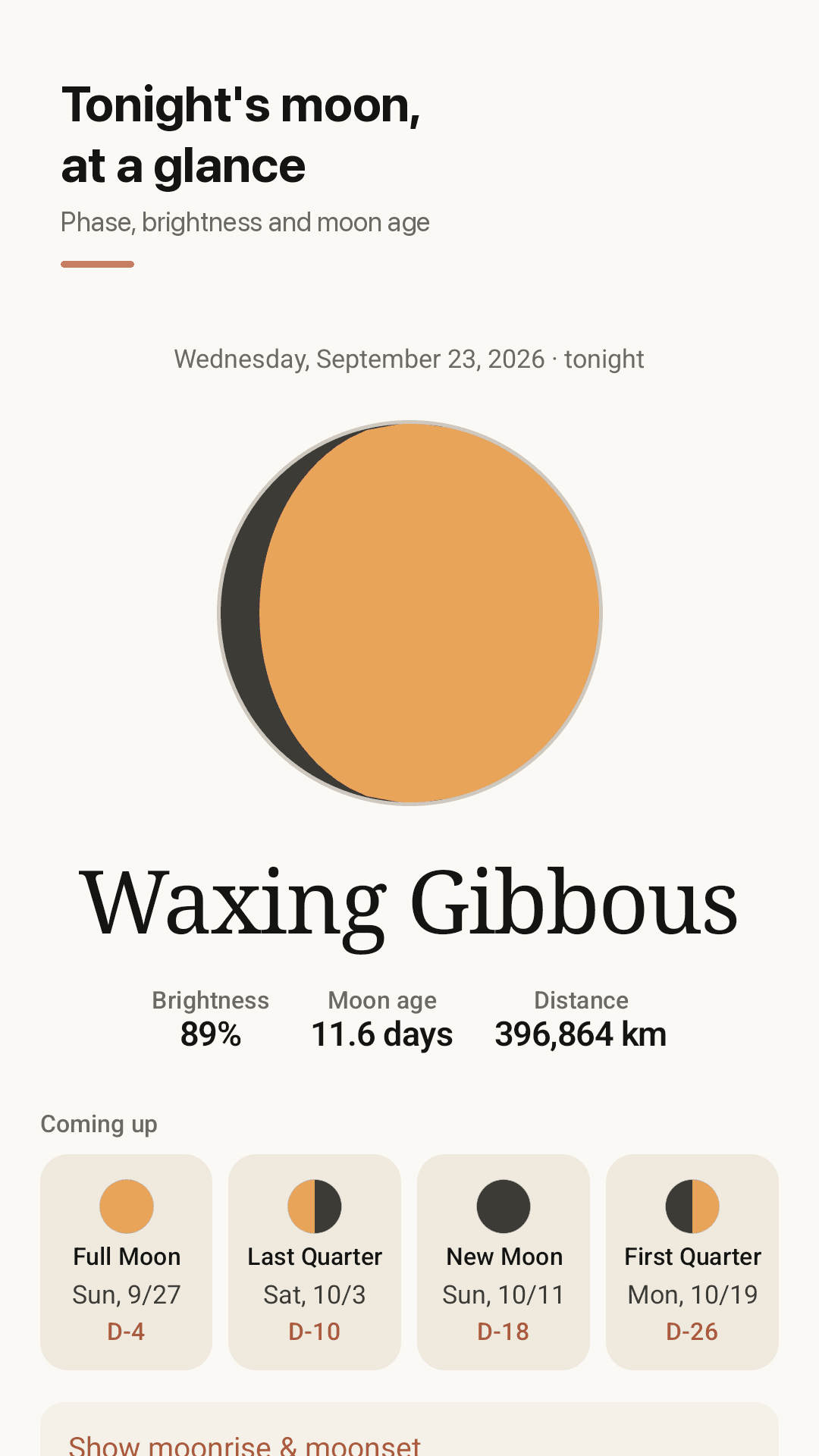
Tonight's moon
Phase name, illumination %, moon age and Earth–Moon distance on one screen.
Next 4 major phases, as dates
Full moon, new moon, first and last quarter with date, weekday and D-day, not just a day count.
Monthly lunar calendar
Every day of the month shows that night's moon, so you can find the phase for any date.
Moonrise and moonset (optional)
Share an approximate location once to get moonrise and moonset times. It is stored only on your device.
Home screen moon widget
See tonight's moon and the next full moon without opening the app.
Reminder before full and new moon
An evening reminder the day before a full or new moon, so you can plan moon-watching or stargazing.
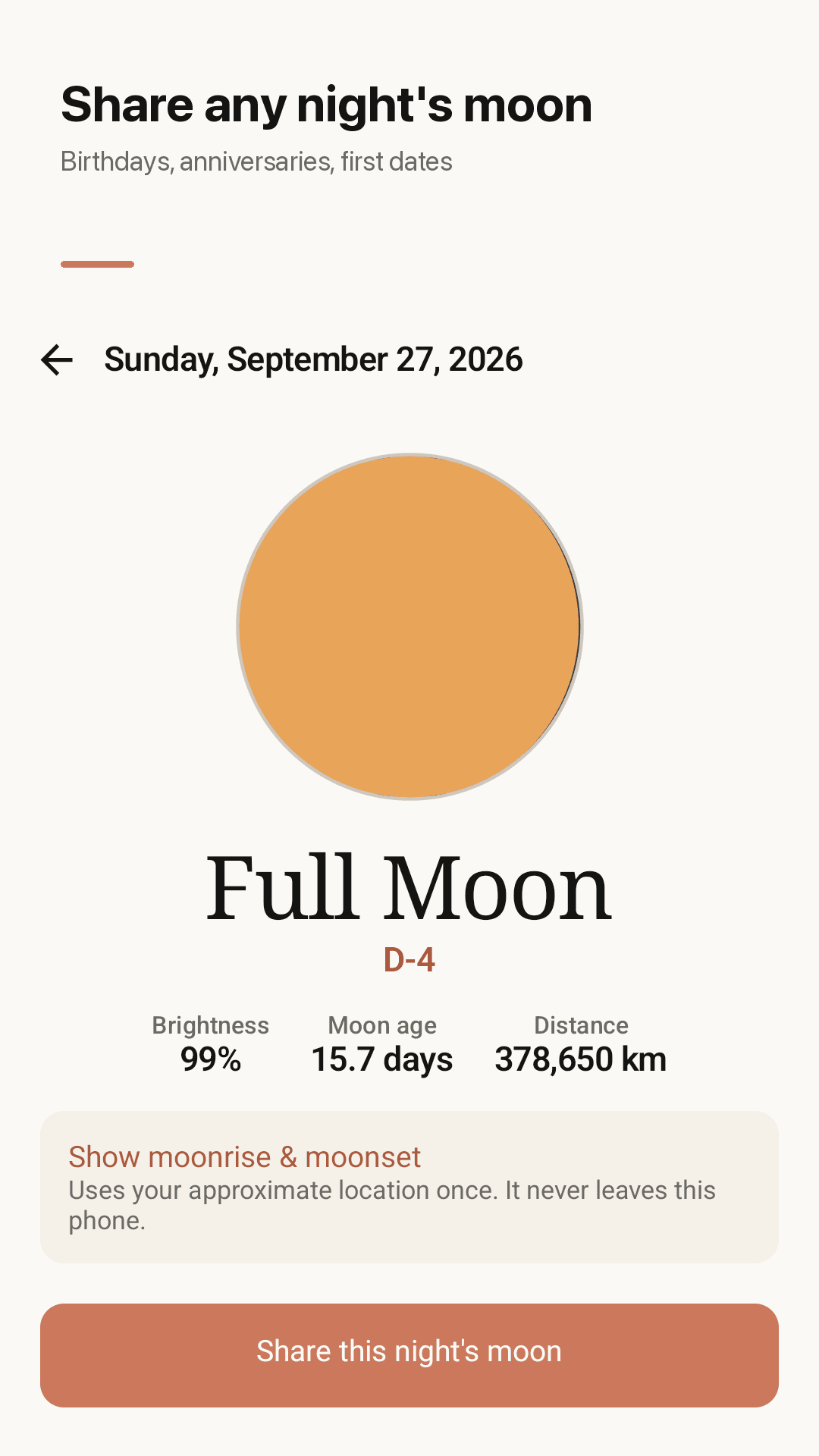
Share a moon card
Make a card image of the moon on any date, like a birthday or anniversary, and share it.
Offline, no sign-up, dark theme
Everything is computed on the device, and phase times match published times within minutes.
Take a look
Tonight's moon, upcoming phases, lunar calendar, widget
Tonight's moon at a glance
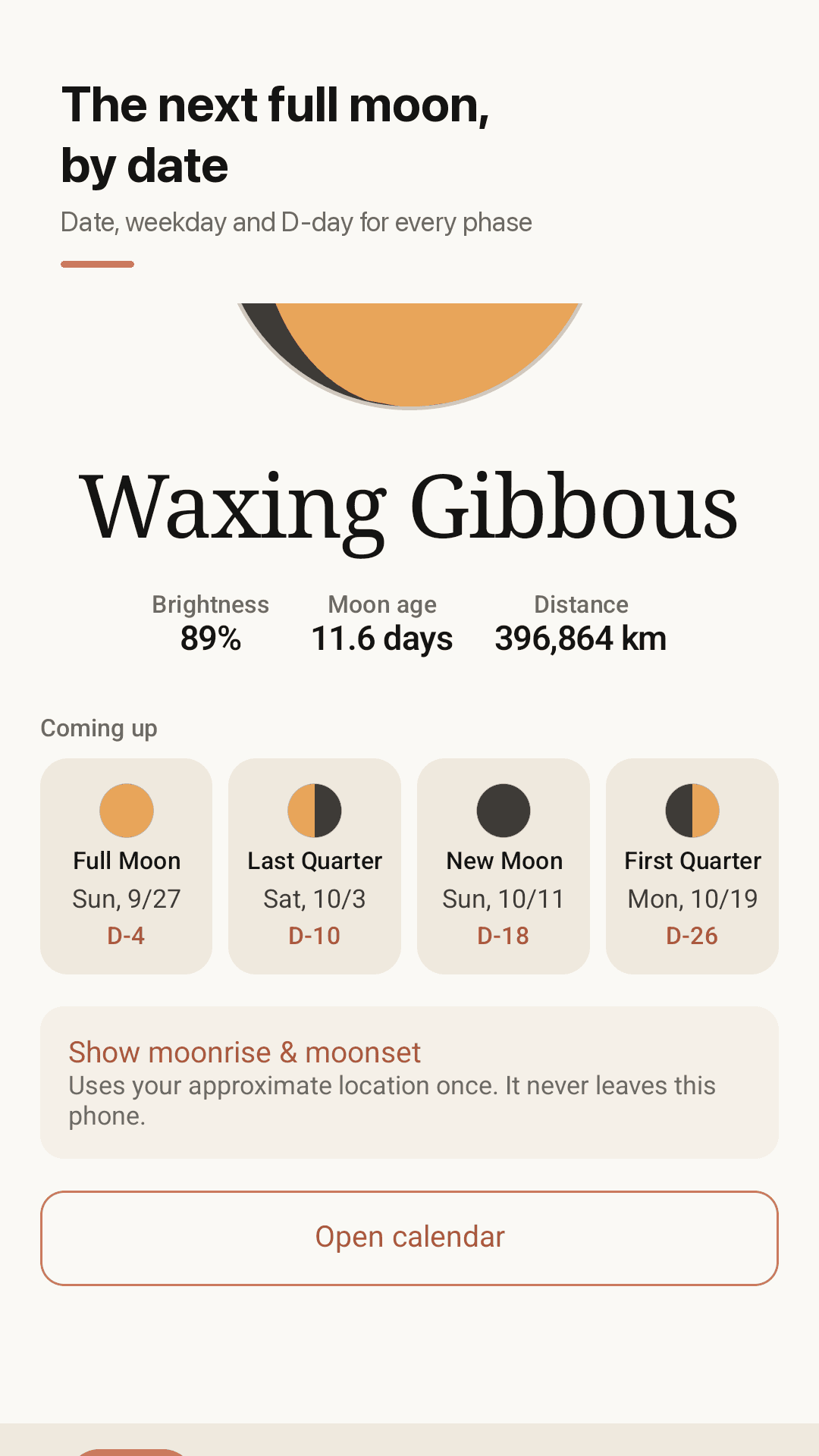
Next full moon as a date and D-day
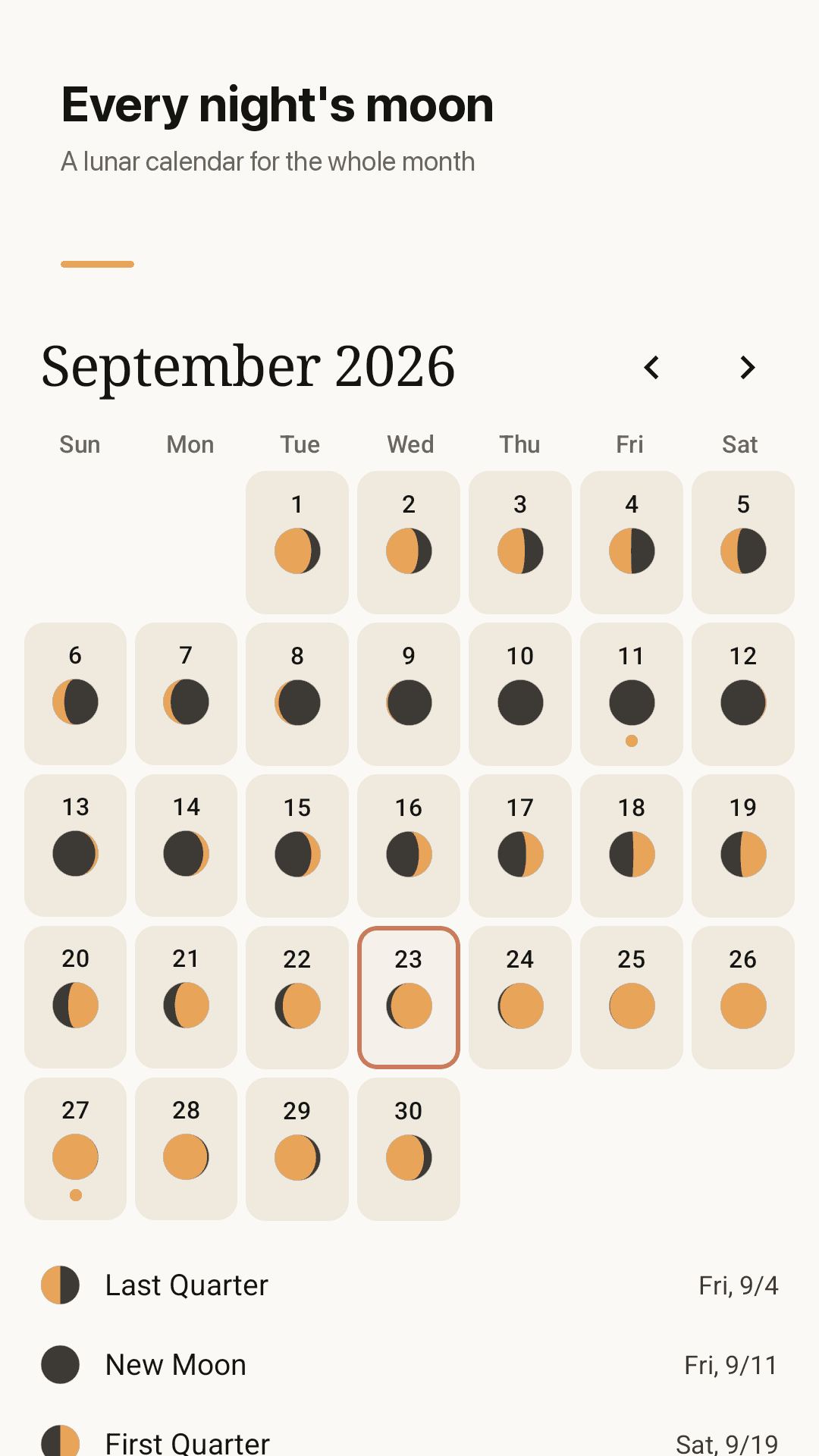
Every night's moon on a calendar
Moonrise, moonset and widget
Open it and you're done
Open the app
No account. Tonight's phase, illumination and moon age appear right away.
Check the next full moon
See dates and D-days for the next full, new and quarter moons, and turn on the reminder if you like.
Add the widget
Put the moon on your home screen and see it every day without opening the app.
Frequently asked questions
Do ads cover the moon?
No. The app is free and shows ads, but they are placed so they never cover the moon or the phase details.
Is there a moon phase widget?
Yes. The home screen widget shows tonight's moon and the next full moon without opening the app.
Does it only tell me how many days until the full moon?
No. The next full moon, new moon, first quarter and last quarter are shown with date, weekday and D-day.
What if it can't detect my location or find my city?
Phase, illumination, moon age and upcoming phases need no location at all. Location is used only for moonrise and moonset: an approximate location is taken once and stored only on your device, so there is no city search to fail.
Could it show the moon phase for the wrong day?
It computes the moon on the device from your phone's current date and time zone, so you see tonight's moon. Phase times match published times within minutes.
Does it work offline?
Yes. All calculations happen on the device, so no internet connection is needed.
Do I need an account?
No. Install it, open it, and tonight's moon is there.
I just want a simple app. Is this it?
That is the idea. The first screen is tonight's moon and the next phase dates; the calendar, reminders and widget are there when you want them.
See tonight's moon now
No sign-up, works offline, next full moon date at a glance.