KeepdoSave it. Then actually do it.
Share → Keepdo. Done in 3 seconds.
Recipes buried in Instagram saves, 300 videos in YouTube Watch Later, links you messaged to yourself. You can't find them, so you never do them. Keepdo takes any link from the Share button, sorts it, and turns it into something you check off.
Sound familiar?
I saved that recipe on Instagram and can't find it anymore
I have 300 links I messaged to myself and never opened
The save app wants an account, a survey and a subscription
I save constantly and actually do none of it
Keepdo is built the other way round. Save straight from the share sheet, sort by link automatically, check things off so 'done' adds up. No account, no paywall.
Only what you need, kept light
Designed for doing, not just saving
Share → saved in 3 seconds
Instagram, TikTok, YouTube, Chrome, any app with a Share button. Title and thumbnail are filled in for you. Screenshots and plain notes work too.
Collections that sort themselves
Cook, Go, Watch, Read, Buy, Move, Try, Ideas. Keepdo guesses from the link and you can change it with one tap. Add your own collections.
Check it off, see the week add up
Ticked cards turn pear-yellow and the weekly count goes up. Your saves become a to-do list you enjoy finishing.
Try one today?
The item you've put off the longest is pinned at the top of Home, so you never spend time choosing.
Home-screen widget
Your next 3–5 saves on the home screen. Check them off without opening the app.
Two gentle reminders a day
A morning pick and an evening count. Nothing saved? You get encouragement instead of nagging. Quiet hours supported.
See it
Cream cards, thumbnails and a check — that's the whole app
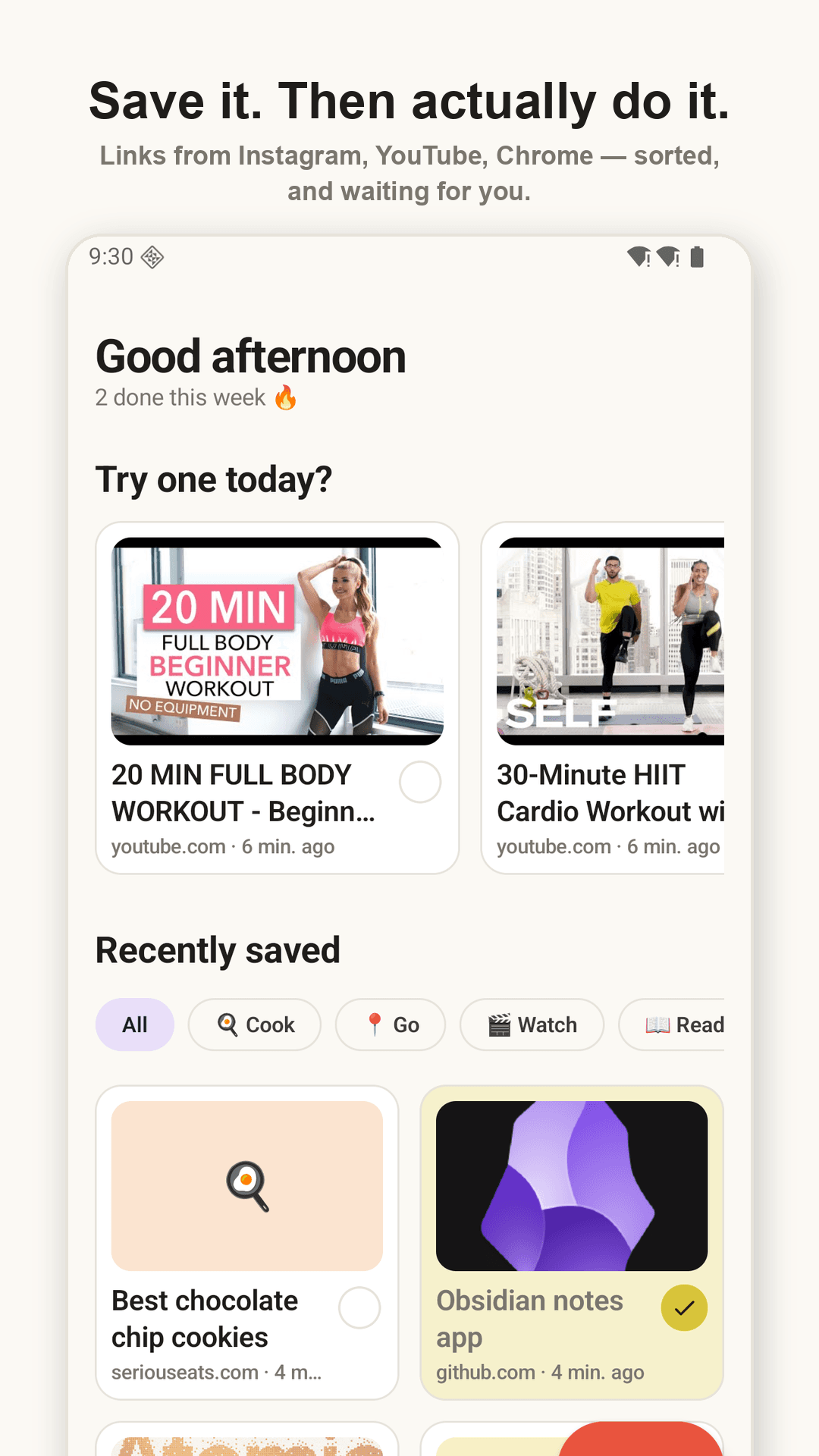
Home — Try one today? + Recently saved
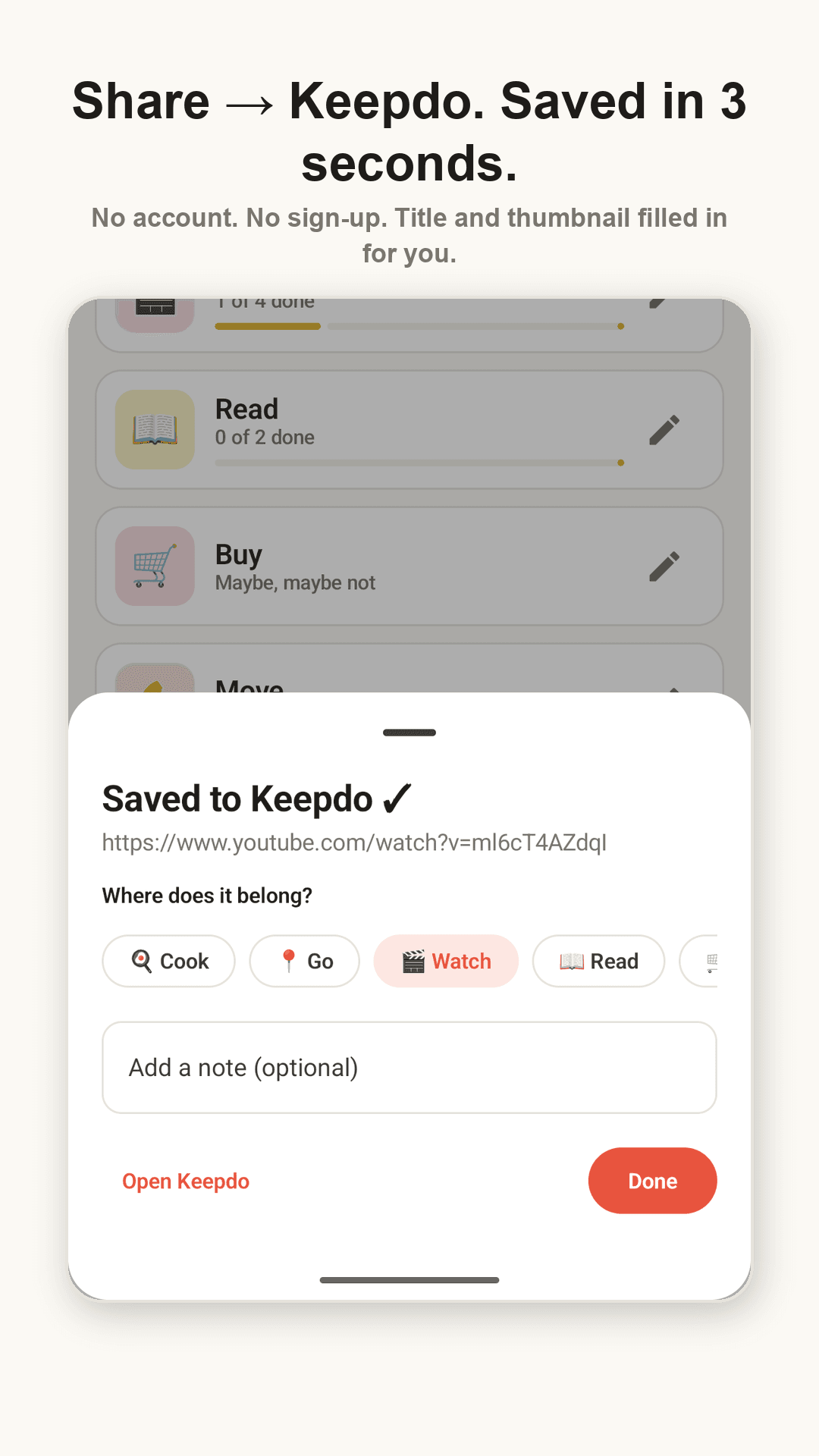
Share sheet — saved, pick a collection, one-line note
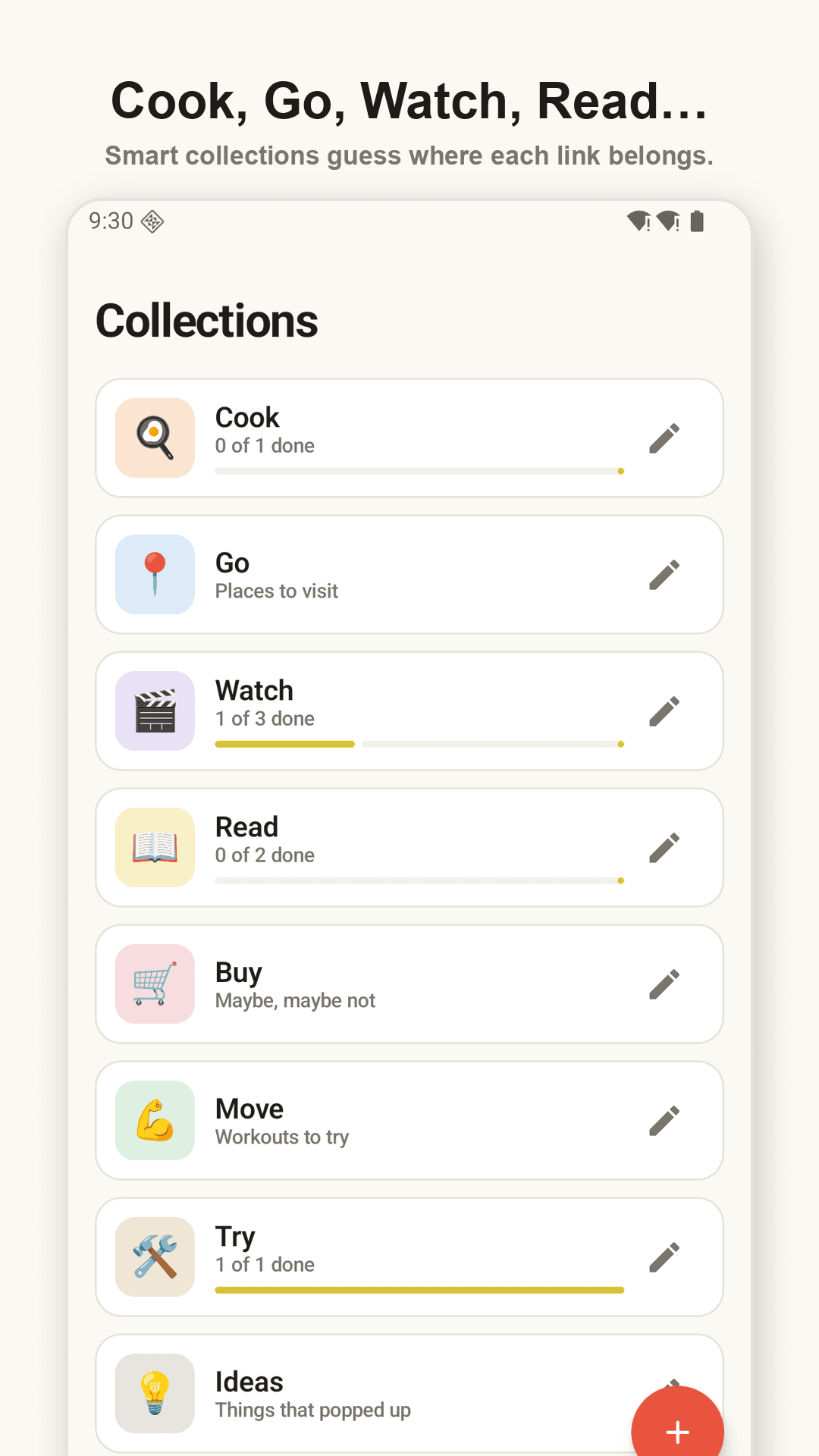
Collections — progress per collection
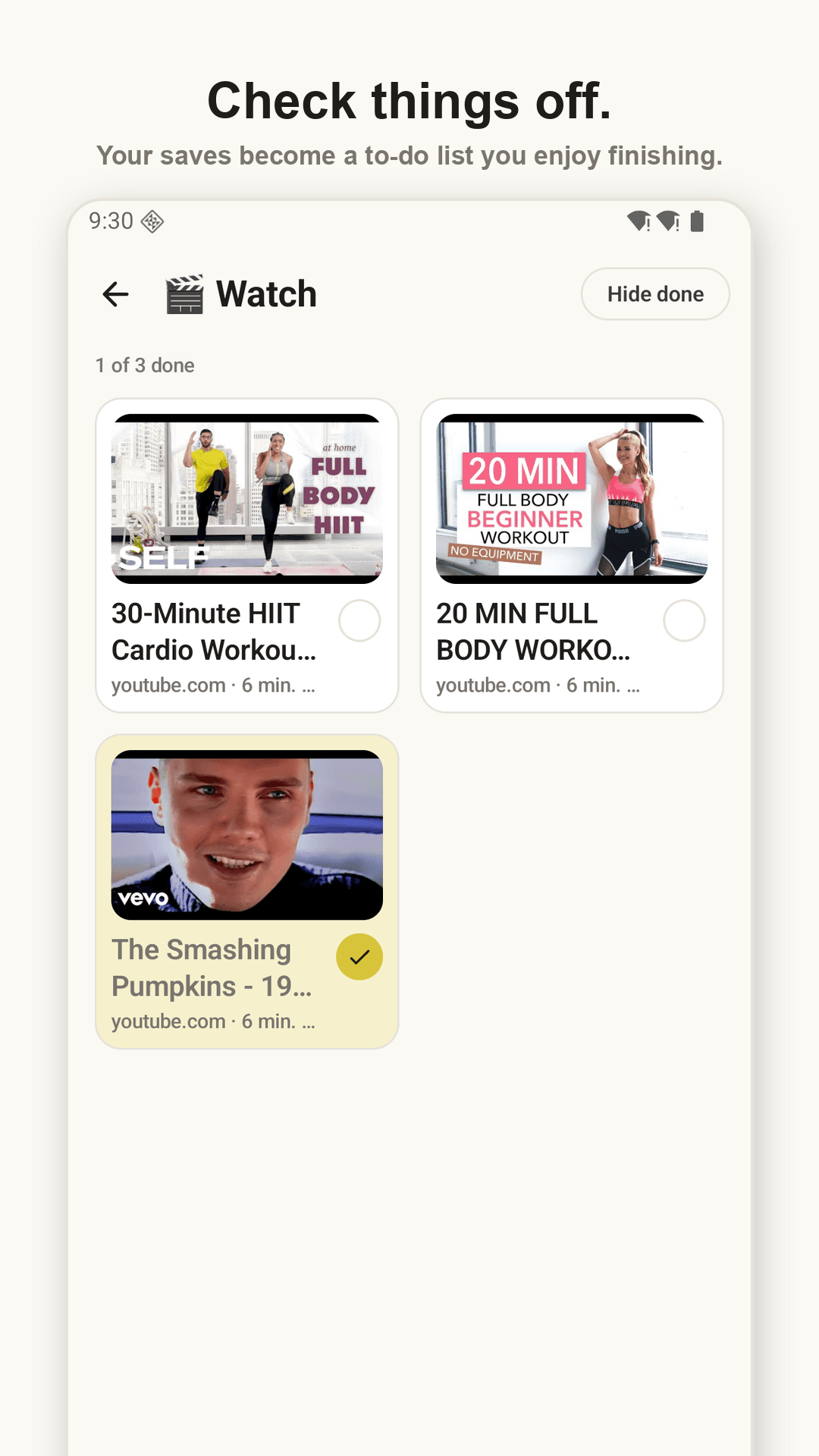
Check it off — the card turns done
How it works
Tap Share
From Instagram, YouTube, Chrome, anywhere → Keepdo.
Confirm the collection
Keep the guessed collection or change it with a tap. Note is optional.
Do it, check it
From Home or the widget. Your weekly count goes up.
FAQ
Really no sign-up?
Really. No account, email or phone number. Install, share, done.
Where is my data stored?
Only on your phone. There is no server. Export and import as a file from Settings to move to a new phone — backup is free.
Does it save Instagram reels?
Yes. Any app with a Share button works. Public posts get a thumbnail and title automatically; private ones are saved as a link plus your note.
Is it free?
Yes. It's ad-supported, but there are no banners on text-entry screens and full-screen ads are capped at one per three minutes.
Which languages?
The app UI is available in 16 languages including English, Korean, Japanese, German and French.