DaypaperTurn on your phone and see today
Your calendar becomes a lock screen wallpaper that updates itself
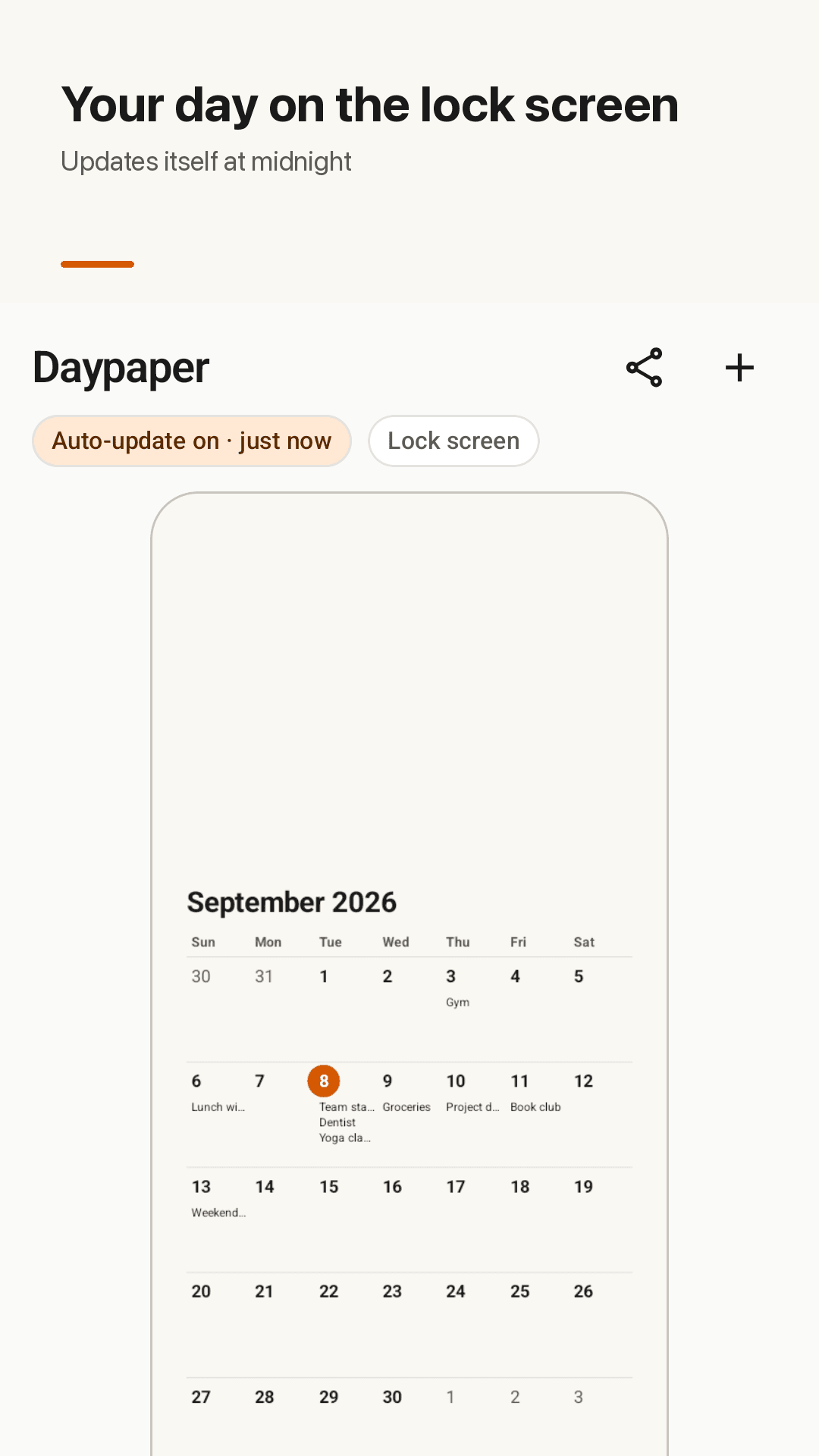
Daypaper draws the events from your phone's calendar (Google Calendar, Samsung Calendar and more) onto your lock screen wallpaper. At midnight it switches to the new day, and when you add or change an event it redraws within a minute — you never have to open the app to refresh it.
Why lock screen calendar apps disappoint
"not auto-updating home screen wallpaper calendar on next day" — the date moves on, the wallpaper doesn't
"Ads on your lock screen? Not a good look."
"Requires double unlock" — overlay apps sit on top of your real lock screen
"I have to wait 10 seconds every time I unlock my phone"
"I wanna add only one gmail" — no way to pick which calendars show
Daypaper never replaces your lock screen — it just sets a real wallpaper image, and redraws it on its own at midnight and whenever your calendar changes.
Your calendar, as your wallpaper
Set it up once. It keeps itself current.
Your phone's calendar
Google Calendar, Samsung Calendar and any calendar synced to your phone. Choose which calendars to show — hide holidays or a work account.
Auto-update, no widget needed
The wallpaper switches to the new day at midnight and redraws within a minute when you add or change an event. No need to open the app to refresh.
3 layouts
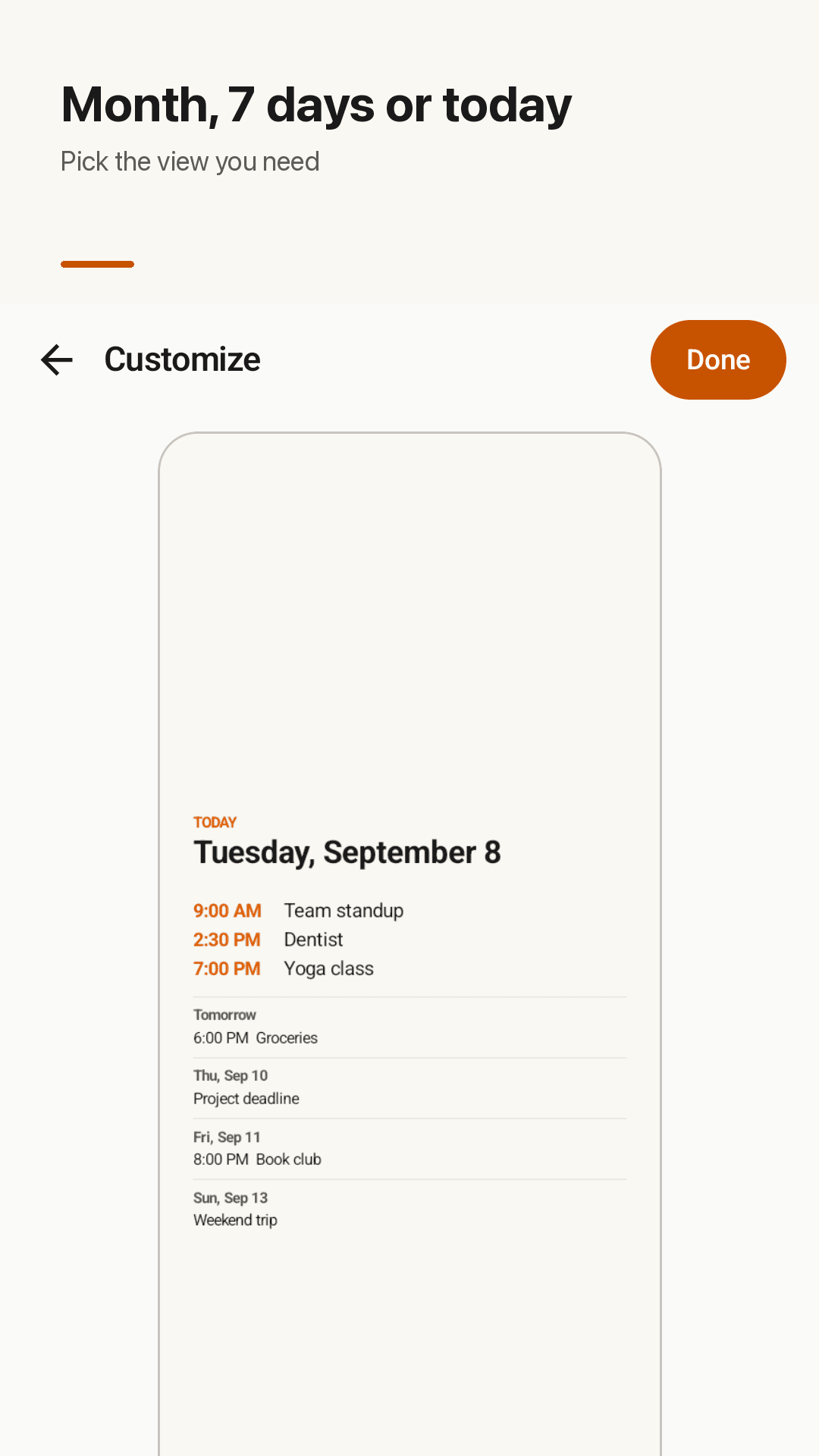
A full month, the next 7 days, or a clean today list with times. Today is always highlighted.
8 themes · 3 text sizes
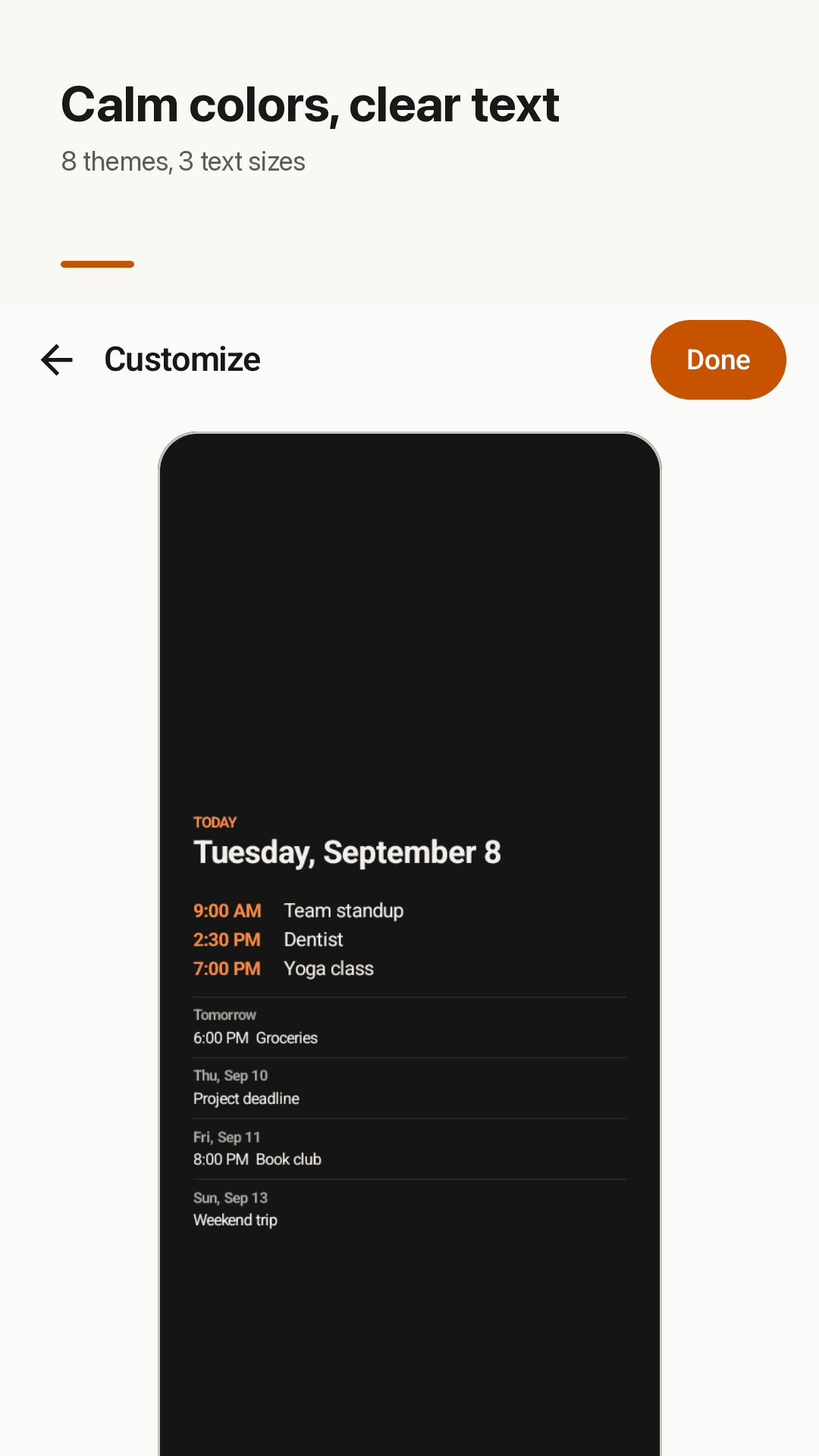
Eight calm color themes and three text sizes to match your lock screen.
Lock, home or both
Lock screen only by default, so your home screen photo stays untouched. Switch to home or both anytime.
Move content below big clocks
If a large lock screen clock covers your calendar, one option moves the content lower on the screen.
Add events without a calendar
Don't use a calendar app? Add simple events right inside Daypaper.
A real wallpaper · no sign-up
Not a lock screen replacement: no double unlock, no lock screen ads. No account, and your calendar is read on-device only. Includes a home widget with one-tap refresh and image sharing.
Take a look
Month view, 7-day view, today list, themes
Today's schedule on your lock screen
Month, 7 days or today list
8 calm color themes
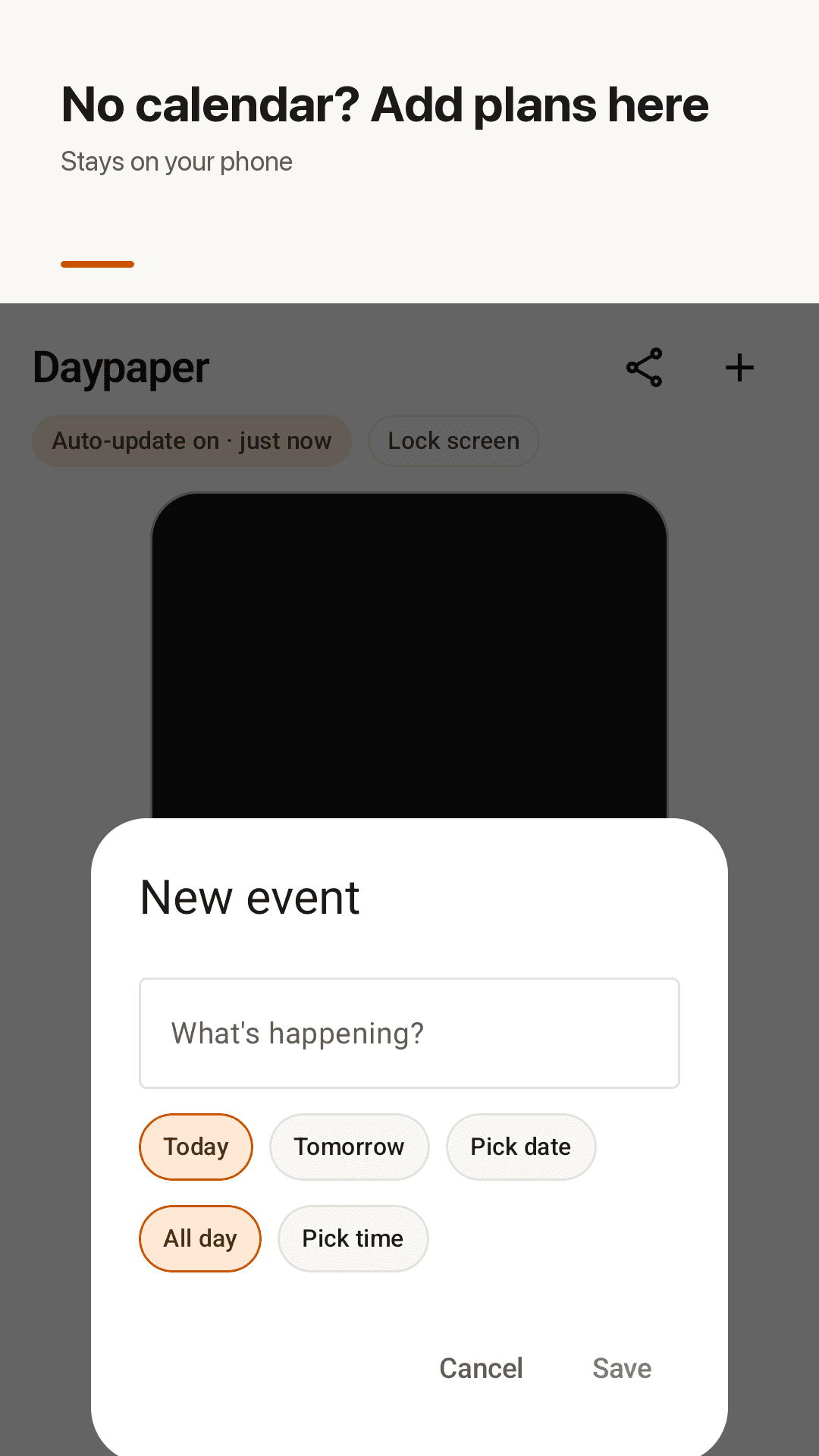
Add plans without a calendar
Three steps
Allow calendar access
Grant one permission (read calendar) and a preview appears right away.
8 calm color themes
Month, 7 days or today list, plus a color theme and text size.
Apply the wallpaper
Choose lock, home or both. From then on it updates itself.
Frequently asked questions
Does the wallpaper update automatically when my calendar changes?
Yes. Daypaper detects calendar changes and redraws the wallpaper within a minute, and switches to the new day at midnight. It works without a home screen widget, and you never need to open the app to refresh.
How do I see my to-dos from my Google Calendar on the lock screen?
Install Daypaper, allow calendar access, and apply the wallpaper to the lock screen. Any Google account synced to your phone's calendar shows up — you choose which calendars to include.
Will it put ads on my lock screen or require a double unlock?
No. Daypaper sets a normal wallpaper image instead of drawing over your lock screen, so there are no lock screen ads, no double unlock and no loading delay when you wake your phone. Fingerprint and face unlock work as usual.
Can I keep my home screen photo and change only the lock screen?
Yes — lock screen only is the default. You can switch to home only or both in settings.
Can I show only one Gmail account's calendar?
Yes. Pick exactly which synced calendars appear, and hide the rest.
Can I change the monthly view to a weekly view?
Yes. Choose between a full month, the next 7 days, or a today list with times.
My lock screen clock covers the calendar. What can I do?
Turn on the "lower content" option to move the calendar and events toward the bottom of the screen, away from a large clock.
Do I need an account? Is my calendar uploaded?
No sign-up. Your calendar is read on your phone only to draw the wallpaper and is never uploaded.