ChordwiseLearn guitar chords
Chords stick when you recall them, not when you stare at them.
Look up a chord, quiz yourself, tune up, and practise in time. A chord dictionary for all 12 keys, a five-level quiz, a tuner and a metronome in one app. No account. No subscription.
Sound familiar?
You know the shape but freeze when the chord name comes up
You just want one chord and it asks you to sign in first
A few rounds in, a subscription pop-up appears
Barre chord diagrams never make the fret number clear
Chordwise is built the other way round. Install it and every chord and every quiz level is there — no sign-in, no limits.
Everything you actually need
From finding a chord to getting it under your fingers
Chord dictionary
Major, minor, 7th, maj7, m7, sus, add, dim and aug across all 12 keys. Every chord shows open and barre shapes, and the barre is drawn on the fret where it is actually played.
Five quiz levels
Name the chord from the diagram, or find the shape from the name. Essential open chords through barre, seventh, sus and add chords, up to a mixed challenge. Five seconds a question, best score saved per level.
Progression practice
Eight common progressions including I-V-vi-IV, ii-V-I, twelve-bar blues and the canon, playable in all 12 keys. Set the tempo and the app moves through the progression with you.
Guitar tuner
For standard EADGBE tuning. It shows the string you are closest to and how many cents sharp or flat you are, so you know which way to turn the peg. Audio is analysed on your device only.
Metronome
30 to 240 BPM, 2, 3, 4 or 6 beats per bar, accented downbeat. Slow-build mode raises the tempo automatically every few bars so a clumsy chord change turns clean.
Chord of the day widget
One new chord on your home screen every day. One tap opens it, and your daily practice streak is tracked alongside.
See it in action
This is what you get
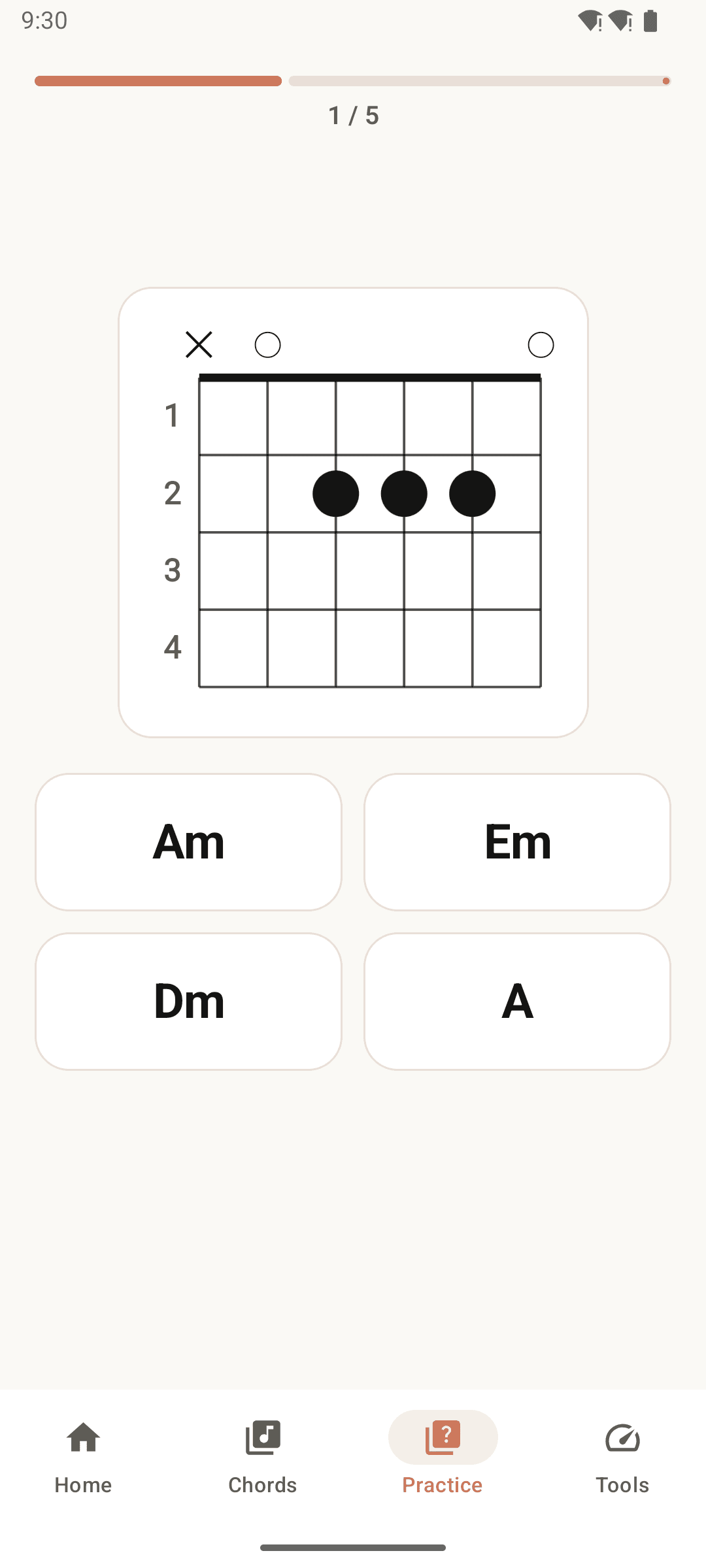
Name the chord in five seconds
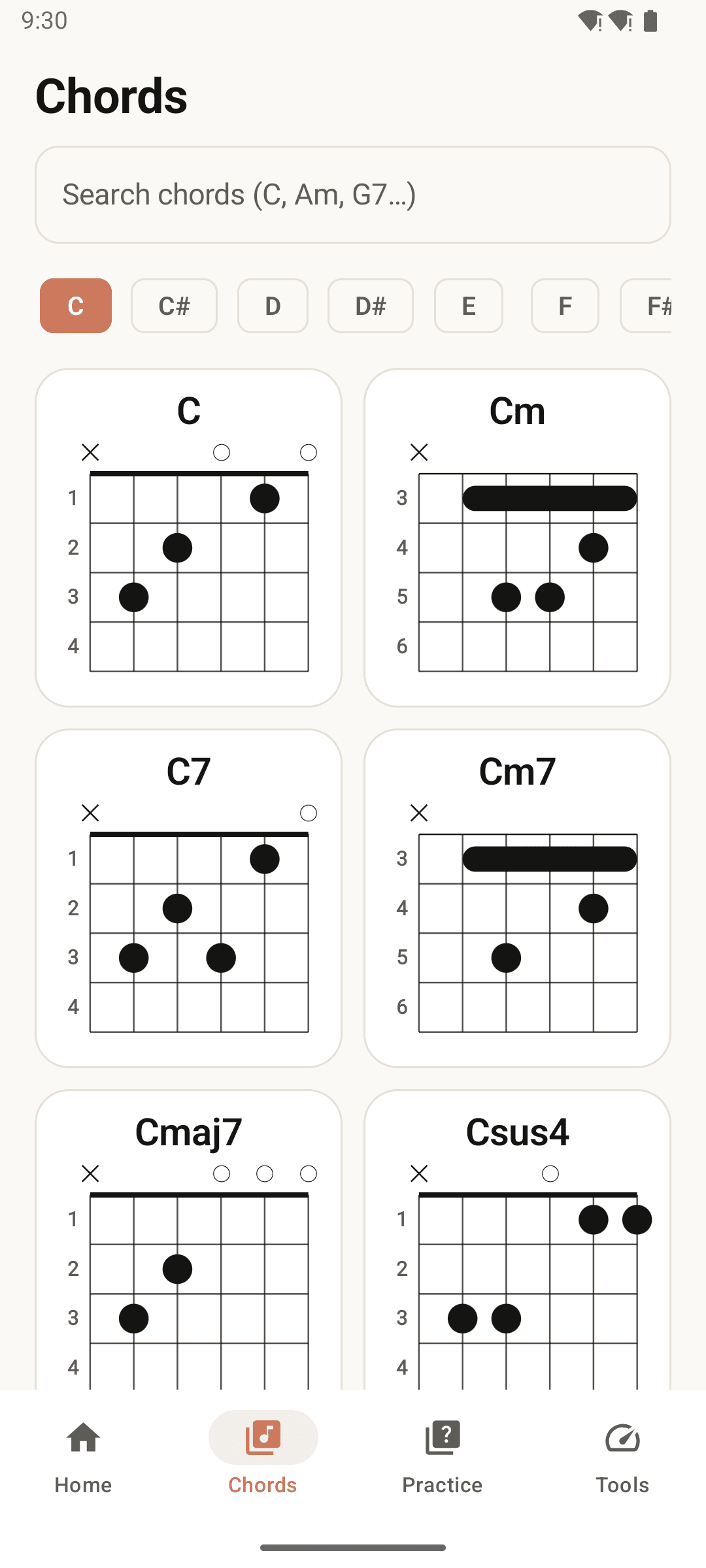
Every chord in all 12 keys
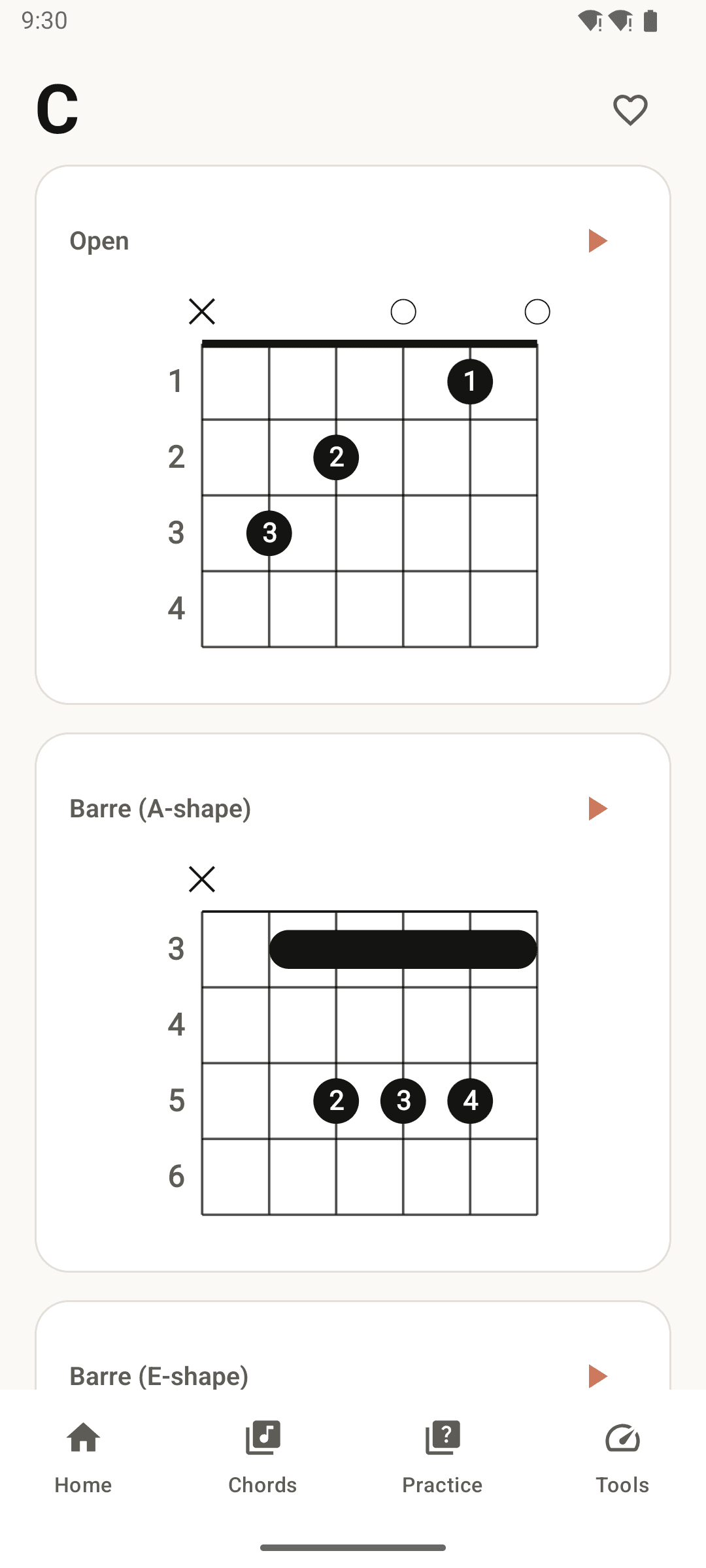
Open and barre shapes side by side
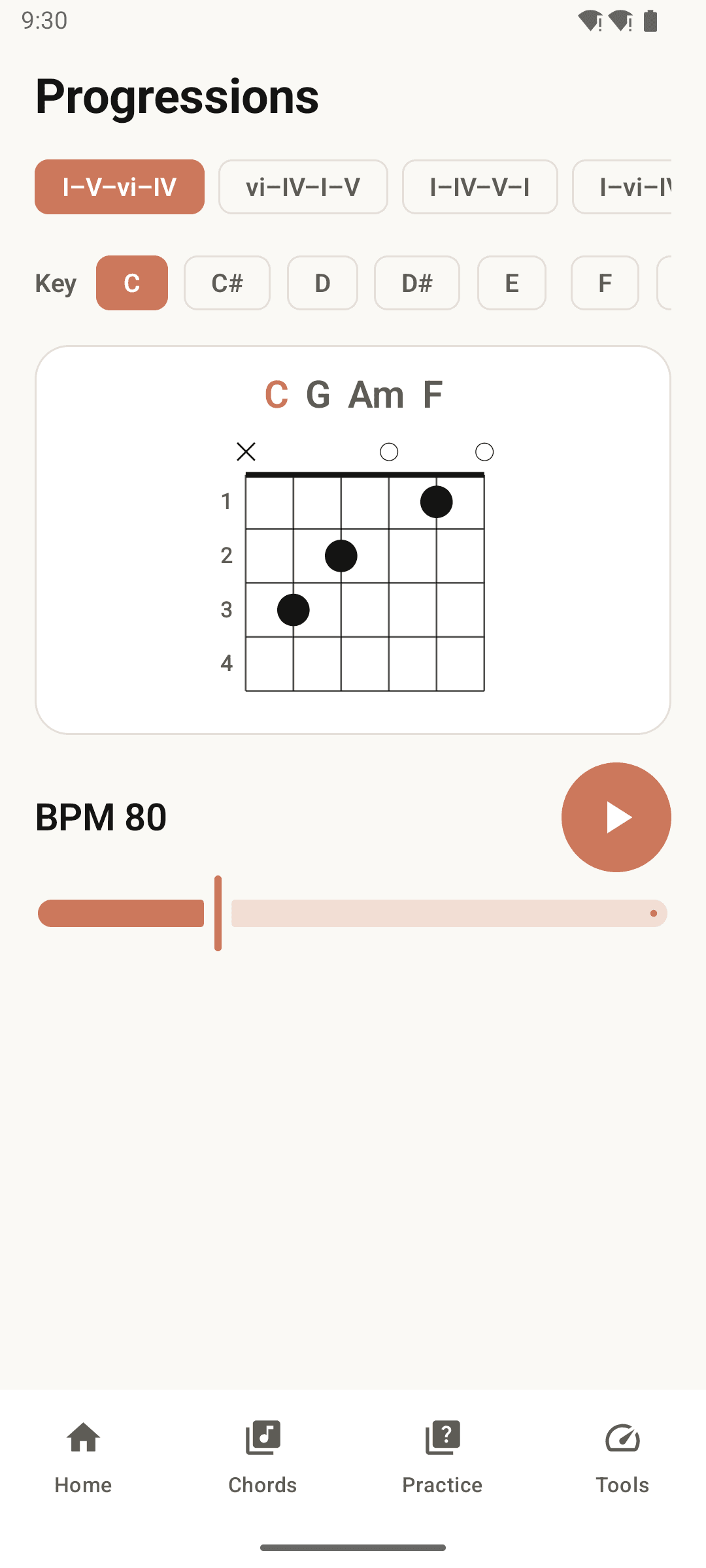
Practise progressions in any key
How it works
Look up the chord
Search for it or browse by root note. Type Bb or Ebm7 — flat and sharp spellings both find the chord.
Quiz yourself
Pick a level and play a round. Repeat as often as you like; wrong answers show the correct one immediately.
Join them up
Turn the chords you know into real changes. Nudge the metronome tempo up and your hands follow.
Frequently asked questions
Is it really free? Is there a subscription?
There is no subscription, no premium tier and no locked content. It is a free app supported by ads, and every chord, every quiz level and every tool is available from the moment you install it.
Do I need an account?
No. There is no account, no login and no email to enter. Install it and start.
Does it work without internet?
Yes. The chord dictionary, quizzes, progression practice, tuner and metronome all work offline. Your practice records and favourites are stored only on your device.
Does the tuner use the microphone?
Yes, detecting pitch needs microphone permission. The audio is analysed in real time on your device and is never recorded or transmitted anywhere. The permission is optional and every other feature works without it.
Is there a limit on quiz rounds?
No. There is no energy meter and nothing to spend, so you can repeat a level as many times as you want.
I am a beginner — can I use the barre chords?
Yes. Voicings are ordered from the lowest position upward, and you can choose in settings whether fret numbers appear on every fret or only on the starting fret, so the position is never ambiguous.